 2 min
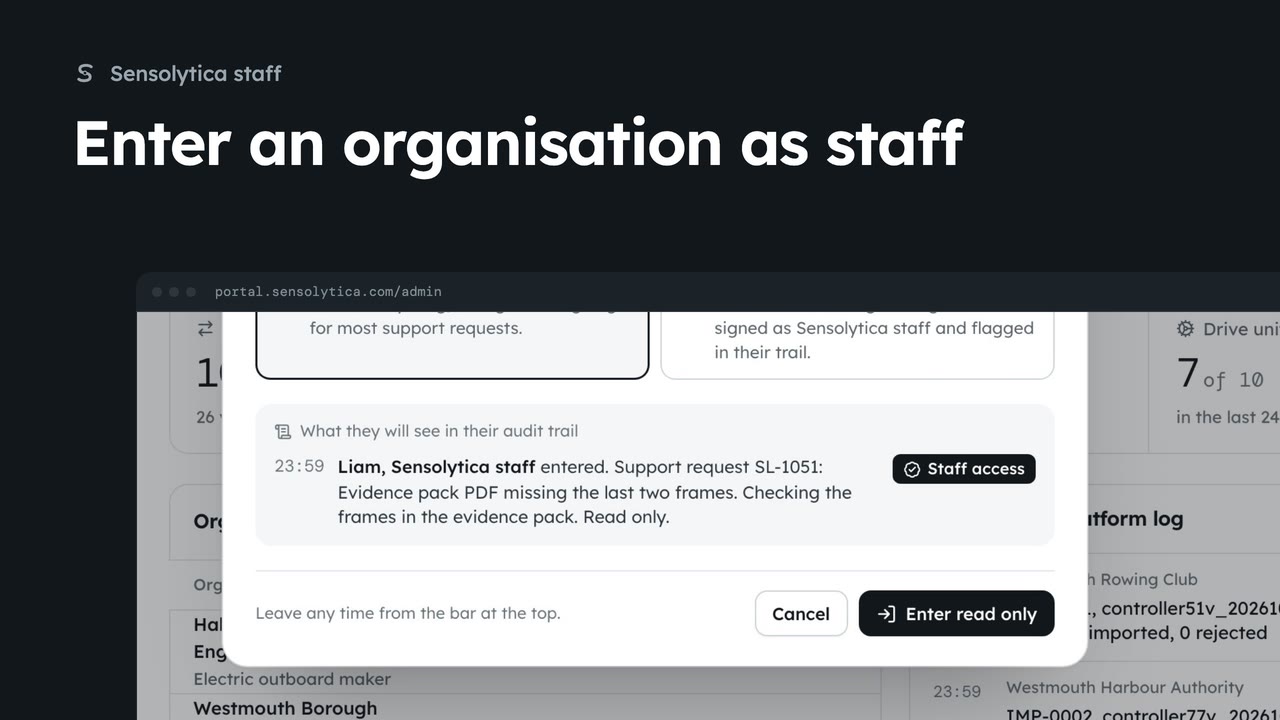
2 minEnter an organisation as staff
Act inside an organisation as Sensolytica staff with a recorded reason, then leave it again.
2 min7 stepsSensolytica staff
List the organisations you have entered as staff, when, and what is waiting there.
Not a membership
Staff belong to no organisation. Settings, Your organisations lists your visits instead.
Your recent staff visits
Where, when you were last there, and what is waiting there now.
Sensolytica staff belong to no organisation. Open Settings, then Your organisations: instead of memberships, it lists your recent staff visits.
Each row says where you went, when you were last there, and what is waiting there now. Each visit, with your reason, is also in that organisation's own audit trail. All organisations takes you to choose where to go next.
Sign in with your work email. Your own organisation's records, nodes and units take the place of the Westmouth ones.
2 minAct inside an organisation as Sensolytica staff with a recorded reason, then leave it again.
2 min7 stepsSensolytica staff
 3 min
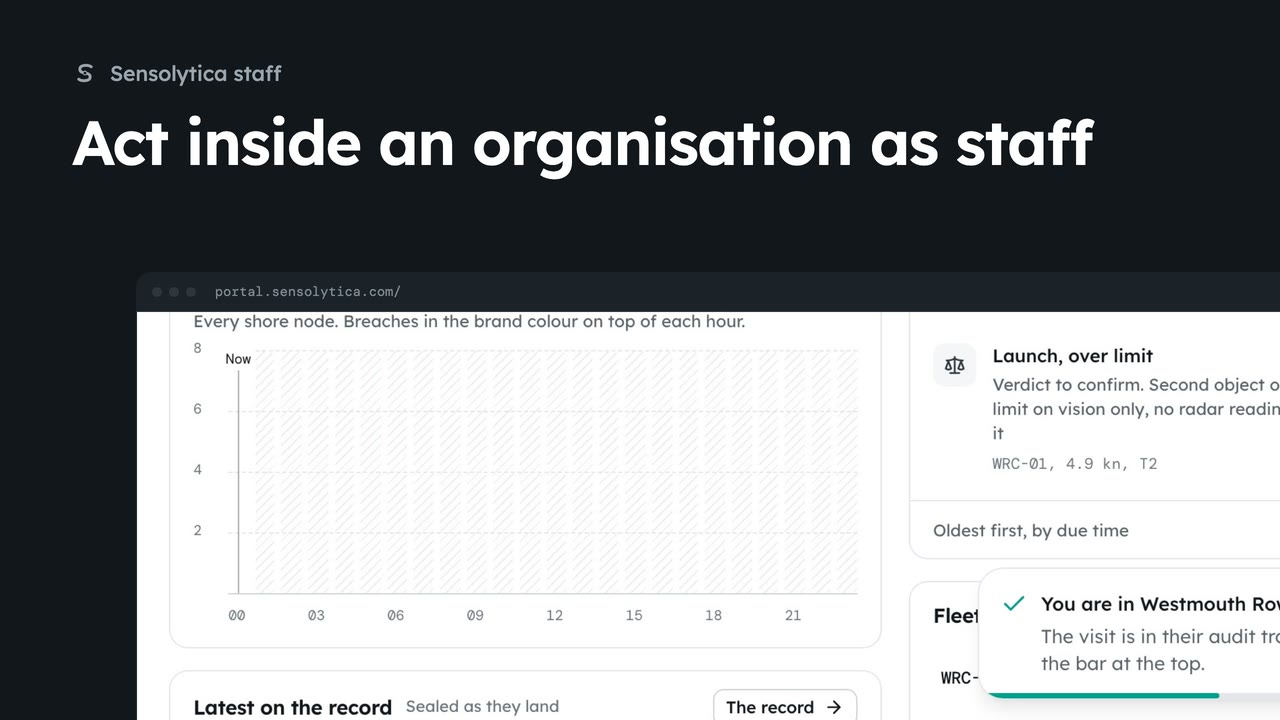
3 minEnter an organisation able to act, see what it looks like inside, change a setting for them, and find your visit in their audit trail.
3 min5 stepsSensolytica staff
 2 min
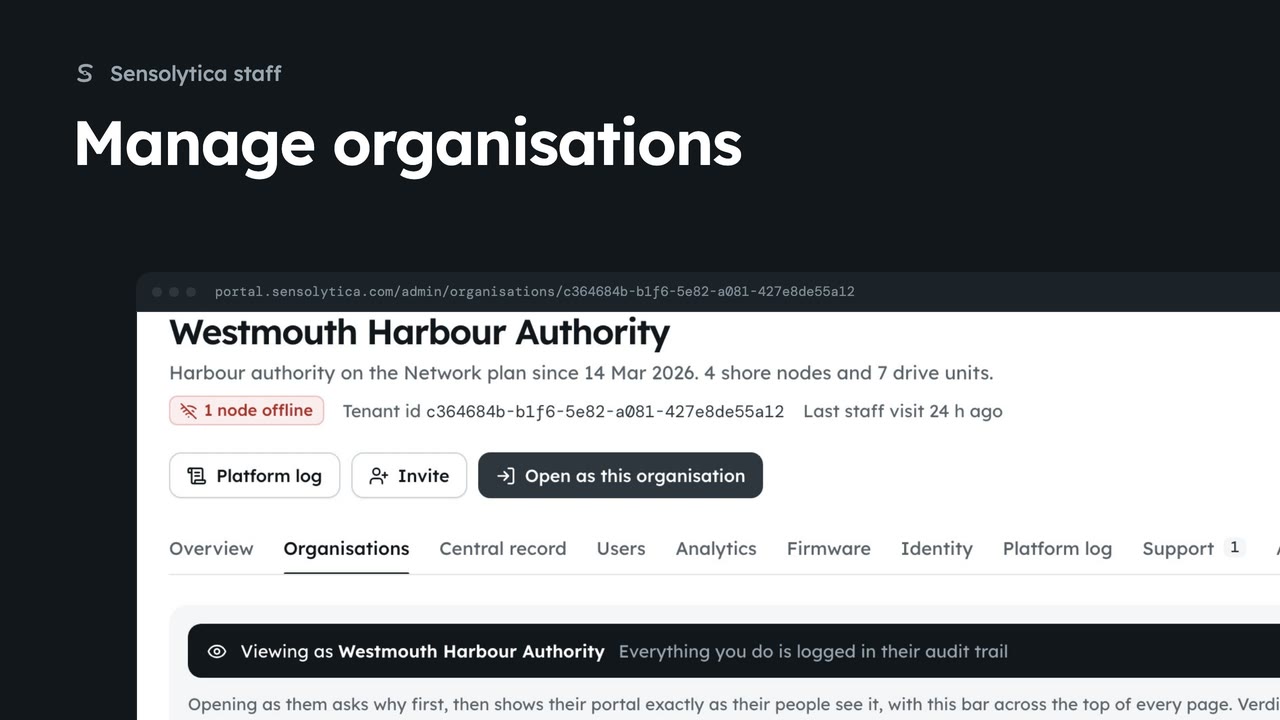
2 minFind an organisation, check its health and fleet on its platform page, and create a new one.
2 min6 stepsSensolytica staff
Checked against the portal on 15 October 2026. Westmouth names, vessels, units and figures are illustrative. General guidance on using the portal, not legal, regulatory or financial advice.