 2 min
2 minPlatform users
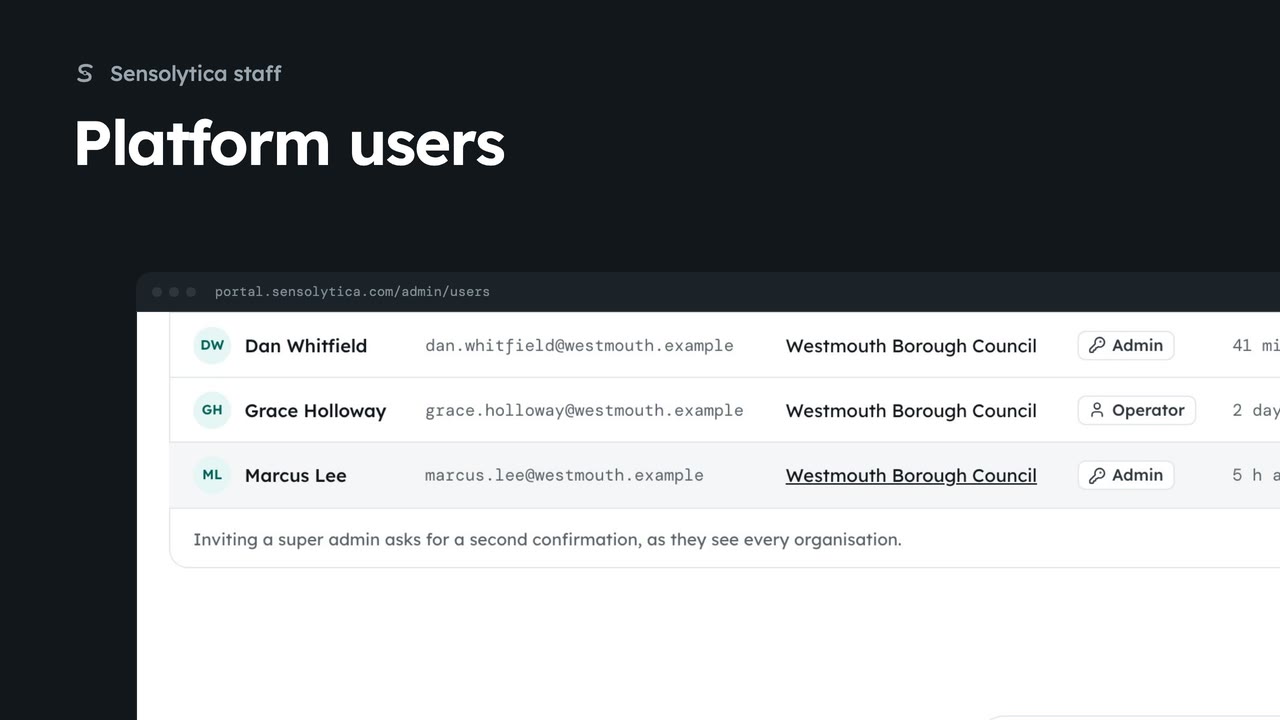
Find anyone with access across every organisation, change a person's role, and invite someone to the right organisation.
2 min6 stepsSensolytica staff
Take a person's access to one organisation away from the platform users list, leaving their other organisations alone.
Users
Everyone with access, across every organisation. Search by name.
Remove from the organisation
Access to that organisation goes at once. Their decisions stay, and other organisations are not affected.
Open Users from the platform tabs and search for the person. Each row is one person in one organisation.
Choose Remove from Halyard Marine Engines, then Yes, remove access. They lose access to that organisation at once. Their decisions stay on its record under their name, and any other organisation they belong to is not touched.
Sign in with your work email. Your own organisation's records, nodes and units take the place of the Westmouth ones.
2 minFind anyone with access across every organisation, change a person's role, and invite someone to the right organisation.
2 min6 stepsSensolytica staff
 1 min
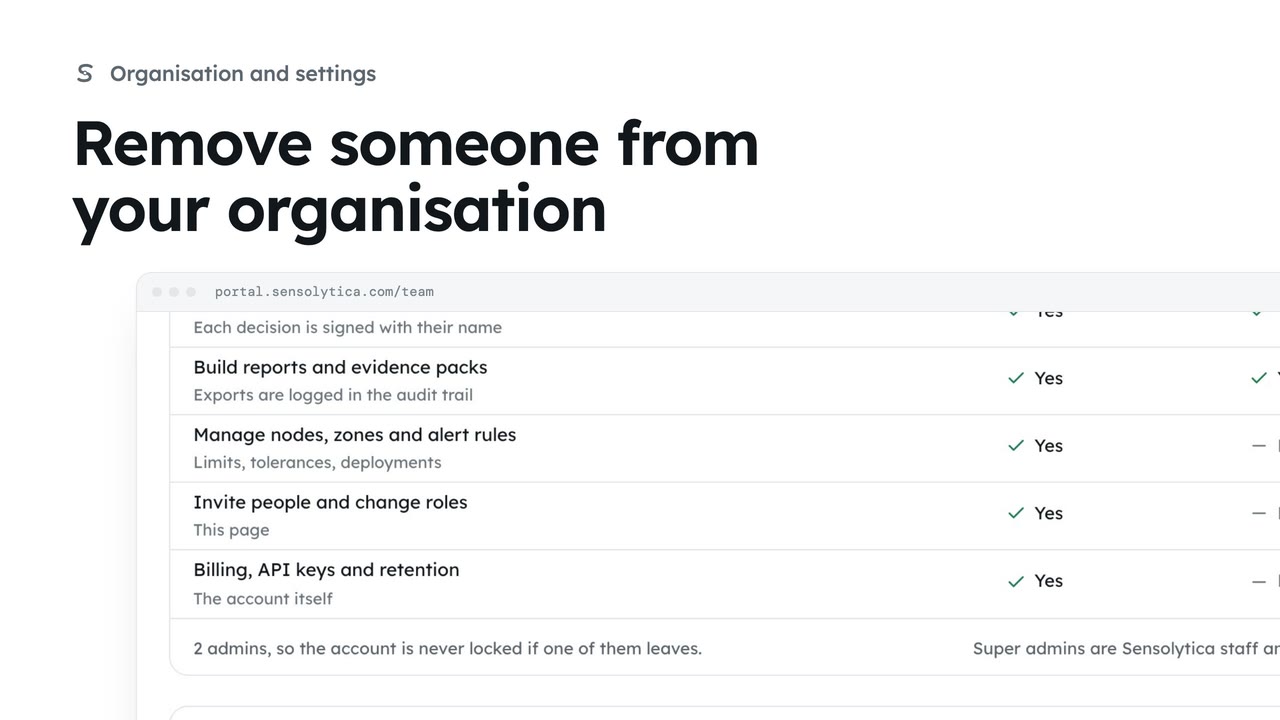
1 minTake away a person's access when they leave, keeping their decisions on the record under their name.
1 min2 stepsAdmin
 1 min
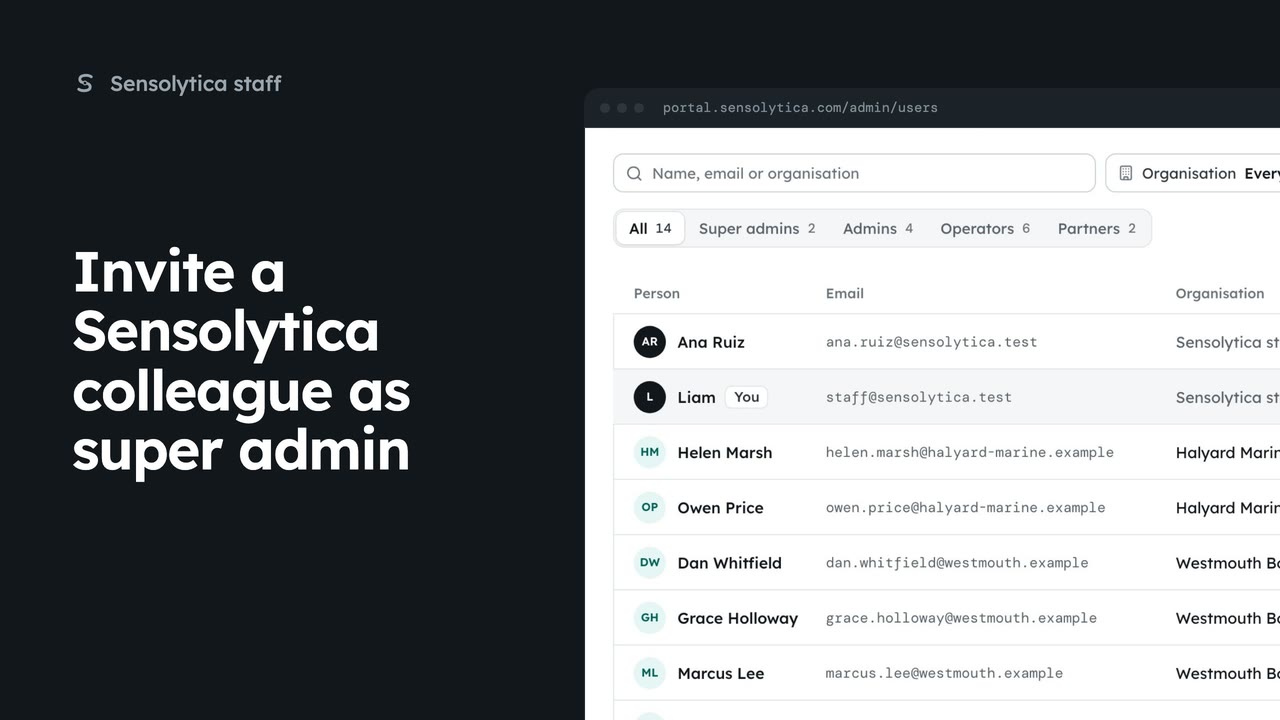
1 minGive a new Sensolytica colleague staff access, which sees and manages every organisation.
1 min2 stepsSensolytica staff
Checked against the portal on 15 October 2026. Westmouth names, vessels, units and figures are illustrative. General guidance on using the portal, not legal, regulatory or financial advice.