 2 min
2 minEnter an organisation as staff
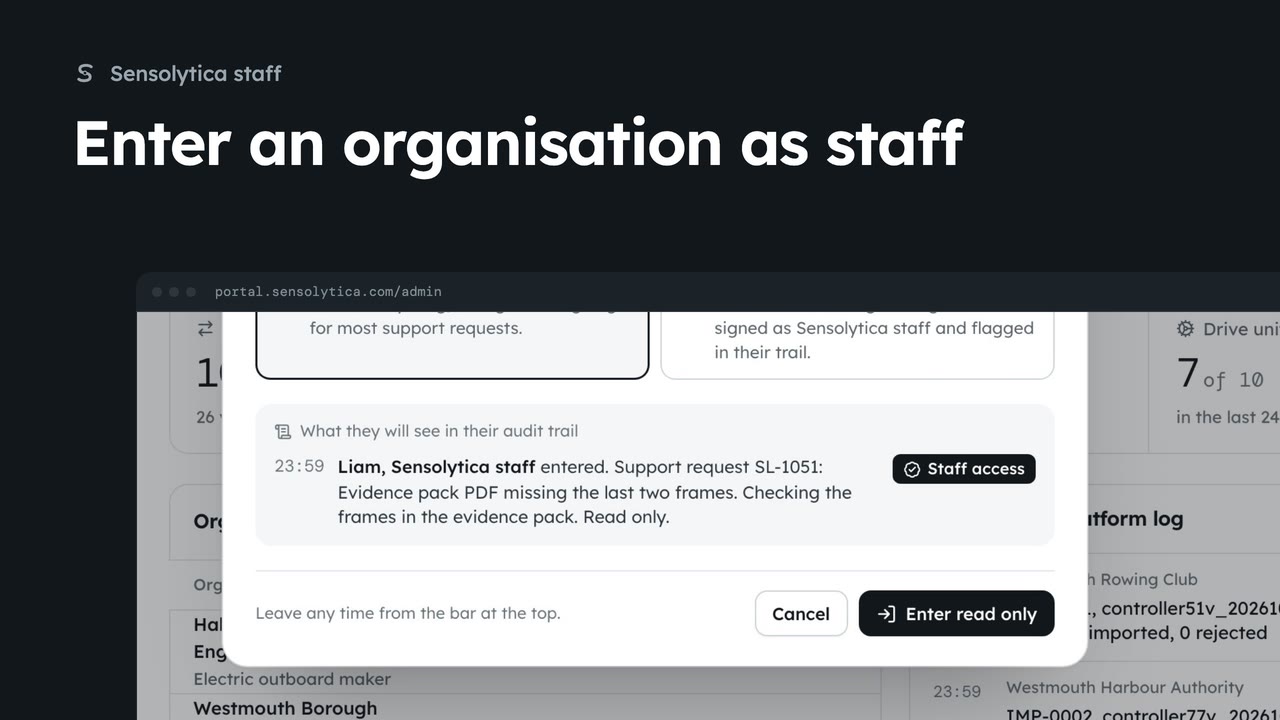
Act inside an organisation as Sensolytica staff with a recorded reason, then leave it again.
2 min7 stepsSensolytica staff
Find an organisation, check its health and fleet on its platform page, and create a new one.
Every tenant
Organisations under Platform in the sidebar lists every tenant with its nodes online, drive units, people and health.
Needs attention
Set Health to Needs attention to see tenants with a node offline, a failed install or firmware behind.
Its platform page
Detail opens the organisation as staff see it: figures, nodes and units, people, zones and invoices.
Platform log, Invite, Open
Platform log, Invite and Open as this organisation sit at the top right of the page.
Ranked by health
All organisations, by health puts those needing attention first, with the last staff visit to each.
New organisation
New organisation asks for a name and a kind, then confirms with Create organisation.
Click Organisations under Platform in the sidebar. Every tenant is listed with its nodes online, drive units, people, open reviews and health.
To see where help is needed, set Health to Needs attention. That shows tenants with a node offline, a failed install or firmware behind. Set it back to Any when you are done.
Click Detail on the harbour authority. Its platform page shows nodes online, drive units reporting, open reviews and captures, then its nodes and units, people, zones and invoices, all without entering the organisation.
At the top right, Platform log opens the log filtered to them, Invite adds a person to their team, and Open as this organisation takes you in as staff, after asking why.
Back on the Organisations tab, All organisations, by health shows every tenant side by side, those needing attention first, with when staff last went in.
To add a customer, go back to Organisations and click New organisation. Give it a name and a kind, click Create organisation, and confirm. You land on its platform page, ready to invite its first admin.
Sign in with your work email. Your own organisation's records, nodes and units take the place of the Westmouth ones.
2 minAct inside an organisation as Sensolytica staff with a recorded reason, then leave it again.
2 min7 stepsSensolytica staff
 2 min
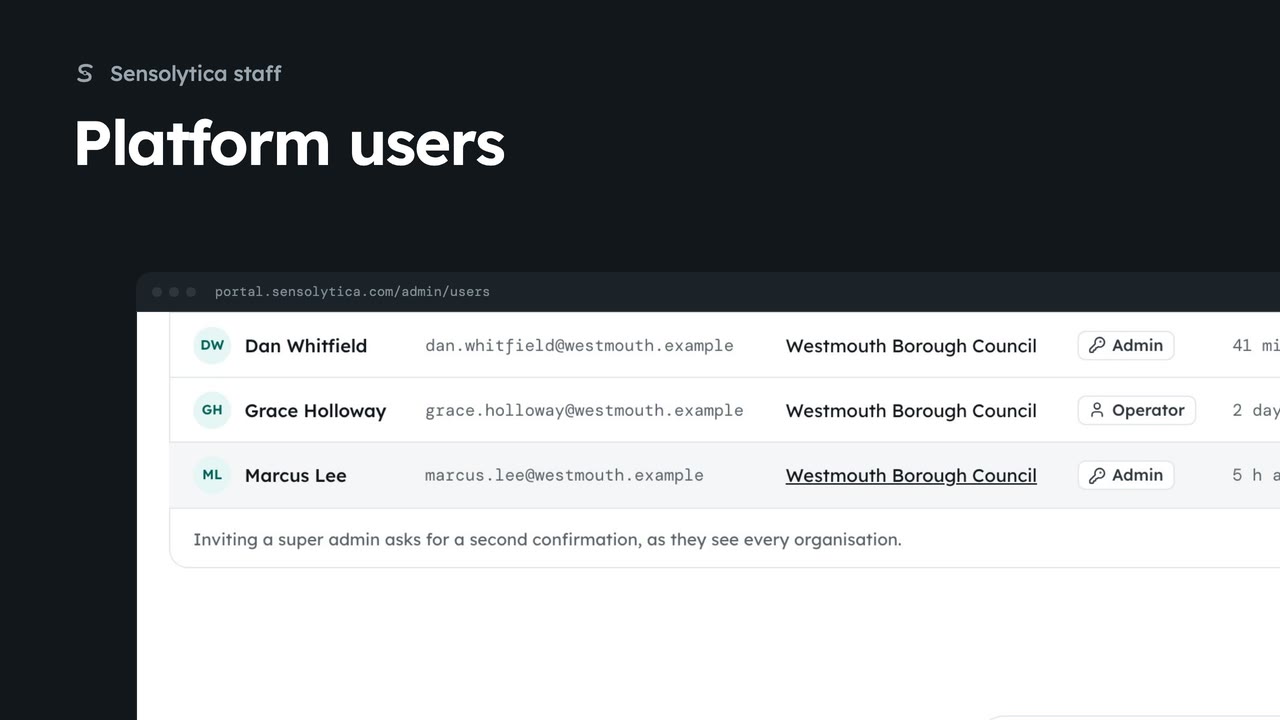
2 minFind anyone with access across every organisation, change a person's role, and invite someone to the right organisation.
2 min6 stepsSensolytica staff
 2 min
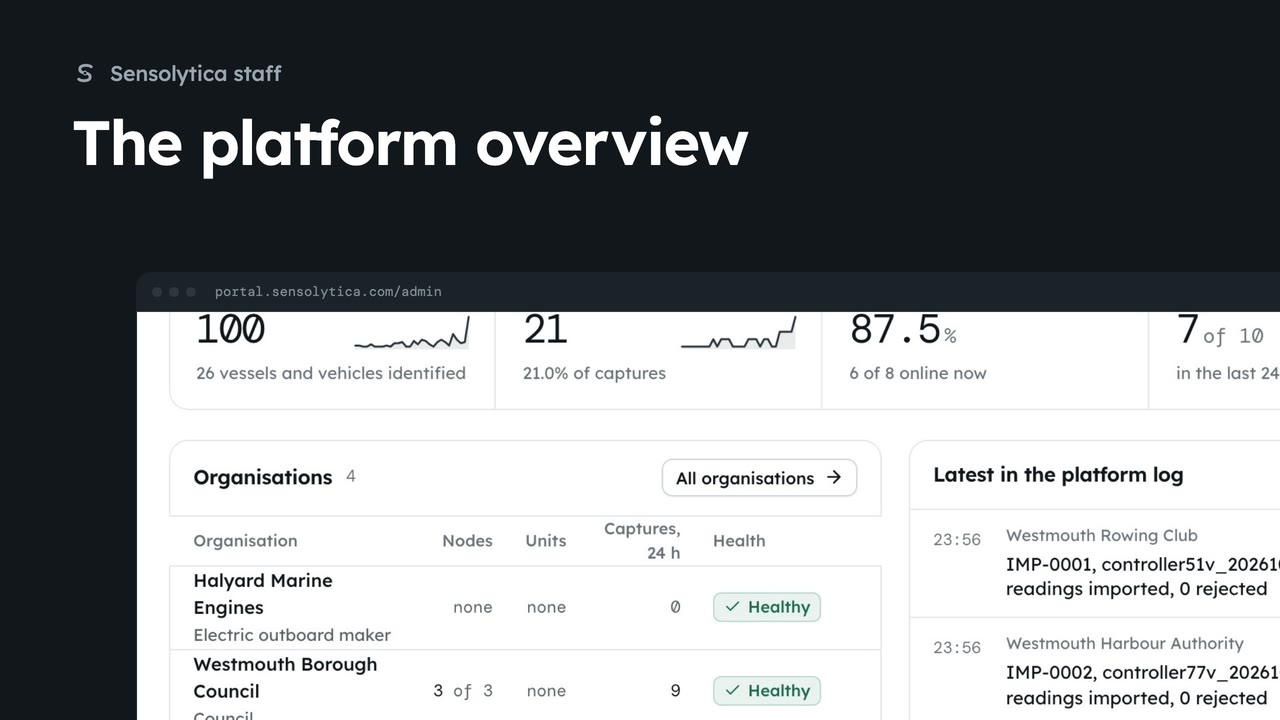
2 minSee what needs Sensolytica staff across every organisation, how the platform did over 30 days, and where to go next.
2 min6 stepsSensolytica staff
Checked against the portal on 15 October 2026. Westmouth names, vessels, units and figures are illustrative. General guidance on using the portal, not legal, regulatory or financial advice.