 2 min
2 minShore nodes
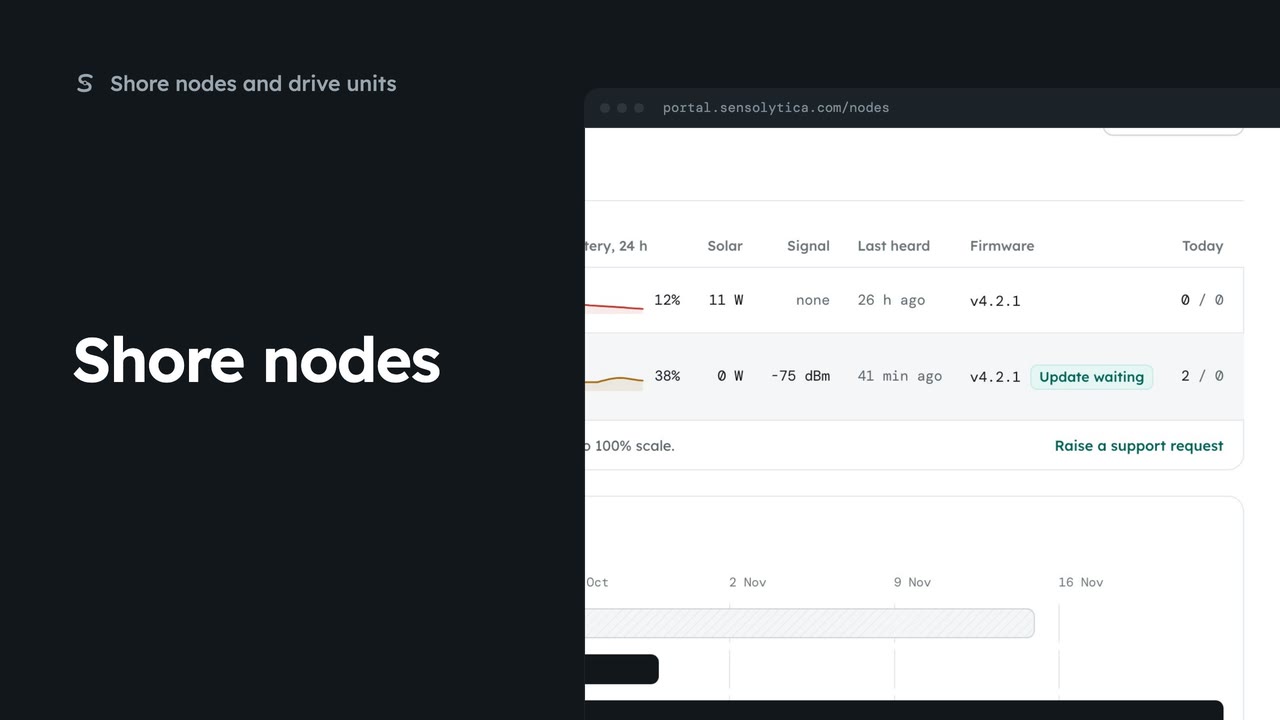
See every shore node, where it is and whether it is working, with the ones that need a visit first.
2 min5 stepsAdmin, Operator
End a node’s deployment at one site and book it at another, so its captures are judged against the right limit.
Where it has been
Each node page lists its deployments: site, zone, dates, status and breaches.
End the deployment
Choose End on the active row, then End the deployment.
Site and zone
Choose Book a move beside Deployments. Pick the site; the zone whose limit applies fills in.
Move booked
Choose Book the move, then confirm. Deployments lists the new booking.
A relocatable node moves between sites. Open it from Shore nodes and scroll to Deployments. Each row has the zone whose limit applied and the breaches recorded there. This one is on the marina pontoons now.
Before you move it, end the current deployment. Choose End on the active row, then End the deployment. Its record is kept; the node is simply not deployed there after today.
Choose Book a move beside Deployments. It opens here, with this node chosen. Pick the new site, and the zone fills in with that site’s limit. Leave the end date blank for open ended.
Choose Book the move, and Book the move again to confirm. Deployments now lists the new booking at the harbour entrance, open ended, and the plan on Shore nodes shows it too.
Sign in with your work email. Your own organisation's records, nodes and units take the place of the Westmouth ones.
2 minSee every shore node, where it is and whether it is working, with the ones that need a visit first.
2 min5 stepsAdmin, Operator
 2 min
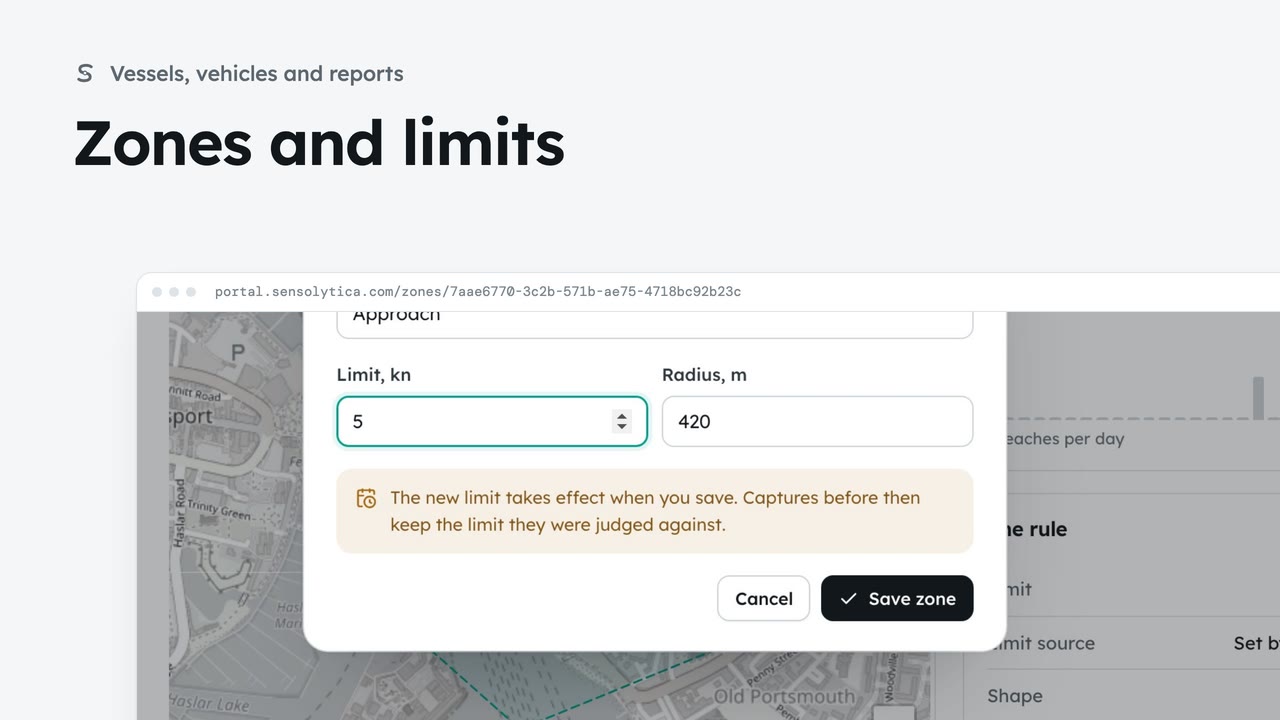
2 minSee where each limit applies and how each zone keeps to it, and change a limit with when it takes effect.
2 min6 stepsAdmin, Operator
 2 min
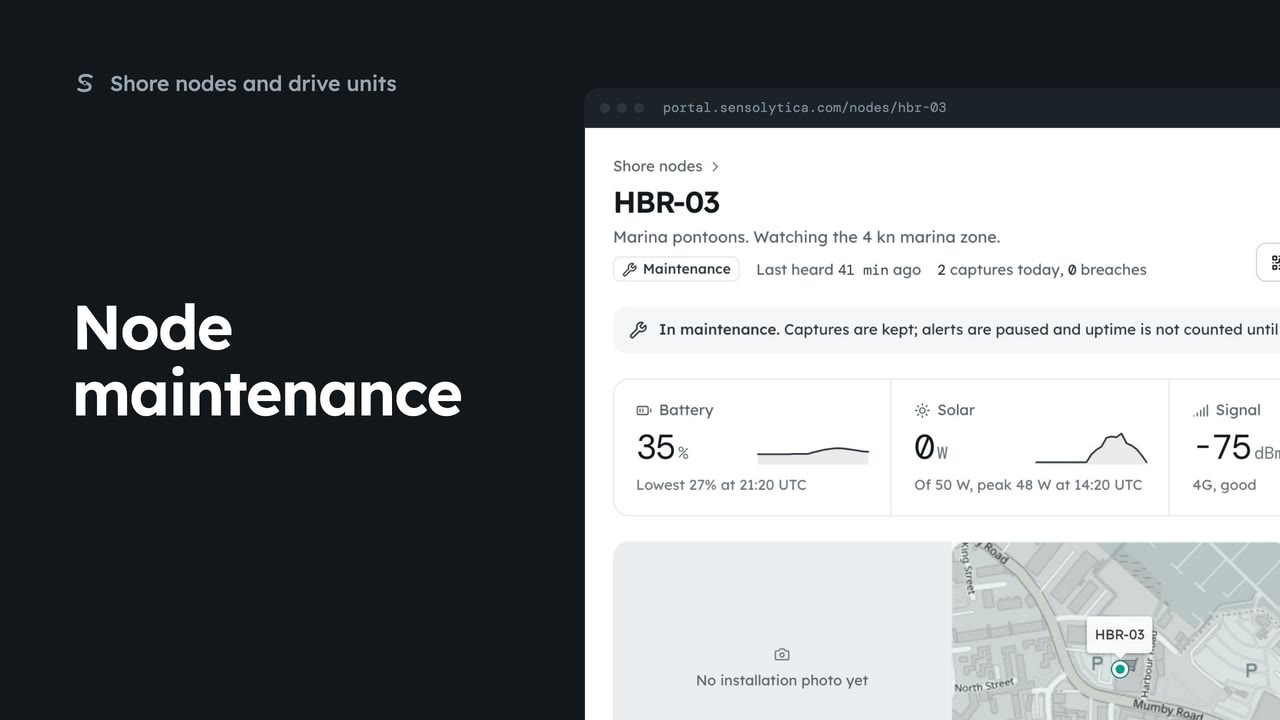
2 minRead a node’s next visit note, put it into maintenance while you work on it, and return it to service.
2 min5 stepsAdmin
Checked against the portal on 15 October 2026. Westmouth names, vessels, units and figures are illustrative. General guidance on using the portal, not legal, regulatory or financial advice.