 2 min
2 minNode maintenance
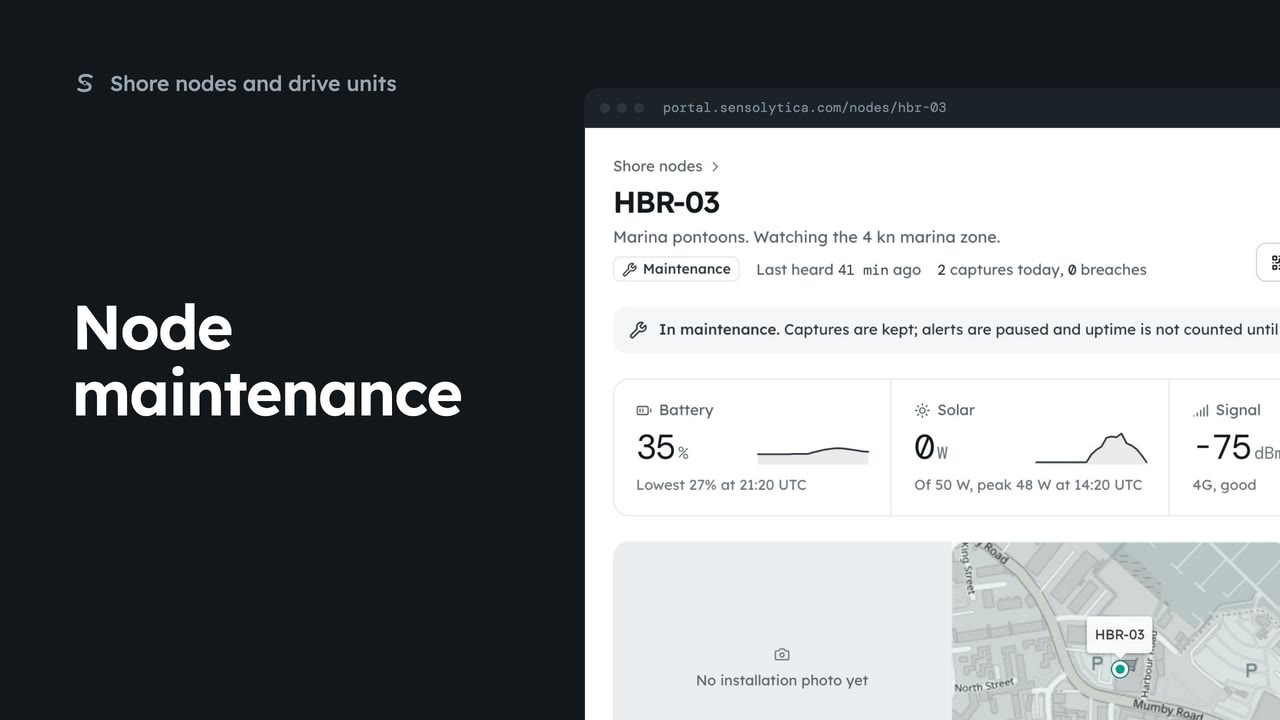
Read a node’s next visit note, put it into maintenance while you work on it, and return it to service.
2 min5 stepsAdmin
See every shore node, where it is and whether it is working, with the ones that need a visit first.
Every node in one list
Shore nodes is under Fleet in the sidebar. Nodes that need attention sort to the top.
Needs attention
The tabs above the list filter it: All, Online, Needs attention and Offline, each with its count.
Battery, signal, firmware
Battery, 24 h draws the last day of heartbeats. Last heard, Firmware and Today sit beside it.
Not heard from
Open a node by its code. An offline node shows how long it has been silent and its last heartbeat.
One node, in full
The node page has the health strip, the installation photo and map, the latest captures and the deployments.
Open Shore nodes from the sidebar, under Fleet. Each row is one node on a harbour wall or pontoon, with its site and zone. Nodes that need a visit always sort to the top.
Choose the Needs attention tab. Here that is two nodes: one charging with a low battery, and one that has stopped reporting. The line under each site says why, in plain words.
Read across the row for HBR-03. The small line is its battery over the last 24 hours, on the same scale for every node. Then solar, signal, when it was last heard, its firmware, and today’s captures and breaches.
Choose HBR-04 to open the offline node. The banner says how long it has been silent, and what the battery and solar read in its last heartbeat. Raise a support request from here if you need a hand.
Scroll down the node page. It shows the installation photo and map, what the node has recorded lately and where it has been deployed. Hardware, firmware and the next visit note sit on the right.
Sign in with your work email. Your own organisation's records, nodes and units take the place of the Westmouth ones.
2 minRead a node’s next visit note, put it into maintenance while you work on it, and return it to service.
2 min5 stepsAdmin
 2 min
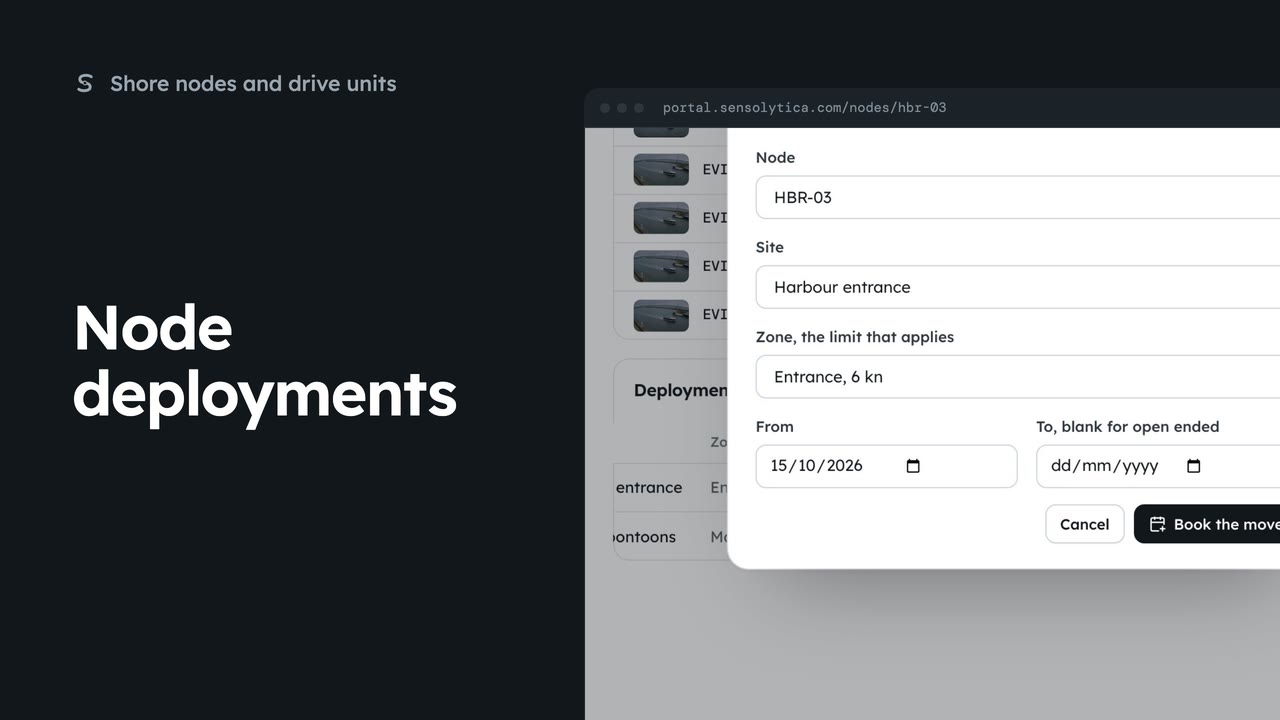
2 minEnd a node’s deployment at one site and book it at another, so its captures are judged against the right limit.
2 min4 stepsAdmin
 3 min
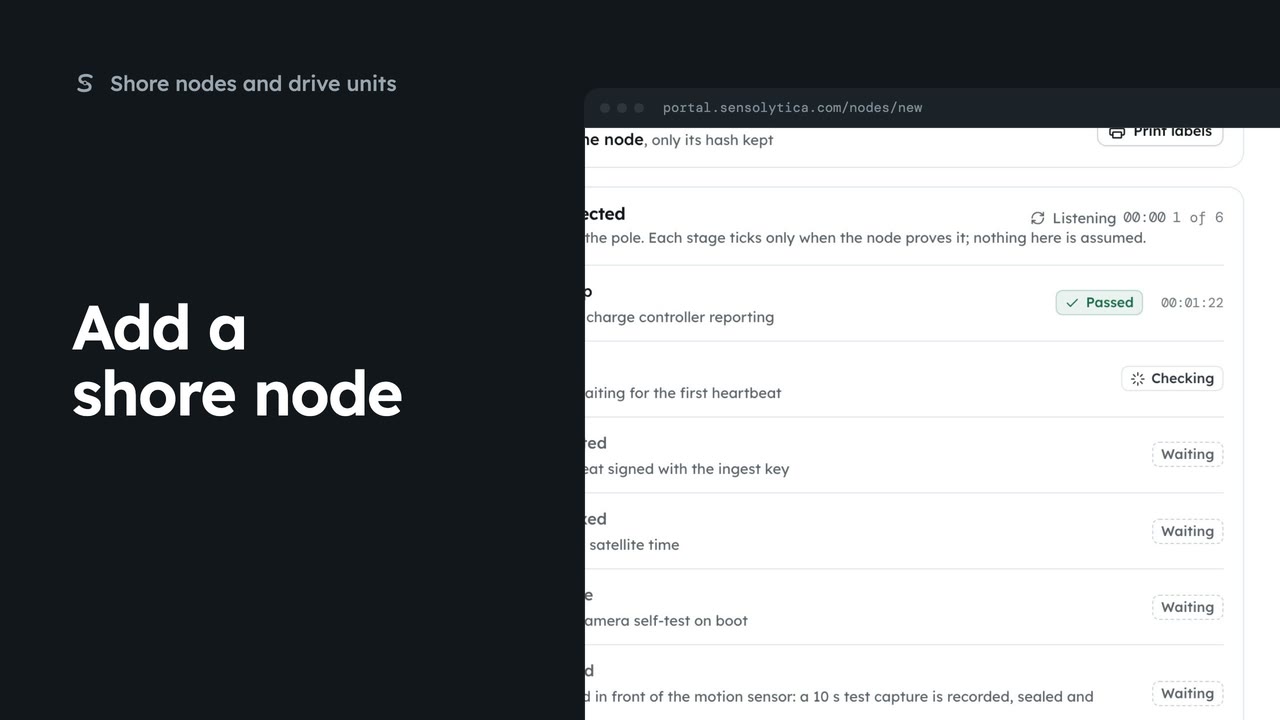
3 minRegister a new shore node, save its key and watch it connect, in four steps.
3 min7 stepsAdmin
Checked against the portal on 15 October 2026. Westmouth names, vessels, units and figures are illustrative. General guidance on using the portal, not legal, regulatory or financial advice.