 2 min
2 minShore nodes
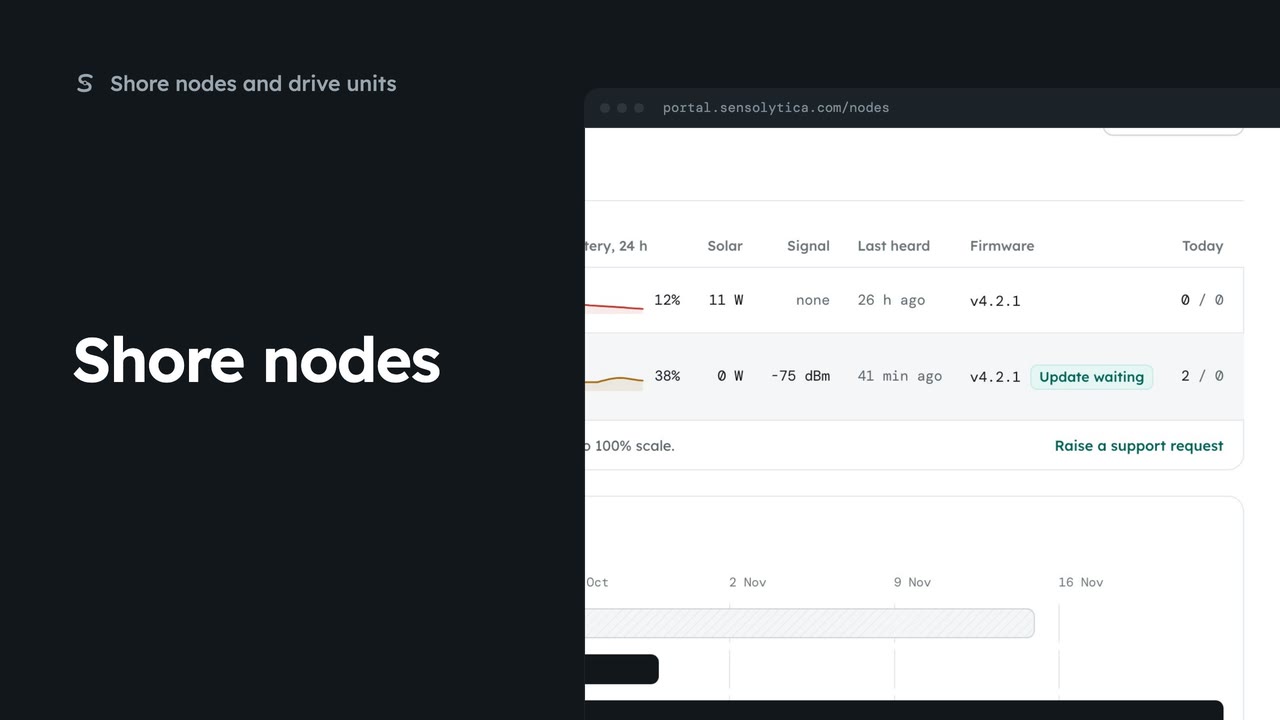
See every shore node, where it is and whether it is working, with the ones that need a visit first.
2 min5 stepsAdmin, Operator
Read a node’s next visit note, put it into maintenance while you work on it, and return it to service.
What to do on site
Next visit carries the on-site agent’s node health note for this node.
Start maintenance
Choose Maintenance at the top of the page, then Start maintenance.
Alerts paused
The banner and the status say the node is in maintenance.
Return to service
When you are done, choose Return to service and confirm.
Edit the details
Edit holds the serial, mount, position and installation notes.
On Shore nodes, open HBR-03. Next visit carries the on-site agent’s health note from the last two days of heartbeats. Here it says the battery dips each dawn because the panel is shaded, and suggests re-angling it.
Before you climb the pole, choose Maintenance at the top, then Start maintenance. Captures are still kept, but alerts are paused and uptime is not counted, so a visit does not look like a fault.
The banner and the status both say the node is in maintenance. On Shore nodes its row reads the same, so the team knows someone is on it.
When the work is done, choose Return to service, and Return to service again in the dialog. Alerts start again, and uptime is counted from now.
If you moved the panel or changed anything, choose Edit and update the installation notes. They help the next engineer who climbs the pole.
Sign in with your work email. Your own organisation's records, nodes and units take the place of the Westmouth ones.
2 minSee every shore node, where it is and whether it is working, with the ones that need a visit first.
2 min5 stepsAdmin, Operator
 2 min
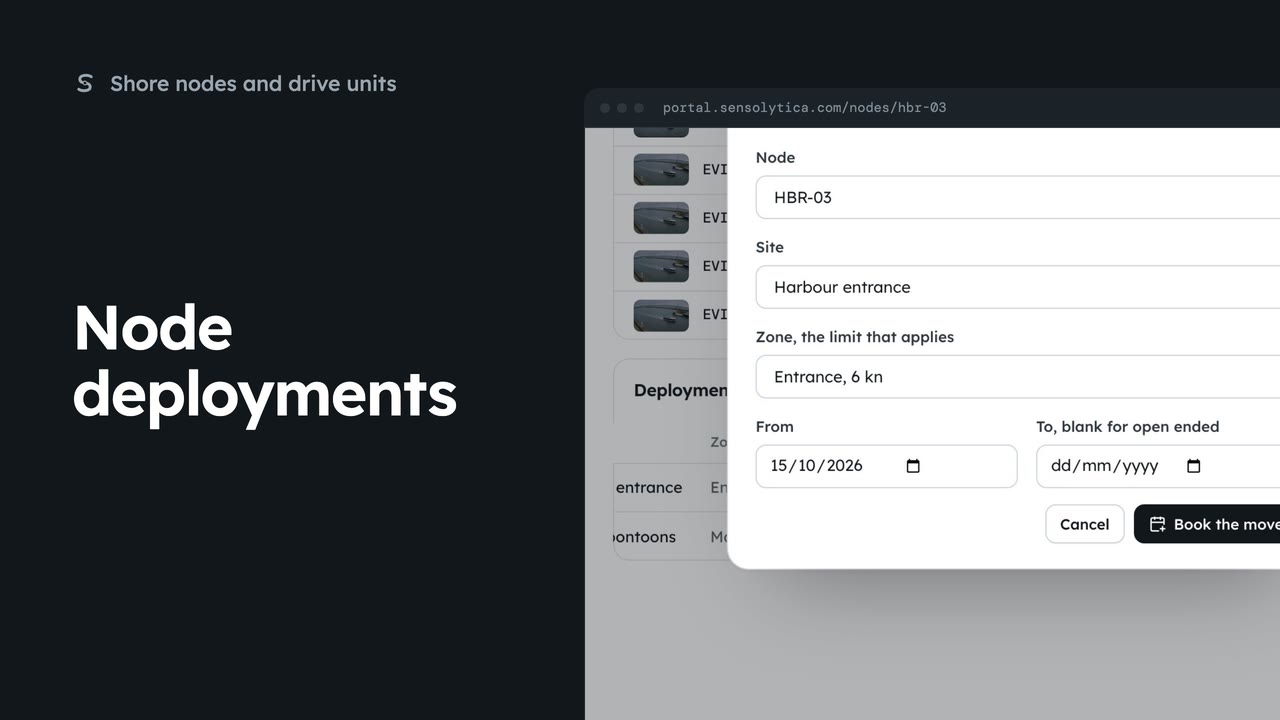
2 minEnd a node’s deployment at one site and book it at another, so its captures are judged against the right limit.
2 min4 stepsAdmin
 2 min
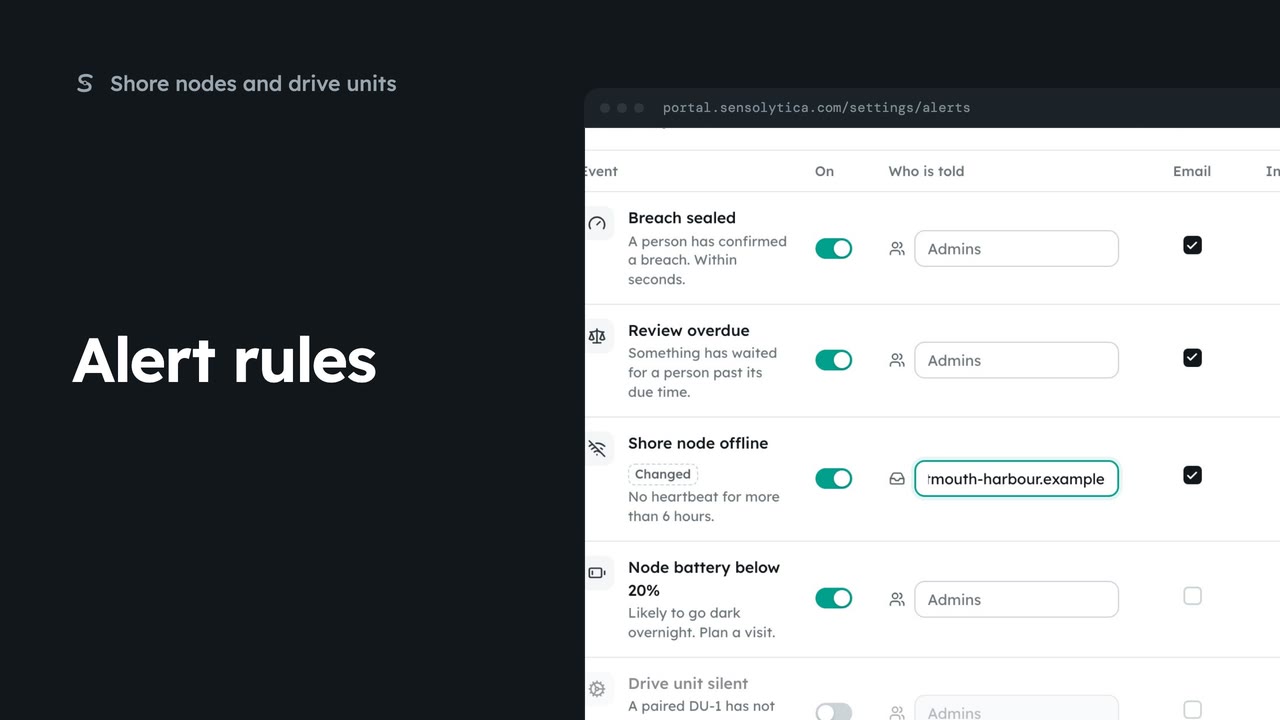
2 minChoose which events tell your team, who is told, and whether by email or in the portal.
2 min5 stepsAdmin
Checked against the portal on 15 October 2026. Westmouth names, vessels, units and figures are illustrative. General guidance on using the portal, not legal, regulatory or financial advice.