 2 min
2 minThe map
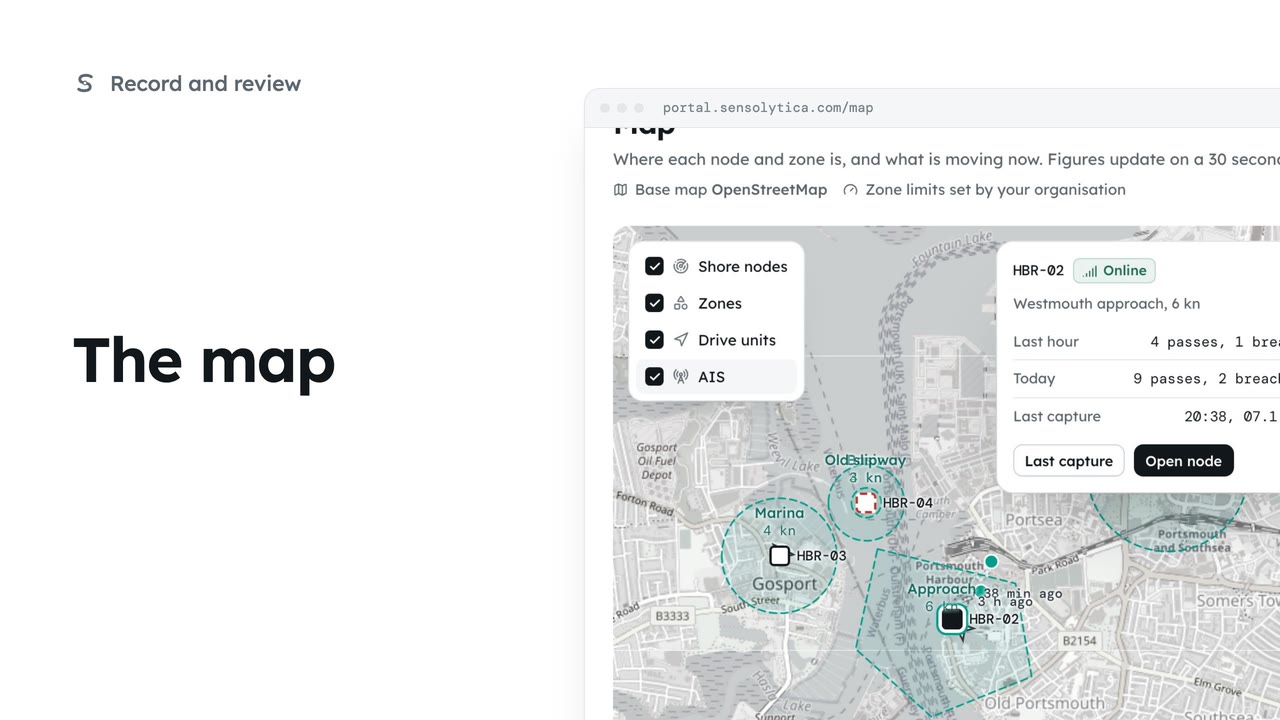
See where every node and zone is, what is moving now, and today's passes at each place.
2 min4 stepsOperator, Admin
See where each limit applies and how each zone keeps to it, and change a limit with when it takes effect.
Zones and limits
Each zone with its limit, the node that measures it and 30 days of compliance.
The zone, as drawn
The map shows the shape every map in the portal uses. Admins can edit the shape.
Last 30 days
Captures, breaches, compliance and breaches per day, beside the rule itself.
Edit zone
Change the name, limit or radius. A new limit takes effect when you save.
Save zone
The confirm names the old and new limit and when it takes effect.
Report for this zone
Opens Build a report with this zone already chosen.
Open Zones and limits from the sidebar. Each row is a zone with its limit, the shore node that measures it, and its captures, breaches and compliance over 30 days. Compliance is the share of captures within the limit.
Open the Approach. The map shows the zone as drawn round the channel. An admin can change it with Edit the shape, or draw one where the water is not a circle.
Last 30 days gives captures, breaches and compliance, with breaches per day underneath. The rule shows the limit, where it comes from and the node that measures it.
Choose Edit zone and change the limit, here to 5 knots. A note says the new limit takes effect when you save; captures before then keep the limit they were judged against.
Choose Save zone. The confirm names the old and new limit and the time it takes effect. Confirm with Save zone. Sealed records are never judged again.
Choose Report for this zone. Build a report opens on Reports with the Approach already chosen, ready for a compliance report.
Sign in with your work email. Your own organisation's records, nodes and units take the place of the Westmouth ones.
2 minSee where every node and zone is, what is moving now, and today's passes at each place.
2 min4 stepsOperator, Admin
 2 min
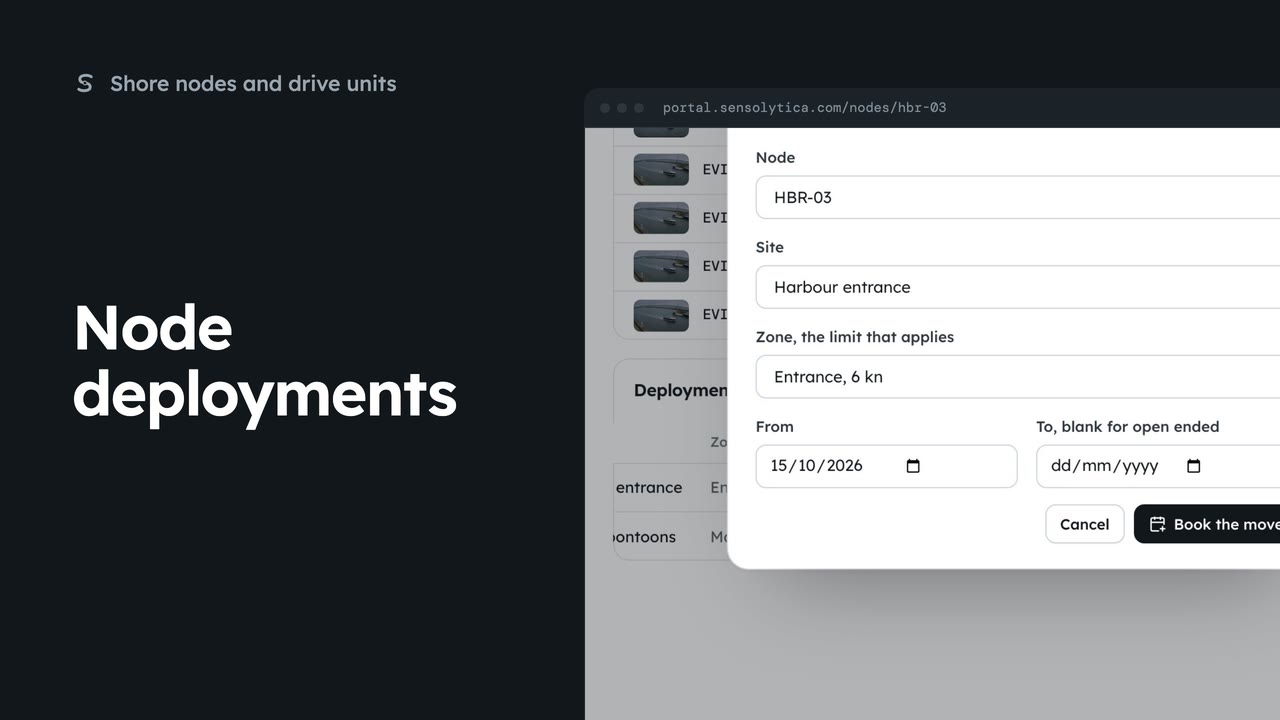
2 minEnd a node’s deployment at one site and book it at another, so its captures are judged against the right limit.
2 min4 stepsAdmin
 2 min
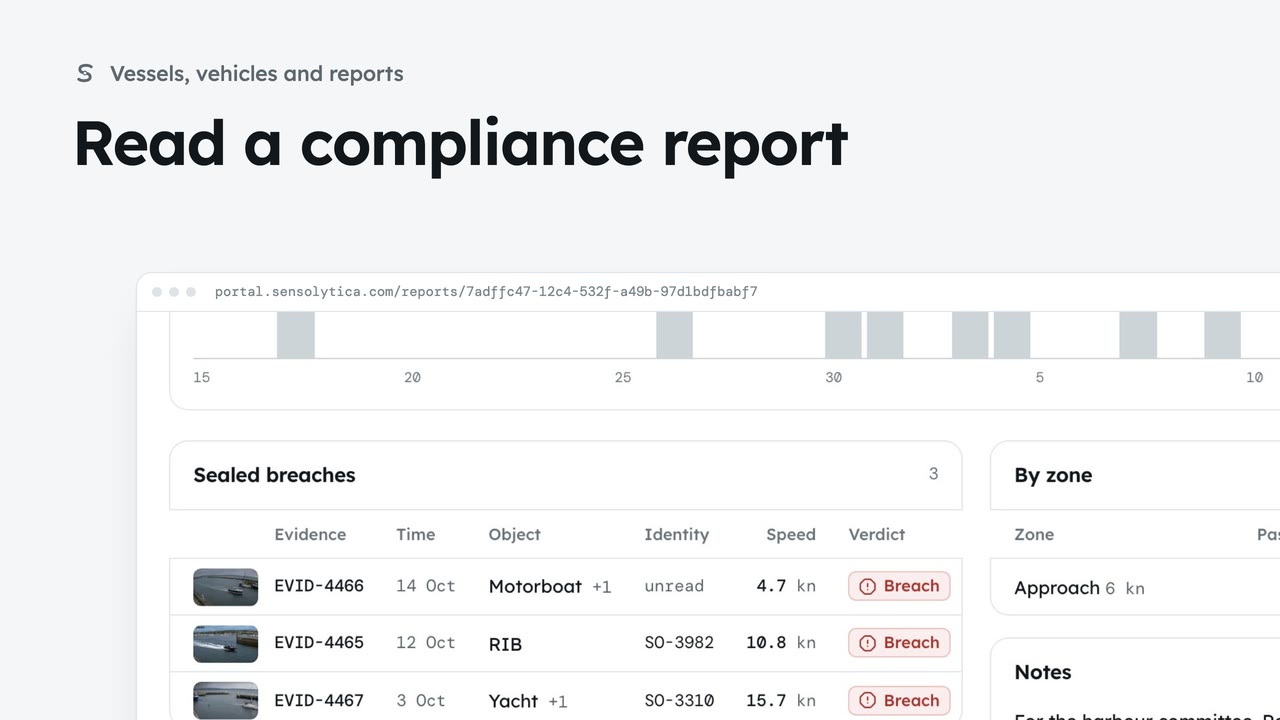
2 minRead how a zone kept to its limit over a period, add notes for the committee and print it.
2 min5 stepsAdmin, Operator
Checked against the portal on 15 October 2026. Westmouth names, vessels, units and figures are illustrative. General guidance on using the portal, not legal, regulatory or financial advice.