 2 min
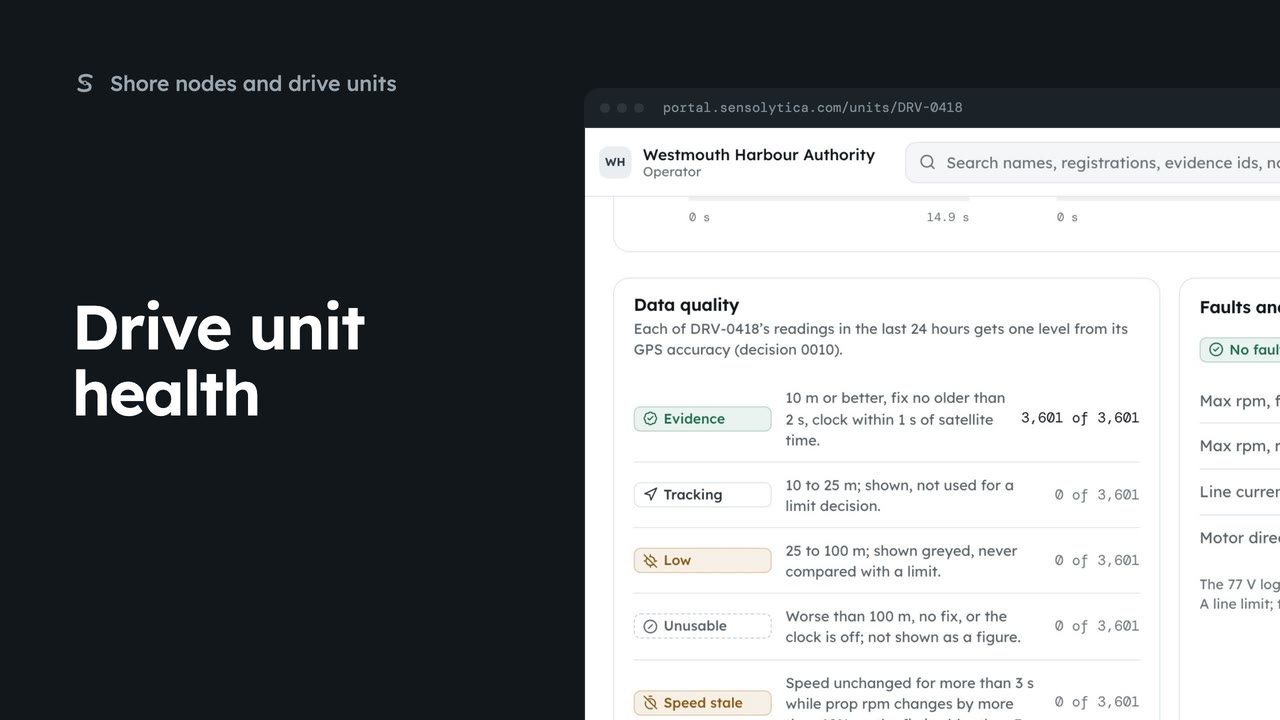
2 minDrive unit health
Read what a drive unit reports now, how good its readings are, and its faults and limits.
2 min6 stepsAdmin, Operator
Link a drive unit to a vessel, say which electric outboard it reads, and check that it reports.
Pair a drive unit
Open Drive units from the sidebar and choose Pair a unit. Four steps, about five minutes on the pontoon.
Scan the sticker
Paste the link from the code on the sticker. The check code fills in with it.
Search the record
Search by registration or name, pick the vessel, and confirm the owner has agreed.
Outboard model
Pick the electric outboard the unit reads. Battery chemistry sets the cell thresholds.
Confirm the pairing
Choose Pair the unit, then Pair the unit again in the dialog.
Turn the outboard on
Each check ticks as the unit proves it: power, controller link, prop rpm, GPS fix and first upload.
Paired and reporting
Open the unit appears once every check passes. Finish later leaves it paired.
Open Drive units from the sidebar and choose Pair a unit. You find the unit, link the vessel, pick the outboard, and then prove it reports. Allow about five minutes on the pontoon.
Scan the code on the unit’s sticker with your phone and paste the link. The check code comes with it, and proves you have the unit in hand. Then choose Link the vessel.
Search the record for the vessel by registration or name, and pick it. Then tick that the owner has agreed to the unit reporting to your organisation. A unit is only ever fitted with the owner’s agreement.
Pick the outboard the unit reads, here the Halyard H10, a 77 volt class electric outboard. The lists below show what it reports and what it does not. Check the battery chemistry, because it sets the cell voltage thresholds.
Choose Pair the unit, and Pair the unit again in the dialog. From now on its readings join this vessel’s record, and the last step opens.
Turn the outboard on for thirty seconds and turn the prop slowly. Each check ticks as it passes: power, the controller link, prop rpm, a GPS fix, and the first sealed batch.
When every check has passed, choose Open the unit. Its page shows the first readings from the outboard. If you are short of time, choose Finish later; the unit stays paired.
Sign in with your work email. Your own organisation's records, nodes and units take the place of the Westmouth ones.
2 minRead what a drive unit reports now, how good its readings are, and its faults and limits.
2 min6 stepsAdmin, Operator
 2 min
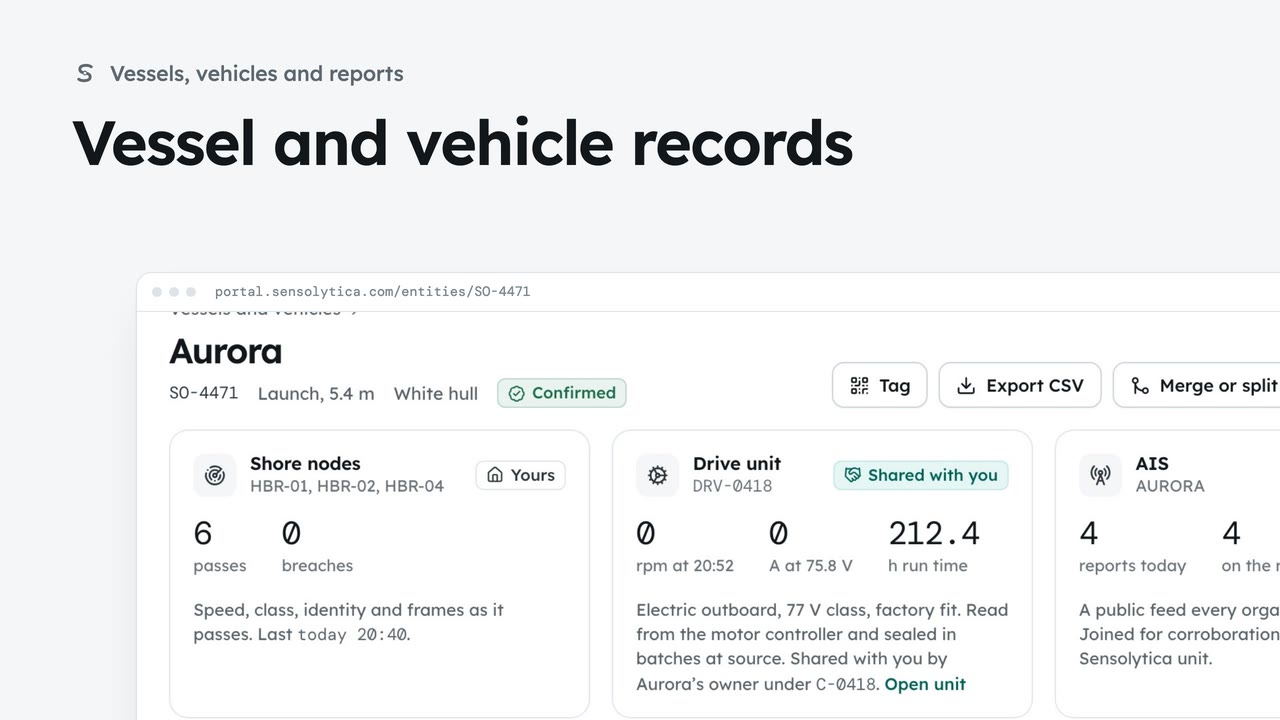
2 minFind a vessel or vehicle and read its one record, joining every shore node pass, its drive unit and AIS.
2 min6 stepsAdmin, Operator
 2 min
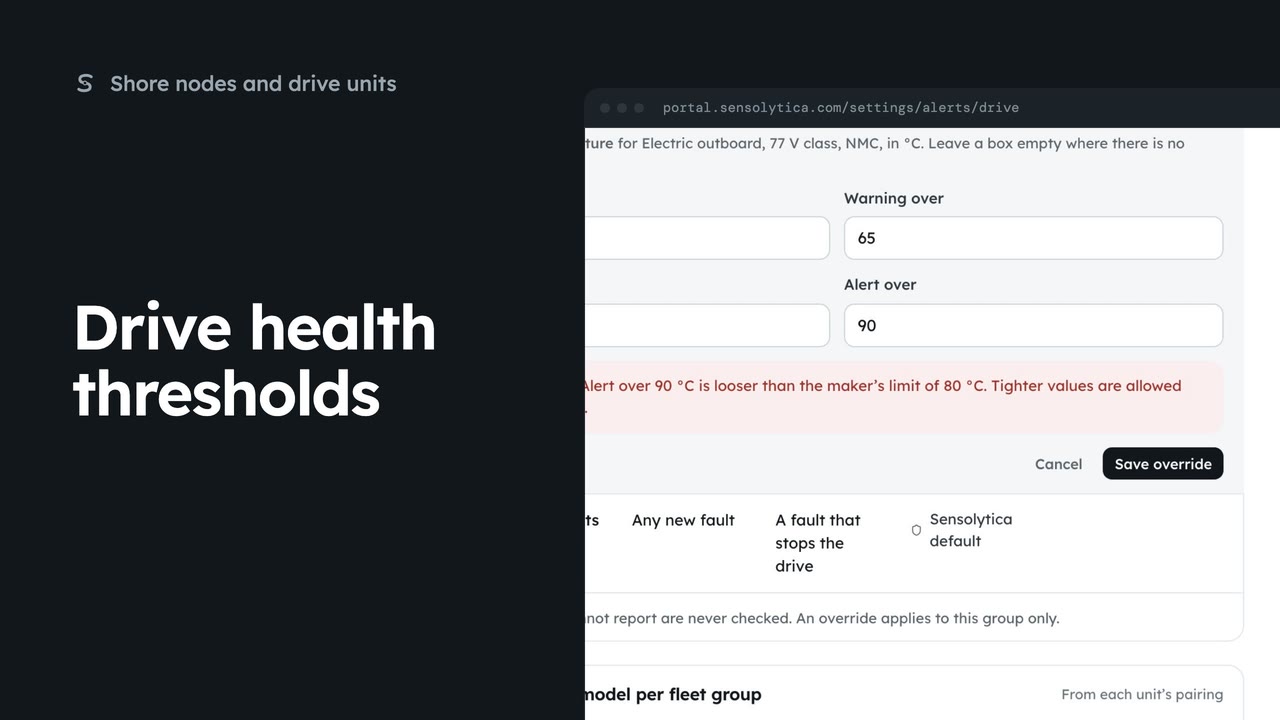
2 minTighten a drive health threshold for one fleet group, within the maker’s limits.
2 min5 stepsAdmin
Checked against the portal on 15 October 2026. Westmouth names, vessels, units and figures are illustrative. General guidance on using the portal, not legal, regulatory or financial advice.