 2 min
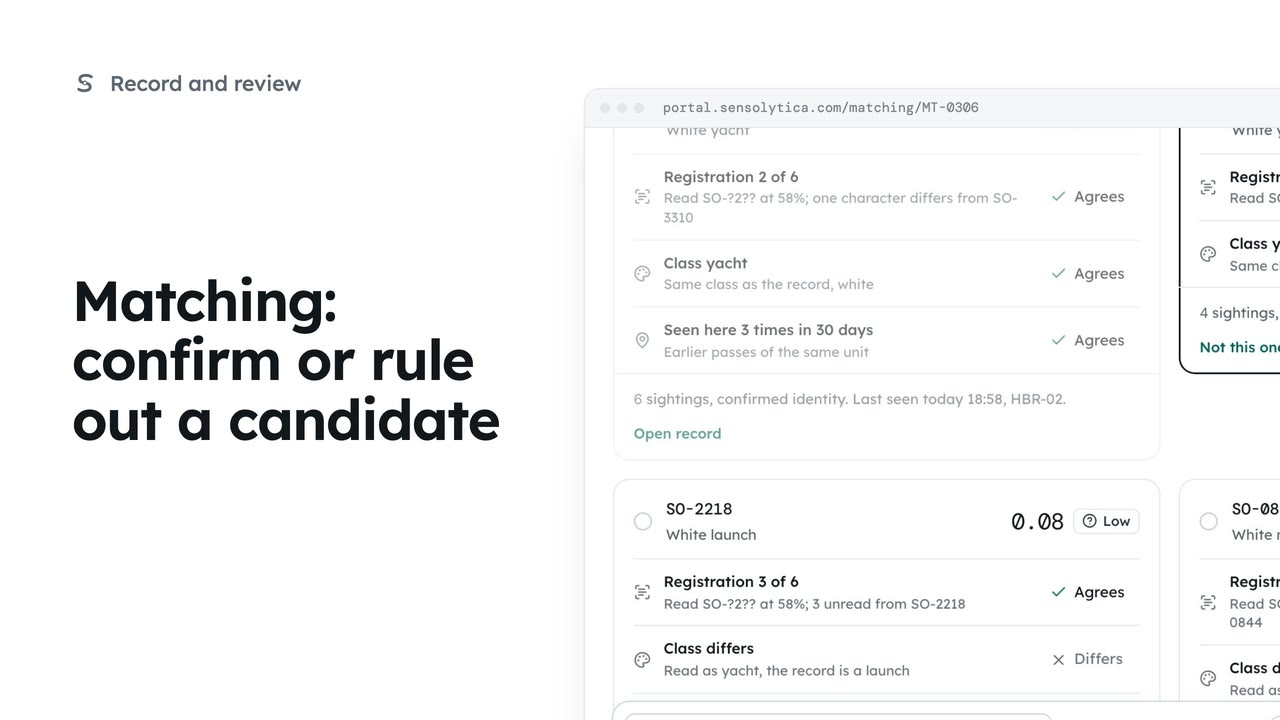
2 minMatching: confirm or rule out a candidate
Join an uncertain reading to the right vessel, ruling out the candidates that do not fit.
2 min5 stepsOperator, Admin
Choose the confidence at which a reading joins a record on its own, when it waits for a person, and when a close rival makes it wait.
Matching rules
Matching, then Matching rules at the top.
Joins, waits, rival
At or over the first, a reading joins on its own. Over the second, it waits for a person. Below, a new record is suggested.
Fewer joins on their own
A higher first number sends more readings to a person.
Save thresholds
The portal repeats the rule in words before saving. Matching applies it from now on.
Open Matching from the sidebar, then Matching rules at the top. Operators can read the rules; only an admin can change them.
Three numbers decide it. At or over the first, a reading joins a record on its own. At or over the second, it waits for a person. Below that, the portal suggests a new record. And a rival candidate this close makes it wait too.
To have a person check more of them, raise the first number, say to 0.97. The second must stay below it.
Choose Save thresholds. The portal puts the rule into words before you confirm, and Matching uses it from the next reading. Readings already joined stay where they are.
Sign in with your work email. Your own organisation's records, nodes and units take the place of the Westmouth ones.
2 minJoin an uncertain reading to the right vessel, ruling out the candidates that do not fit.
2 min5 stepsOperator, Admin
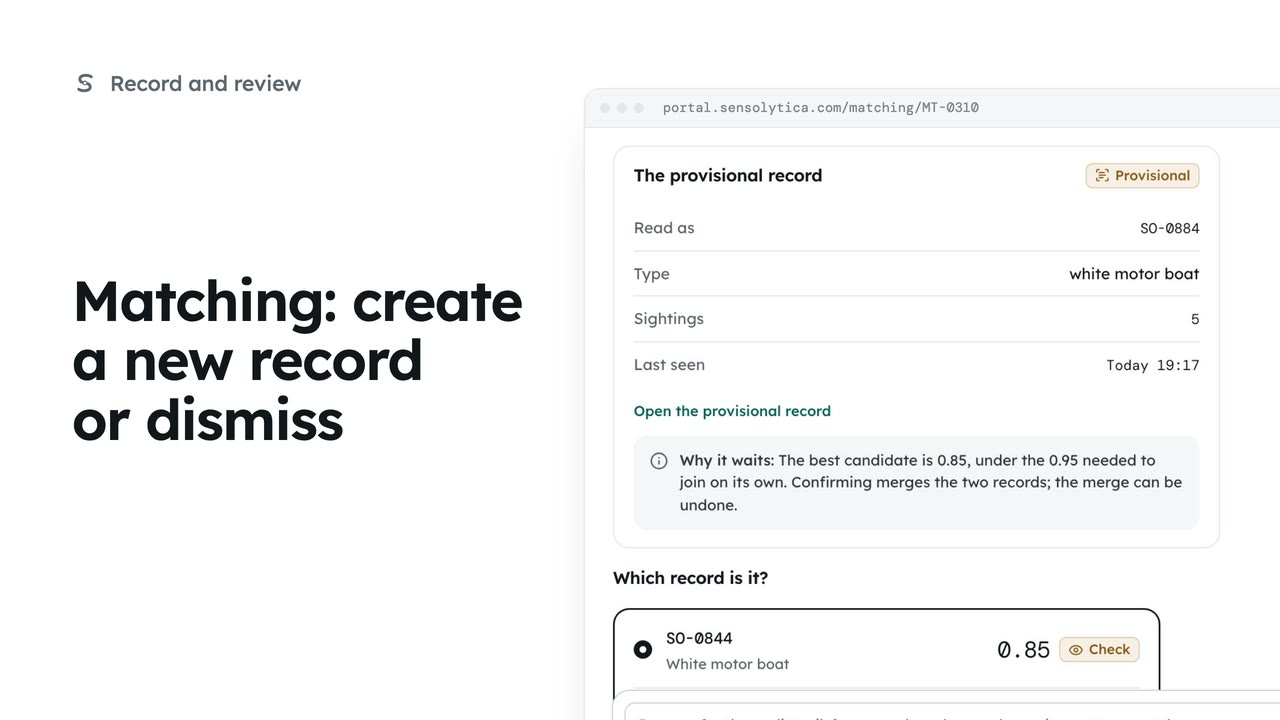 2 min
2 minStart a new provisional record when no candidate fits, or dismiss a reading that should not join any record.
2 min5 stepsOperator, Admin
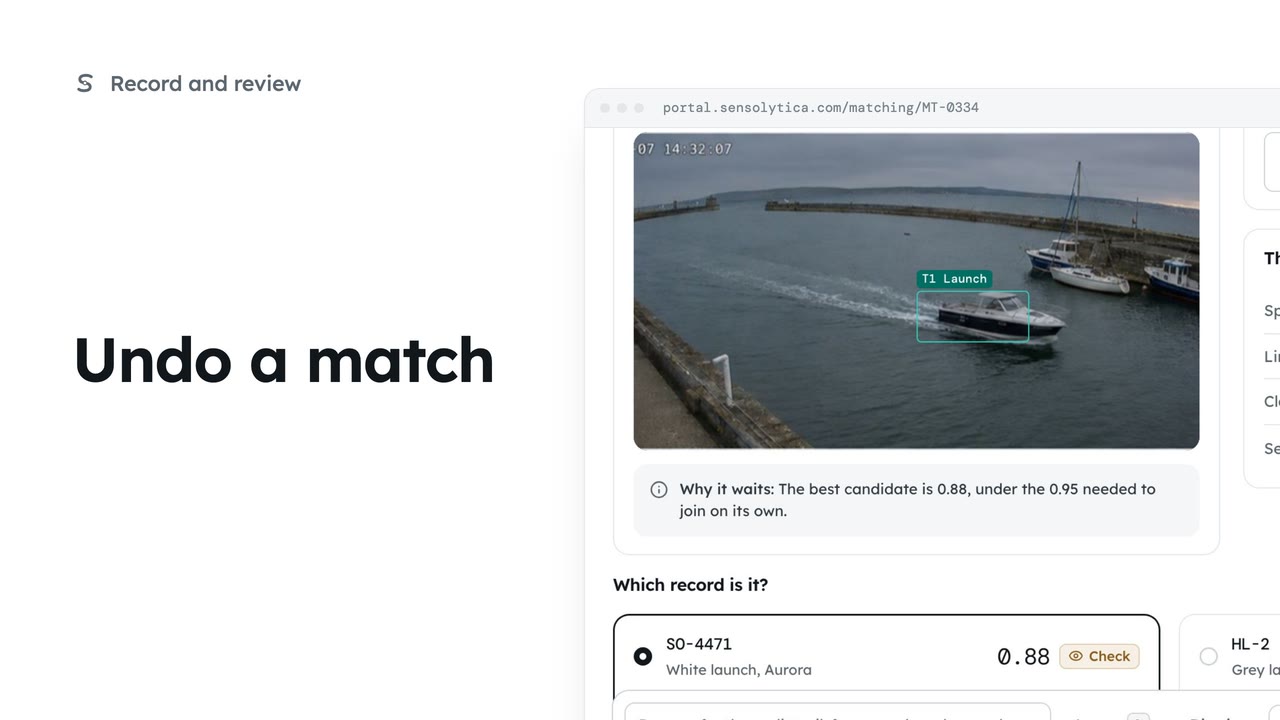 1 min
1 minTake a reading back off the record you just joined it to, and put it back in the Matching queue.
1 min3 stepsOperator, Admin
Checked against the portal on 15 October 2026. Westmouth names, vessels, units and figures are illustrative. General guidance on using the portal, not legal, regulatory or financial advice.