 2 min
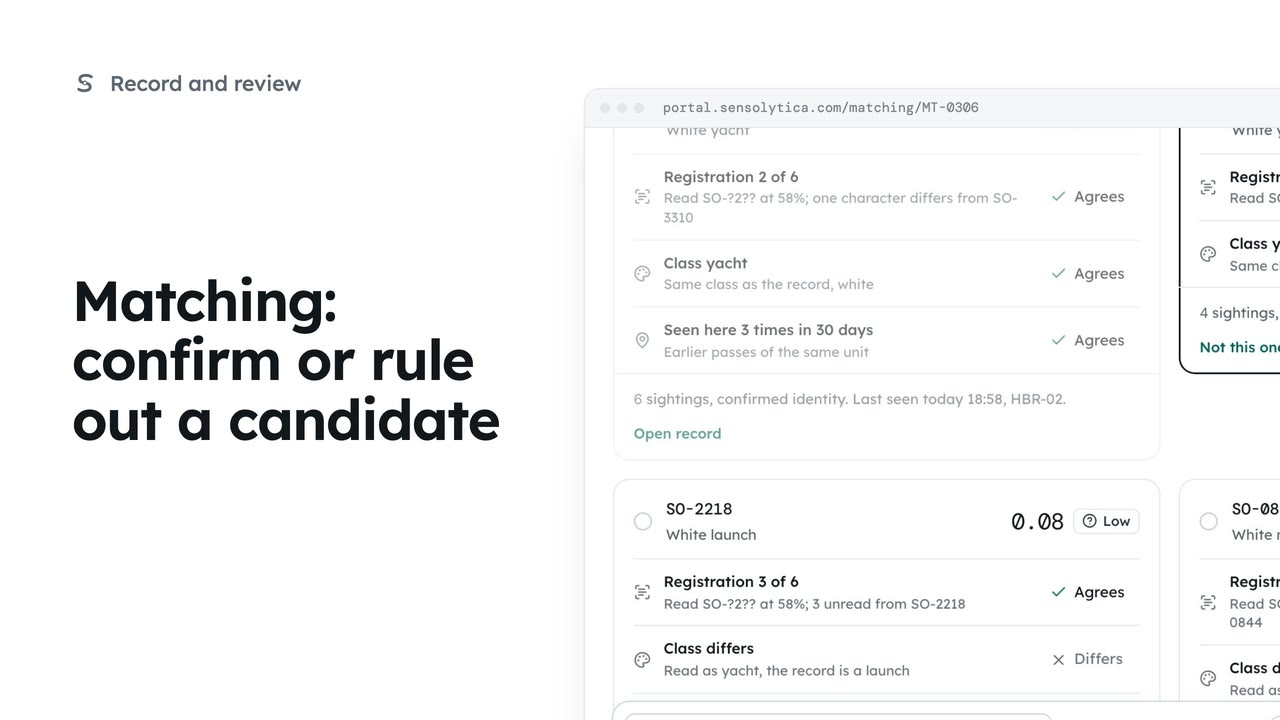
2 minMatching: confirm or rule out a candidate
Join an uncertain reading to the right vessel, ruling out the candidates that do not fit.
2 min5 stepsOperator, Admin
Start a new provisional record when no candidate fits, or dismiss a reading that should not join any record.
Why it waits
Open the item in Matching. The note under the key frame says why the reading is waiting.
None of these
Choose None of these. The panel below says what will happen.
A provisional record
Select Create a new record, then confirm. It can be merged later.
Not every reading belongs
The next item opens on its own. Back in Matching, a yacht in the background has nothing to identify it by.
A reason is required
Write why in Reason, select Dismiss, then confirm. It can be reopened.
In Matching, open the rigid inflatable that passed the approach with nothing read. The note under the frame says why it waits: the only candidate scores low, well under what is needed to join on its own.
Choose None of these. What happens when you confirm changes to match: a provisional record starts with this one sighting, and its speed review carries on in Moderation.
Select Create a new record and confirm. The record is provisional, and if it turns out to be a vessel you already know, it can be merged later. Every merge can be undone.
The next item opens straight away. To dismiss one that should join nothing, go back to Matching and open the yacht in the background of another capture: moving slowly at two knots, with nothing read to identify it by.
Dismiss needs a reason, so write it first. Then select Dismiss and confirm. The item leaves the queue without joining a record, and it can be reopened if you change your mind.
Sign in with your work email. Your own organisation's records, nodes and units take the place of the Westmouth ones.
2 minJoin an uncertain reading to the right vessel, ruling out the candidates that do not fit.
2 min5 stepsOperator, Admin
 3 min
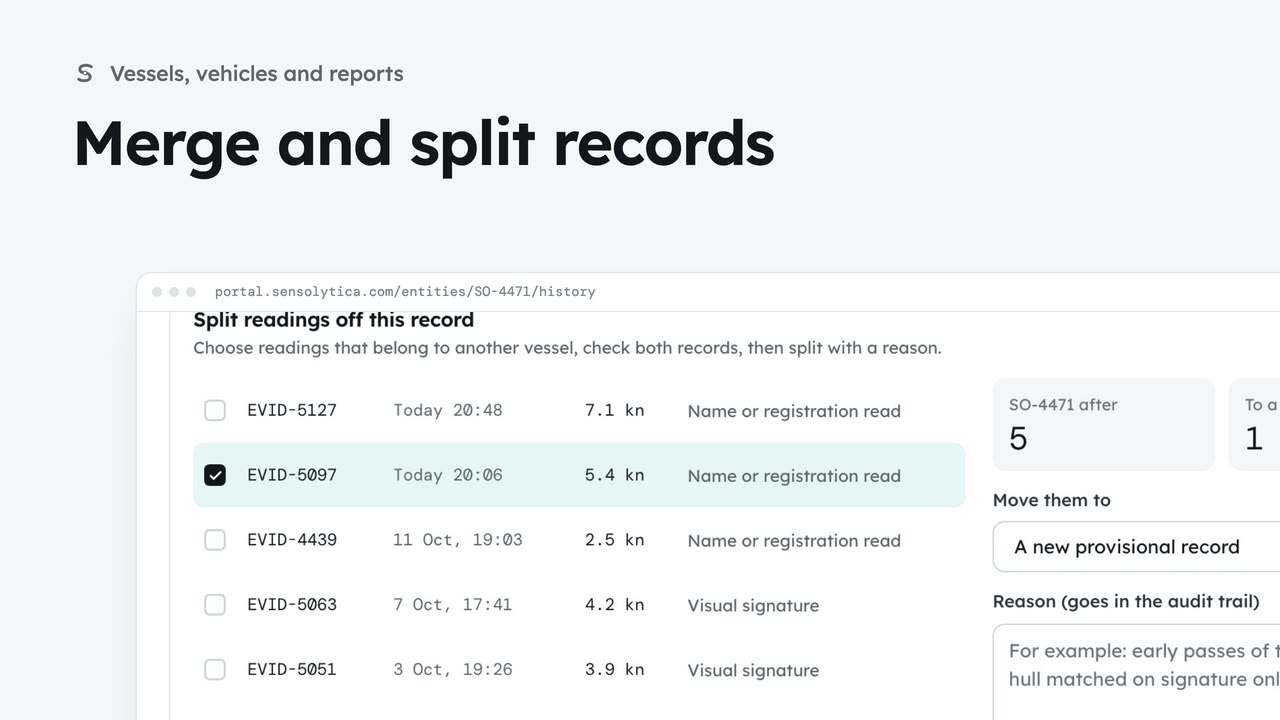
3 minJoin two records of the same vessel or vehicle, undo it if needed, and split off readings that belong to another.
3 min7 stepsAdmin, Operator
 2 min
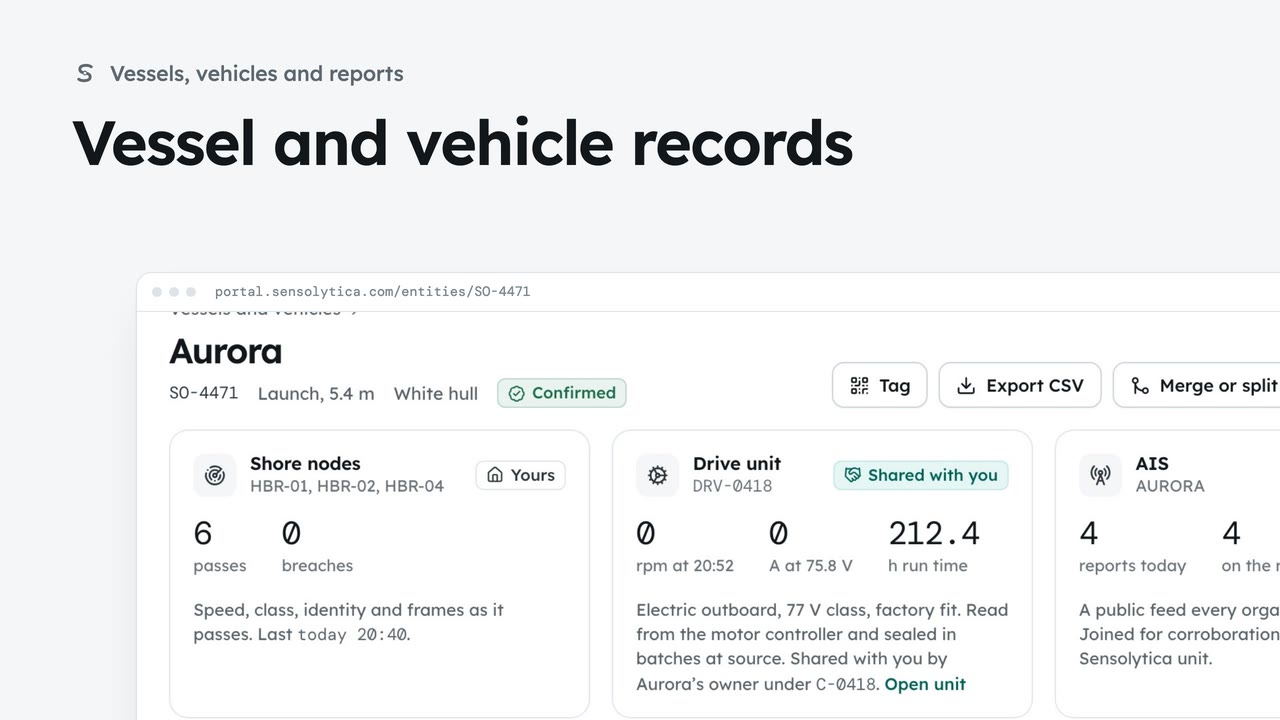
2 minFind a vessel or vehicle and read its one record, joining every shore node pass, its drive unit and AIS.
2 min6 stepsAdmin, Operator
Checked against the portal on 15 October 2026. Westmouth names, vessels, units and figures are illustrative. General guidance on using the portal, not legal, regulatory or financial advice.