 3 min
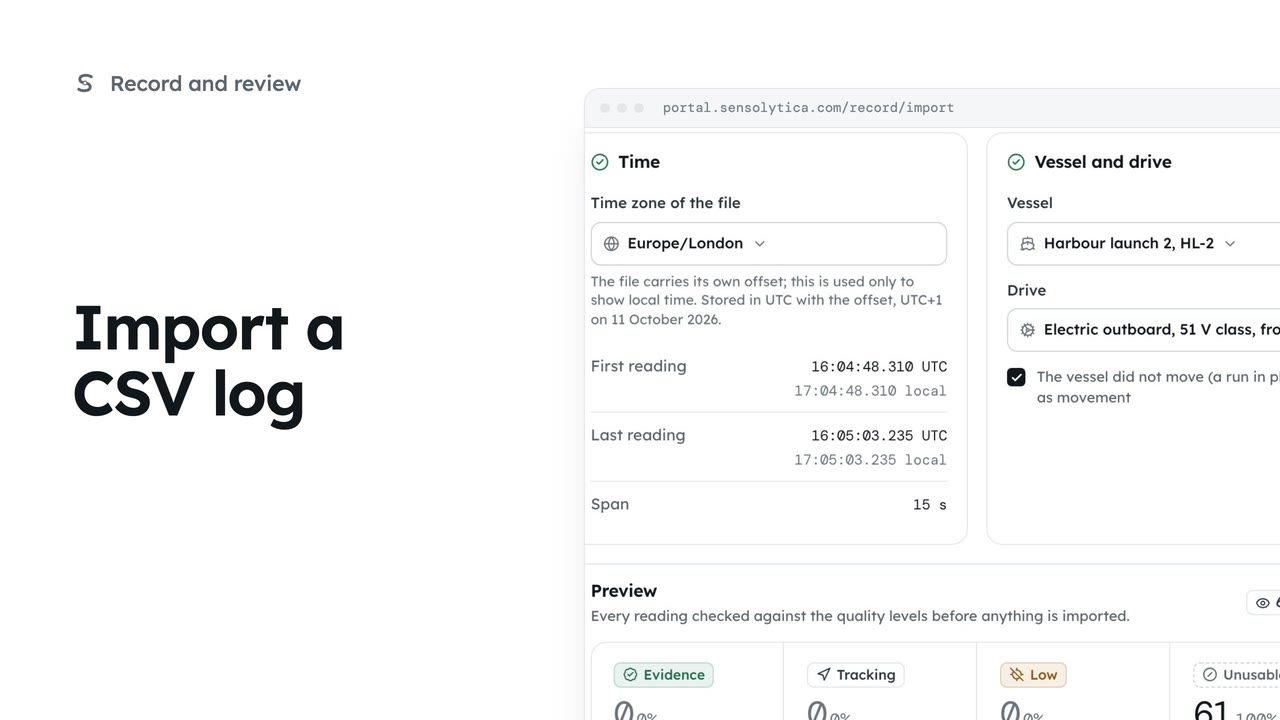
3 minImport a CSV log
Bring in a CSV from an electric outboard's own app, check every reading against the quality levels and seal it on import.
3 min6 stepsAdmin
Find a CSV import, take its readings out of every timeline with a reason, put them back, and download the original file.
Import history
The record, Import readings, then Import history. Every file, its vessel and its quality.
One import
Imported, not sealed at source. The file's hash and what was rejected.
Withdraw, with a reason
Its readings come out of every timeline. The file, its hash and its seal are kept.
Restore
Puts the readings back, still marked imported.
Open The record, then Import readings, then Import history. Every import is listed with its file, the vessel and drive, how many readings, their quality and who imported it.
Open the file. It is marked imported, not sealed at source: its readings join the vessel's record but never count as evidence on their own. The original file and its hash are kept.
Imported the wrong file? Choose Withdraw. Its readings come out of every timeline, and the file, its hash and its seal are kept. Give a reason, which goes in the audit trail, and withdraw it.
Changed your mind? Restore puts the readings back on the vessel's record, still marked imported. Download original saves the file exactly as it came in, with its hash.
Sign in with your work email. Your own organisation's records, nodes and units take the place of the Westmouth ones.
3 minBring in a CSV from an electric outboard's own app, check every reading against the quality levels and seal it on import.
3 min6 stepsAdmin
 2 min
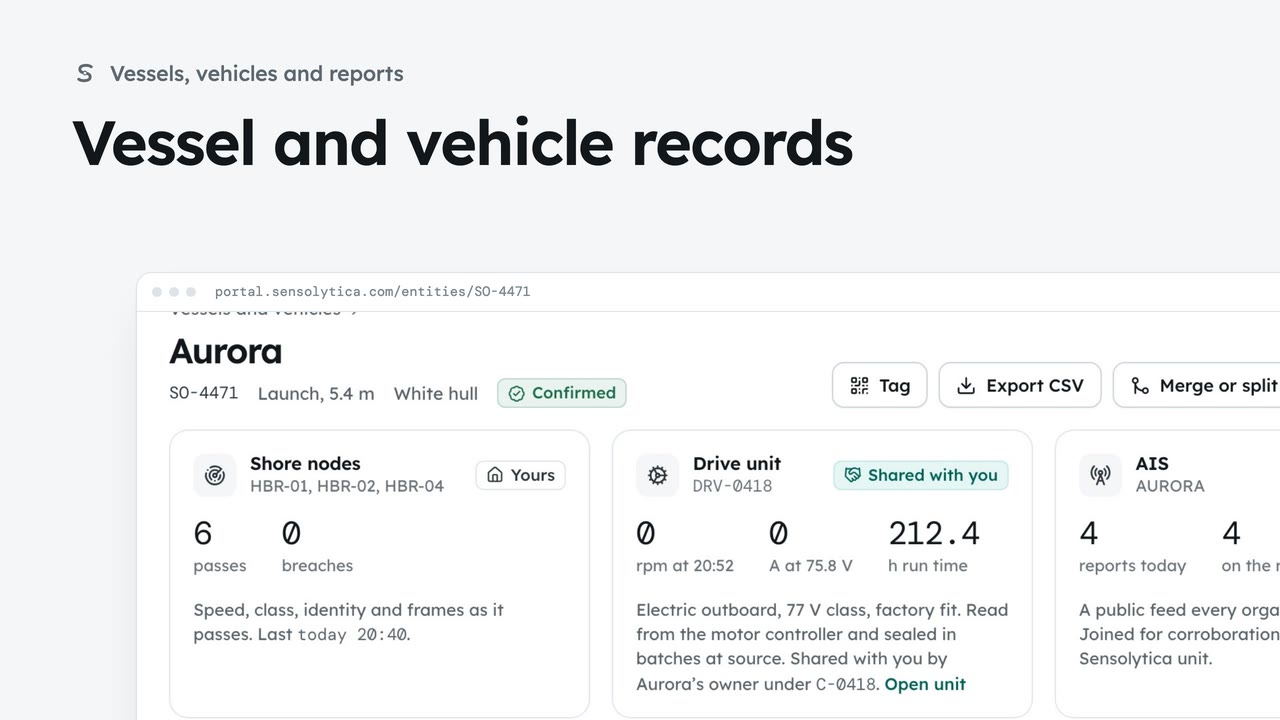
2 minFind a vessel or vehicle and read its one record, joining every shore node pass, its drive unit and AIS.
2 min6 stepsAdmin, Operator
 2 min
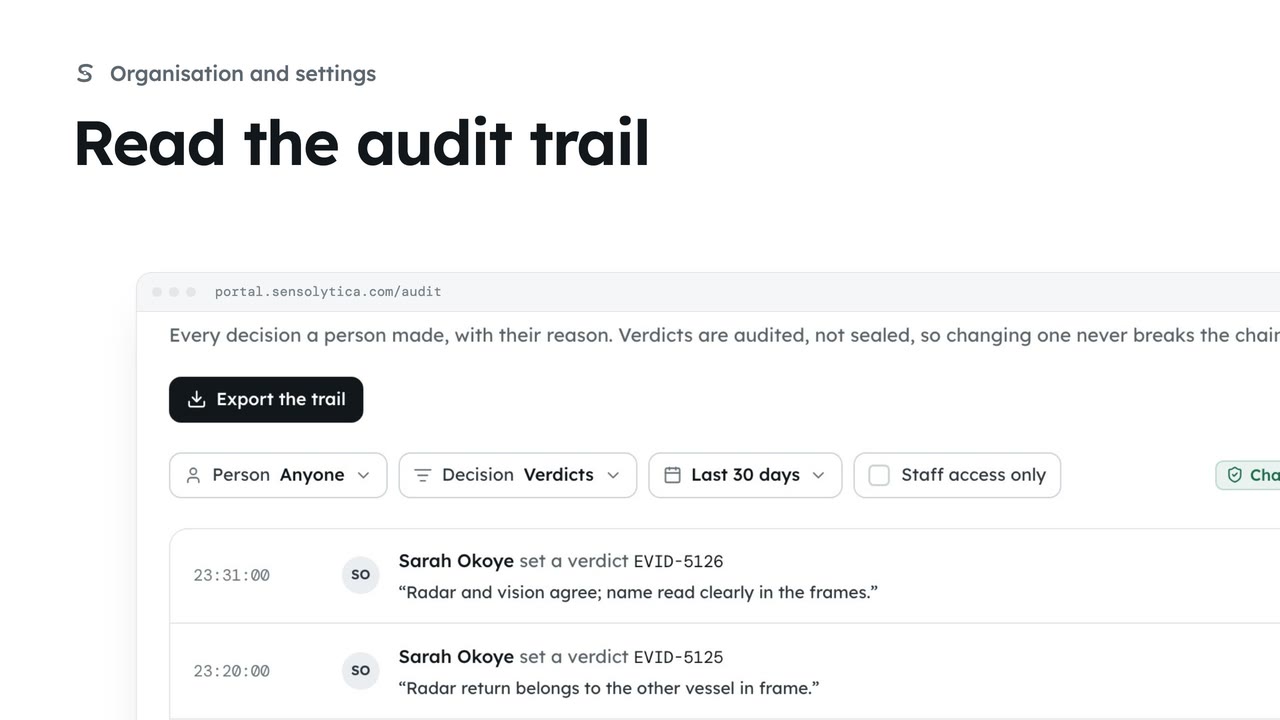
2 minSee every decision a person made in your organisation, with their reason, and export it for an auditor.
2 min4 stepsAdmin
Checked against the portal on 15 October 2026. Westmouth names, vessels, units and figures are illustrative. General guidance on using the portal, not legal, regulatory or financial advice.