 2 min
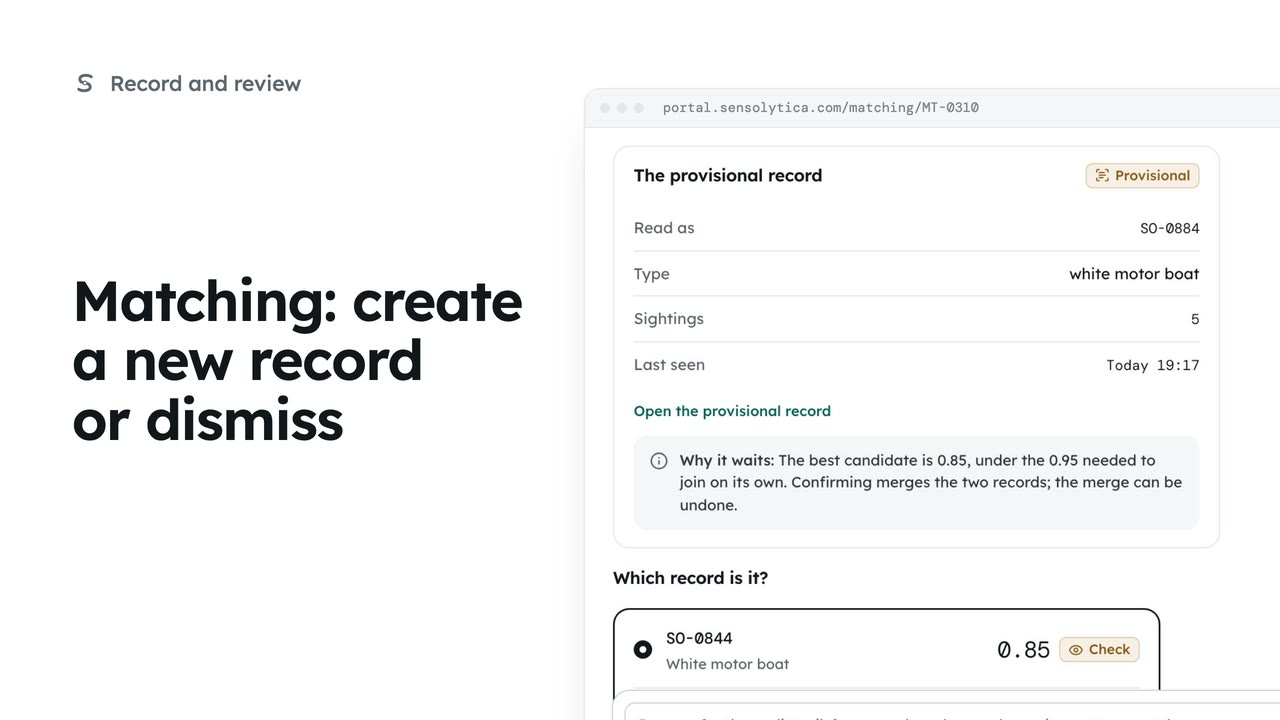
2 minMatching: create a new record or dismiss
Start a new provisional record when no candidate fits, or dismiss a reading that should not join any record.
2 min5 stepsOperator, Admin
Join an uncertain reading to the right vessel, ruling out the candidates that do not fit.
Which vessel is it
Confident matches join on their own. Everything else waits here, oldest first.
Name as read
Open the item. Unread characters are marked, and the candidates are listed best first.
Not this one
Select Not this one on a candidate that cannot be right, then confirm.
Confirm with a reason
Choose the candidate, add a reason, then Confirm. Your name and the candidates shown are kept.
Every match can be undone
The next item opens with Undo. Later, undo from the record's history.
Open Matching from the sidebar. It decides which vessel or vehicle each reading belongs to. Confident matches join the record on their own; the rest wait here for a person, with the best candidate and a confidence word.
Open the yacht whose name was only partly read. The panel shows each character; only one figure was read, a two, in the second place. The candidates are listed best first, each with the evidence for and against.
The top candidate has a three where the two was read, so it cannot be right. Select Not this one on its card and confirm. It drops out of the candidates and the item stays open.
Kestrel is now the chosen candidate, and its read fits. Add a reason, then select Confirm and confirm again. Your name, the candidates you were shown and your reason all go in the audit trail.
The next item opens with a banner and Undo. Every match is a change in the vessel's history, so it can also be undone from the record later.
Sign in with your work email. Your own organisation's records, nodes and units take the place of the Westmouth ones.
2 minStart a new provisional record when no candidate fits, or dismiss a reading that should not join any record.
2 min5 stepsOperator, Admin
 3 min
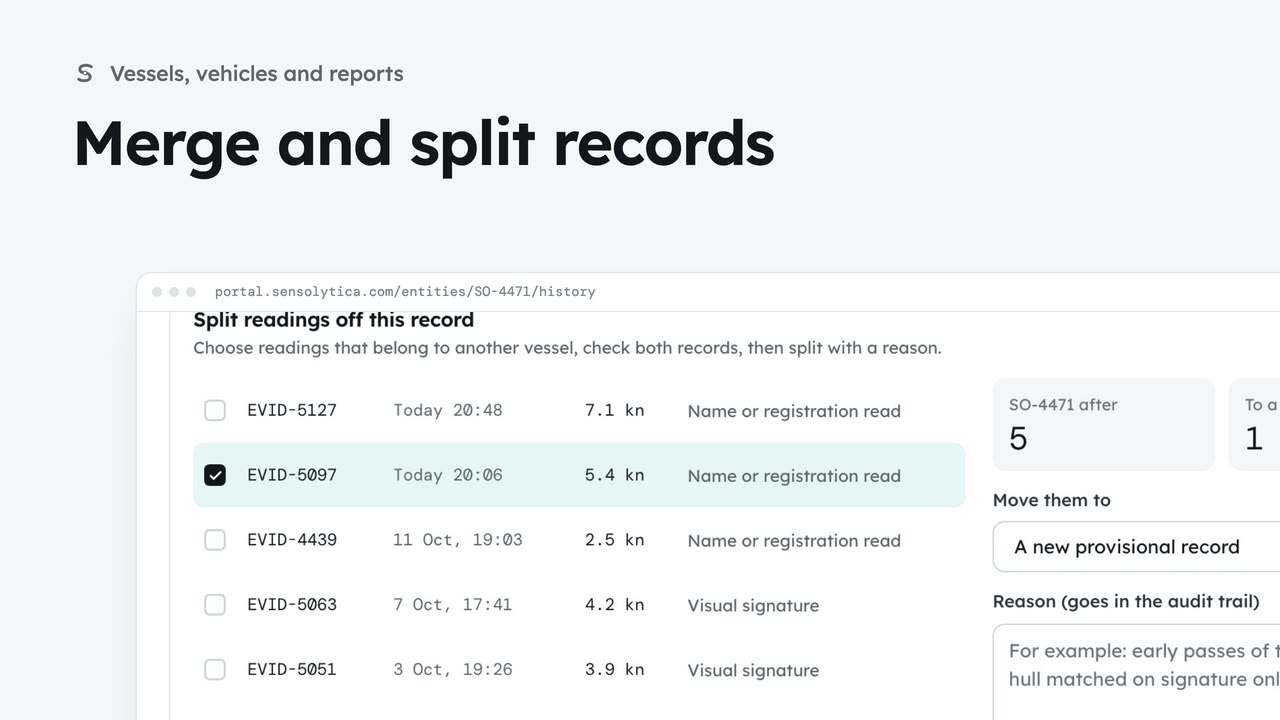
3 minJoin two records of the same vessel or vehicle, undo it if needed, and split off readings that belong to another.
3 min7 stepsAdmin, Operator
 2 min
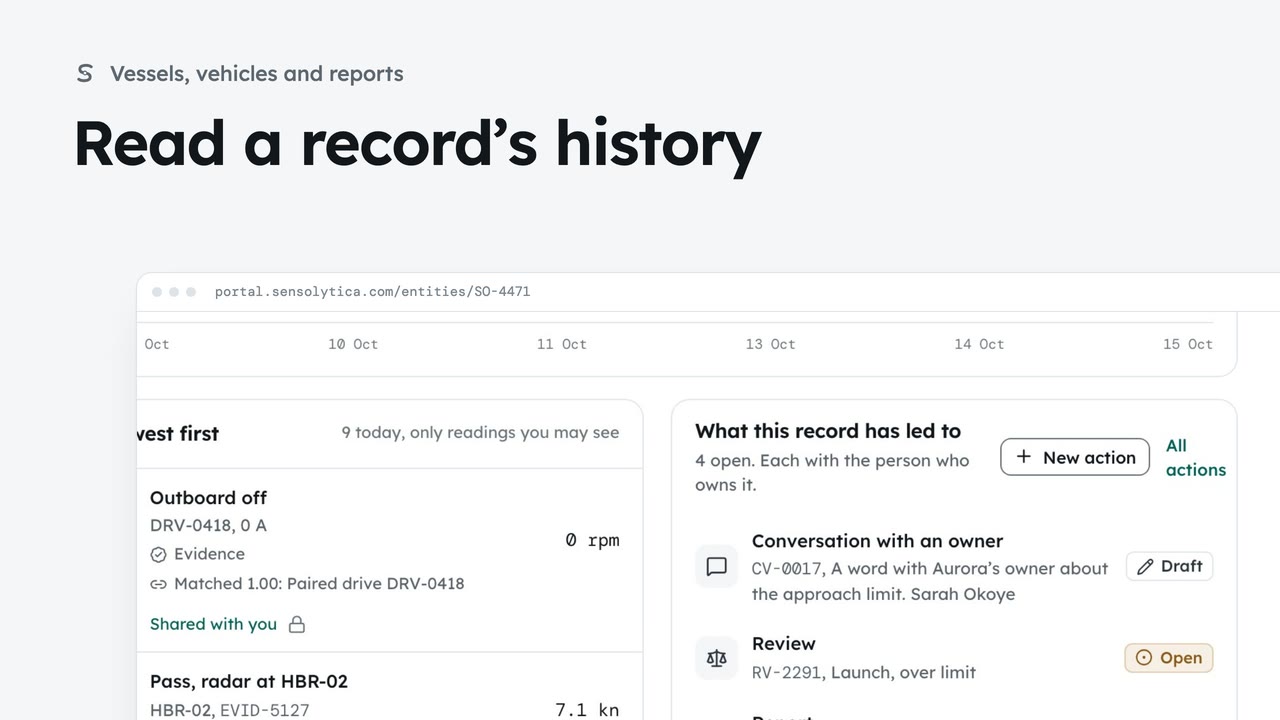
2 minFollow every reading on a vessel’s record and every change to which readings belong to it.
2 min5 stepsAdmin, Operator
Checked against the portal on 15 October 2026. Westmouth names, vessels, units and figures are illustrative. General guidance on using the portal, not legal, regulatory or financial advice.