 2 min
2 minShore nodes
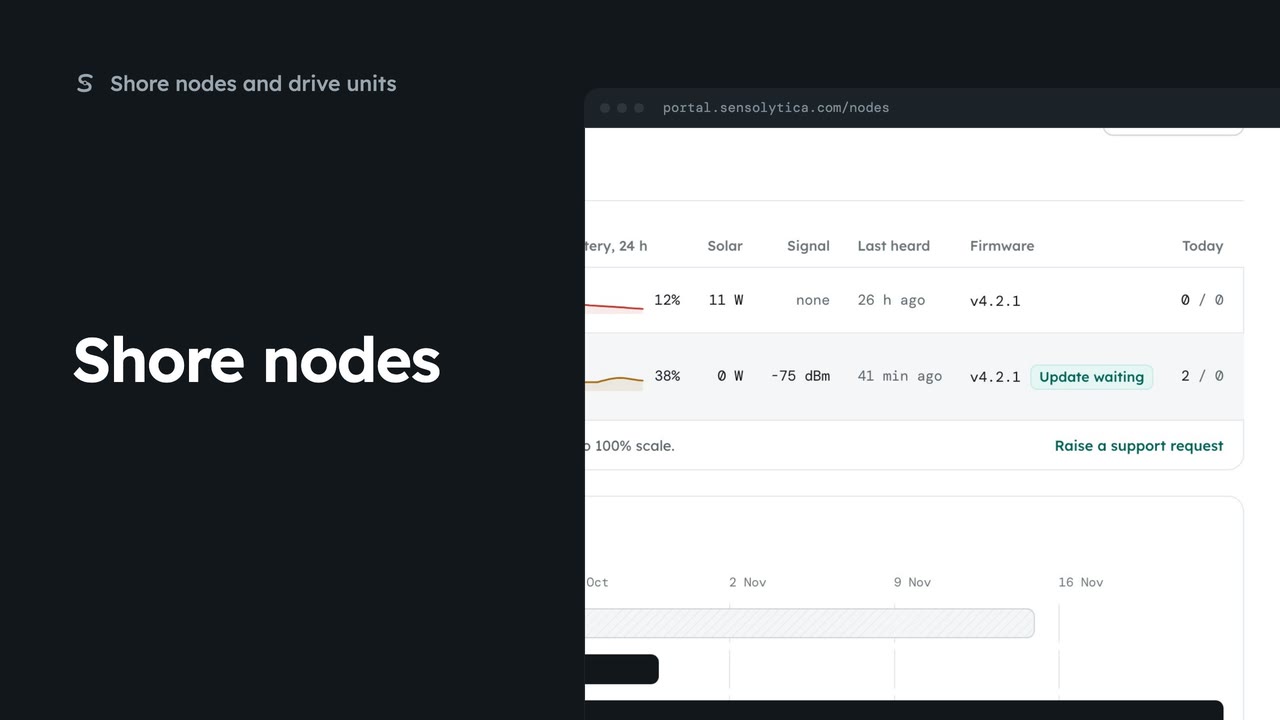
See every shore node, where it is and whether it is working, with the ones that need a visit first.
2 min5 stepsAdmin, Operator
Keep a shore node's serial, mount, position and installation notes up to date, and add a photo of how it is fitted, for the next engineer.
HBR-04
Shore nodes, then the node. Installation shows what the next engineer will read.
Edit
Serial, mount, position and installation notes. Moving the pin moves the node on the map.
Save
The portal checks first. The notes show on the node and on its label sheet.
Add photo
Upload one from site, or pick one from the library of node photos and frames.
Open HBR-04 from Shore nodes. Installation shows what the next engineer will read on site: the serial, the mount, where it is, the notes and a photo. HBR-04 has no notes and no photo yet.
Choose Edit at the top. Change the serial or the mount, move the pin if the node has moved, and write installation notes that will help whoever goes next.
Choose Save and confirm. The notes now show on the node's page.
Choose Add photo. Upload one taken on site, or open Library and pick one. Choose Use this image, then Use image. It is kept in evidence storage next to the node's captures.
Sign in with your work email. Your own organisation's records, nodes and units take the place of the Westmouth ones.
2 minSee every shore node, where it is and whether it is working, with the ones that need a visit first.
2 min5 stepsAdmin, Operator
 2 min
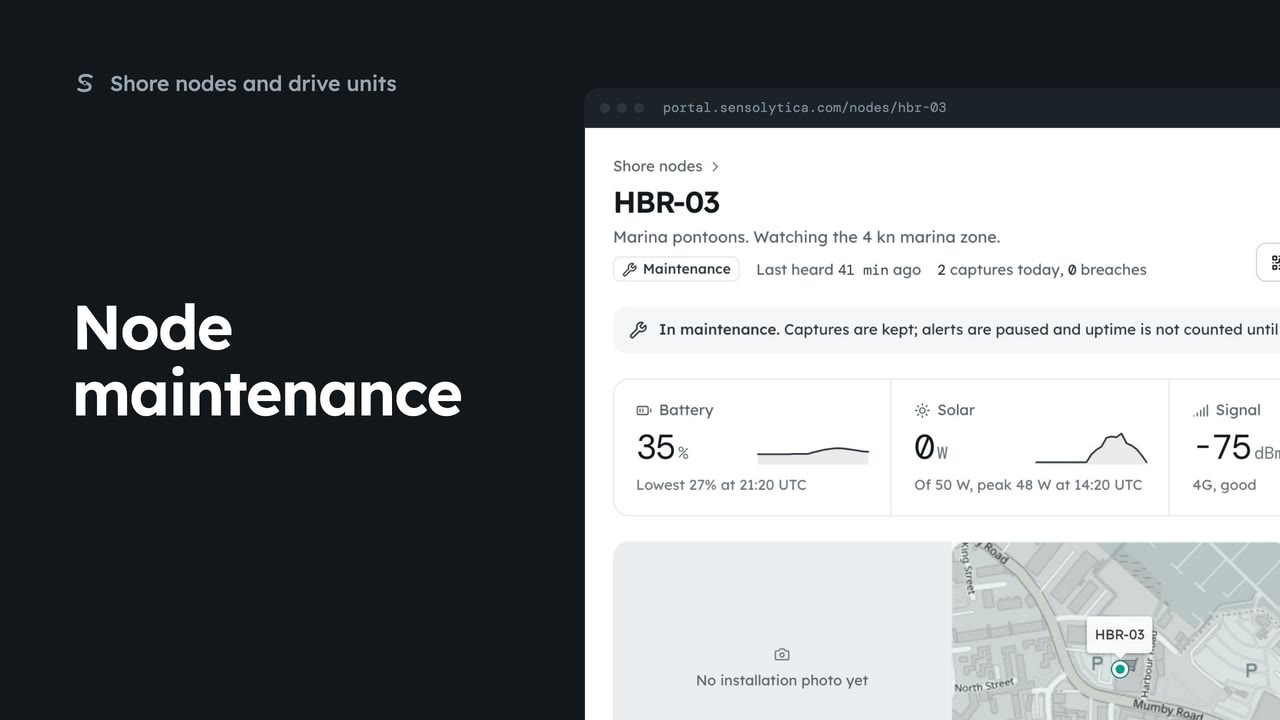
2 minRead a node’s next visit note, put it into maintenance while you work on it, and return it to service.
2 min5 stepsAdmin
 1 min
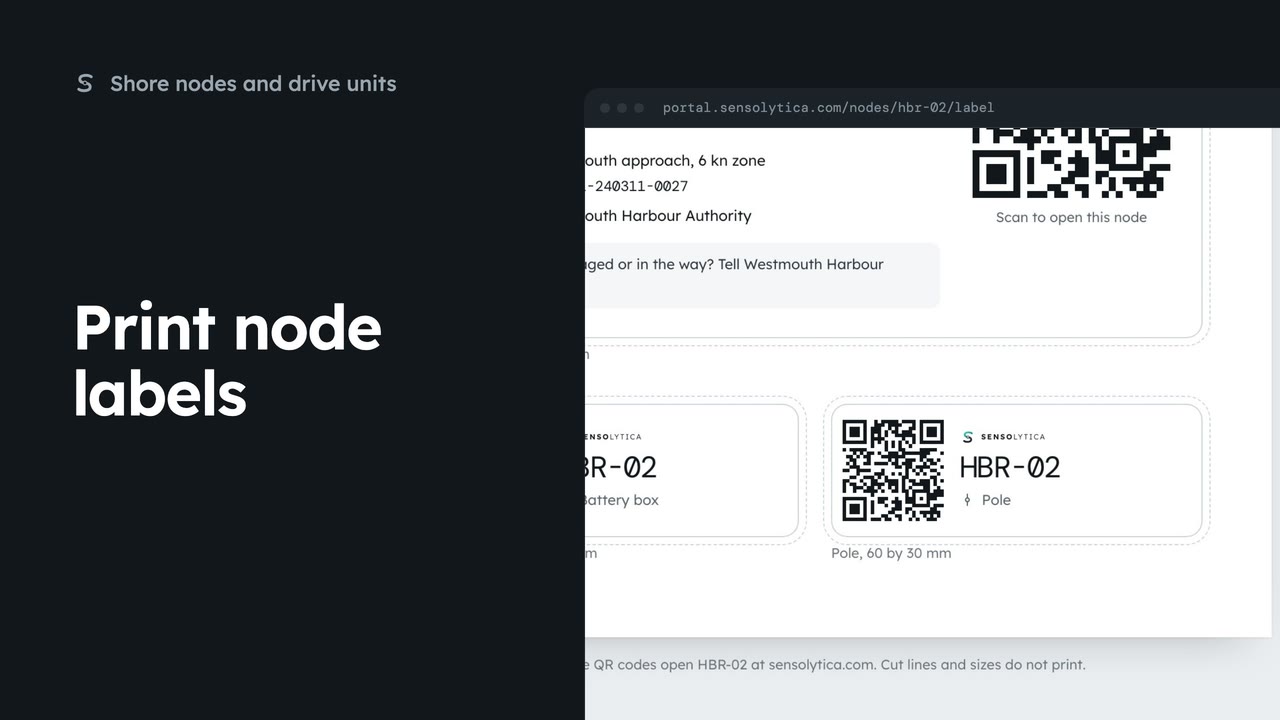
1 minPrint the enclosure, battery box and pole labels for a shore node on one weatherproof sheet.
1 min3 stepsAdmin, Operator
Checked against the portal on 15 October 2026. Westmouth names, vessels, units and figures are illustrative. General guidance on using the portal, not legal, regulatory or financial advice.