 2 min
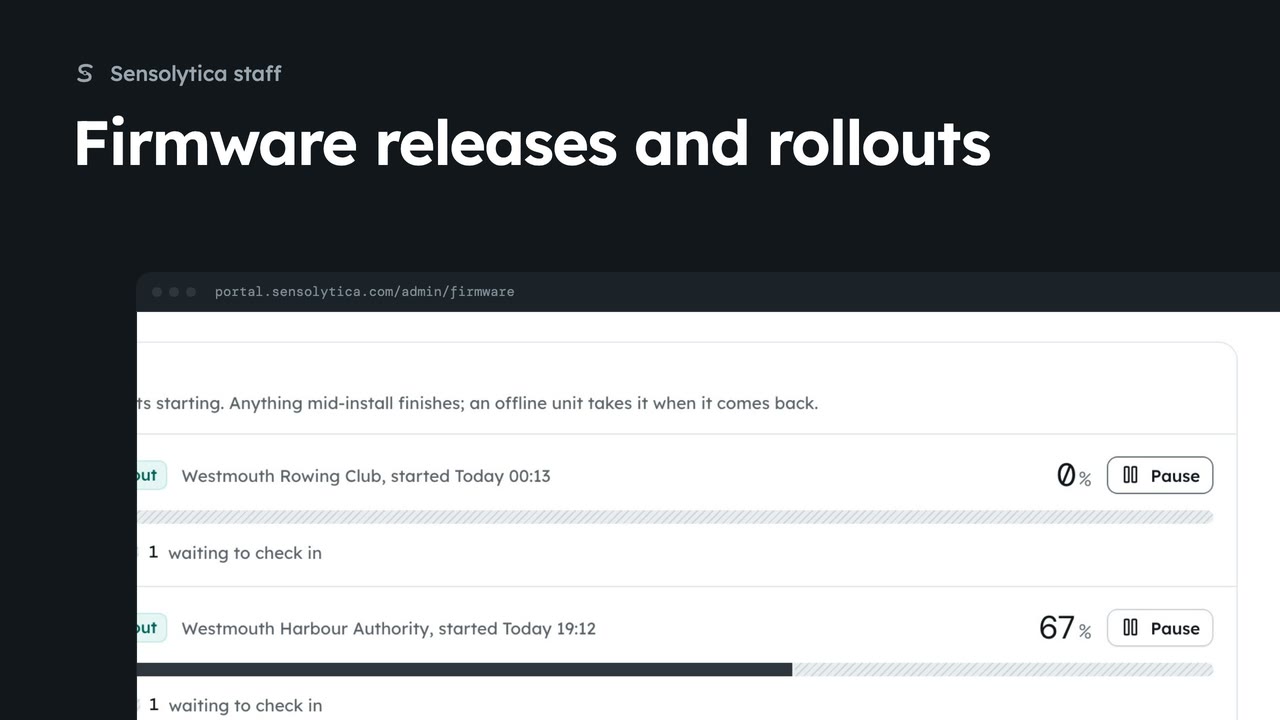
2 minFirmware releases and rollouts
Roll a shore node release out to one organisation, follow the rollout and hold a unit while someone is on site.
2 min6 stepsSensolytica staff
Keep a node on the firmware it runs while someone is on site or the pole is down.
Firmware, offered
WBC-01 runs v4.2.1 and has v4.3.0 offered. It installs at a check-in.
Hold the update on this node
It stays on what it runs and is not offered this update again until the next rollout.
Open WBC-01 from Shore nodes. Under Firmware it runs v4.2.1, and v4.3.0 is offered. Nothing is pushed: the node asks for it at a check-in, installs it and reboots.
Someone is up the lamp column this afternoon, so a reboot would be unwelcome. Choose Hold the update on this node, then confirm. It stays on what it runs, and is not offered this update again until the next rollout.
Sign in with your work email. Your own organisation's records, nodes and units take the place of the Westmouth ones.
2 minRoll a shore node release out to one organisation, follow the rollout and hold a unit while someone is on site.
2 min6 stepsSensolytica staff
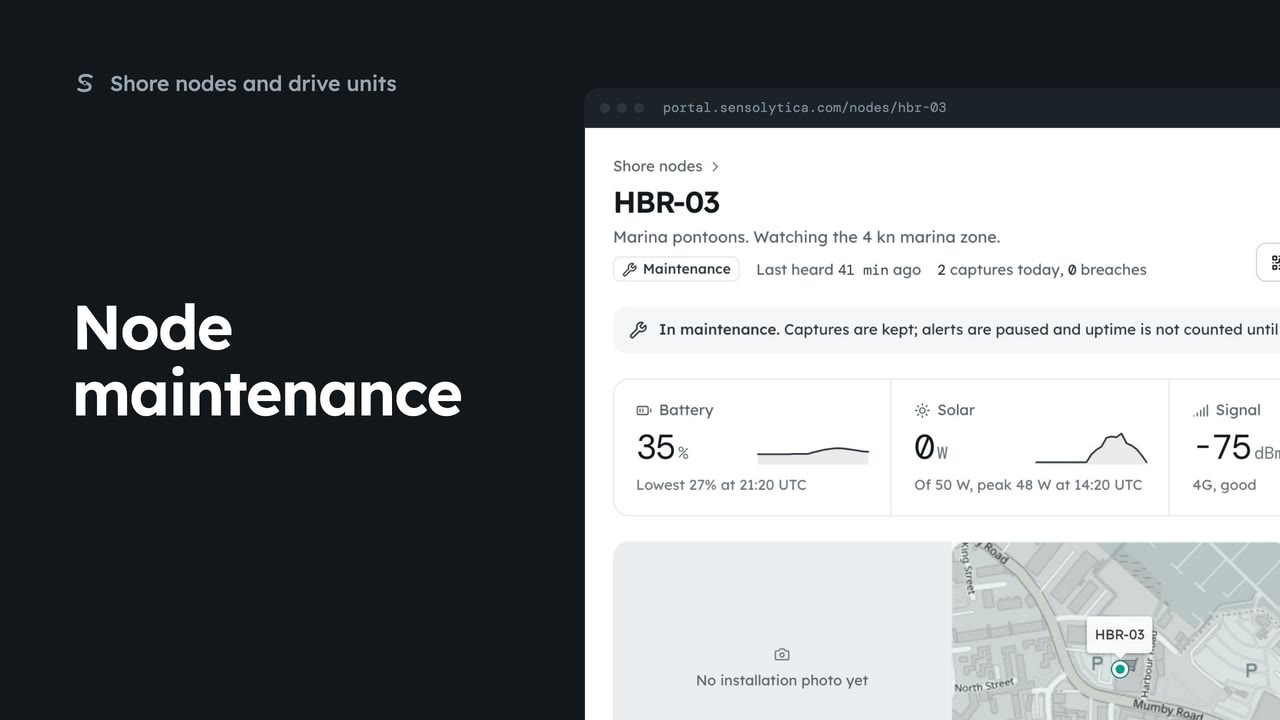 2 min
2 minRead a node’s next visit note, put it into maintenance while you work on it, and return it to service.
2 min5 stepsAdmin
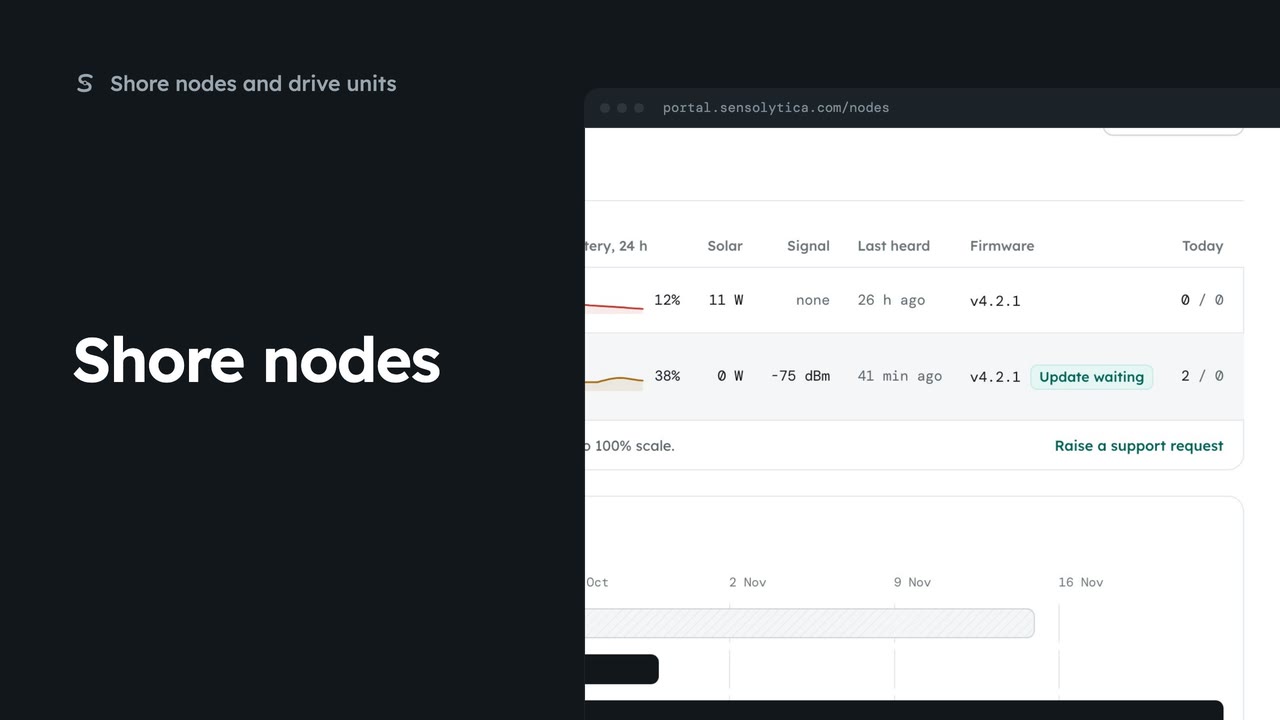 2 min
2 minSee every shore node, where it is and whether it is working, with the ones that need a visit first.
2 min5 stepsAdmin, Operator
Checked against the portal on 15 October 2026. Westmouth names, vessels, units and figures are illustrative. General guidance on using the portal, not legal, regulatory or financial advice.