 3 min
3 minAdd a shore node
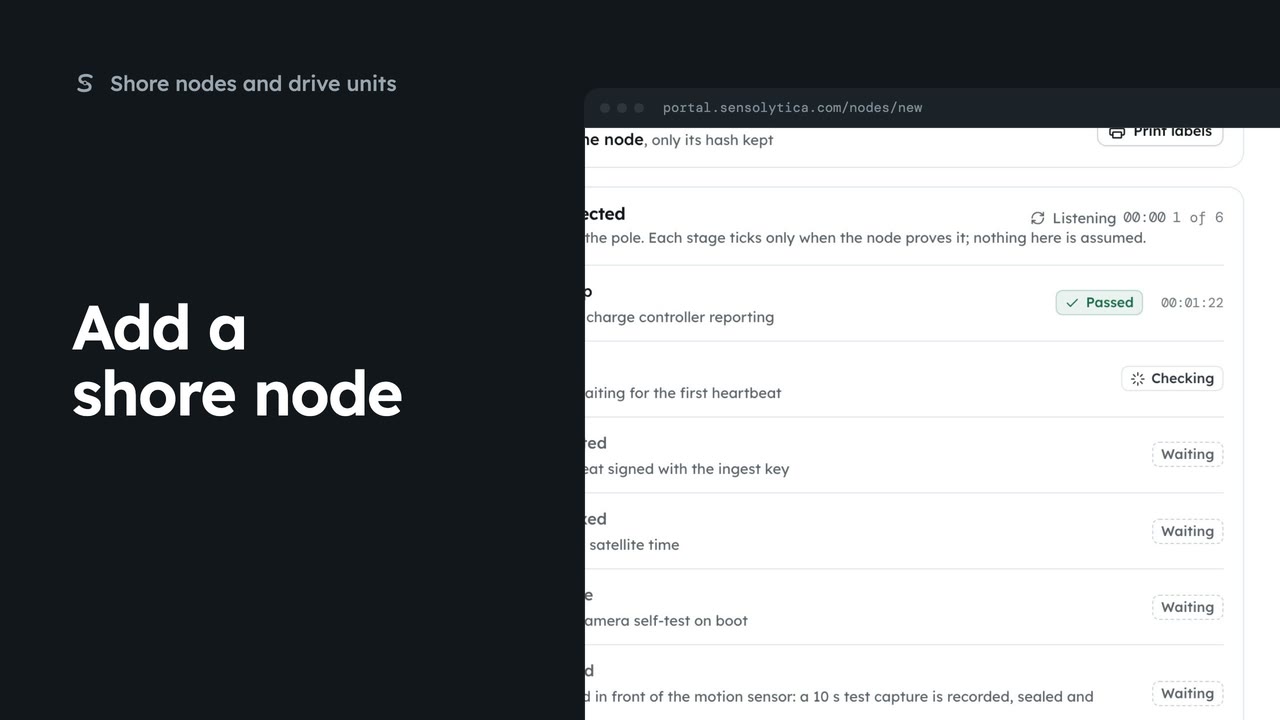
Register a new shore node, save its key and watch it connect, in four steps.
3 min7 stepsAdmin
Print the enclosure, battery box and pole labels for a shore node on one weatherproof sheet.
Label, on the node
Open the node from Shore nodes, then choose Label at the top of its page.
What you see prints
One enclosure label and two small ones, for the battery box and the pole, on A4 weatherproof polyester.
Copies, then print
Pick how many sheets under Copies, then choose Print labels.
On Shore nodes, choose the node by its code, here HBR-02. Then choose Label at the top of its page to open the label sheet.
One sheet holds three labels: a large one for the enclosure with the node code, site, serial and owner, and two small ones for the battery box and the pole. The code on each opens the node at sensolytica.com.
Choose how many sheets you need under Copies, then Print labels. The cut lines and sizes stay on screen and do not print.
Sign in with your work email. Your own organisation's records, nodes and units take the place of the Westmouth ones.
3 minRegister a new shore node, save its key and watch it connect, in four steps.
3 min7 stepsAdmin
 2 min
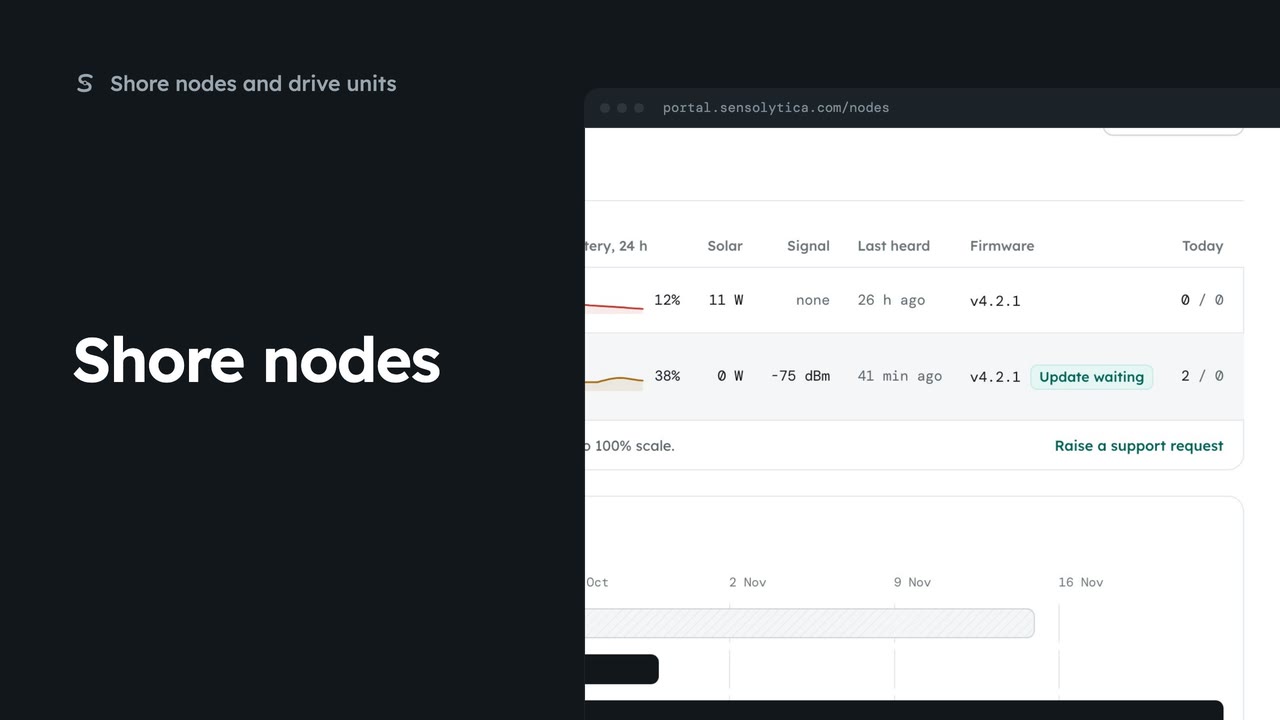
2 minSee every shore node, where it is and whether it is working, with the ones that need a visit first.
2 min5 stepsAdmin, Operator
 2 min
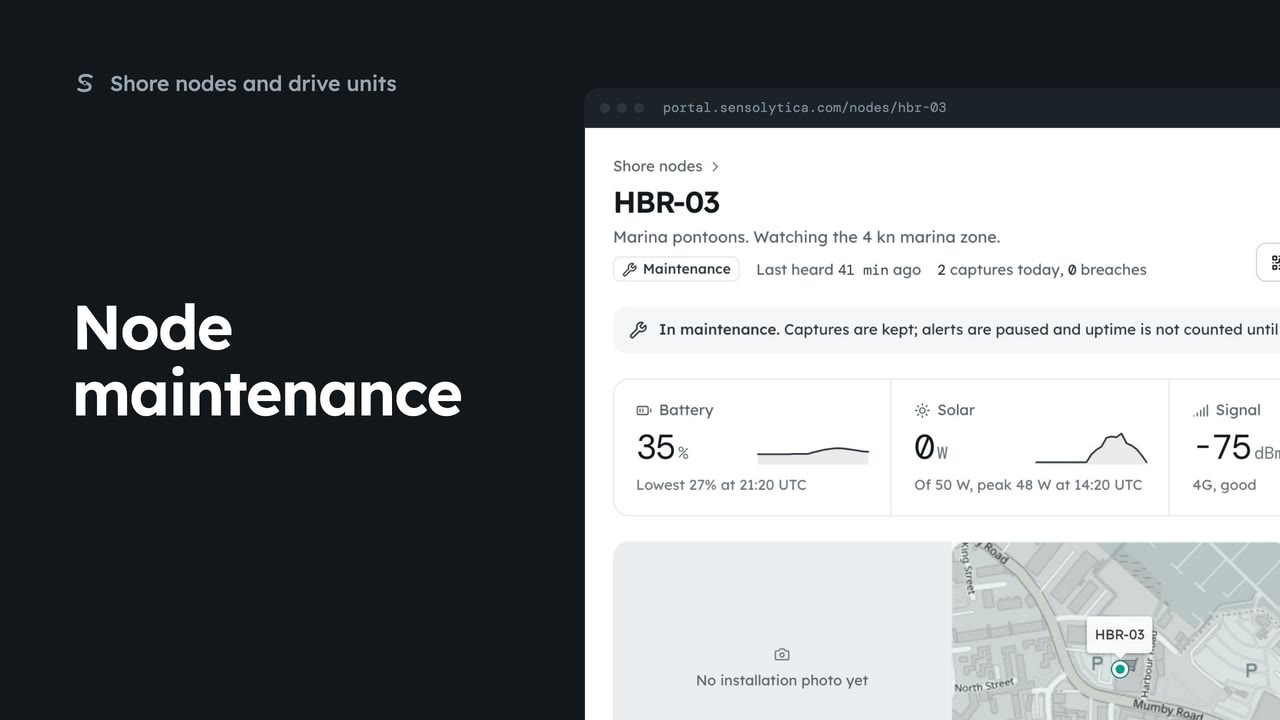
2 minRead a node’s next visit note, put it into maintenance while you work on it, and return it to service.
2 min5 stepsAdmin
Checked against the portal on 15 October 2026. Westmouth names, vessels, units and figures are illustrative. General guidance on using the portal, not legal, regulatory or financial advice.