 3 min
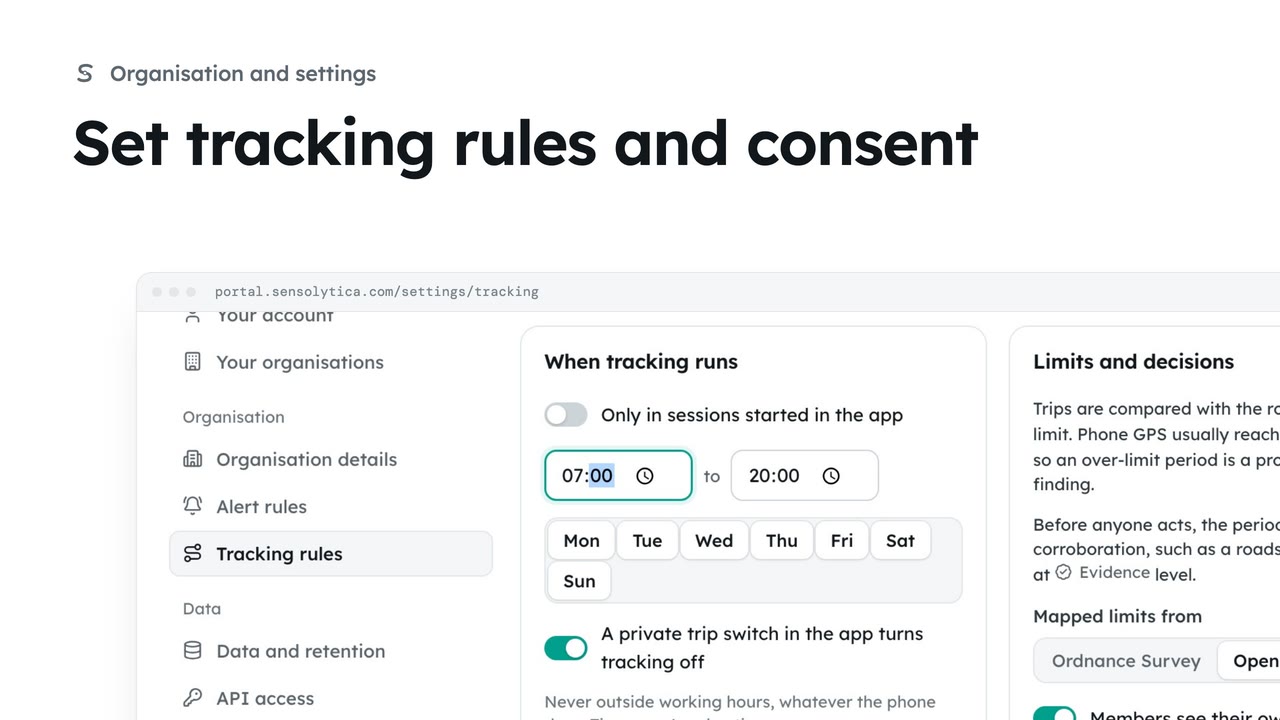
3 minSet tracking rules and consent
Decide who may track the organisation’s own vehicles and boats, with whose consent, when, and how long trips are kept.
3 min6 stepsAdmin
Stop a member's trips at once when they ask, or when they no longer drive or skipper for you.
Consent
Settings, Tracking rules, then Consent: who agreed, for what and when.
Withdraw consent
Their future trips stop at once. Trips already recorded follow retention.
Members agree in the app and can withdraw there at any time. An admin can withdraw for them too. Open Settings, then Tracking rules, and go to Consent.
Ellie has stopped coaching from the launch. On her consent choose Withdraw, then Withdraw consent. Her future trips stop at once, and those already recorded follow your retention.
Sign in with your work email. Your own organisation's records, nodes and units take the place of the Westmouth ones.
3 minDecide who may track the organisation’s own vehicles and boats, with whose consent, when, and how long trips are kept.
3 min6 stepsAdmin
 3 min
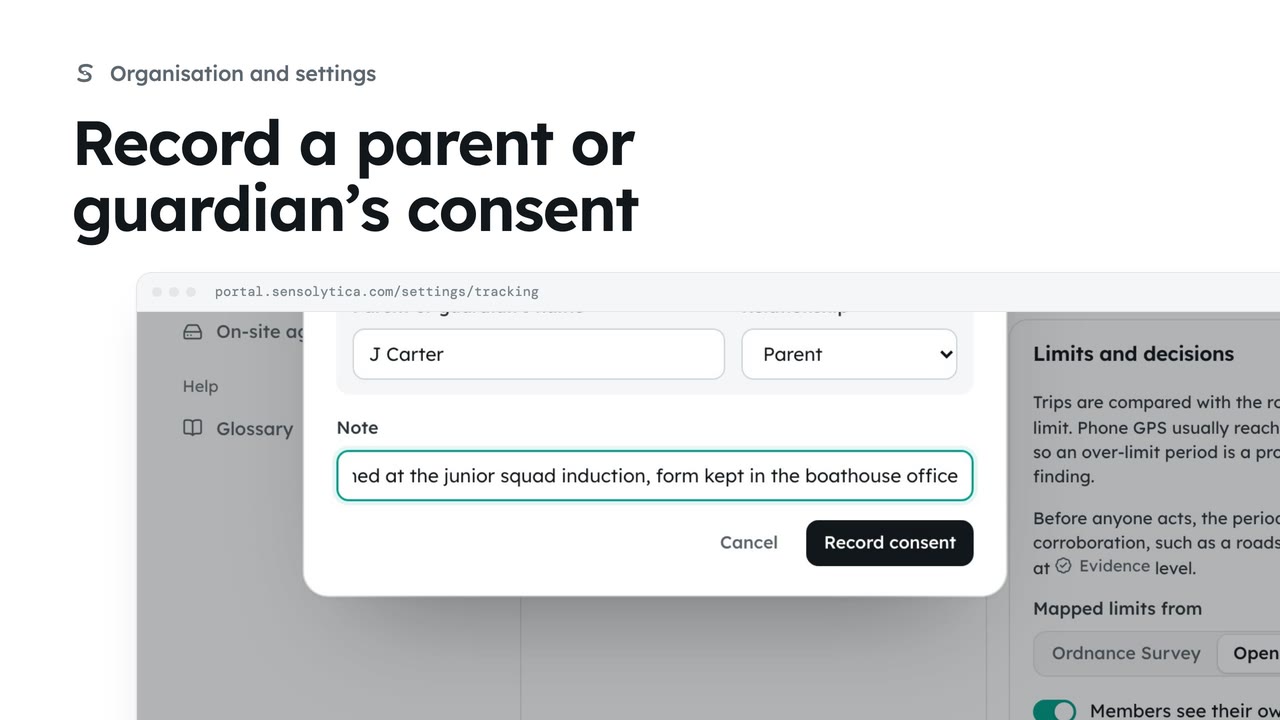
3 minRequire a parent or guardian’s consent for under 18s, and record one that was given on paper.
3 min6 stepsAdmin
 2 min
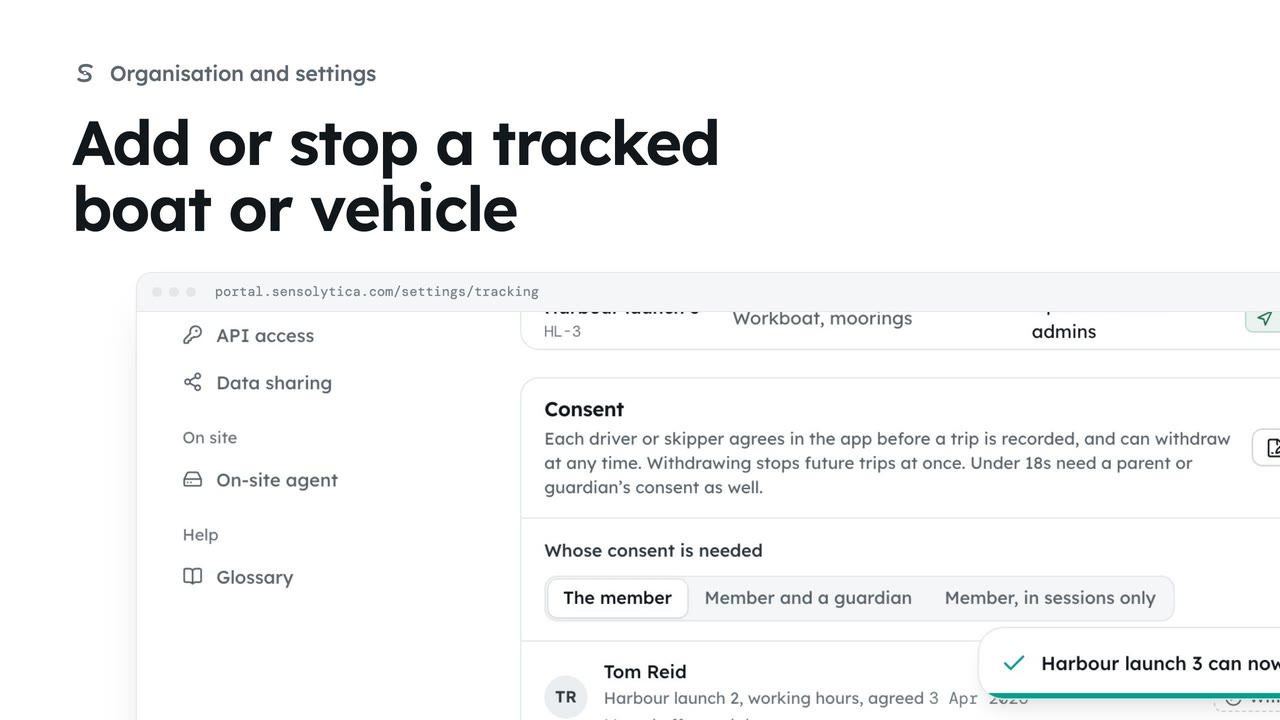
2 minLet members' phones record trips on one more of the organisation's own boats or vehicles, and stop when it is no longer needed.
2 min3 stepsAdmin
Checked against the portal on 15 October 2026. Westmouth names, vessels, units and figures are illustrative. General guidance on using the portal, not legal, regulatory or financial advice.