 3 min
3 minSet tracking rules and consent
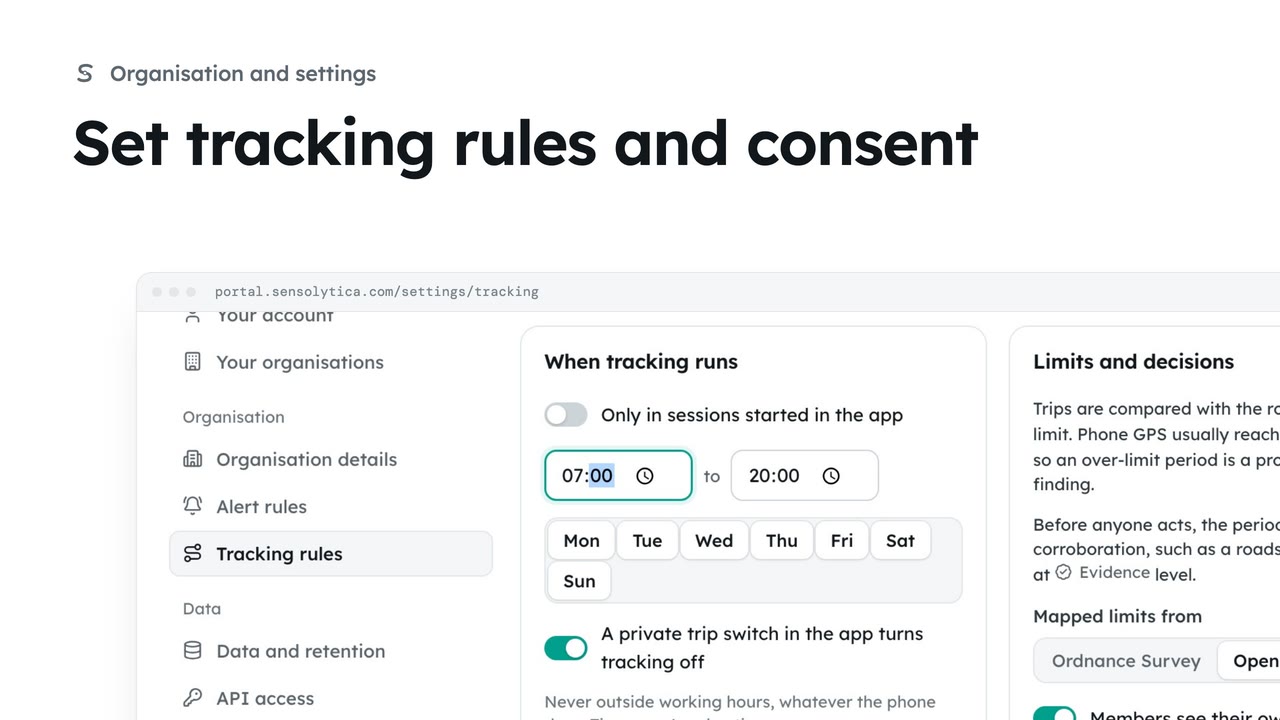
Decide who may track the organisation’s own vehicles and boats, with whose consent, when, and how long trips are kept.
3 min6 stepsAdmin
Require a parent or guardian’s consent for under 18s, and record one that was given on paper.
Under 18s are marked
In Tracking rules, the Consent panel tags each under 18 and shows their guardian’s consent beneath.
Whose consent is needed
Choose Member and a guardian under Whose consent is needed.
Record a consent
Choose Record a consent, pick the member and what it covers, and tick The member is under 18.
Who gave consent
Fill in the parent or guardian’s name, the relationship and a note about the paper form.
Both consents are kept
Choose Record consent, then Record consent in the confirm window.
Save the rules
Choose Save rules at the foot of the page, then confirm.
Open Tracking rules and look at the Consent panel. A junior rower is tagged under 18, and the line beneath shows the parent who consented and when. Without a guardian’s consent, an under 18’s trips are refused.
Under Whose consent is needed, choose Member and a guardian. You will save this with the rules at the end.
Consent is normally given in the app. When it was given on paper, choose Record a consent. Pick the member, the boat and what it covers, then tick The member is under 18.
Name the parent or guardian, choose the relationship, and add a note saying where the signed form is kept.
Choose Record consent and confirm. It replaces Sam’s earlier consent for the boat, which stays in the list as replaced, and both his consent and his parent’s are kept for the audit trail.
Finally choose Save rules and confirm, so every under 18 now needs a guardian’s consent before a trip is recorded.
Sign in with your work email. Your own organisation's records, nodes and units take the place of the Westmouth ones.
3 minDecide who may track the organisation’s own vehicles and boats, with whose consent, when, and how long trips are kept.
3 min6 stepsAdmin
 1 min
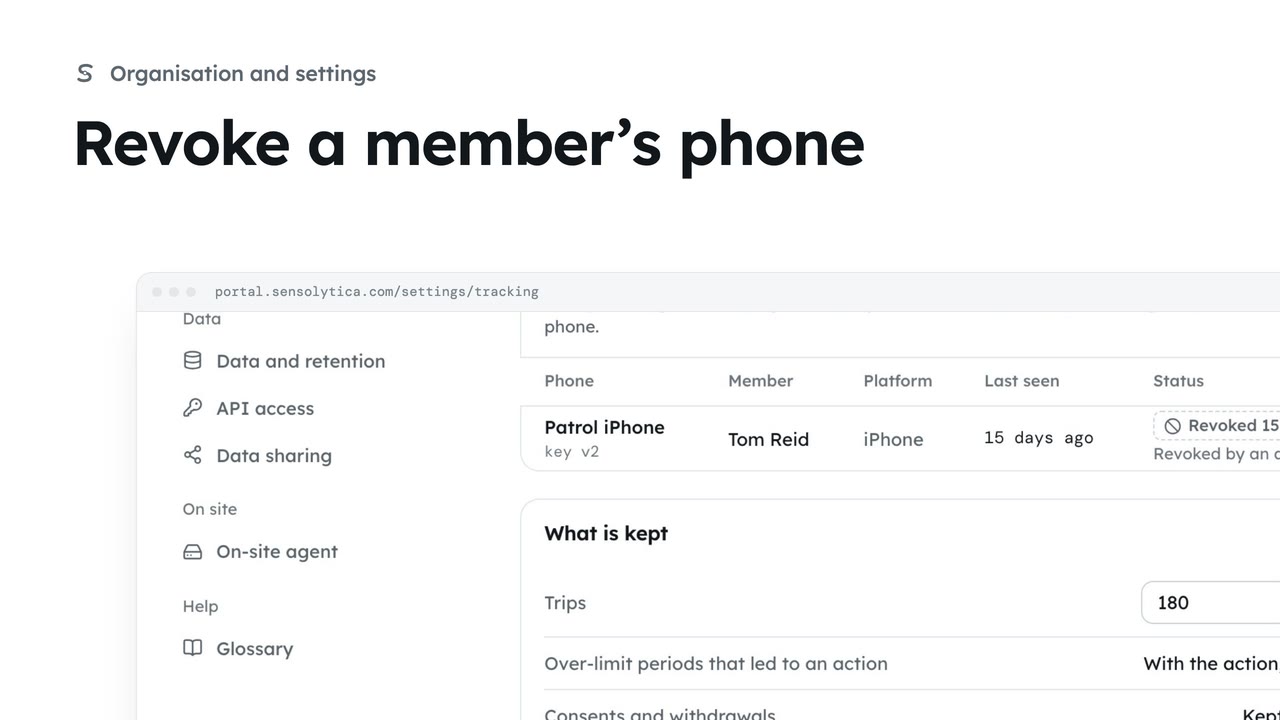
1 minSee which phones may send readings and revoke one that is lost, replaced or no longer needed.
1 min3 stepsAdmin
 2 min
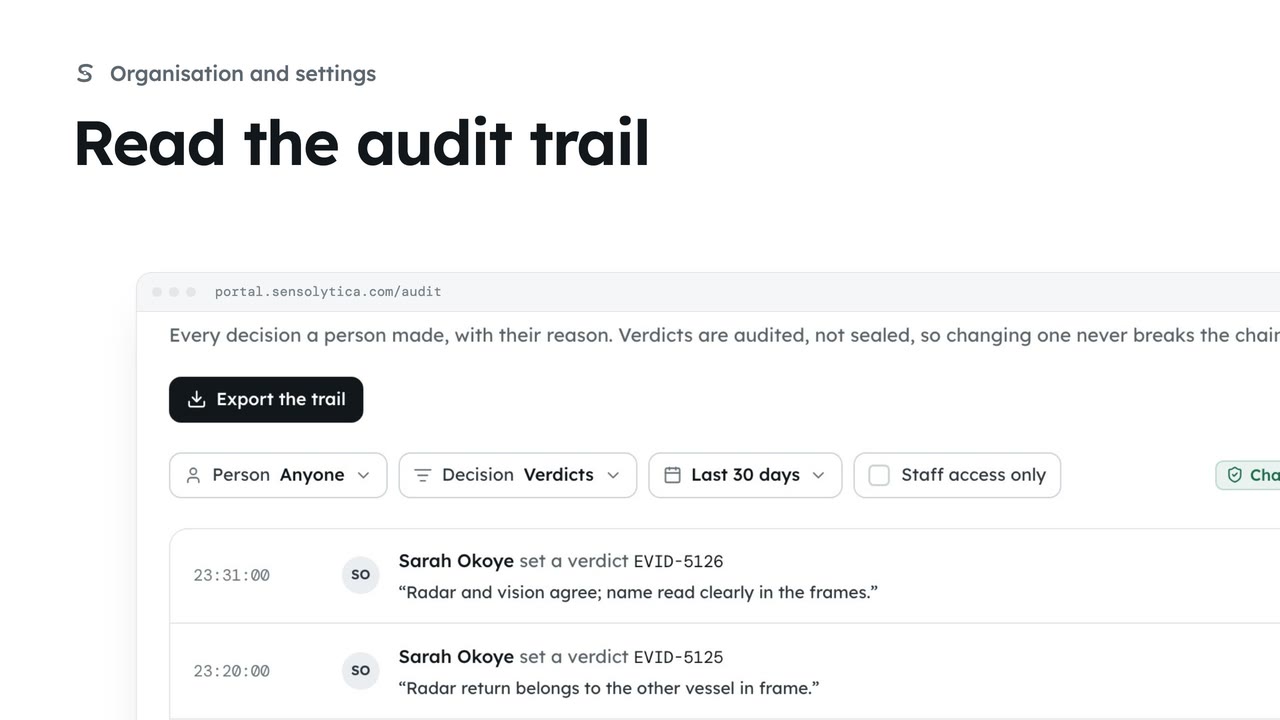
2 minSee every decision a person made in your organisation, with their reason, and export it for an auditor.
2 min4 stepsAdmin
Checked against the portal on 15 October 2026. Westmouth names, vessels, units and figures are illustrative. General guidance on using the portal, not legal, regulatory or financial advice.