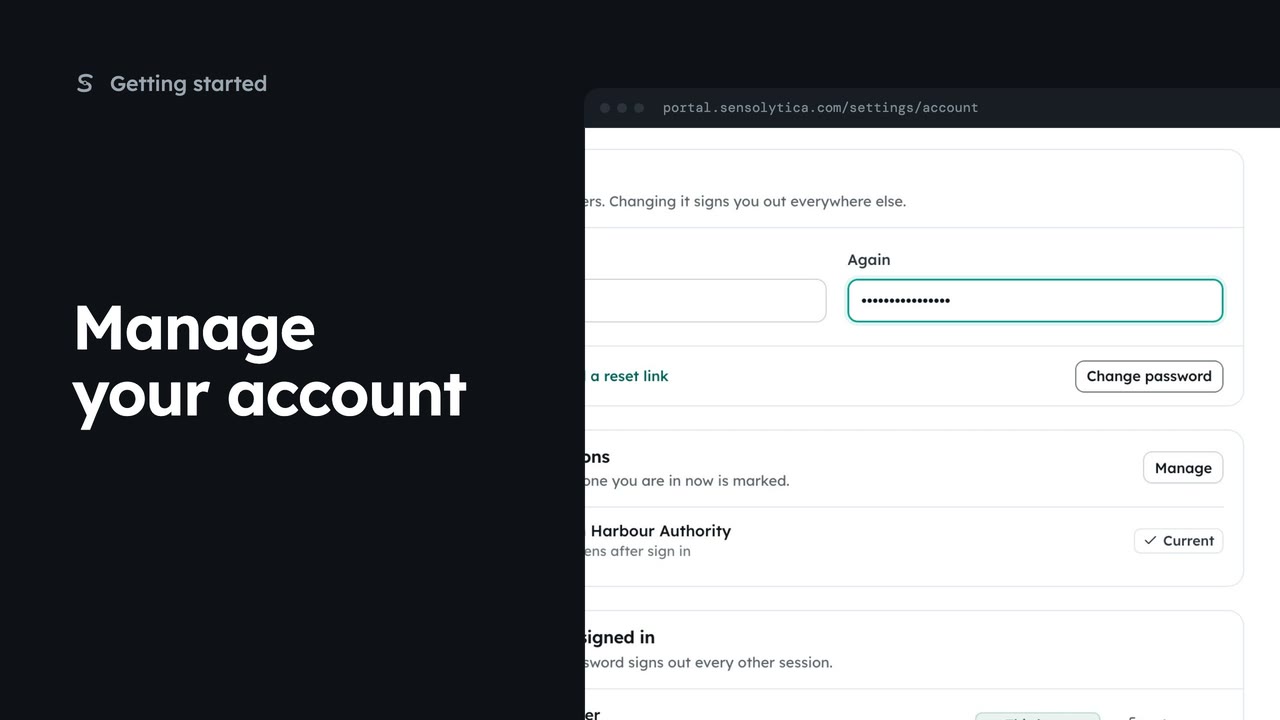
 2 min
2 minManage your account
Set your name and picture, change your password and see where you are signed in.
2 min4 stepsSensolytica staff, Admin, Operator, Maker
Save the name that goes on every decision you make, and add a profile picture.
 Film coming
The film is being made.
Every step is written out here, with the buttons named as the portal labels them.
Your account
Your name at the top right, then Your account.
Full name
As it should read on an evidence pack. Save profile asks first.
Add a picture
Upload a square image of at least 256 px. It shows in the top bar and beside your decisions.
Use this image
Confirm and it replaces your initials across the portal.
Choose your name at the top right, then Your account.
Full name is how you appear on every decision and evidence pack. Change it, choose Save profile, and confirm. Decisions already made keep the name they were made with.
Choose Add a picture. Upload a square image, at least 256 pixels, or drop one on the box. On a phone this opens the camera. Your picture shows in the top bar, on support requests and beside your decisions.
Choose Use this image, then Use picture. It replaces your initials across the portal straight away.
Sign in with your work email. Your own organisation's records, nodes and units take the place of the Westmouth ones.
2 minSet your name and picture, change your password and see where you are signed in.
2 min4 stepsSensolytica staff, Admin, Operator, Maker
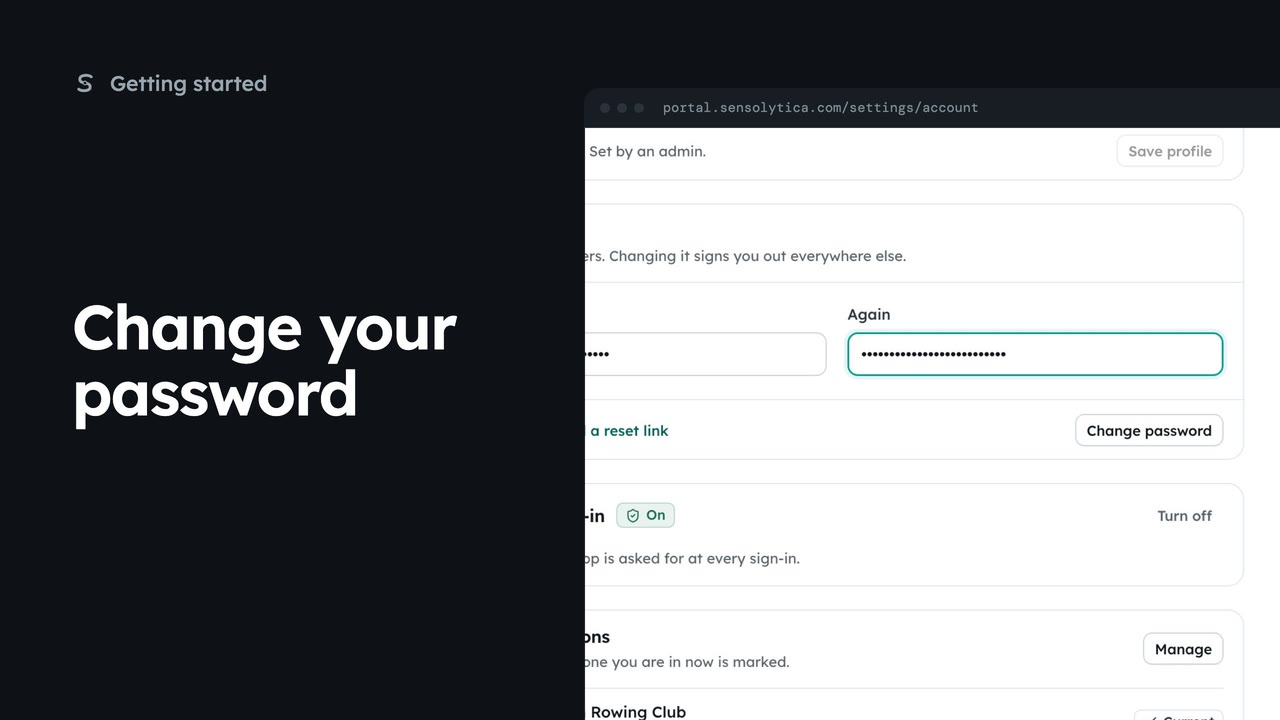 1 min
1 minChange your password while you are signed in, which signs you out of every other session.
1 min3 stepsSensolytica staff, Admin, Operator, Maker
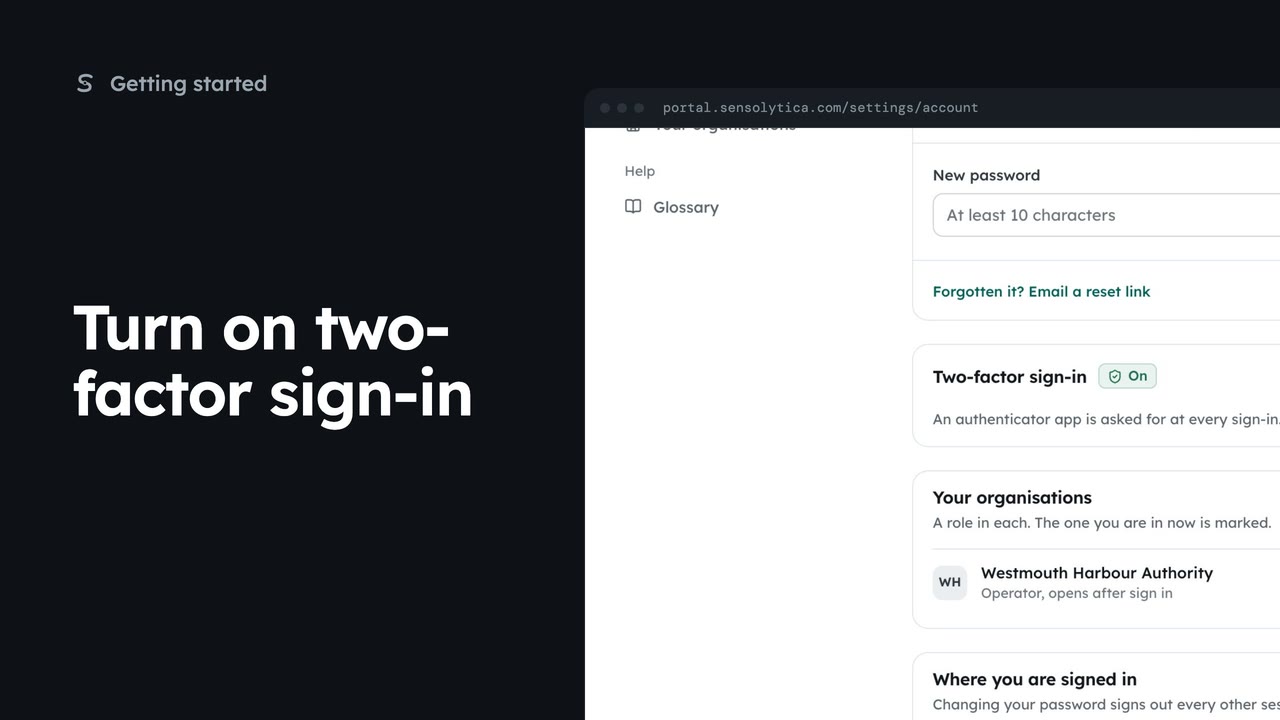 3 min
3 minPair an authenticator app with your account so a stolen password is not enough to sign in as you, then sign in with a code.
3 min5 stepsSensolytica staff, Admin, Operator, Maker
Checked against the portal on 15 October 2026. Westmouth names, vessels, units and figures are illustrative. General guidance on using the portal, not legal, regulatory or financial advice.