 3 min
3 minSign in to the portal
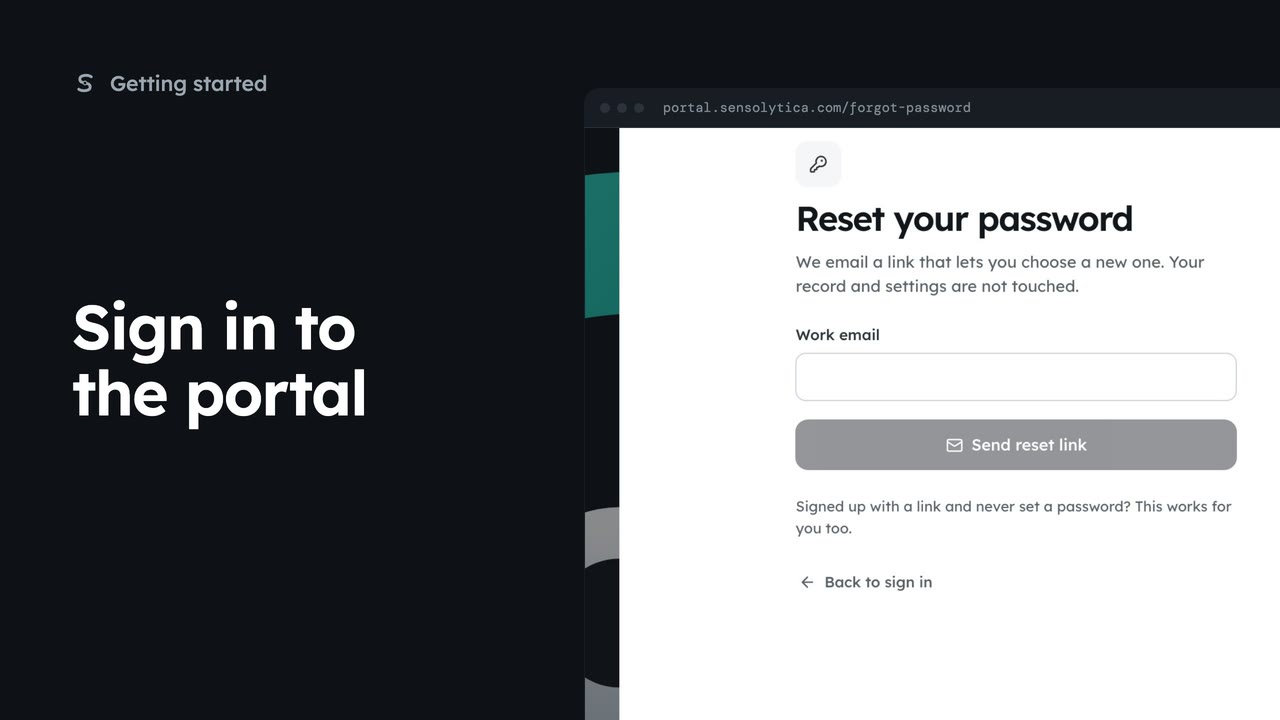
Sign in with your work email and a password or an emailed link, enter your two-factor code, and get back in if you forget your password.
3 min7 stepsSensolytica staff, Admin, Operator, Maker
Pair an authenticator app with your account so a stolen password is not enough to sign in as you, then sign in with a code.
Two-factor sign-in is off
Your name at the top right, then Your account. While it is off, it leads the page.
Three steps
Scan a code, enter the 6-digit code, then sign in with both.
Scan, then the code
Turn on two-factor shows a code to scan and its key. Enter the 6 digits in Code, then Verify and turn on.
Enter your code
From then on, sign in asks for the six-digit code after your password.
Verify and sign in
Type the current code and choose Verify and sign in.
Sign in, choose your name at the top right, then Your account. While two-factor is off, it leads the page. Anyone with your password could read the record and sign verdicts in your name.
Three steps sit under the warning. Scan a code with an authenticator app, enter the six digit code it shows, and from then on sign in with your password and a fresh code.
Choose Turn on two-factor. Scan the code that appears with your authenticator app, or type the key shown beside it. Enter the six digits it shows in Code and choose Verify and turn on. The panel then reads On.
From then on, signing in takes one more step. Sign out, and sign in again with your email and password: Enter your code asks for the six digit code your authenticator app shows for Sensolytica.
Type the code and choose Verify and sign in. Codes change every thirty seconds, so use the one showing now. If you change phones, turn two-factor off and pair the new one straight away.
Sign in with your work email. Your own organisation's records, nodes and units take the place of the Westmouth ones.
3 minSign in with your work email and a password or an emailed link, enter your two-factor code, and get back in if you forget your password.
3 min7 stepsSensolytica staff, Admin, Operator, Maker
 2 min
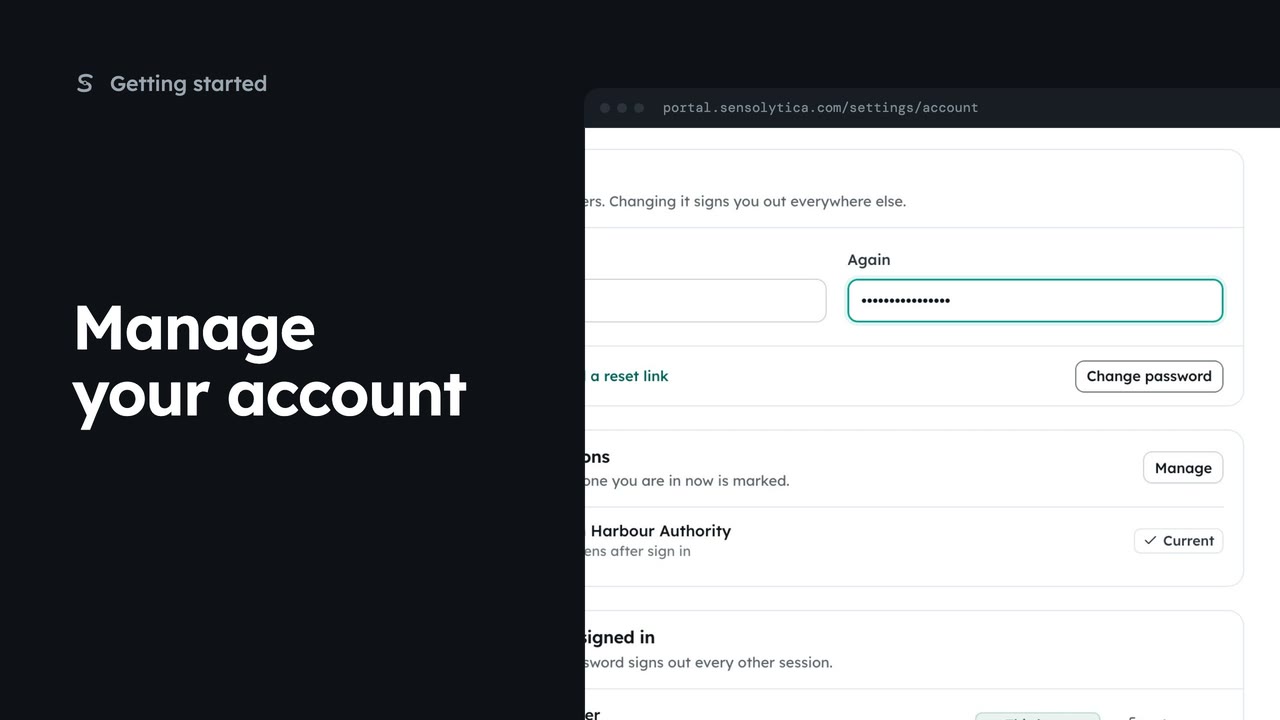
2 minSet your name and picture, change your password and see where you are signed in.
2 min4 stepsSensolytica staff, Admin, Operator, Maker
 2 min
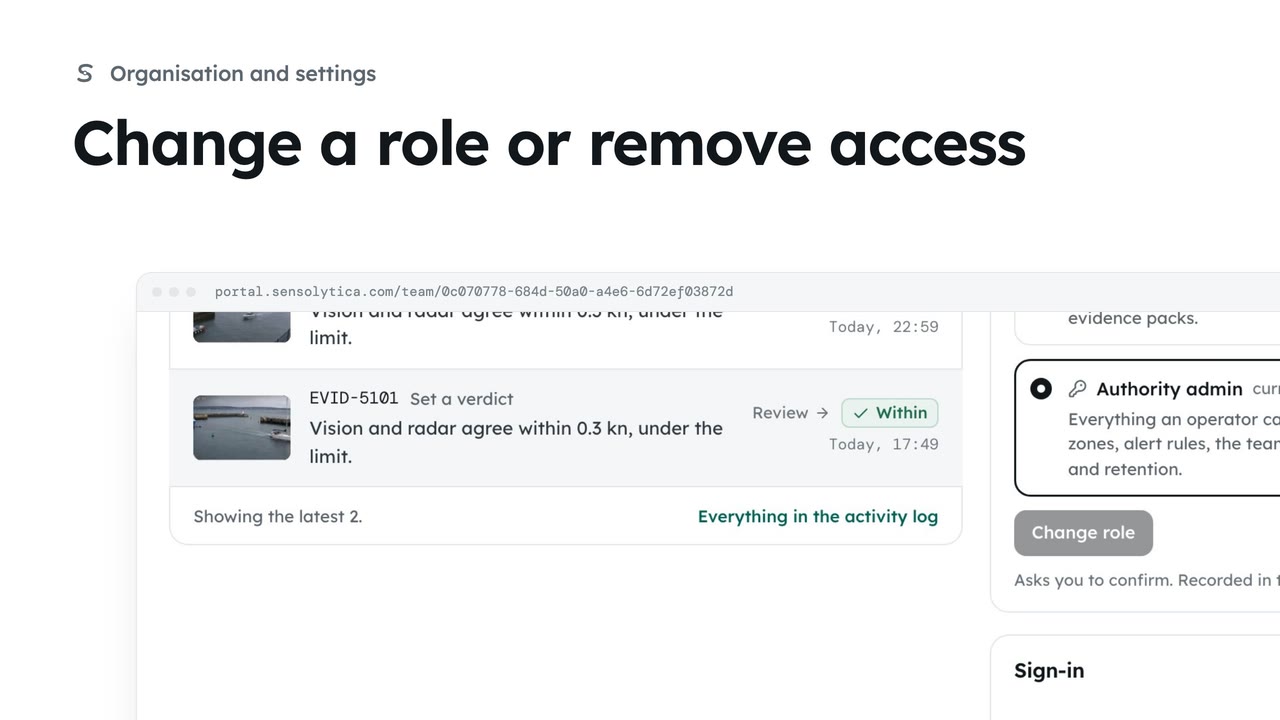
2 minSee what each role can do, change a person’s role, and remove someone who no longer needs access.
2 min4 stepsAdmin
Checked against the portal on 15 October 2026. Westmouth names, vessels, units and figures are illustrative. General guidance on using the portal, not legal, regulatory or financial advice.