 2 min
2 minManage your account
Set your name and picture, change your password and see where you are signed in.
2 min4 stepsSensolytica staff, Admin, Operator, Maker
Change your password while you are signed in, which signs you out of every other session.
Password
Your name at the top right, Your account, then Password.
New password, then again
At least 10 characters, the same in both boxes.
Change password
Confirm, and every other session is signed out.
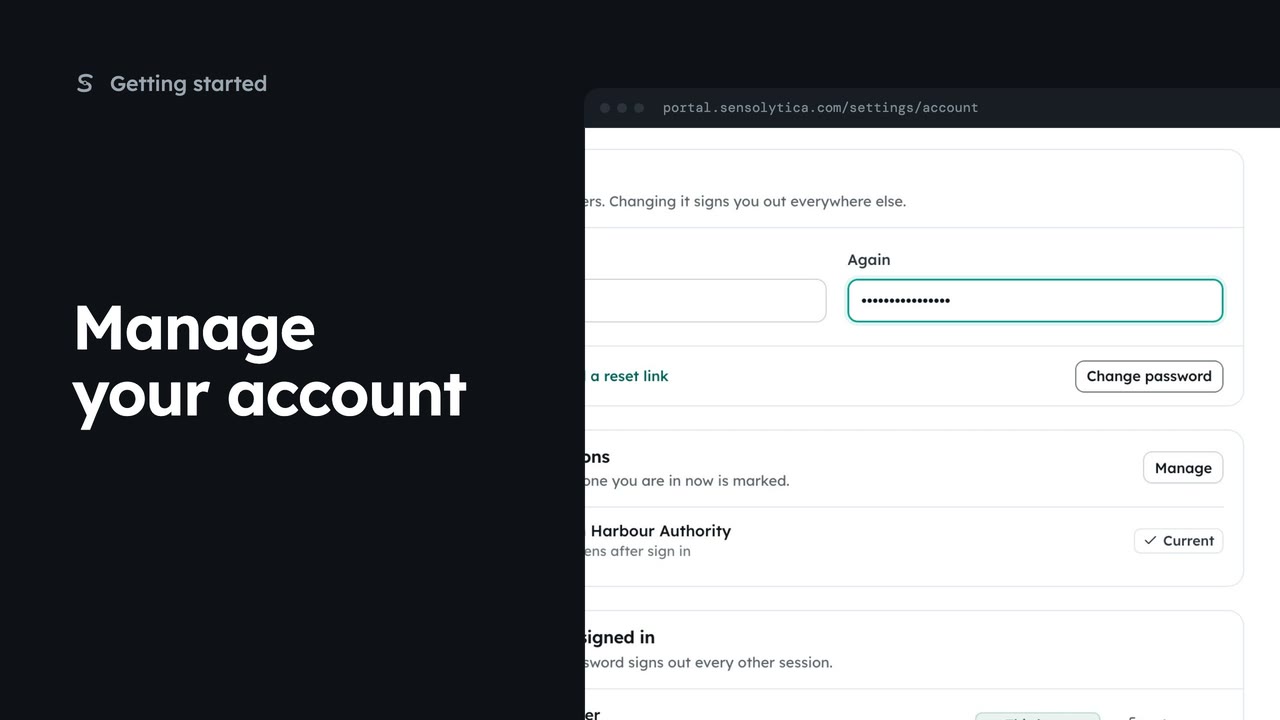
Choose your name at the top right, then Your account, and go to Password. Changing it signs you out everywhere else, and keeps you signed in here.
Type the new password, at least ten characters, then the same again. If they differ, the page says so under the second box.
Choose Change password and confirm. You stay signed in here, and every other session is signed out. Forgotten the old one? The link beside the button emails a reset link instead.
Sign in with your work email. Your own organisation's records, nodes and units take the place of the Westmouth ones.
2 minSet your name and picture, change your password and see where you are signed in.
2 min4 stepsSensolytica staff, Admin, Operator, Maker
 1 min
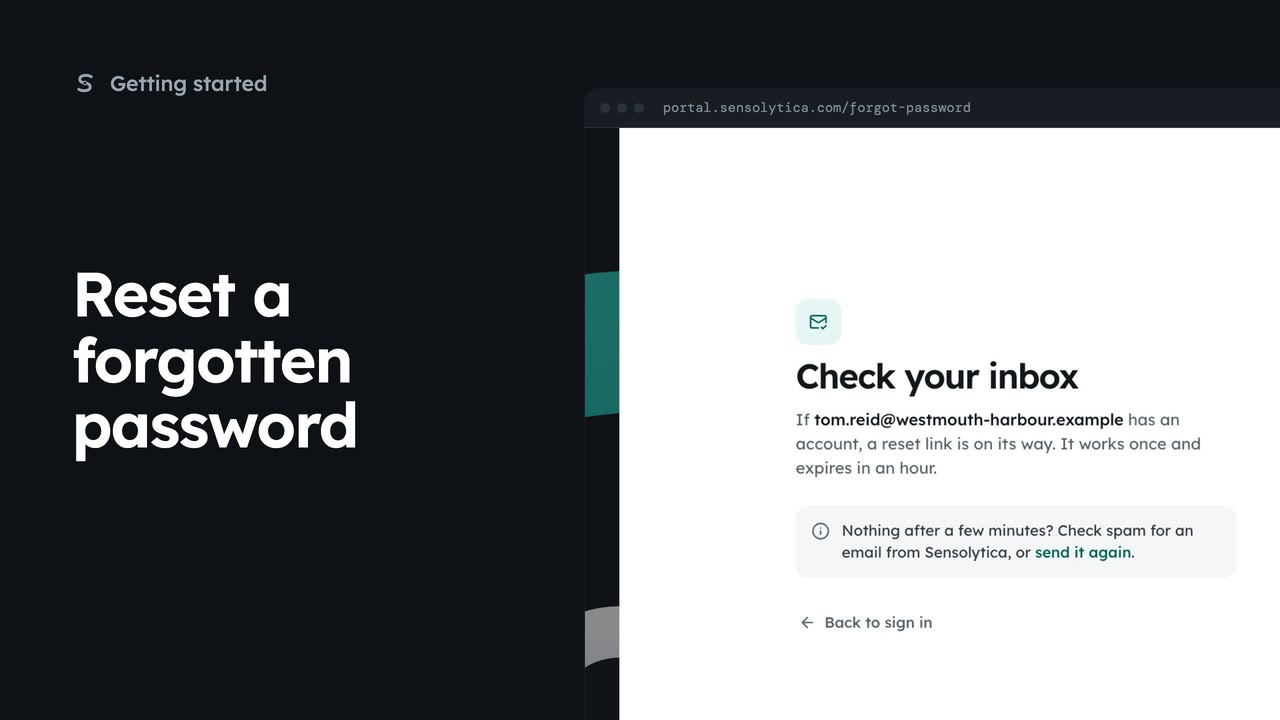
1 minAsk for a reset link from the sign-in page, then find it in your inbox or send it again.
1 min4 stepsSensolytica staff, Admin, Operator, Maker
 3 min
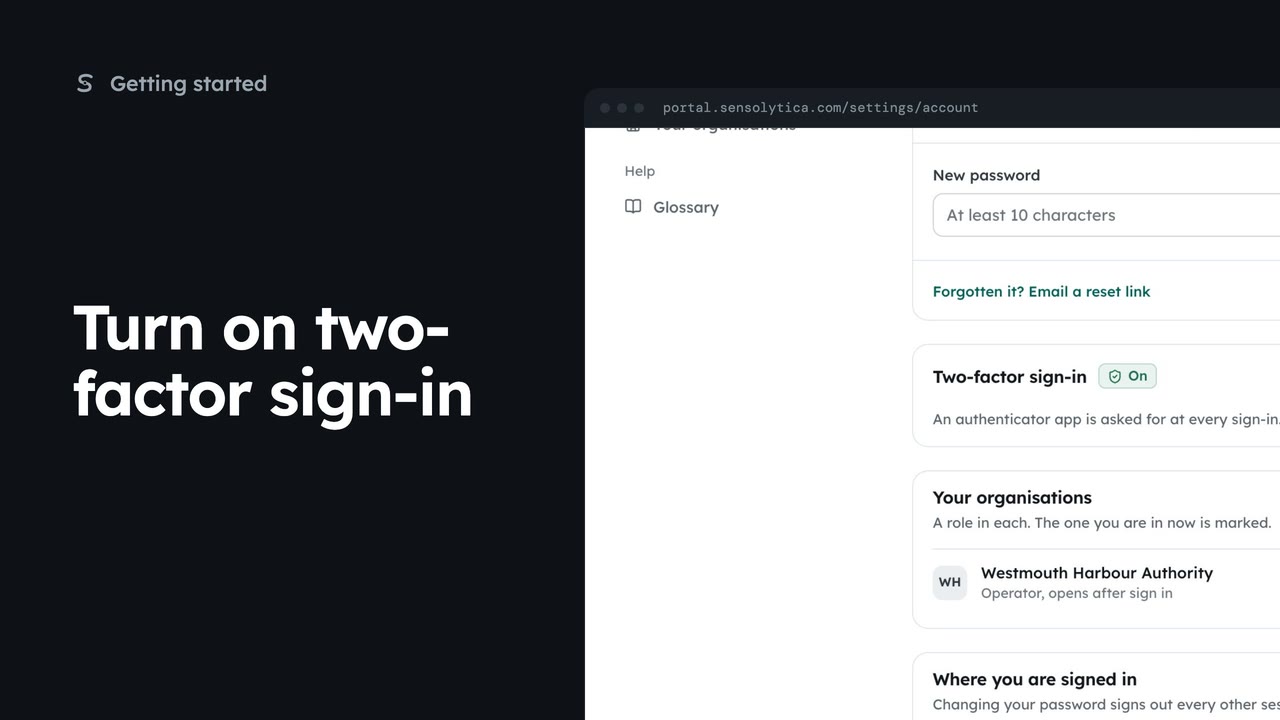
3 minPair an authenticator app with your account so a stolen password is not enough to sign in as you, then sign in with a code.
3 min5 stepsSensolytica staff, Admin, Operator, Maker
Checked against the portal on 15 October 2026. Westmouth names, vessels, units and figures are illustrative. General guidance on using the portal, not legal, regulatory or financial advice.