 2 min
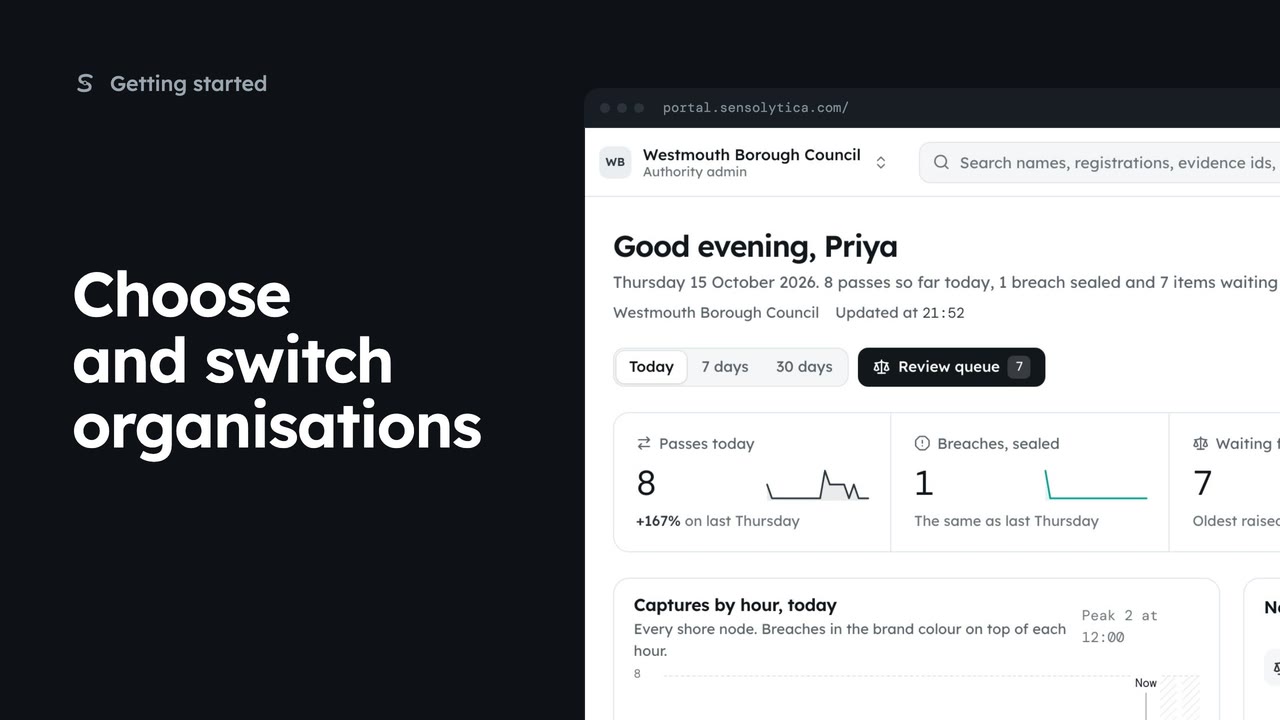
2 minChoose and switch organisations
Pick where to start after sign in, switch organisation from the top bar, and set your default.
2 min5 stepsAdmin, Operator
Choose which of your organisations opens first after you sign in.
Your organisations
Settings, then Your organisations. The default is marked with a star.
Make default
On the council's row, Make default. It opens first from your next sign in.
Open Settings, then Your organisations. Memberships lists each organisation you belong to, your role there, when you last used it, and which is your default: the one that opens first after you sign in.
On Westmouth Borough Council's row, choose Make default. From your next sign in, the council opens first. You can still switch at any time from the chip at the top left.
Sign in with your work email. Your own organisation's records, nodes and units take the place of the Westmouth ones.
2 minPick where to start after sign in, switch organisation from the top bar, and set your default.
2 min5 stepsAdmin, Operator
 2 min
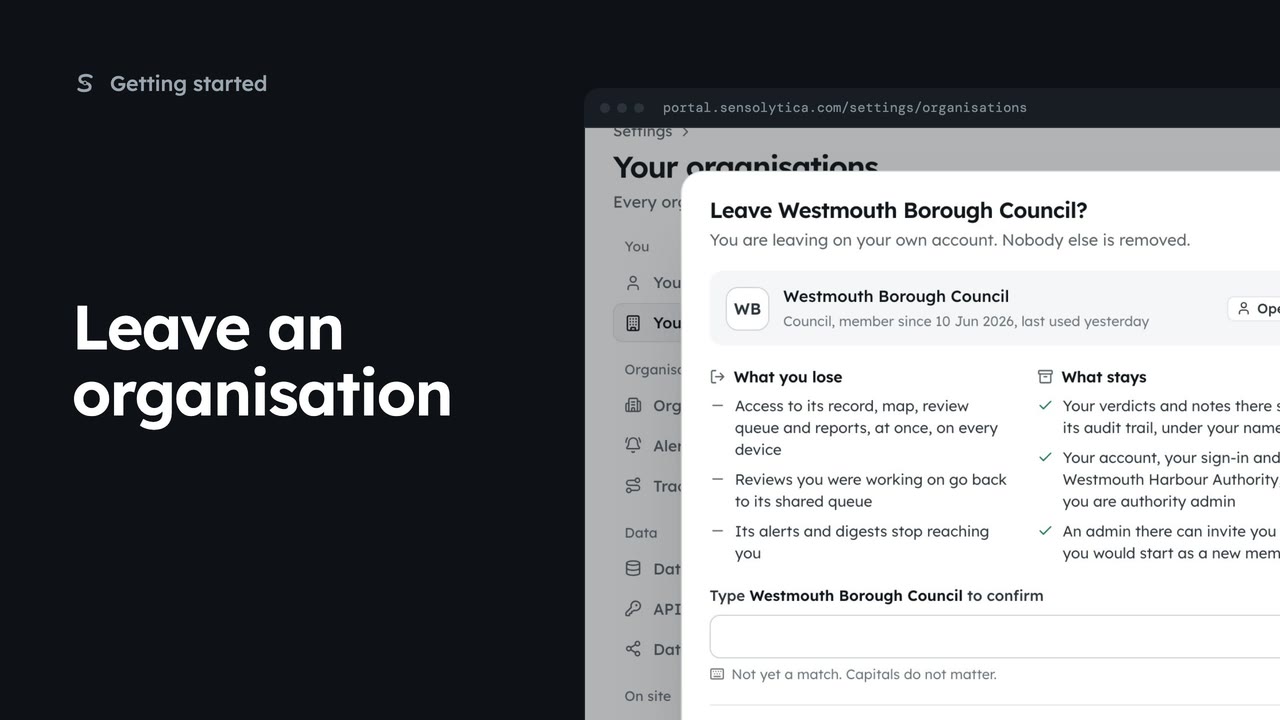
2 minLeave an organisation you no longer work with, see what you lose and what stays, and confirm by typing its name.
2 min3 stepsAdmin, Operator, Maker
 2 min
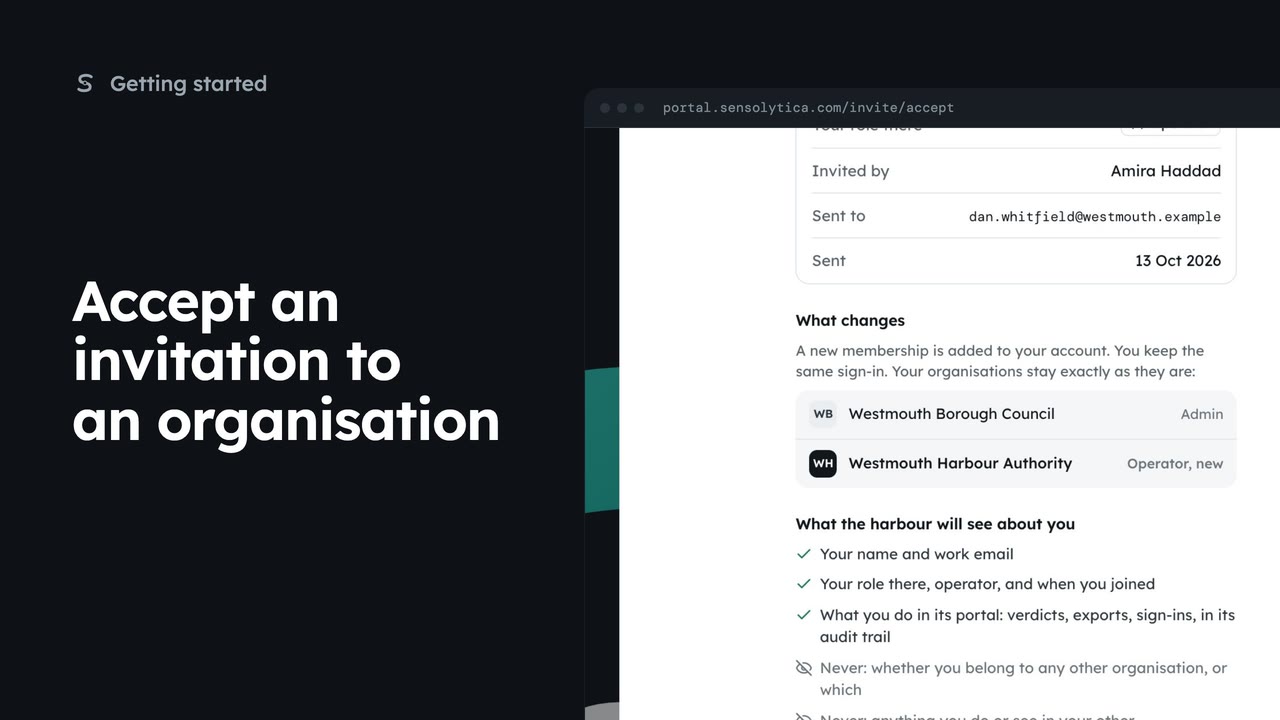
2 minReview an invitation to another organisation, see what it will know about you, and accept or decline it.
2 min5 stepsAdmin, Operator, Maker
Checked against the portal on 15 October 2026. Westmouth names, vessels, units and figures are illustrative. General guidance on using the portal, not legal, regulatory or financial advice.