 1 min
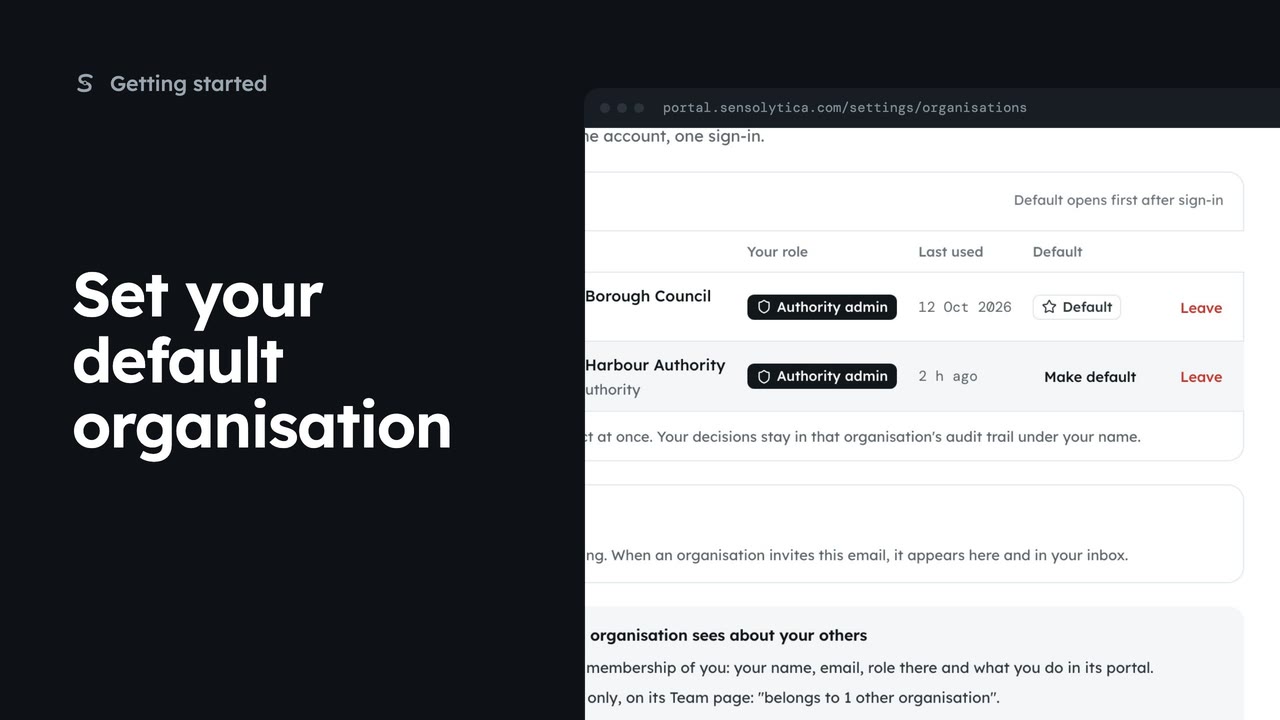
1 minSet your default organisation
Choose which of your organisations opens first after you sign in.
1 min2 stepsAdmin, Operator, Maker
Leave an organisation you no longer work with, see what you lose and what stays, and confirm by typing its name.
Your organisations
Settings, then Your organisations. Leave is at the end of each row.
What you lose, what stays
Access goes at once. Your decisions stay in its audit trail under your name.
Type the name to confirm
Capitals do not matter. Leave the council becomes available when it matches.
Open Settings, then Your organisations. Amira is an admin at the harbour and an operator at the council. Leave is at the end of each row. Your only organisation cannot be left: an admin removes you instead.
The dialog says what you lose: its record, map, review queue and reports, at once, on every device, and its alerts. And what stays: your decisions in its audit trail under your name, and your account with your other organisations.
Type the organisation's name to confirm. Capitals do not matter. When it matches, choose Leave the council. Its admins are told you left.
Sign in with your work email. Your own organisation's records, nodes and units take the place of the Westmouth ones.
1 minChoose which of your organisations opens first after you sign in.
1 min2 stepsAdmin, Operator, Maker
 2 min
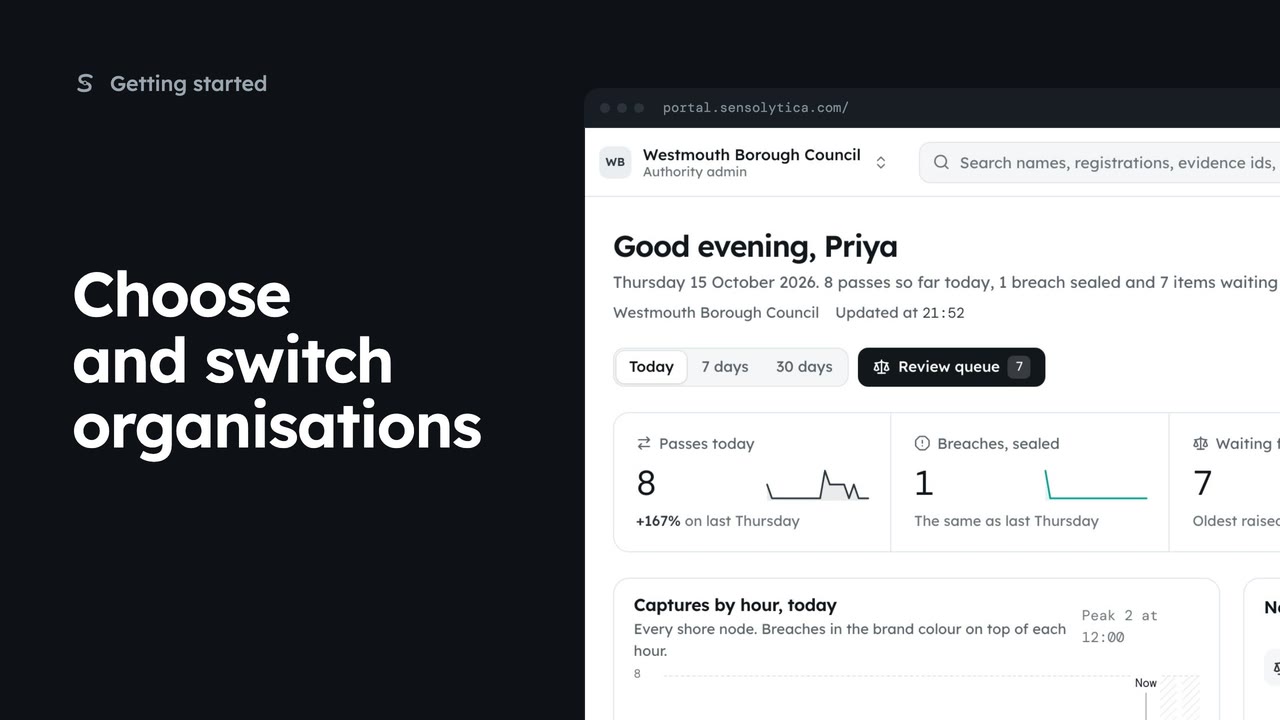
2 minPick where to start after sign in, switch organisation from the top bar, and set your default.
2 min5 stepsAdmin, Operator
 2 min
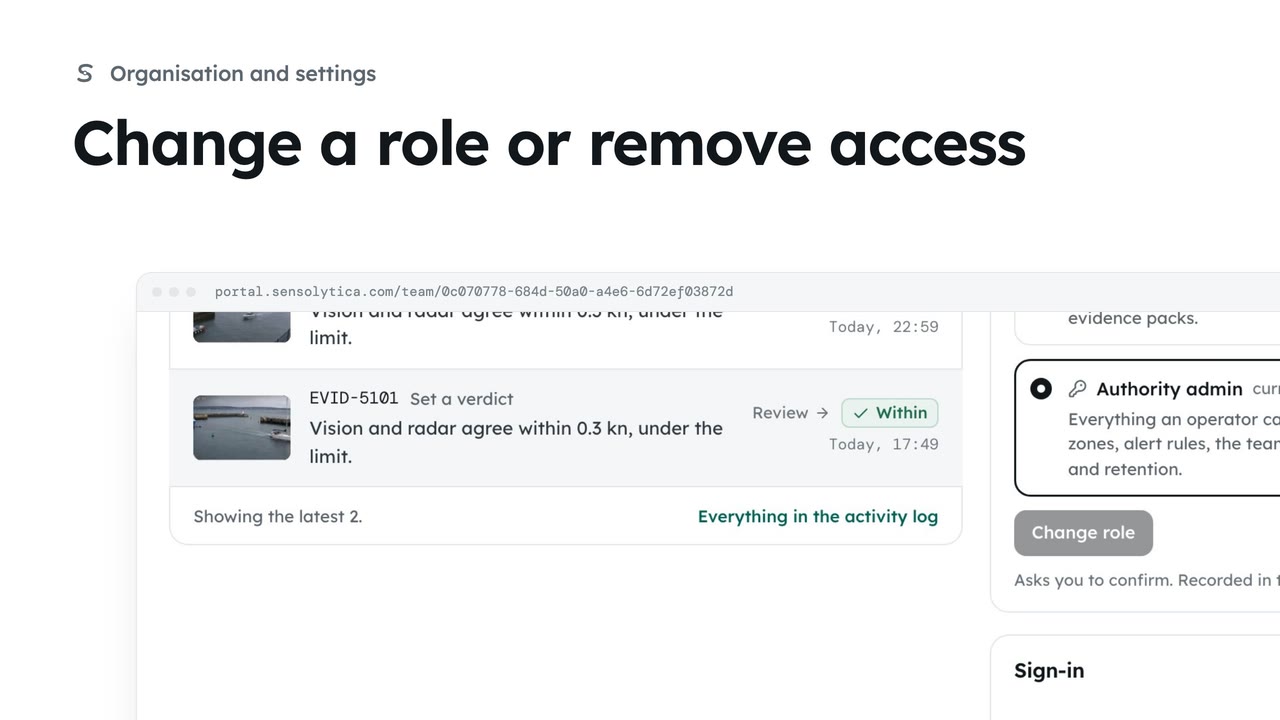
2 minSee what each role can do, change a person’s role, and remove someone who no longer needs access.
2 min4 stepsAdmin
Checked against the portal on 15 October 2026. Westmouth names, vessels, units and figures are illustrative. General guidance on using the portal, not legal, regulatory or financial advice.