 2 min
2 minChoose and switch organisations
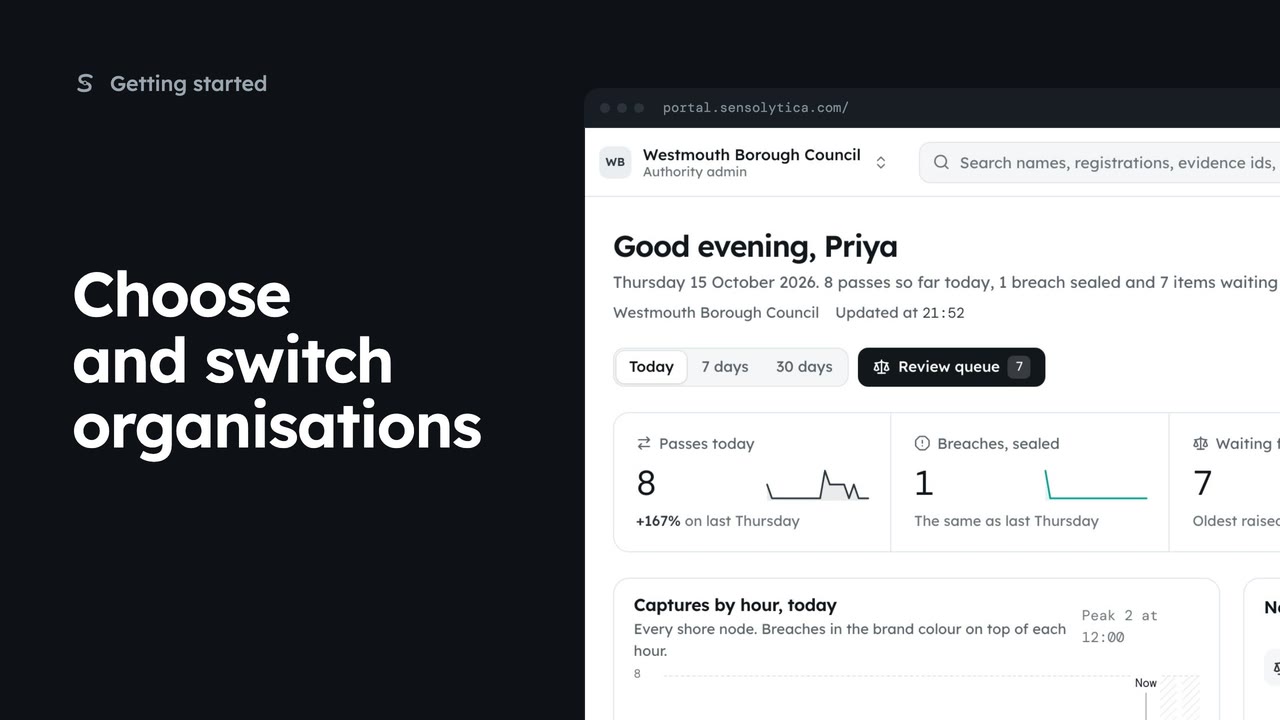
Pick where to start after sign in, switch organisation from the top bar, and set your default.
2 min5 stepsAdmin, Operator
Review an invitation to another organisation, see what it will know about you, and accept or decline it.
Your invitations
Settings, then Your organisations. Invitations waiting for you are listed there.
Review and accept
Opens the invitation with the organisation, your role there and who sent it.
What changes
Your other organisations stay as they are. The new one is added.
What they see about you
Your name, email, role and actions there. Never your other organisations.
Accept and open
Accept and open joins and takes you in. Decline tells the admin you said no.
An invitation arrives by email, and it also waits for you in the portal. Open Settings from the sidebar, then Your organisations. Under Invitations you see who invited you, to which organisation and as what.
Choose Review and accept. The page shows the organisation, your role there, who invited you and the email it was sent to.
What changes lists your organisations. They stay exactly as they are, and the new one is added. You keep the same sign-in.
The next list says what the harbour will see about you: your name, work email, role, and what you do in its portal. It never sees whether you belong anywhere else.
Tick Make it my default organisation if you want it to open first after sign in. Then choose Accept and open, and you land on its dashboard. Decline tells the admin who invited you, and nothing else is shared.
Sign in with your work email. Your own organisation's records, nodes and units take the place of the Westmouth ones.
2 minPick where to start after sign in, switch organisation from the top bar, and set your default.
2 min5 stepsAdmin, Operator
 2 min
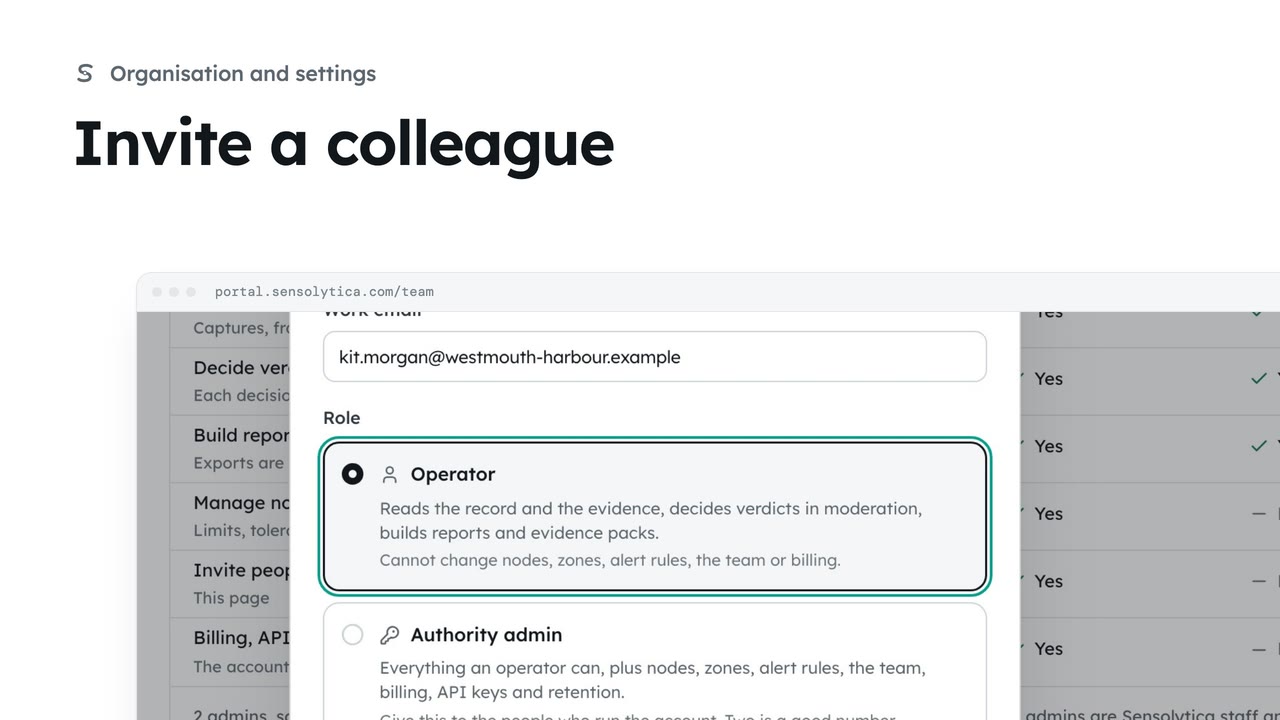
2 minInvite someone to your organisation with the smallest role that lets them do their job.
2 min5 stepsAdmin
 2 min
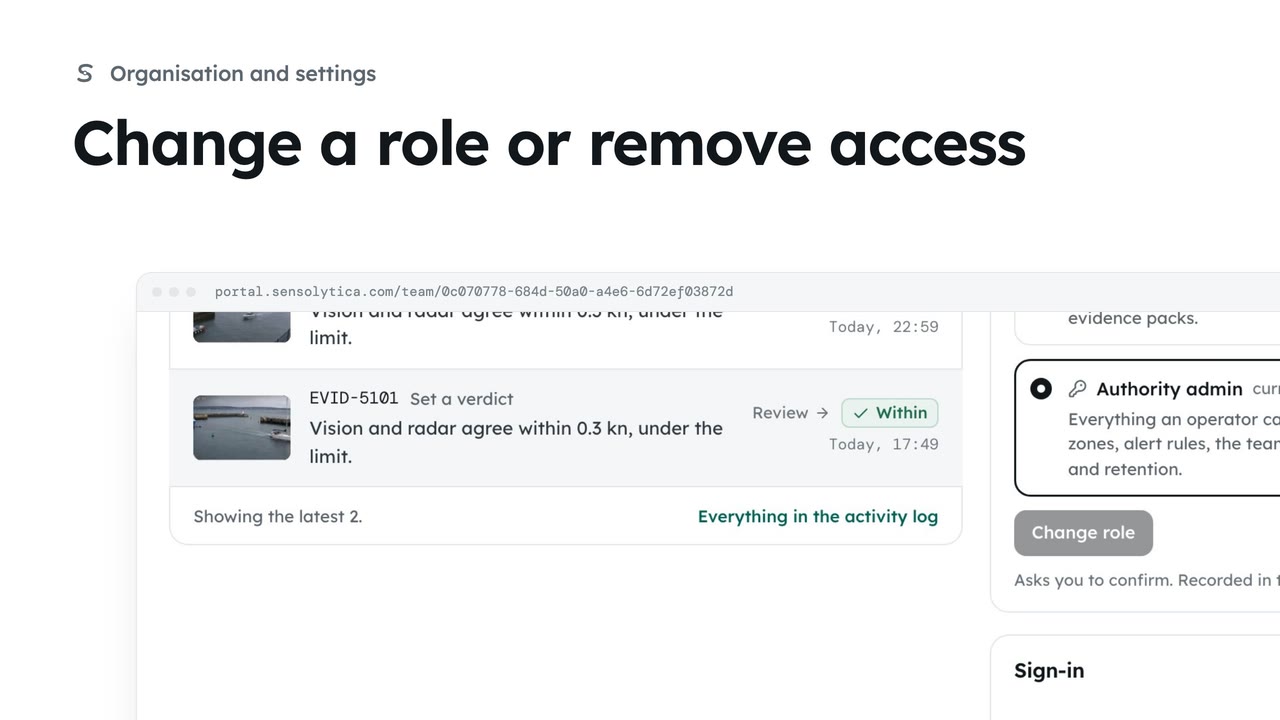
2 minSee what each role can do, change a person’s role, and remove someone who no longer needs access.
2 min4 stepsAdmin
Checked against the portal on 15 October 2026. Westmouth names, vessels, units and figures are illustrative. General guidance on using the portal, not legal, regulatory or financial advice.