 2 min
2 minEdit and confirm an identity
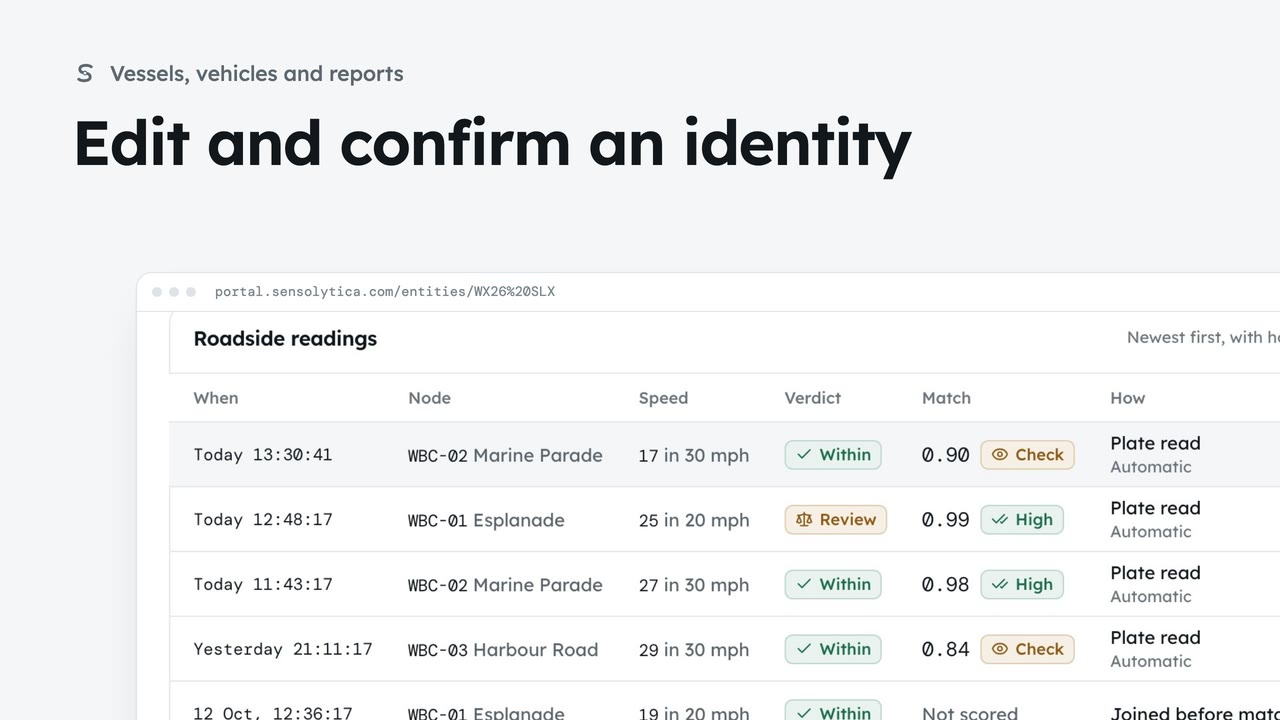
Describe a vehicle or vessel so a colleague could pick it out, and confirm a provisional identity.
2 min7 stepsAdmin, Operator
Find a vessel or vehicle and read its one record, joining every shore node pass, its drive unit and AIS.
Vessels and vehicles
One row for each vessel or vehicle, with its sources, sightings and breaches. The tabs split vessels, vehicles and provisional records.
Seen, not yet confirmed
The Provisional tab lists records whose identity no person has confirmed yet.
Find one quickly
Search by registration, name, type or colour. Sources and Breaches narrow the list.
One vessel, every source
The cards show what the shore nodes, the drive unit and AIS each add to this record.
Yours, shared and public
What you can see here says where each reading comes from and under which agreement.
Identity at a glance
The Identity panel lists the fields on file. Possibly the same one suggests records that look alike.
Open Vessels and vehicles from the sidebar. Each row is one vessel or vehicle, with its sources, how often it was seen and its breaches. A harbour mostly holds vessels; a council holds vehicles, listed under the Vehicles tab.
Choose the Provisional tab. These were seen, but nobody has confirmed the identity yet, so they are the ones to check first. Then choose All to see every record again.
Type a registration, a name, a type or a colour in the search box, here SO-4471. Beside it, the Sources and Breaches menus narrow the list further, for example to records with a drive unit.
Open Aurora. The cards across the top show each source joined on the record: passes of your shore nodes, the drive unit on its electric outboard, shared with you under the owner’s consent, and public AIS.
Scroll to What you can see here. Your own captures, readings shared with you and public AIS are named separately. The record never says whether another organisation has seen this vessel.
The Identity panel lists what is on file. Below it, Possibly the same one shows records that look similar, each with a similarity score. That is a prompt to look, not a decision.
Sign in with your work email. Your own organisation's records, nodes and units take the place of the Westmouth ones.
2 minDescribe a vehicle or vessel so a colleague could pick it out, and confirm a provisional identity.
2 min7 stepsAdmin, Operator
 2 min
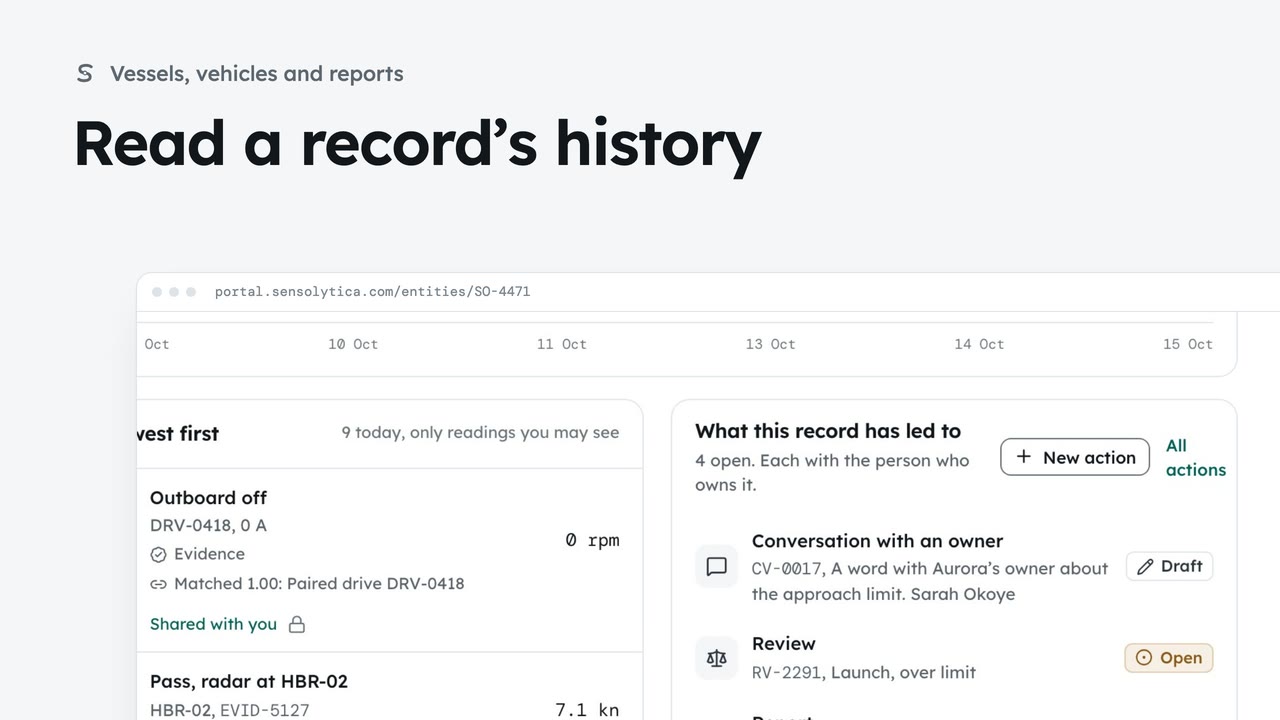
2 minFollow every reading on a vessel’s record and every change to which readings belong to it.
2 min5 stepsAdmin, Operator
 3 min
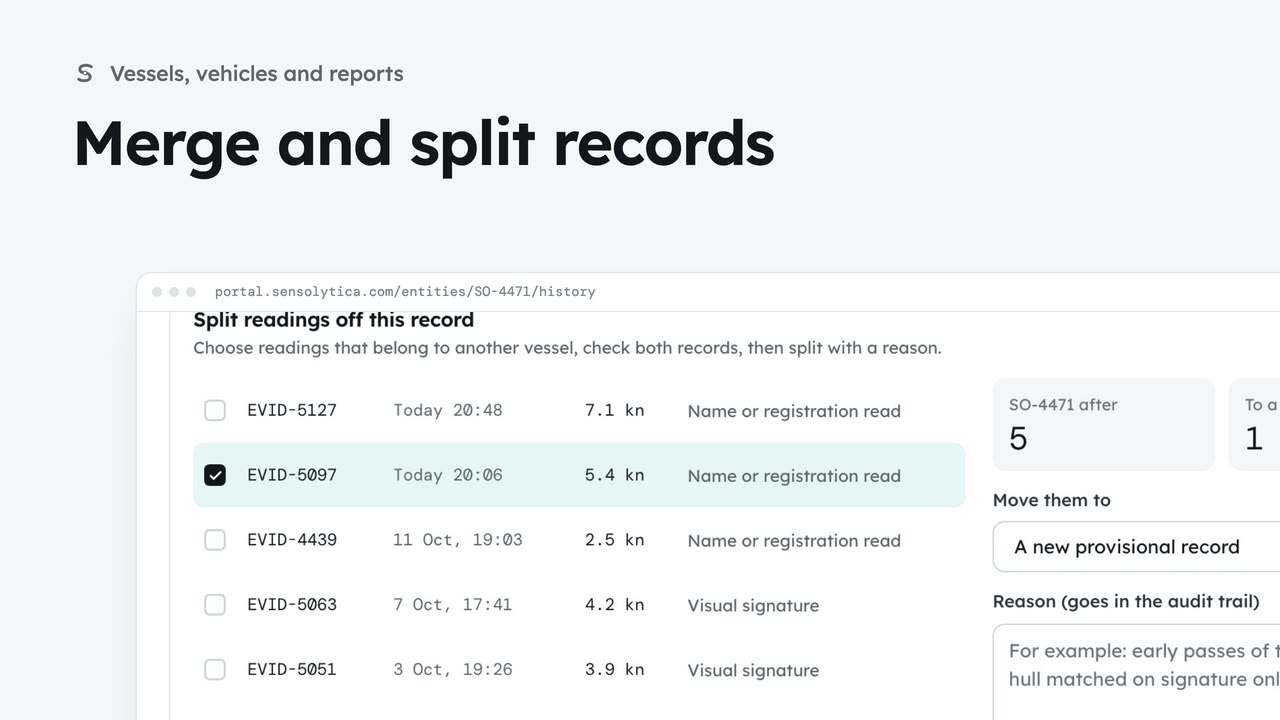
3 minJoin two records of the same vessel or vehicle, undo it if needed, and split off readings that belong to another.
3 min7 stepsAdmin, Operator
Checked against the portal on 15 October 2026. Westmouth names, vessels, units and figures are illustrative. General guidance on using the portal, not legal, regulatory or financial advice.