 2 min
2 minWork through the review queue
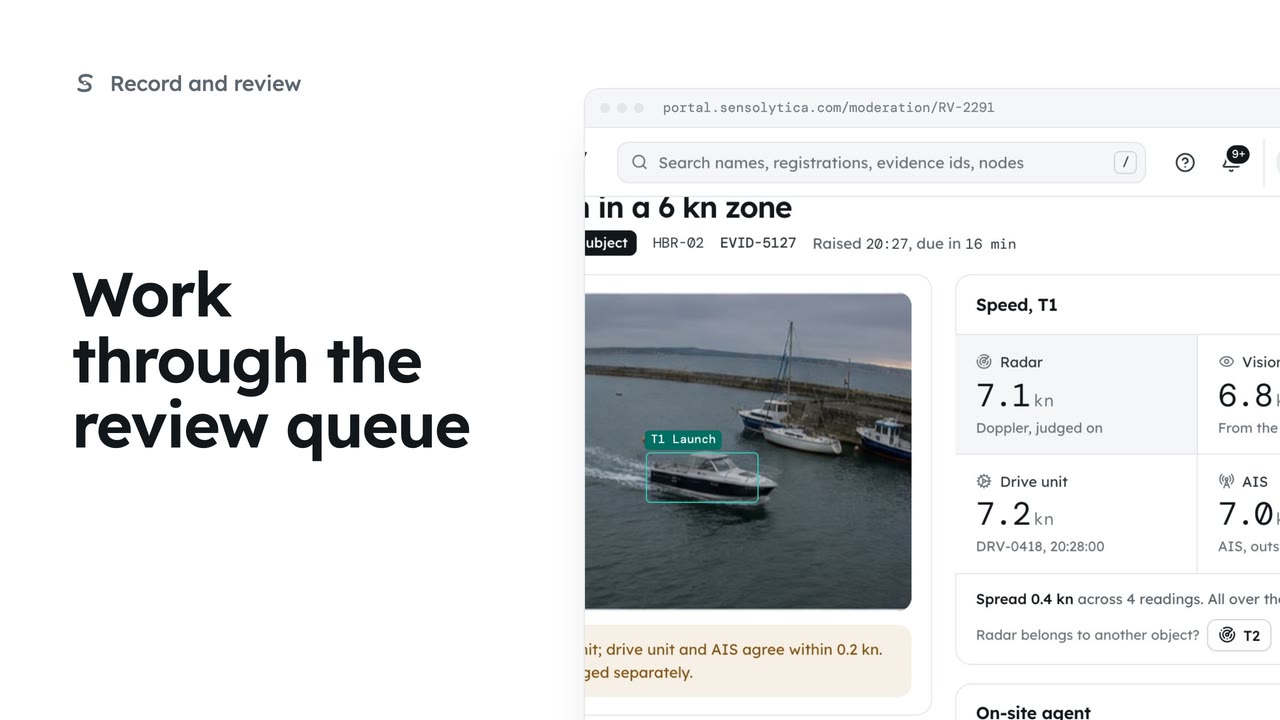
Decide each object waiting in Moderation, in the order it is due, with every source's speed side by side.
2 min6 stepsOperator, Admin
See everything the record has led to, each with a named owner, mark your own work done and add a new action.
What the record led to
Reviews, drive alerts, decisions, packs, jobs and conversations in one list.
Due this week, yours
Use the Due this week tab and the Owner menu.
One action, its own page
Select the row to open it: what it is, who owns it and its trail. Mark done, then confirm.
Done, and reversible
Back on Actions, the Done tab lists finished work. Reopen puts an action back.
New action
Select New action. Choose its kind: a decision, a conversation, a job, a pack, a share or a report.
What, which record and who owns it
Write what needs doing, choose the record it is about and the owner.
On the list, with an owner
Select Add action. Its own page opens, ready to be worked.
Open Actions from the sidebar. Everything the record has led to is here in one list: reviews, drive alerts, decisions, evidence packs, maintenance jobs and conversations with owners. Each one has a named owner and a status.
Choose Due this week, then set Owner to yourself. Now you see only what you have to do before the week is out.
The conversation with Aurora's owner about the approach limit has happened. Select its row to open it: what it is, who owns it and its trail. Select Mark done and confirm.
Go back to Actions and choose the Done tab. The conversation is there with your name. If it was not really finished, Reopen puts it back on the open list with the same owner.
Some work is not raised by the record, so you add it yourself. Select New action. Choose its kind; here, a decision, which a named person signs and which starts as a draft.
Write what needs doing in a few words. Choose the record it is about, here the grey RIB, and the person who owns it. A due date and a note are optional.
Select Add action. The new action gets its own reference and page, with its owner, its status and its trail, and it sits on the Actions list with everything else.
Sign in with your work email. Your own organisation's records, nodes and units take the place of the Westmouth ones.
2 minDecide each object waiting in Moderation, in the order it is due, with every source's speed side by side.
2 min6 stepsOperator, Admin
 2 min
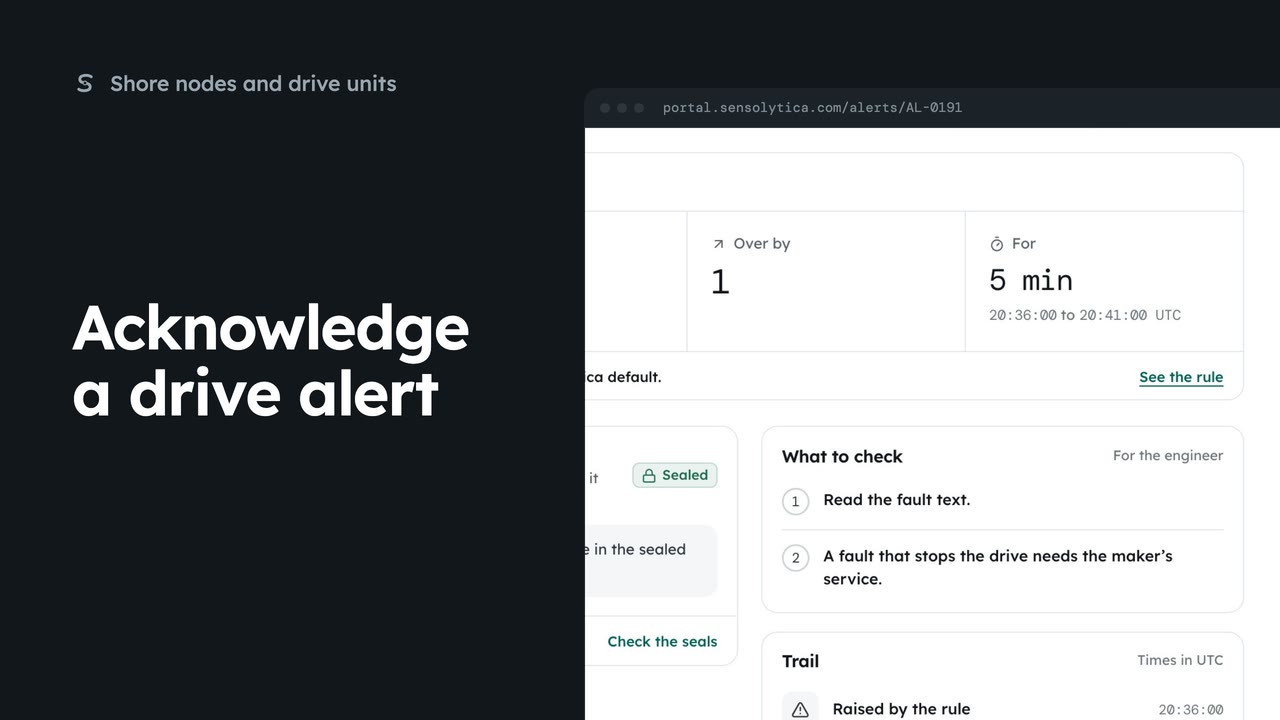
2 minOpen a drive alert, see what crossed and what to check, and put your name on it.
2 min5 stepsAdmin, Operator
 2 min
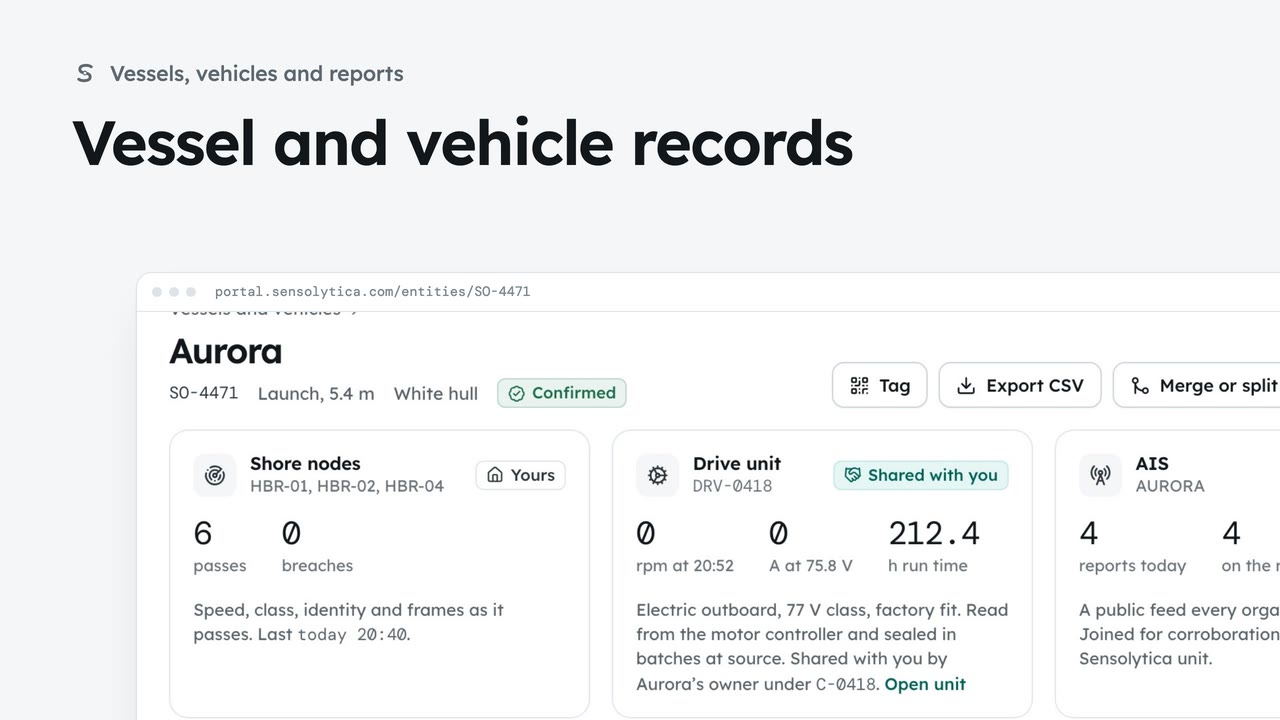
2 minFind a vessel or vehicle and read its one record, joining every shore node pass, its drive unit and AIS.
2 min6 stepsAdmin, Operator
Checked against the portal on 15 October 2026. Westmouth names, vessels, units and figures are illustrative. General guidance on using the portal, not legal, regulatory or financial advice.