 2 min
2 minNode deployments
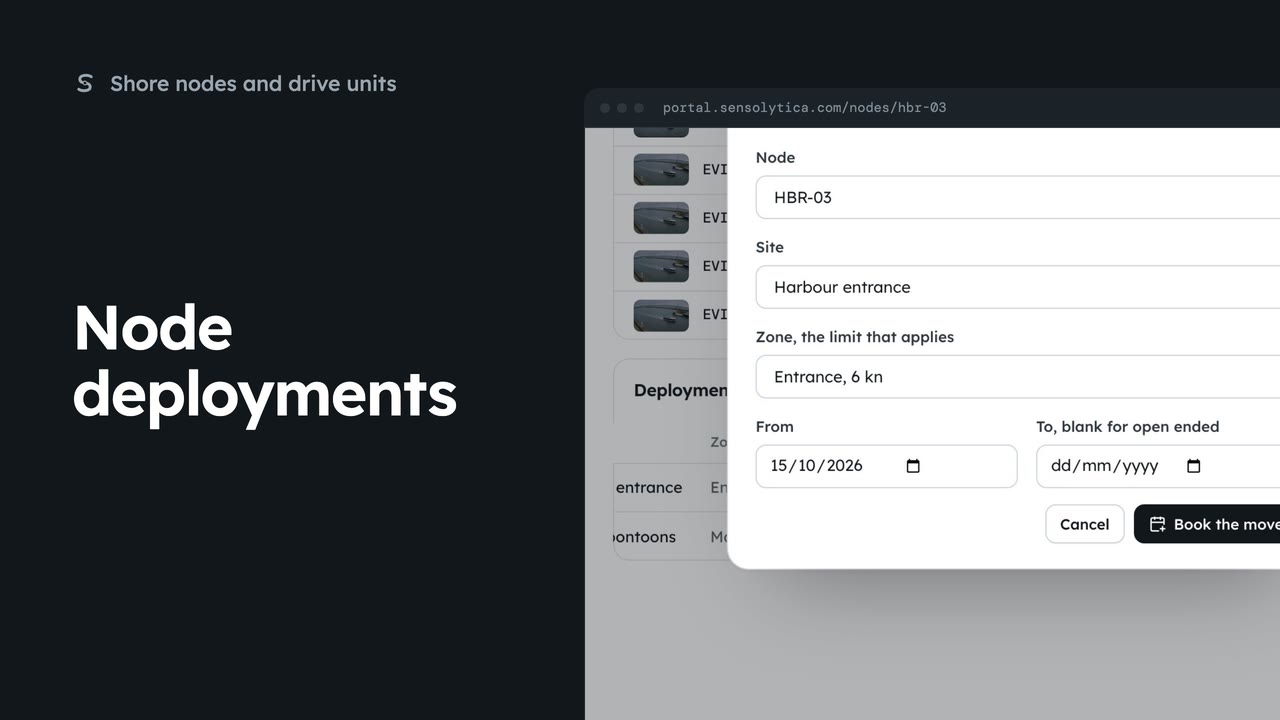
End a node’s deployment at one site and book it at another, so its captures are judged against the right limit.
2 min4 stepsAdmin
Take a booked deployment off a node's plan before it starts.
Deployments
WBC-02 is booked to move to Harbour Road. Scheduled rows can be cancelled.
Cancel the booking
It comes off the plan. The node stays where it is.
Open WBC-02 from Shore nodes. Under Deployments, it is booked to move to Harbour Road in a few days. A scheduled row has Cancel where an active one has End.
The road works moved, so the node stays put. Choose Cancel on that row, then Cancel the booking. It comes off the plan, and the node carries on where it is.
Sign in with your work email. Your own organisation's records, nodes and units take the place of the Westmouth ones.
2 minEnd a node’s deployment at one site and book it at another, so its captures are judged against the right limit.
2 min4 stepsAdmin
 2 min
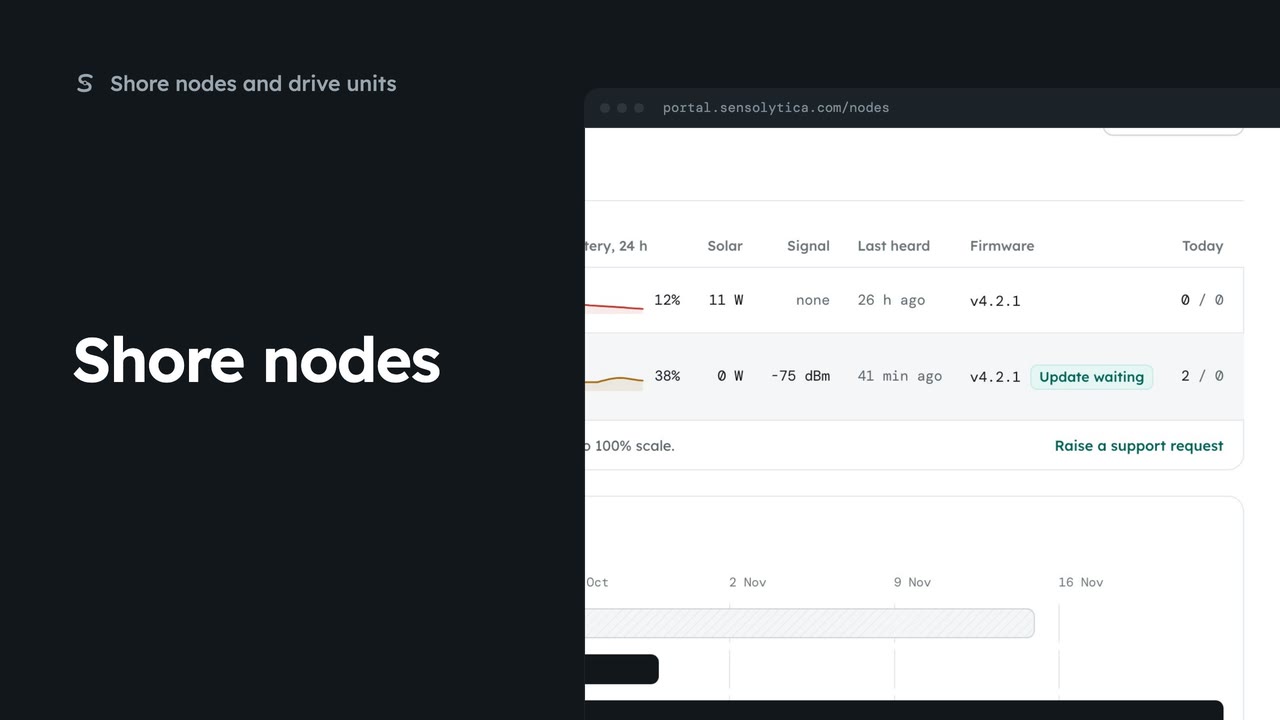
2 minSee every shore node, where it is and whether it is working, with the ones that need a visit first.
2 min5 stepsAdmin, Operator
 2 min
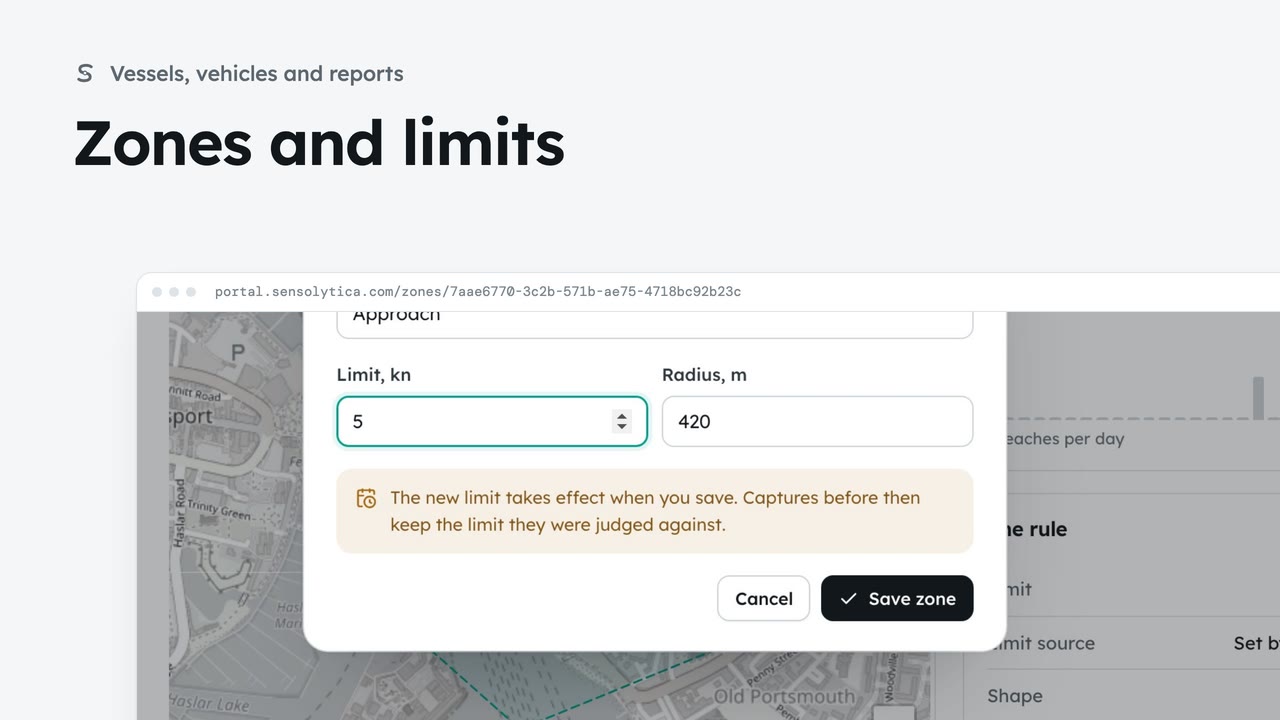
2 minSee where each limit applies and how each zone keeps to it, and change a limit with when it takes effect.
2 min6 stepsAdmin, Operator
Checked against the portal on 15 October 2026. Westmouth names, vessels, units and figures are illustrative. General guidance on using the portal, not legal, regulatory or financial advice.