 2 min
2 minShore nodes
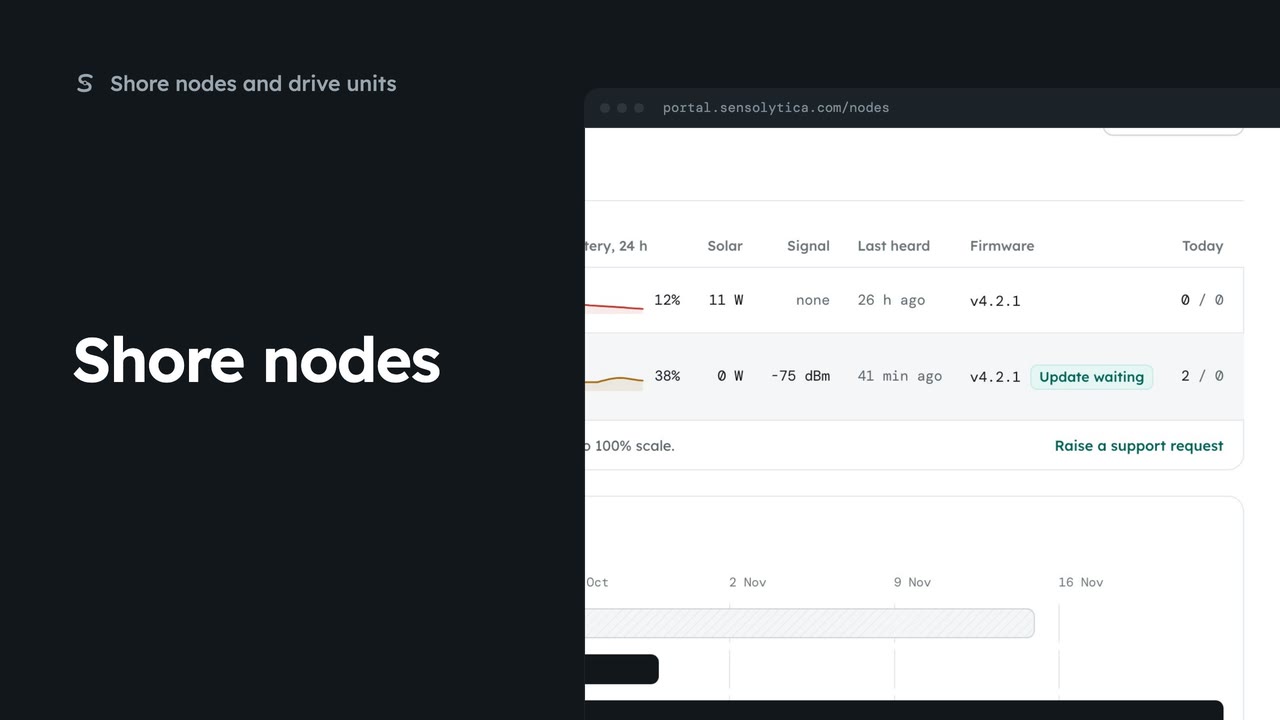
See every shore node, where it is and whether it is working, with the ones that need a visit first.
2 min5 stepsAdmin, Operator
Raise a support request, say how soon you need an answer, and follow it against our promise.
Our promise by priority
Support lists how quickly we reply for each priority, and your requests below.
Say what is happening
Choose New request, then fill in Subject, About and the node or evidence id.
How soon
Choose a priority. Each says when we reply.
Send to support
Choose Send to support. The request opens with its reference.
Open Support from the sidebar. Across the top is how quickly we reply at each priority. Below are your requests and how each is going against that promise.
Choose New request. Give it a subject, choose what it is about, and add the node code or evidence id. It helps us find it fast.
Choose how soon you need us. Urgent is for safety or a site gone dark; normal is for anything else broken. Then say what you saw and when it started.
Choose Send to support. The request opens with its reference, our promise and the node it is about. Replies land in the bell and by email; reply in the box under the thread.
Sign in with your work email. Your own organisation's records, nodes and units take the place of the Westmouth ones.
2 minSee every shore node, where it is and whether it is working, with the ones that need a visit first.
2 min5 stepsAdmin, Operator
 2 min
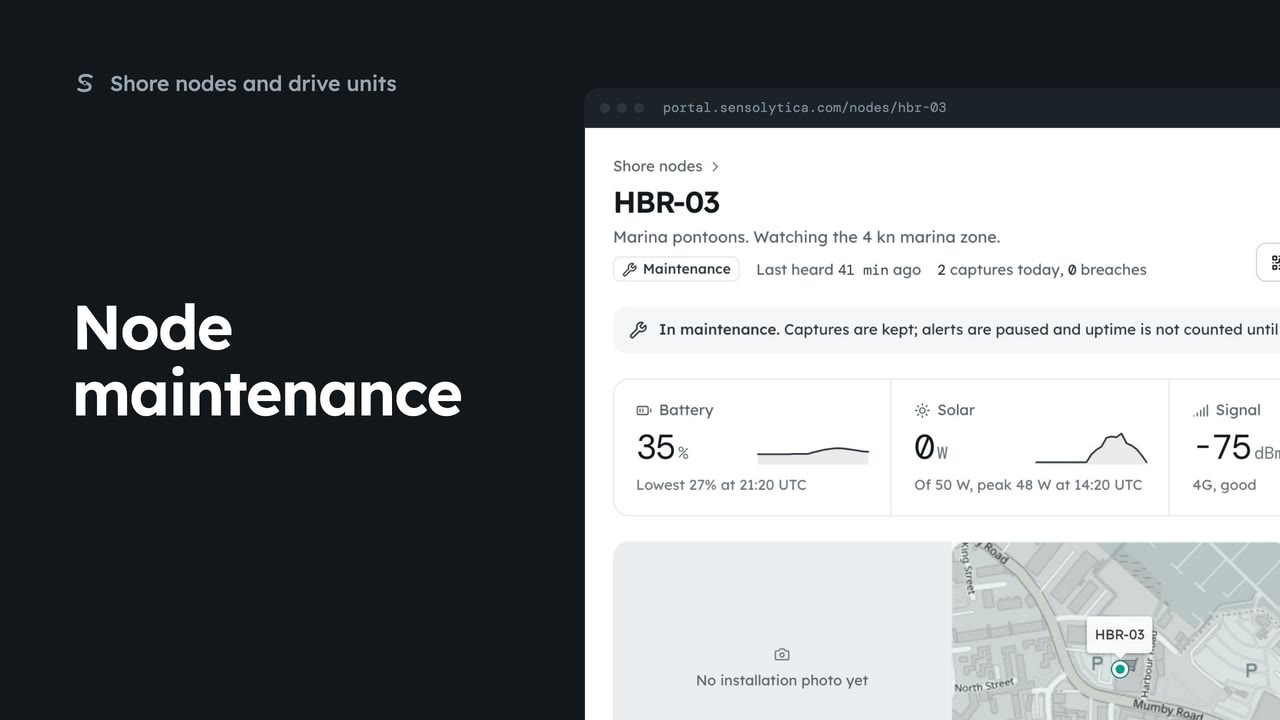
2 minRead a node’s next visit note, put it into maintenance while you work on it, and return it to service.
2 min5 stepsAdmin
 2 min
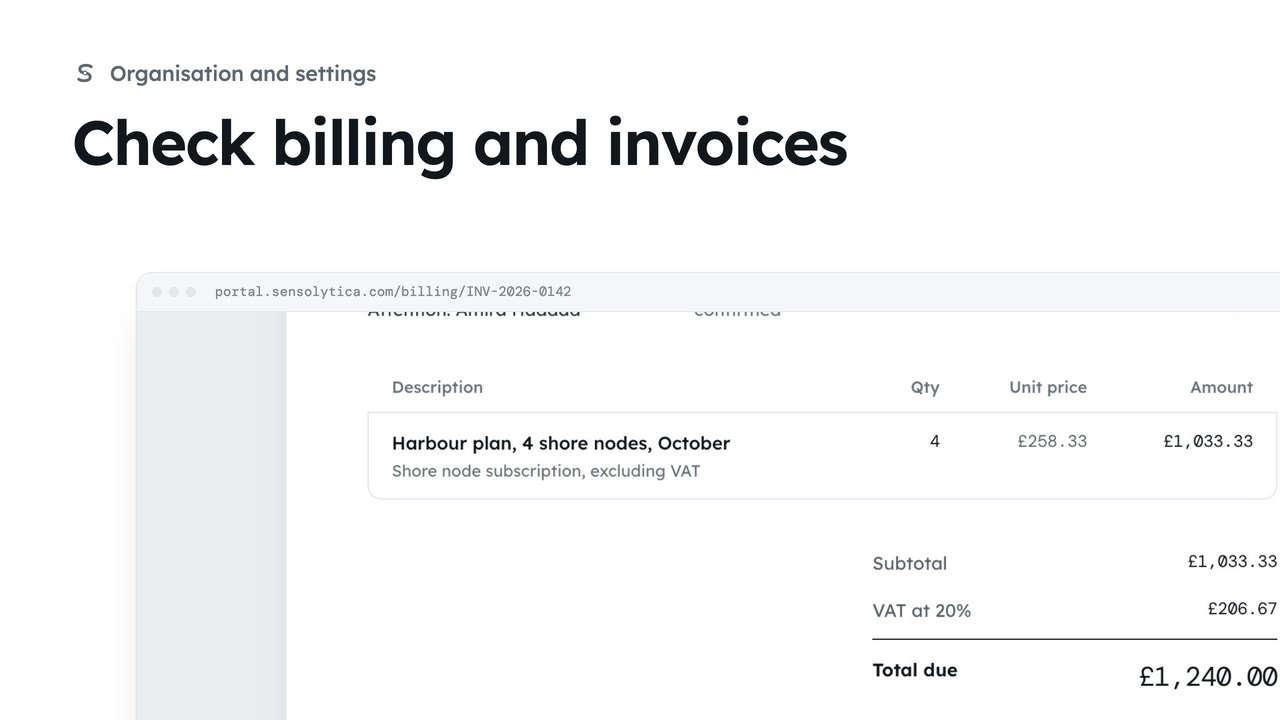
2 minSee your plan and next invoice, how you pay, and open, print or pay an invoice.
2 min4 stepsAdmin
Checked against the portal on 15 October 2026. Westmouth names, vessels, units and figures are illustrative. General guidance on using the portal, not legal, regulatory or financial advice.