 2 min
2 minVessel and vehicle records
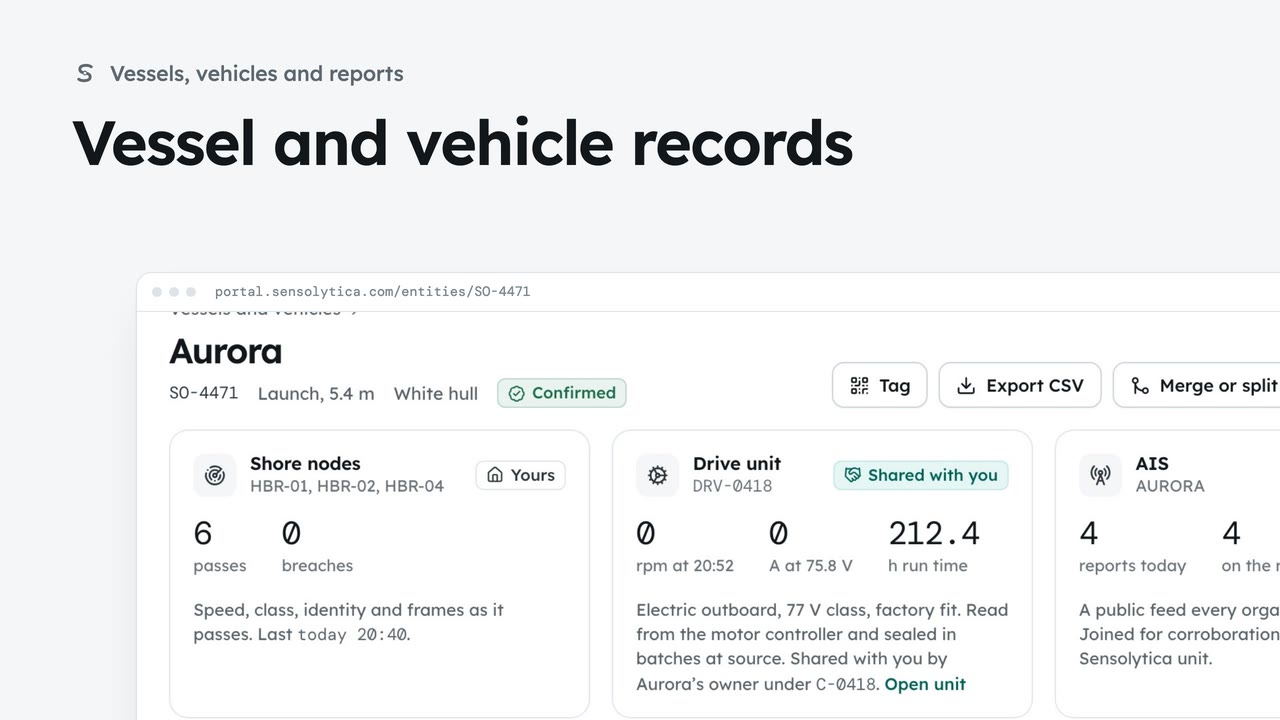
Find a vessel or vehicle and read its one record, joining every shore node pass, its drive unit and AIS.
2 min6 stepsAdmin, Operator
Save every reading on one vessel's record that you may see, with its seals, as a CSV.
Aurora, SO-4471
Vessels and vehicles, then the record.
Only what you may see
Every reading you may see, from every source, with its seal.
Open Vessels and vehicles from the sidebar, then Aurora. Its record joins every shore node pass, its drive unit and AIS.
Choose Export CSV at the top. The file holds every reading on the record that your organisation may see, from every source, each with its seal, so whoever receives it can check it.
Sign in with your work email. Your own organisation's records, nodes and units take the place of the Westmouth ones.
2 minFind a vessel or vehicle and read its one record, joining every shore node pass, its drive unit and AIS.
2 min6 stepsAdmin, Operator
 2 min
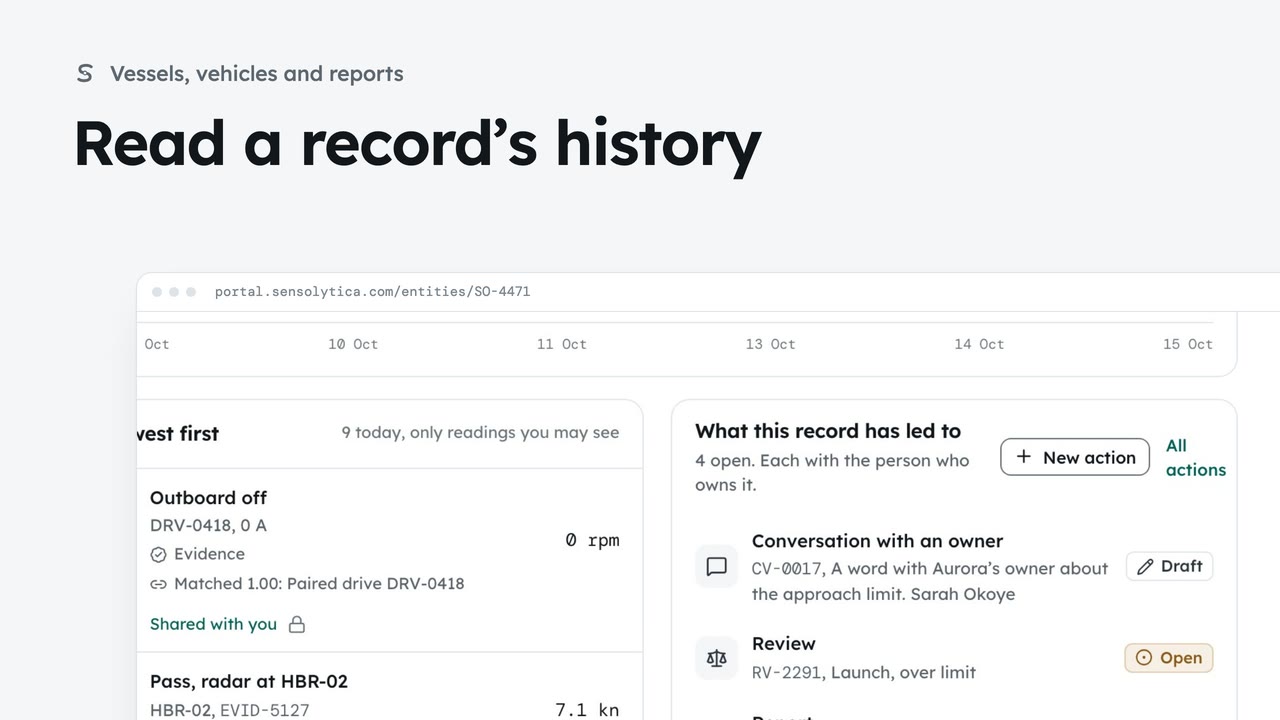
2 minFollow every reading on a vessel’s record and every change to which readings belong to it.
2 min5 stepsAdmin, Operator
 2 min
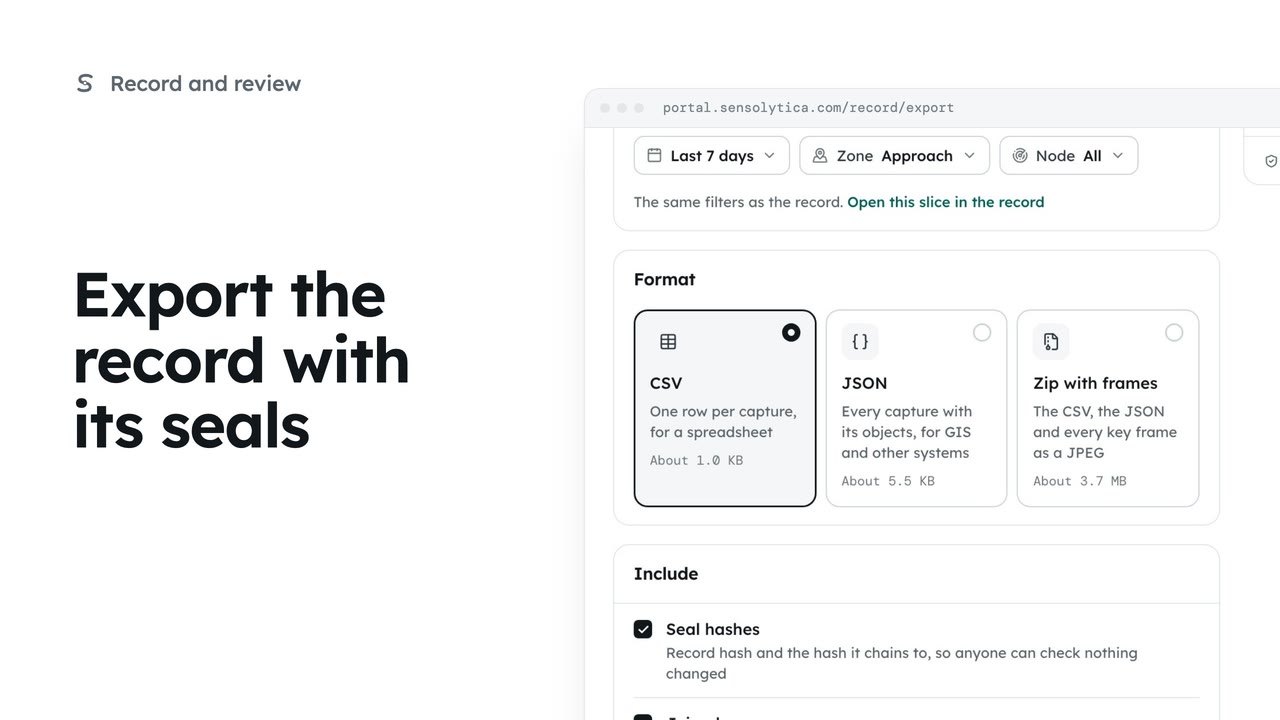
2 minTake a defined slice of the record out as CSV, JSON or a zip with frames, with the seals so whoever receives it can check it.
2 min5 stepsAdmin
Checked against the portal on 15 October 2026. Westmouth names, vessels, units and figures are illustrative. General guidance on using the portal, not legal, regulatory or financial advice.