 2 min
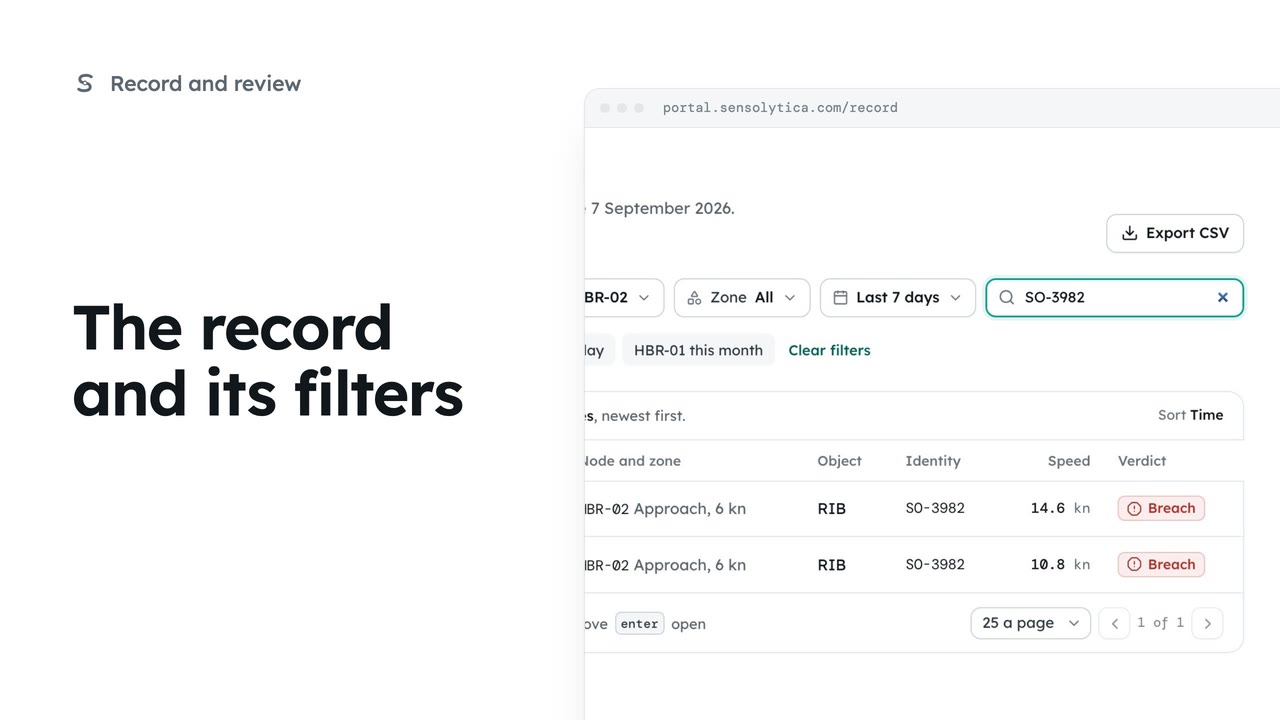
2 minThe record and its filters
Find any capture on the record by verdict, node, date or registration, and share the view as a link.
2 min6 stepsOperator, Admin
Take a defined slice of the record out as CSV, JSON or a zip with frames, with the seals so whoever receives it can check it.
Export CSV or Export data
Export CSV saves the rows you are looking at. Export data opens the full export, with seals.
What to export
The same filters as the record: verdict, dates, zone and node. The tag counts the captures.
Choose a format
CSV for a spreadsheet, JSON for GIS and other systems, or Zip with frames.
Seals, sources and a note
Keep Seal hashes ticked. Add a Reason; it is kept in the audit trail.
Logged every time
Select the Export button. The file is made in your browser and the export is logged.
Open The record from the sidebar. There are two ways out. Export CSV saves the rows you are looking at, and anyone can use it. Admins also have Export data, which carries the filters you had into a full export with seals. Select Export data.
Choose what goes out, using the same filters as the record. Here, breaches over the last seven days in the approach zone. The tag at the top of the panel counts the captures as you go.
Pick a format. CSV is one row per capture, for a spreadsheet. JSON carries every capture with its objects, for GIS and other systems. Zip with frames adds every key frame as a picture. Keep CSV.
Keep Seal hashes ticked, so whoever receives the file can check nothing changed. Joined sources adds the drive unit and AIS readings, marked as corroborating. Then give a reason. It is optional, and it is kept in the audit trail with the export.
Select Export. The file is made in your browser and saved where you choose. Every export is logged, and it appears under Recent exports with your name.
Sign in with your work email. Your own organisation's records, nodes and units take the place of the Westmouth ones.
2 minFind any capture on the record by verdict, node, date or registration, and share the view as a link.
2 min6 stepsOperator, Admin
 2 min
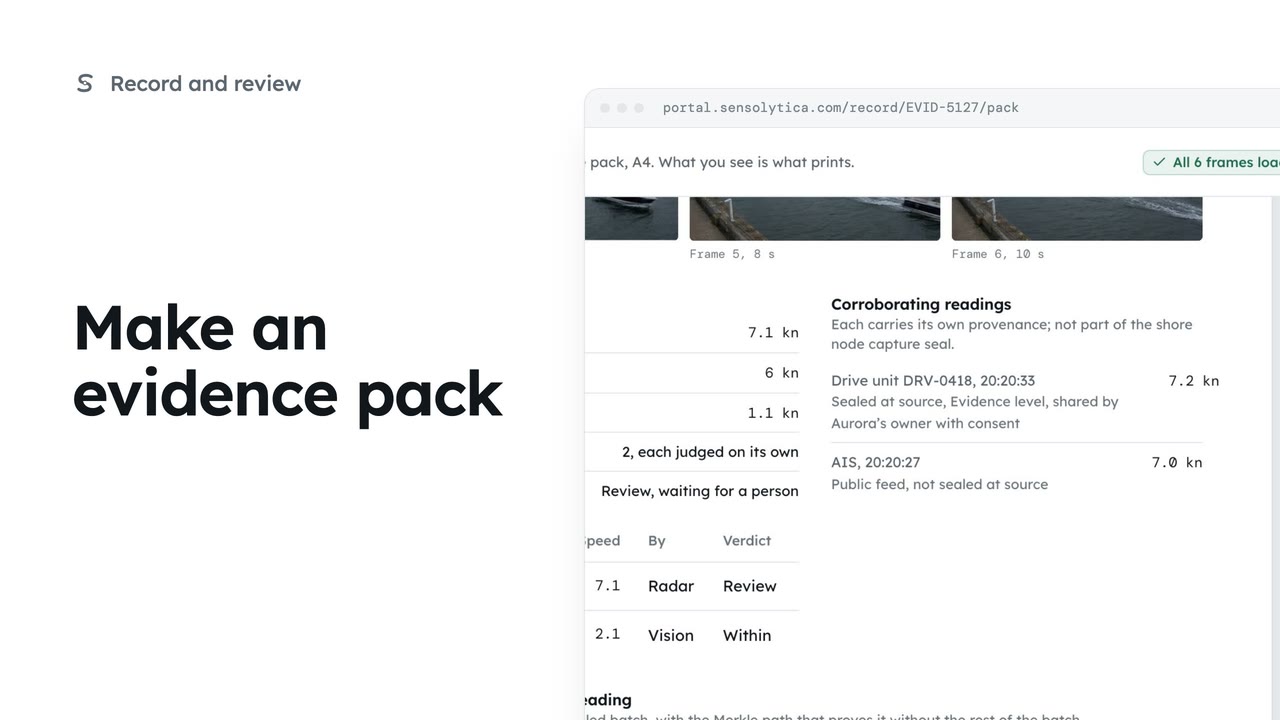
2 minLay one capture out as an A4 evidence pack with its frames, readings and seal, ready to print or save as a PDF.
2 min5 stepsOperator, Admin
 2 min
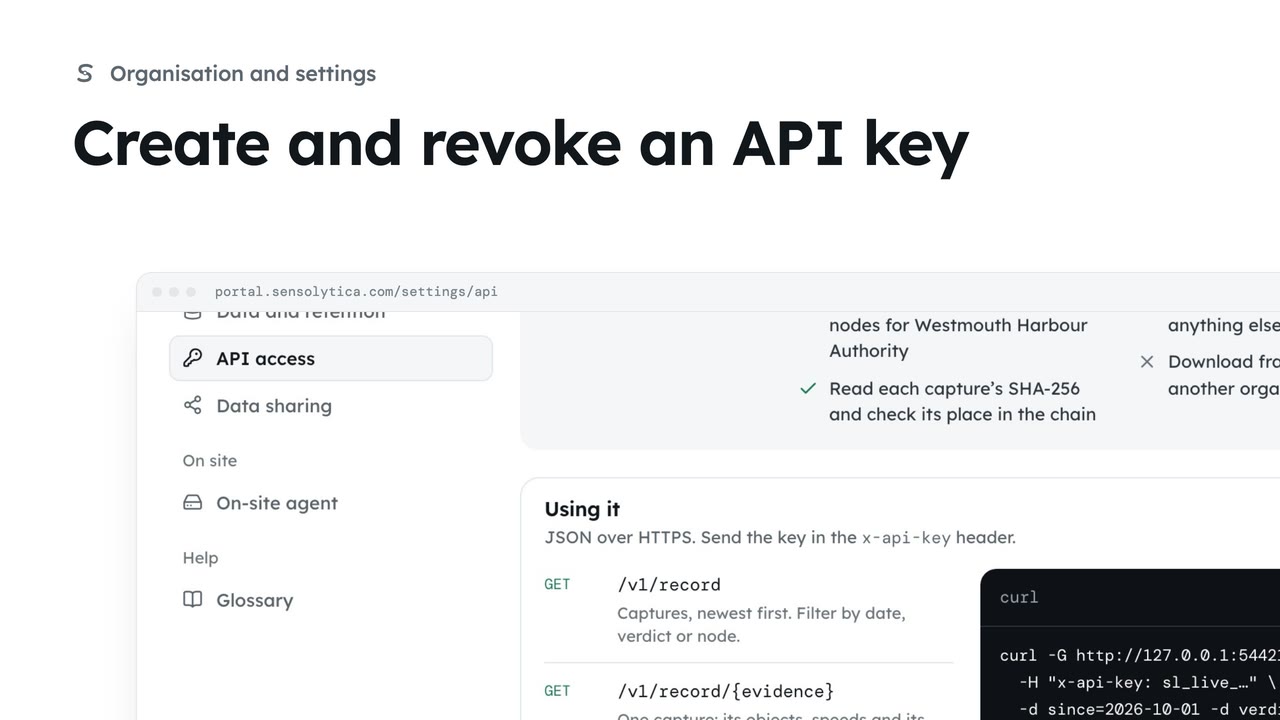
2 minGive another system read-only access to your record with a key you can revoke at any time.
2 min4 stepsAdmin
Checked against the portal on 15 October 2026. Westmouth names, vessels, units and figures are illustrative. General guidance on using the portal, not legal, regulatory or financial advice.