 2 min
2 minZones and limits
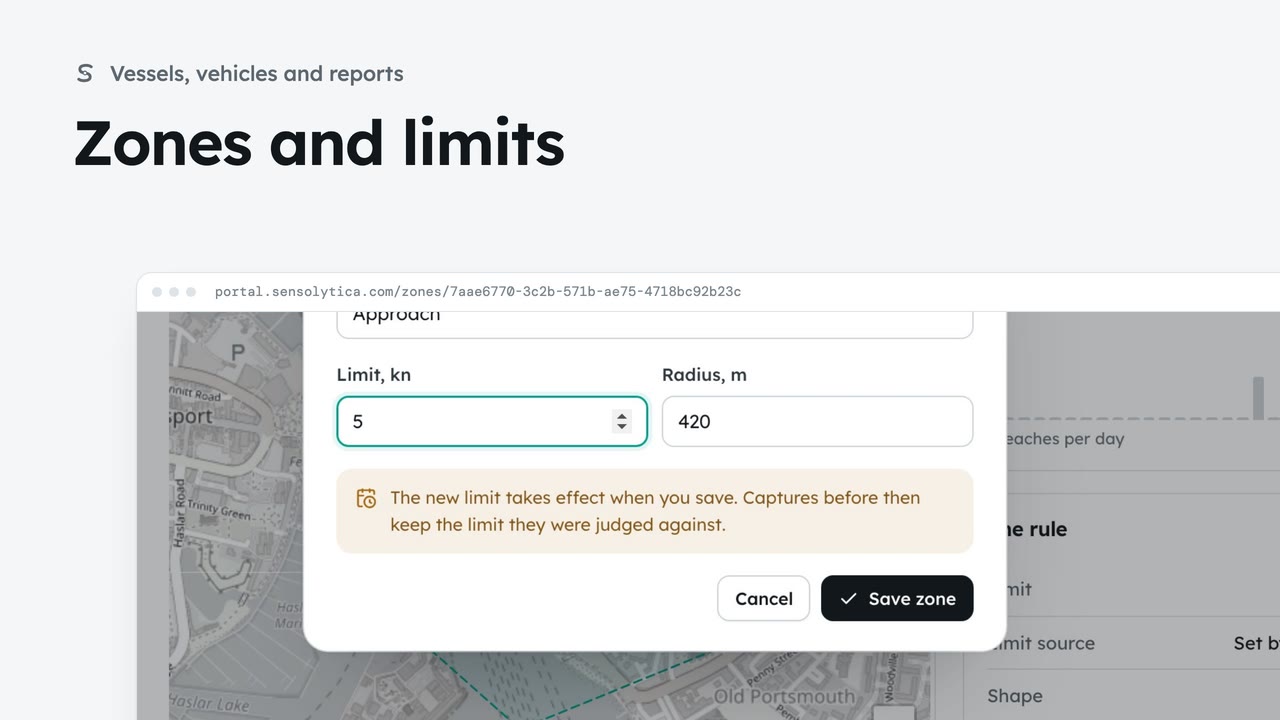
See where each limit applies and how each zone keeps to it, and change a limit with when it takes effect.
2 min6 stepsAdmin, Operator
Take away a zone you no longer use. A zone with captures is archived instead, so the record keeps its history.
A zone no longer used
Zones and limits lists every zone. Old slipway has no node and nothing on the record.
Delete zone
Admins only. A zone with captures, deployments or reports is archived rather than deleted.
In the Activity log
Back on Zones and limits, it is gone. The Activity log says who deleted it.
Open Zones and limits from the sidebar. Old slipway, in the inner basin, has no node deployed to it and nothing on the record. Open it.
Choose Delete zone. The portal says what happens before it does anything: the zone leaves the list and the maps. One with captures, deployments or reports would be archived instead, so the record keeps its history, and a node deployed to it must move first.
You are back on Zones and limits, and Old slipway is gone from the list and the maps. The Activity log records who deleted it and when.
Sign in with your work email. Your own organisation's records, nodes and units take the place of the Westmouth ones.
2 minSee where each limit applies and how each zone keeps to it, and change a limit with when it takes effect.
2 min6 stepsAdmin, Operator
 2 min
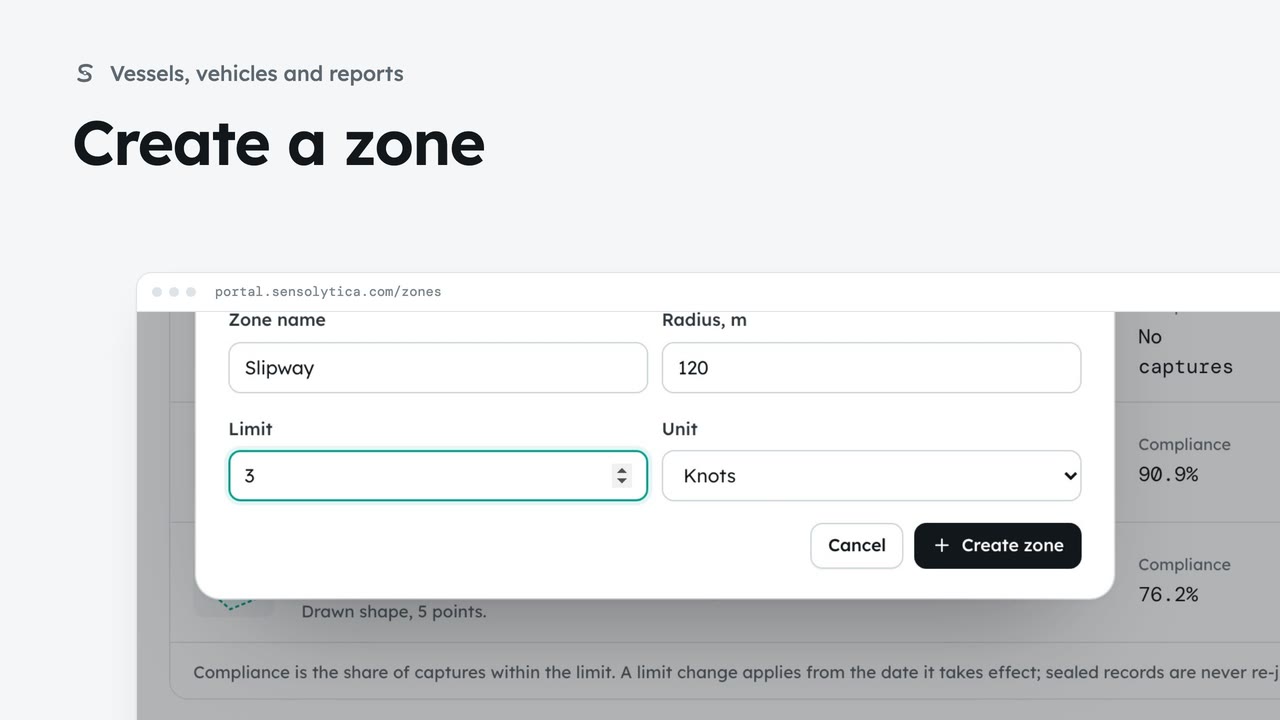
2 minAdd a zone at one of your sites with its radius and its limit, so the nodes deployed there judge captures against it.
2 min4 stepsAdmin
 2 min
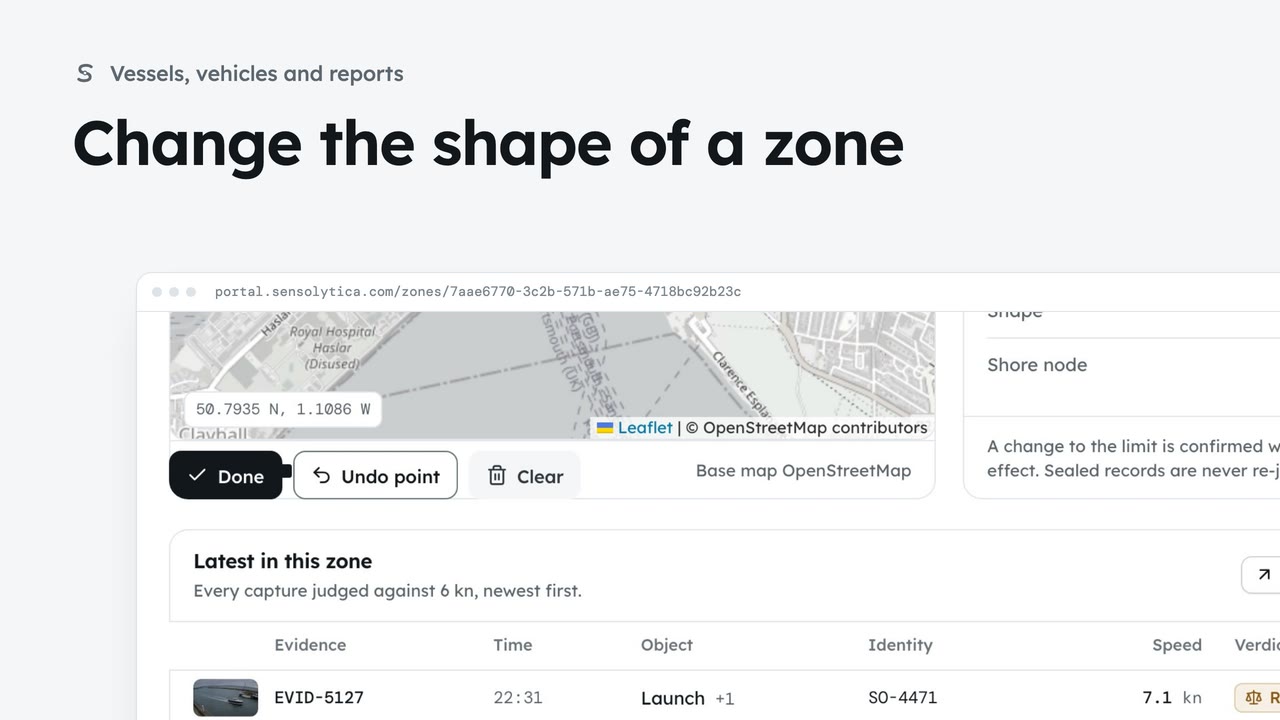
2 minEdit the points of a drawn zone, or go back to a radius ring, so every map shows where the limit really applies.
2 min3 stepsAdmin
Checked against the portal on 15 October 2026. Westmouth names, vessels, units and figures are illustrative. General guidance on using the portal, not legal, regulatory or financial advice.