 2 min
2 minClose and reopen a drive alert
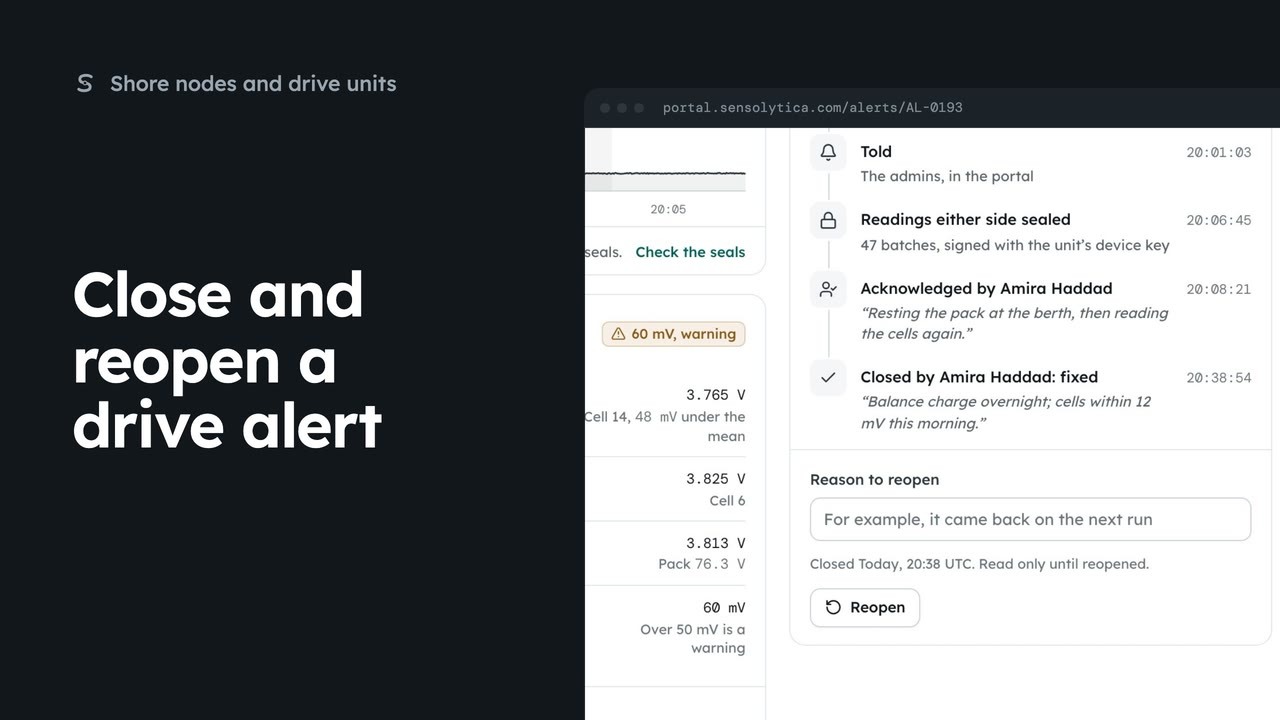
Close a drive alert with an outcome and a note, and reopen it with a reason if it comes back.
2 min4 stepsAdmin, Operator
Open a drive alert, see what crossed and what to check, and put your name on it.
Fleet notifications
The bell opens Notifications. See all notifications, then Fleet, holds node and drive alerts.
Open alert
Choose Open alert on the row.
By how much, for how long
What crossed shows the peak, the threshold, how far over and for how long. The rule sits underneath.
For the engineer
What to check lists the steps for whoever goes to the boat.
Put your name on it
Add a note, choose Acknowledge, then Acknowledge again in the dialog.
Choose the bell at the top, then See all notifications. Choose the Fleet tab: drive alerts sit here with the nodes that need a visit.
Choose Open alert on the row for AL-0191. This one is a controller fault on a harbour launch: the battery dropped under voltage, and the unit has not reported since.
What crossed gives the peak, the threshold, how far over it went, and for how long. Underneath is the rule that raised it, and where that rule came from.
What to check lists the steps for whoever goes to the boat. The trail below shows when the rule raised it, and who was told.
Add a short note on what you are doing about it, then choose Acknowledge, and Acknowledge again to confirm. Your name goes on the alert, so nobody else starts the same job.
Sign in with your work email. Your own organisation's records, nodes and units take the place of the Westmouth ones.
2 minClose a drive alert with an outcome and a note, and reopen it with a reason if it comes back.
2 min4 stepsAdmin, Operator
 2 min
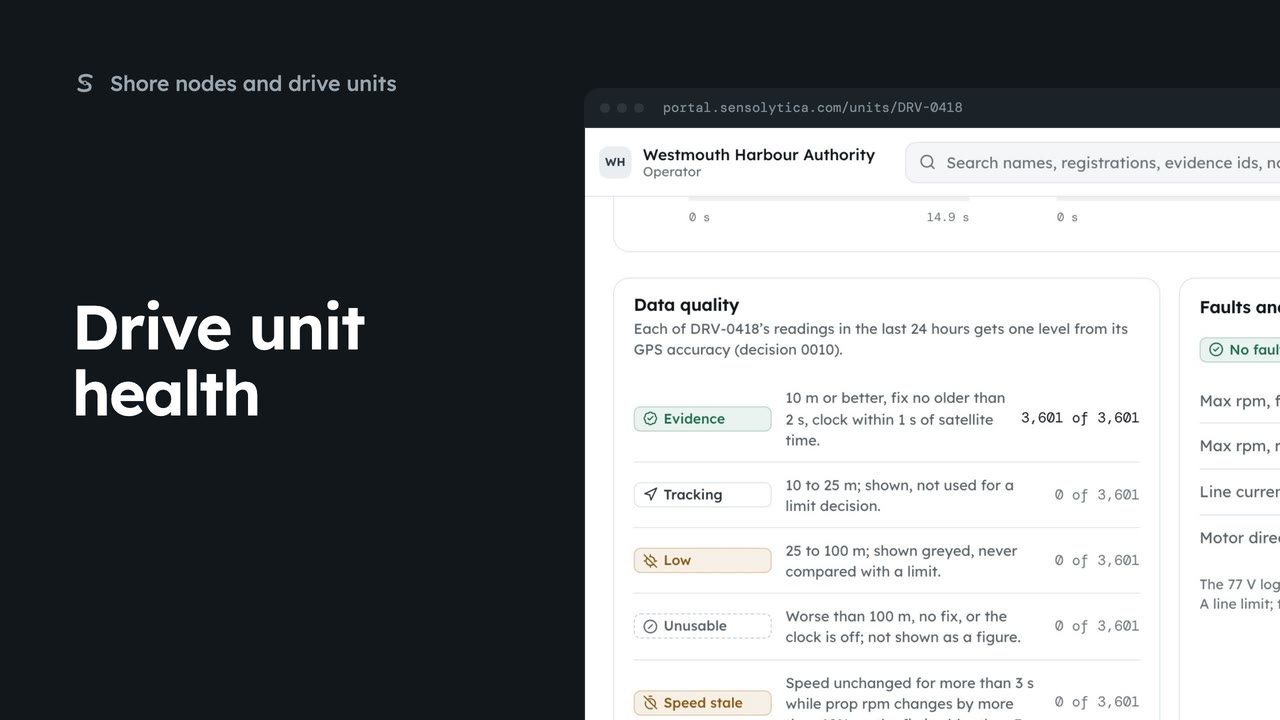
2 minRead what a drive unit reports now, how good its readings are, and its faults and limits.
2 min6 stepsAdmin, Operator
 2 min
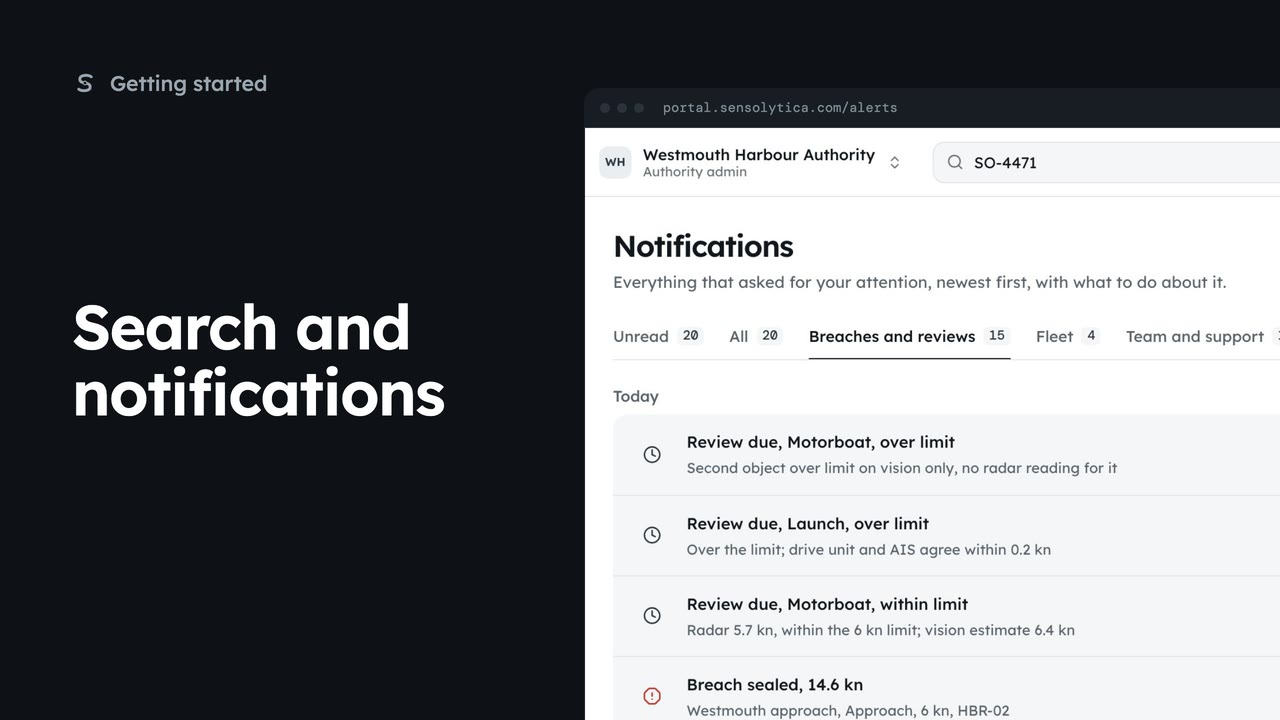
2 minFind a vessel, capture or node from the top bar, and keep up with what needs your attention.
2 min5 stepsAdmin, Operator, Sensolytica staff
Checked against the portal on 15 October 2026. Westmouth names, vessels, units and figures are illustrative. General guidance on using the portal, not legal, regulatory or financial advice.