 2 min
2 minWork through the review queue
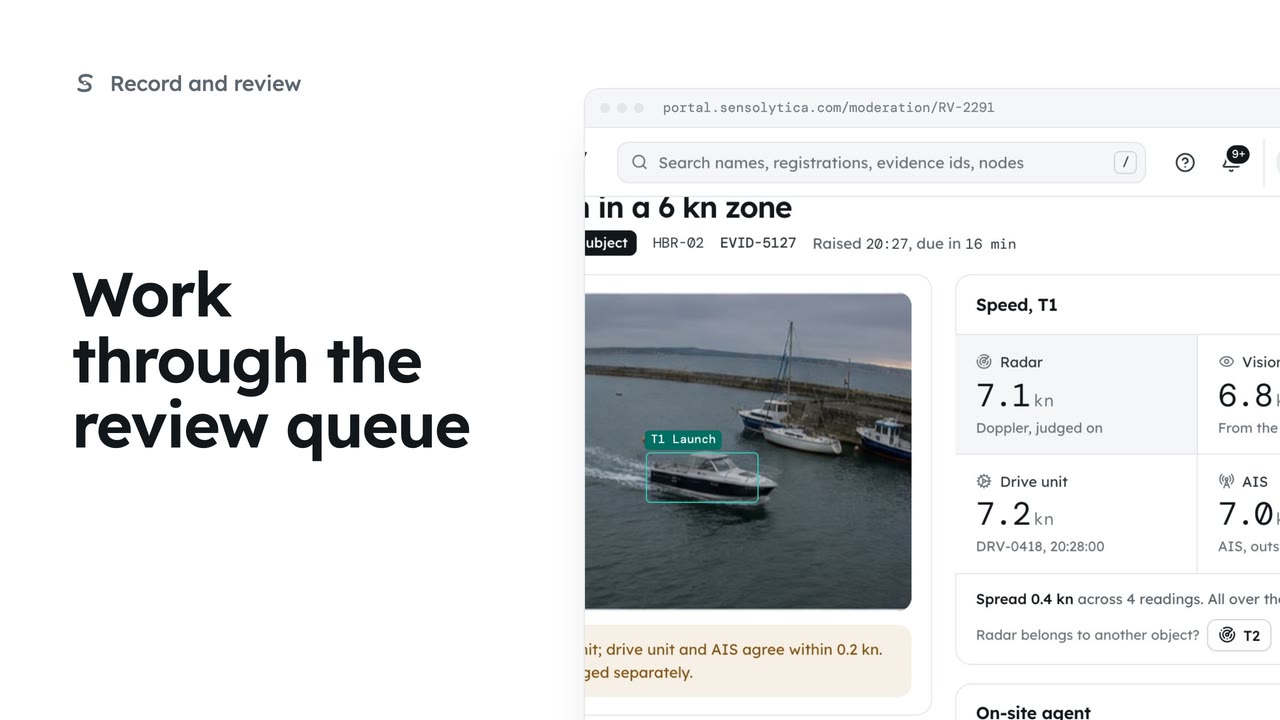
Decide each object waiting in Moderation, in the order it is due, with every source's speed side by side.
2 min6 stepsOperator, Admin
Put a decision you just made back in the queue, from the next item or from the decided item itself.
A decision
RV-2291: the launch over the limit, with the drive unit and AIS agreeing.
Undo is in reach
The next item says what you just decided, with Undo beside it.
Recently decided
Within an hour, Undo is on Moderation too. After that, change the verdict on the capture.
Open RV-2291, the launch at 7.1 knots in a 6 knot zone, with the drive unit and AIS agreeing. Give a reason, choose Breach and confirm. The next item opens.
Wrong one? The next item opens with a line saying what you just decided, and Undo beside it. Choose Undo, then Reopen. RV-2291 is back in the queue and opens again.
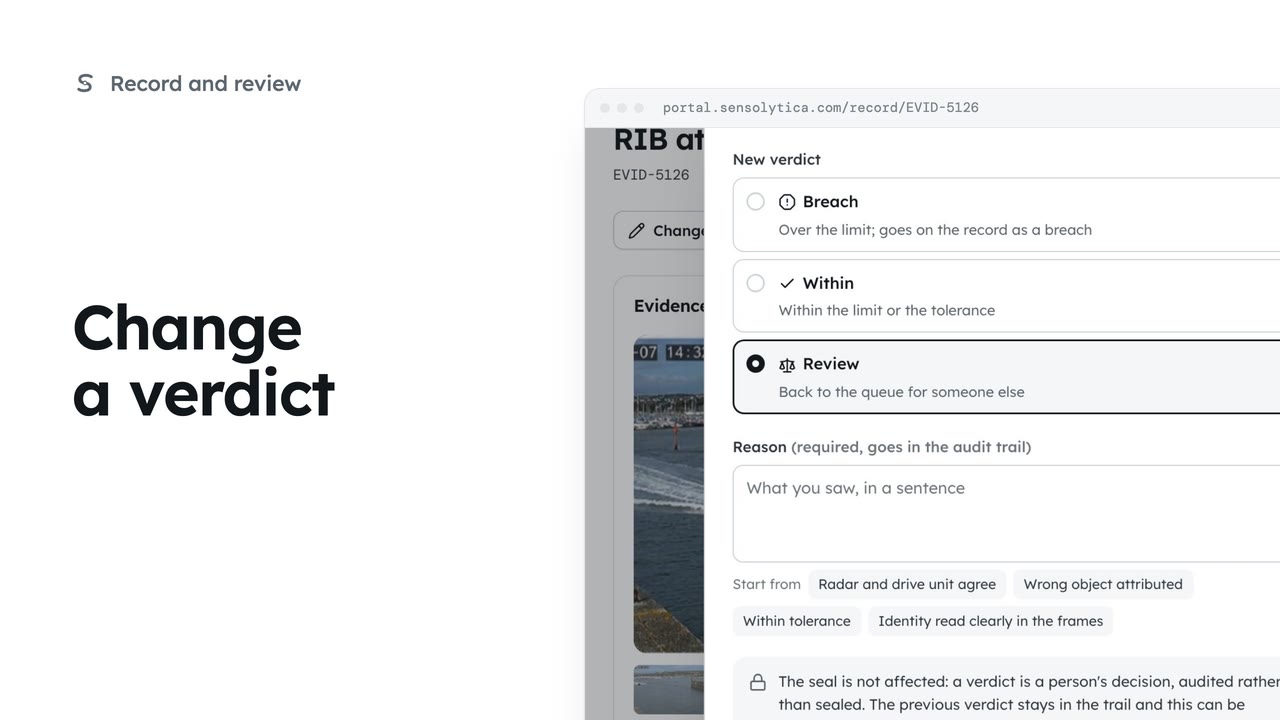
Later, Moderation lists your recent decisions under Recently decided, with Undo for an hour. After that, change the verdict on the capture itself, with a reason. The decision stays in the audit trail either way.
Sign in with your work email. Your own organisation's records, nodes and units take the place of the Westmouth ones.
2 minDecide each object waiting in Moderation, in the order it is due, with every source's speed side by side.
2 min6 stepsOperator, Admin
 2 min
2 minChange one object's verdict on purpose, with a reason that goes into the audit trail and leaves the seal untouched.
2 min5 stepsOperator, Admin
 1 min
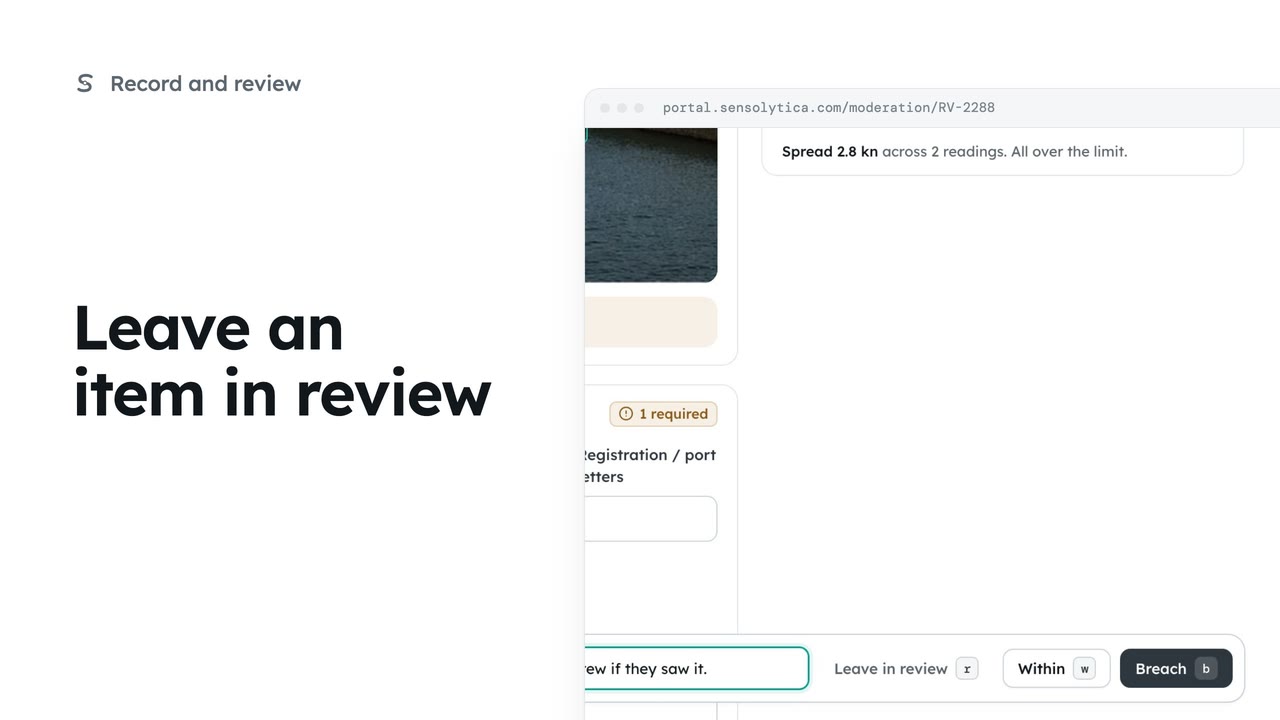
1 minWhen the sources disagree and you cannot decide yet, leave the item open for someone else with a note of why.
1 min3 stepsOperator, Admin
Checked against the portal on 15 October 2026. Westmouth names, vessels, units and figures are illustrative. General guidance on using the portal, not legal, regulatory or financial advice.