 2 min
2 minCreate and revoke an API key
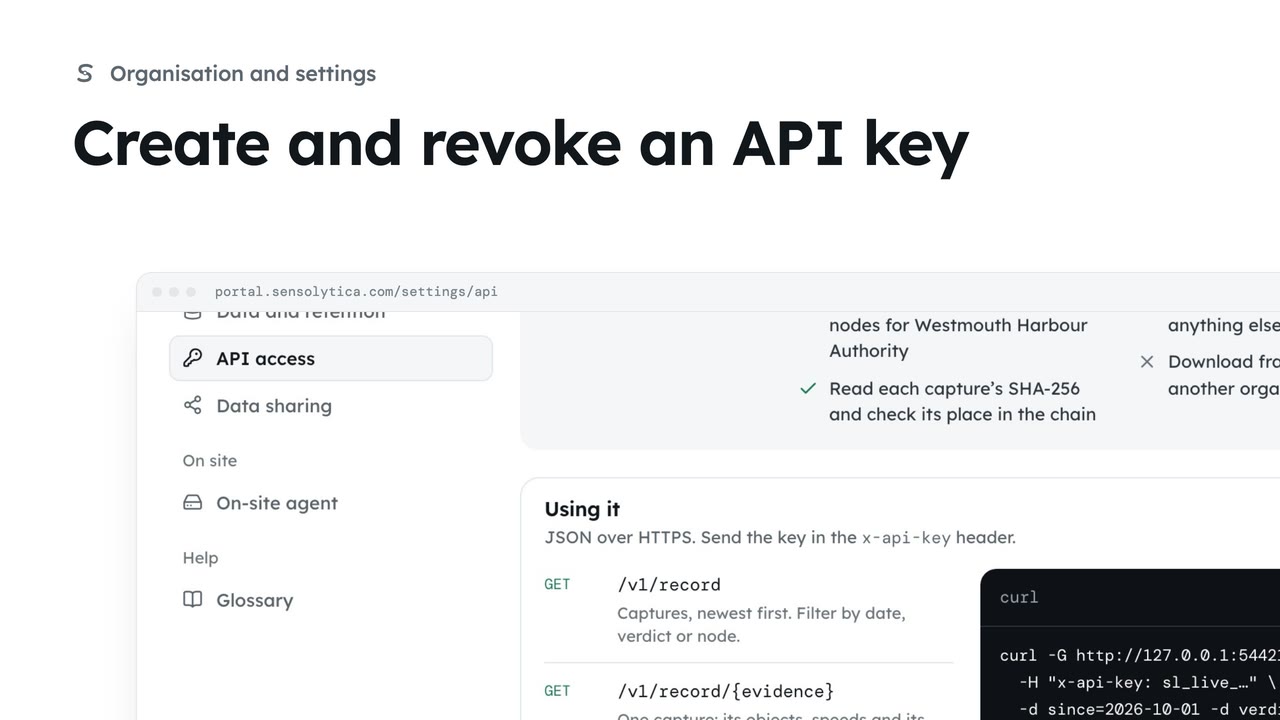
Give another system read-only access to your record with a key you can revoke at any time.
2 min4 stepsAdmin
Cut off a system that reads your record by revoking its key, when it is retired or the key may have leaked.
API keys
Settings, then API access. Each key's label, prefix and when it was last used.
Revoke key
Anything using it gets a 401 on its next request. It cannot be undone.
Open Settings, then API access. Each key shows its label, the start of the key, and when it was last used. Harbour GIS layer was used this morning.
The GIS layer has been replaced. Choose Revoke on its row, then Revoke key. Anything still using it is refused on its next request. It cannot be undone: create another key if you need one.
Sign in with your work email. Your own organisation's records, nodes and units take the place of the Westmouth ones.
2 minGive another system read-only access to your record with a key you can revoke at any time.
2 min4 stepsAdmin
 2 min
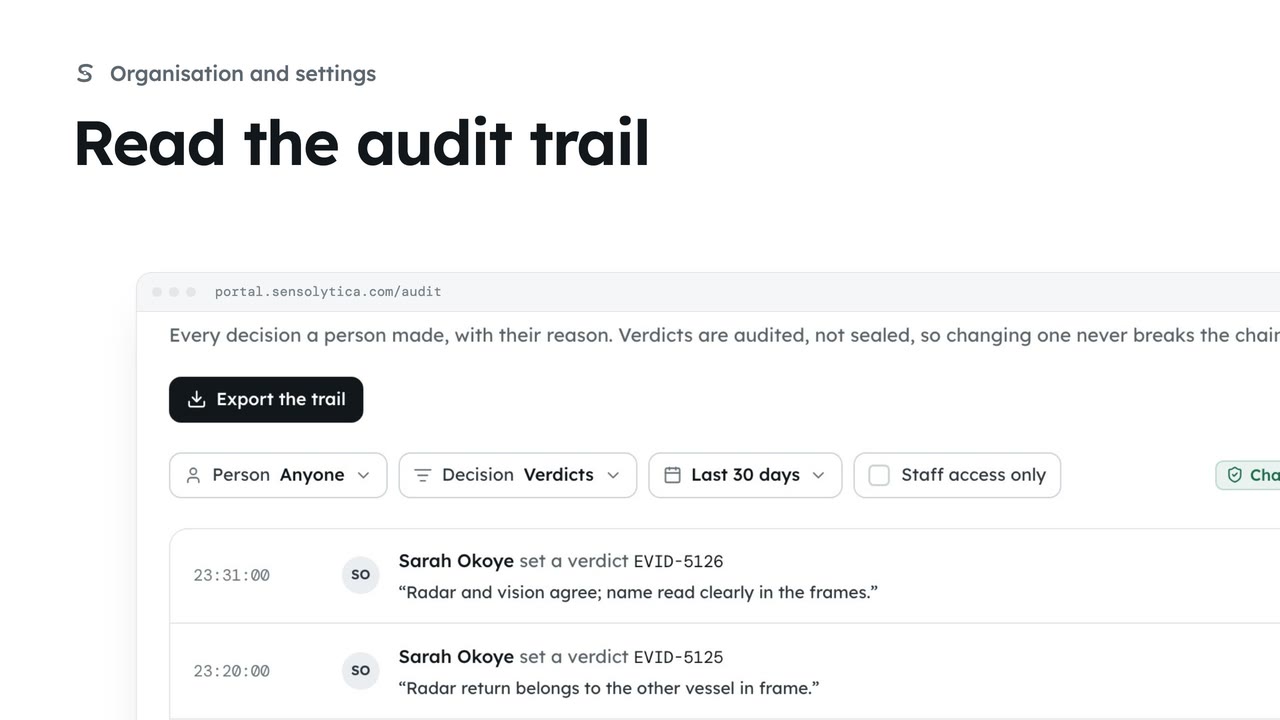
2 minSee every decision a person made in your organisation, with their reason, and export it for an auditor.
2 min4 stepsAdmin
 2 min
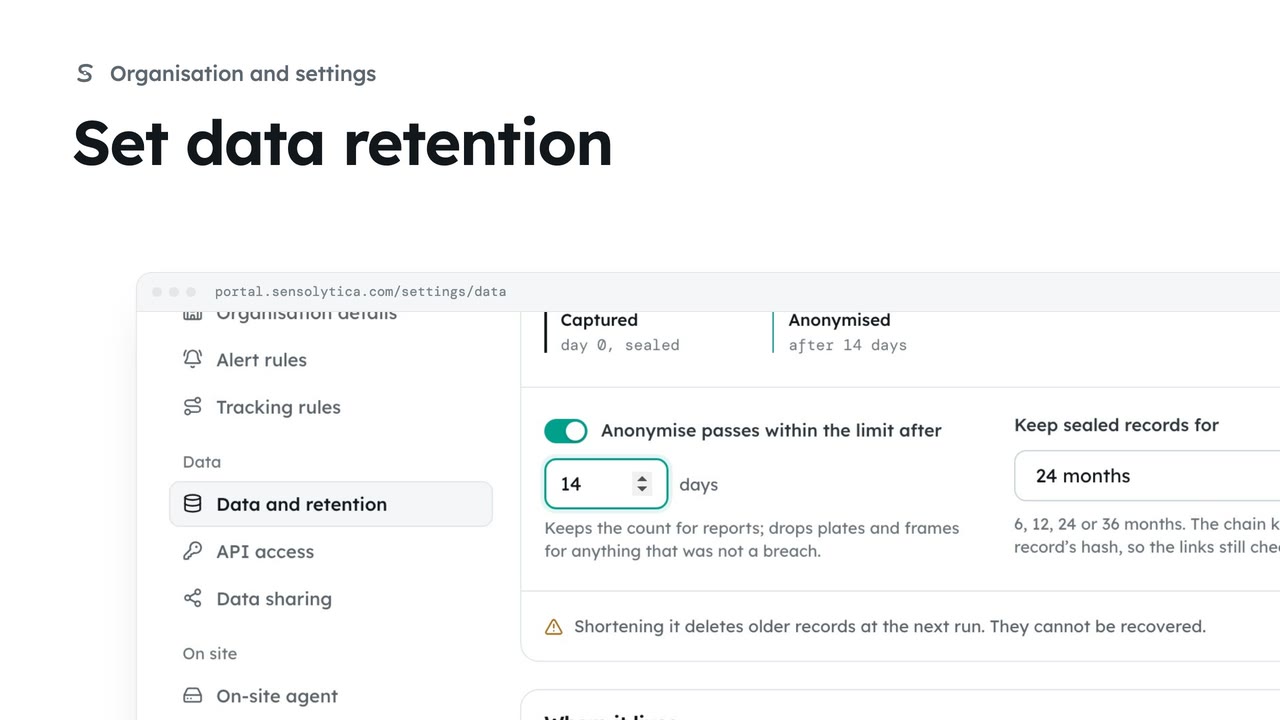
2 minChoose how long sealed records are kept and when passes within the limit lose what identifies them.
2 min4 stepsAdmin
Checked against the portal on 15 October 2026. Westmouth names, vessels, units and figures are illustrative. General guidance on using the portal, not legal, regulatory or financial advice.