 2 min
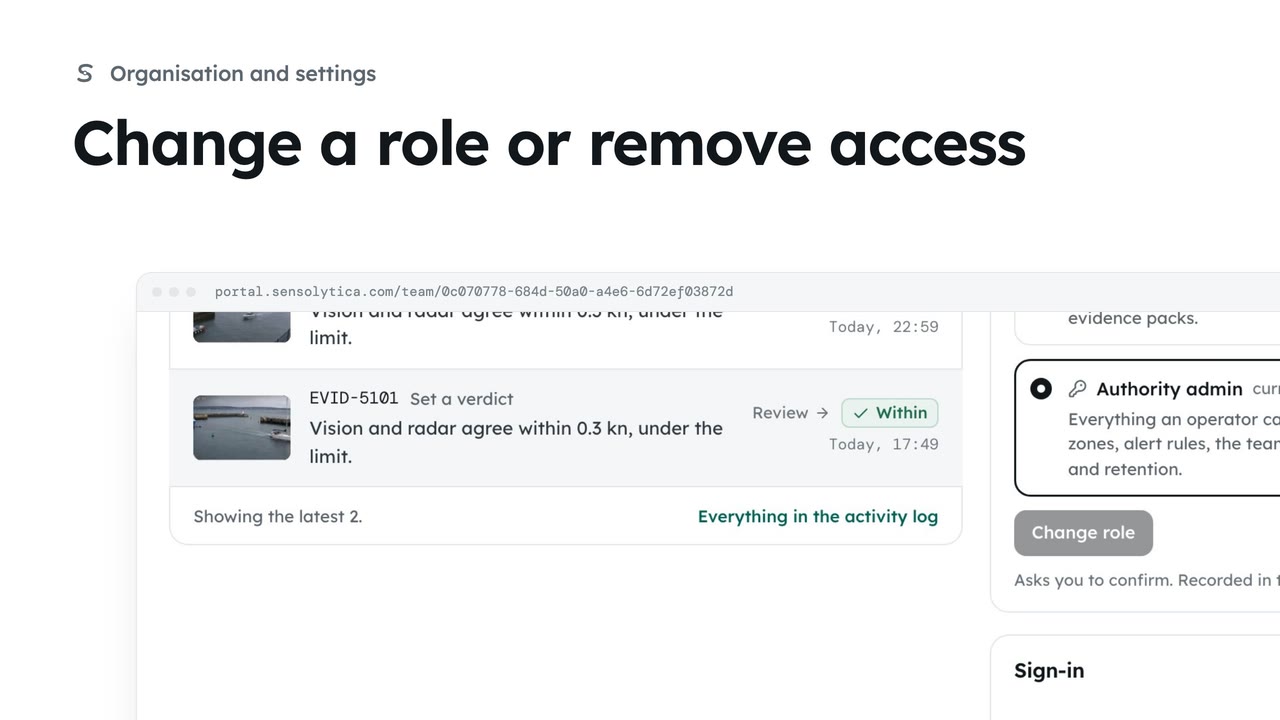
2 minChange a role or remove access
See what each role can do, change a person’s role, and remove someone who no longer needs access.
2 min4 stepsAdmin
Take away a person's access when they leave, keeping their decisions on the record under their name.
Team, then the person
Their role, when they last signed in and what they decided.
Remove access
They are signed out at once. Their decisions stay on the record under their name.
Grace has left the council. Open Team, then Grace Holloway.
Under Remove access, choose Remove Grace Holloway, then Yes, remove access. She is signed out at once and can no longer open the record. Her decisions stay on it, under her name. To undo it, invite her again.
Sign in with your work email. Your own organisation's records, nodes and units take the place of the Westmouth ones.
2 minSee what each role can do, change a person’s role, and remove someone who no longer needs access.
2 min4 stepsAdmin
 2 min
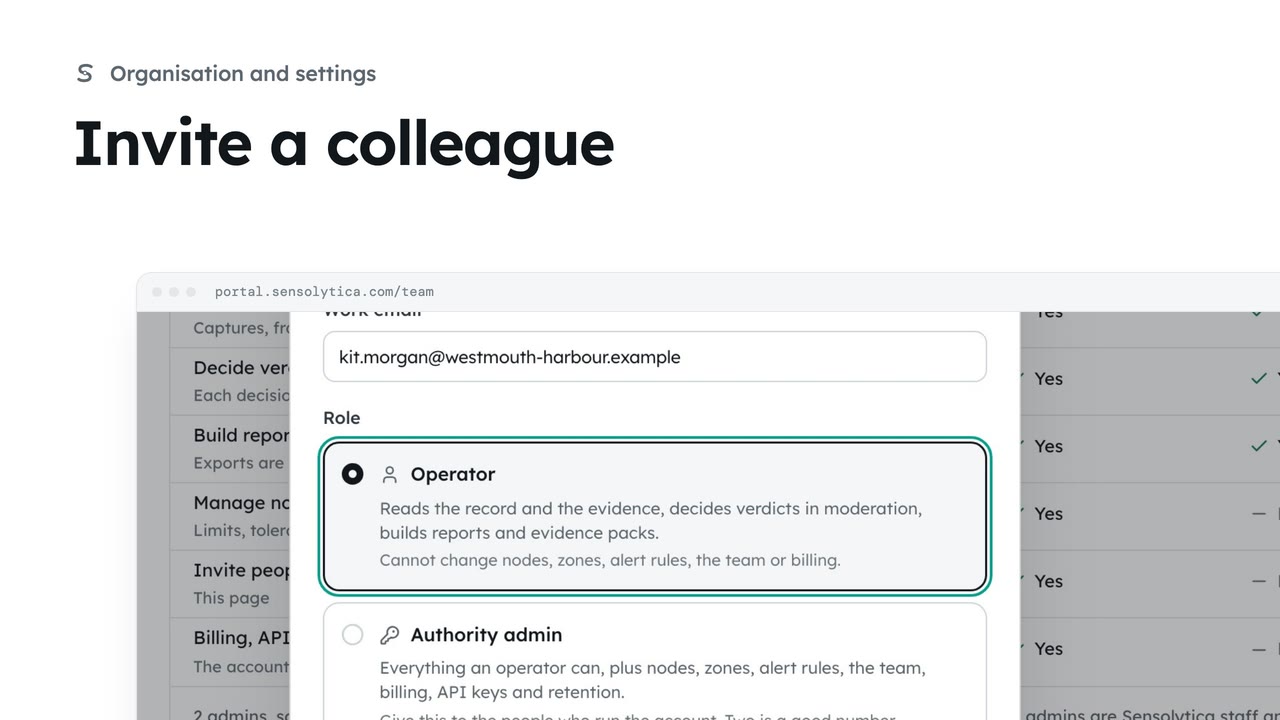
2 minInvite someone to your organisation with the smallest role that lets them do their job.
2 min5 stepsAdmin
 2 min
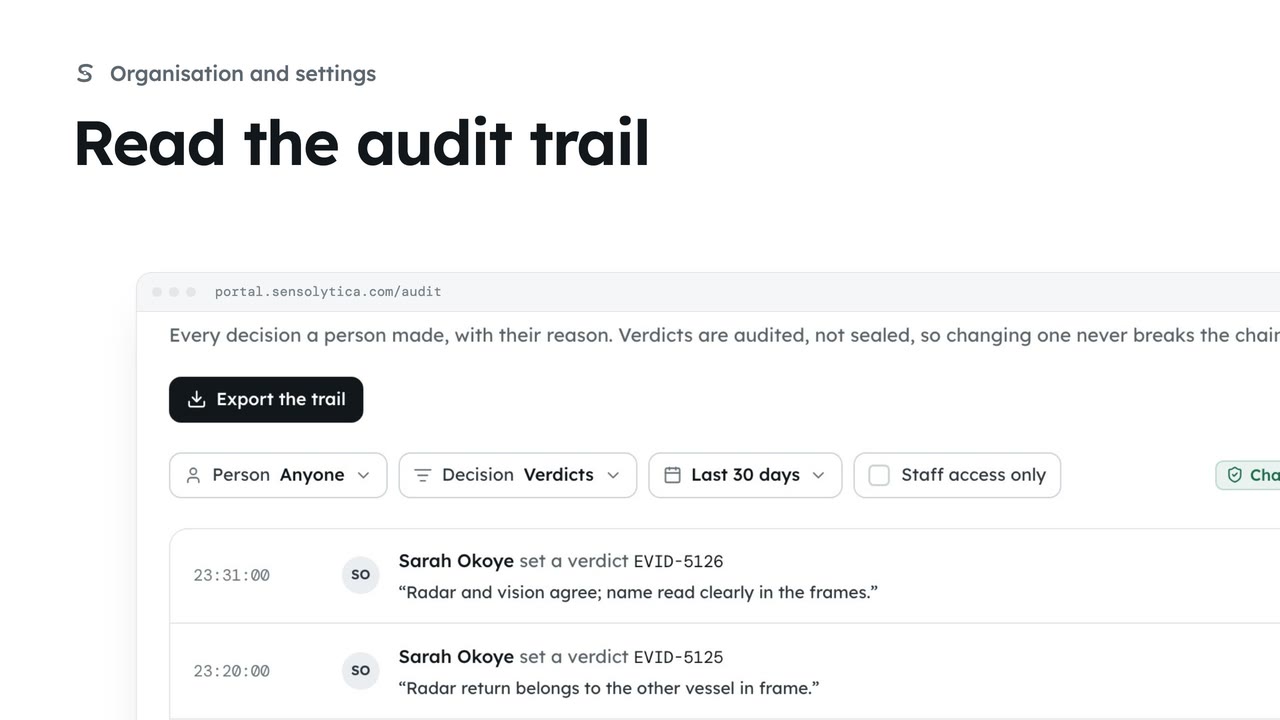
2 minSee every decision a person made in your organisation, with their reason, and export it for an auditor.
2 min4 stepsAdmin
Checked against the portal on 15 October 2026. Westmouth names, vessels, units and figures are illustrative. General guidance on using the portal, not legal, regulatory or financial advice.