 2 min
2 minCheck billing and invoices
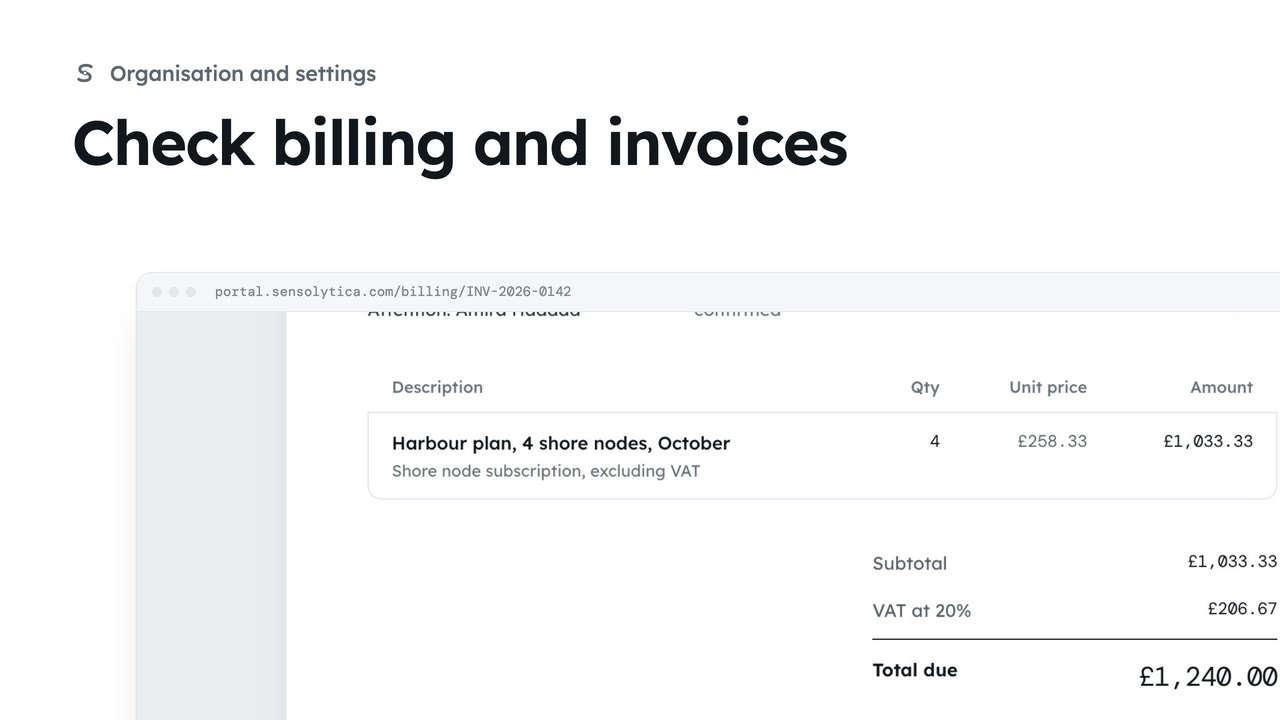
See your plan and next invoice, how you pay, and open, print or pay an invoice.
2 min4 stepsAdmin
Open an outstanding invoice, see how to pay it, and pay it on Stripe's hosted page.
Outstanding
Billing says what is owed and when it is due.
How to pay
The invoice, with how to pay it: by card on Stripe or by bank transfer.
Open Stripe
Card details go on Stripe's page and never pass through Sensolytica.
Open Billing. Outstanding says what is owed and when: INV-2026-0142, due on 12 November.
Open the invoice. How to pay gives the bank details for a transfer, and Pay now pays by card.
Choose Pay now. Card details are entered on Stripe's own page and never pass through Sensolytica: Open Stripe takes you there, and once you have paid you come straight back.
Sign in with your work email. Your own organisation's records, nodes and units take the place of the Westmouth ones.
2 minSee your plan and next invoice, how you pay, and open, print or pay an invoice.
2 min4 stepsAdmin
 2 min
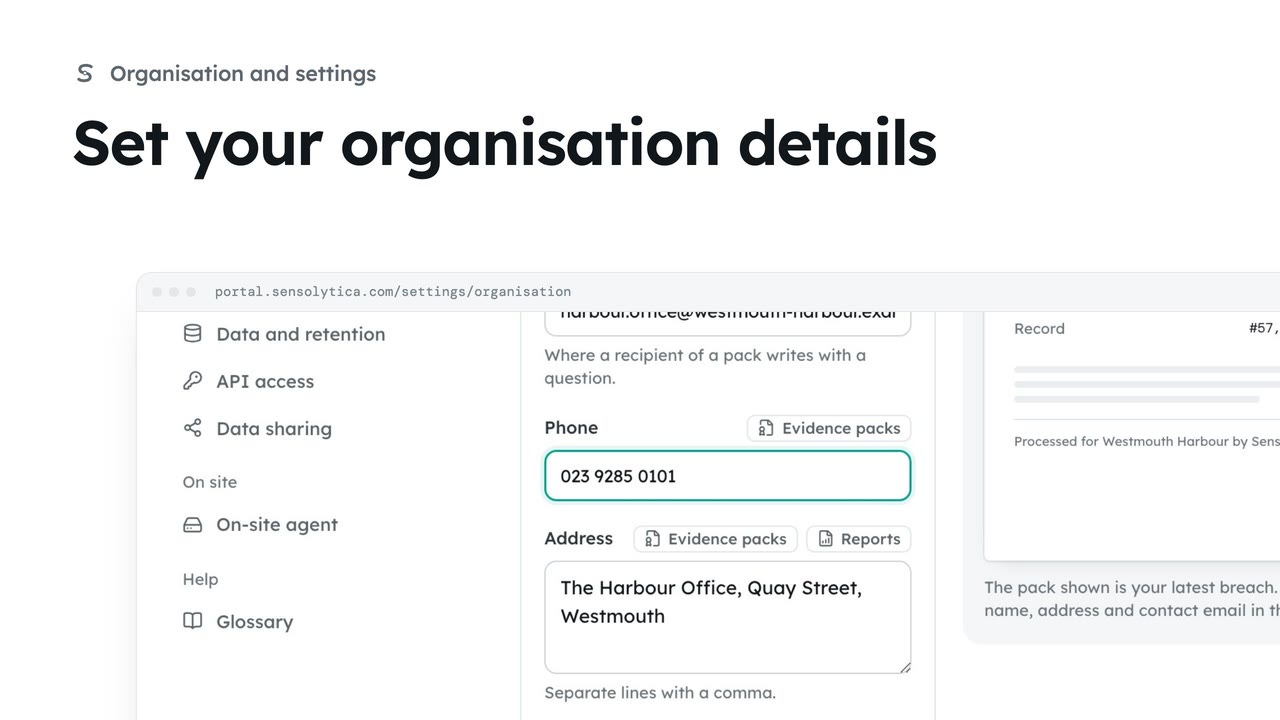
2 minKeep the name, contact email, phone and address that head every evidence pack and report up to date.
2 min4 stepsAdmin
 2 min
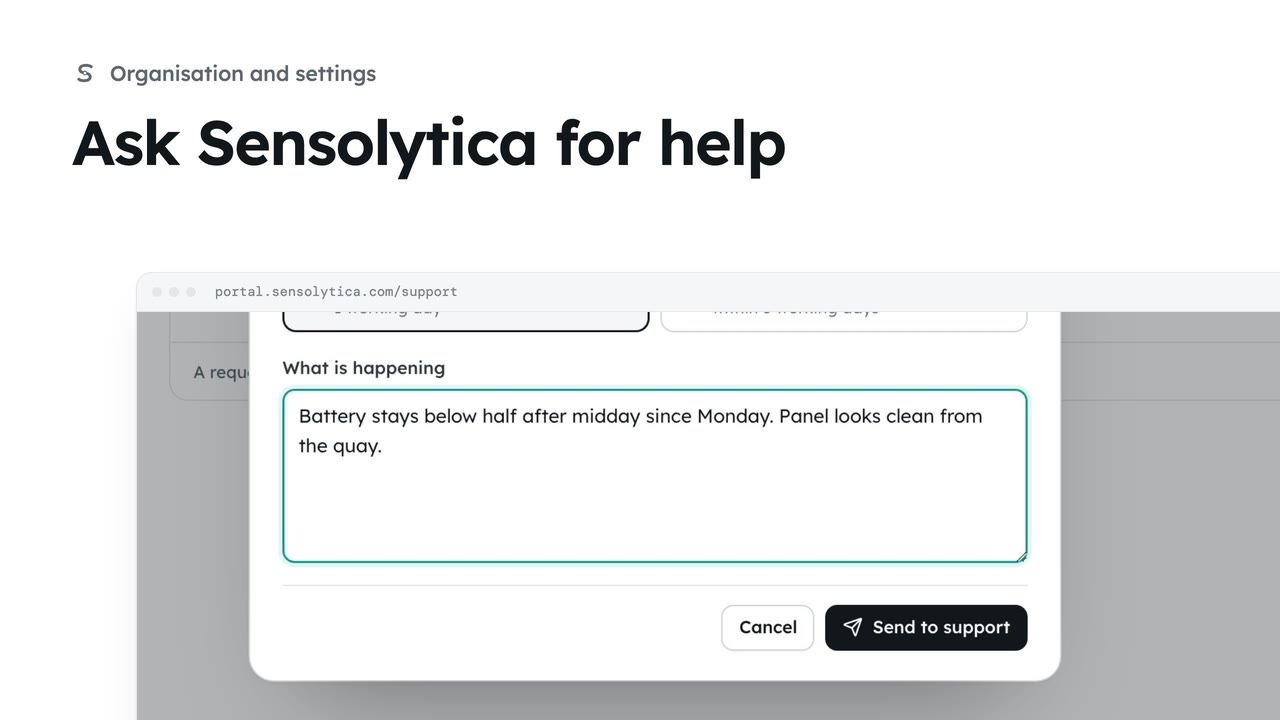
2 minRaise a support request, say how soon you need an answer, and follow it against our promise.
2 min4 stepsAdmin, Operator, Maker
Checked against the portal on 15 October 2026. Westmouth names, vessels, units and figures are illustrative. General guidance on using the portal, not legal, regulatory or financial advice.