 2 min
2 minMake an evidence pack
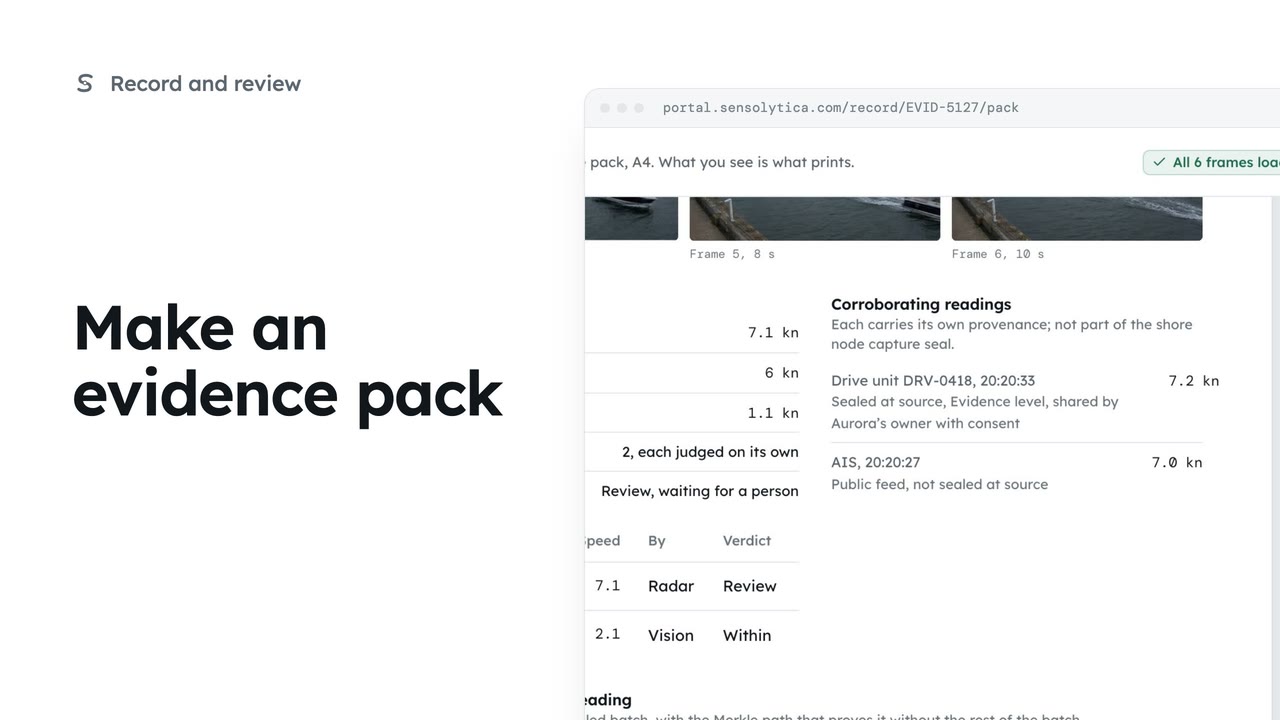
Lay one capture out as an A4 evidence pack with its frames, readings and seal, ready to print or save as a PDF.
2 min5 stepsOperator, Admin
Keep the name, contact email, phone and address that head every evidence pack and report up to date.
Find the details page
In Settings, choose Organisation details under Organisation.
Each field says where it goes
The tags beside each label show whether it is printed on evidence packs, reports or both.
Edit and watch the preview
Change the Phone field. The pack header preview on the right updates as you type.
Save and confirm
Choose Save details, then Save details again in the confirm window.
Open Settings from the sidebar. Under Organisation, choose Organisation details. These are the details a court or a committee sees at the top of every evidence pack and report.
Each field is tagged with where it is printed. The kind of organisation is locked: it was set when the account was opened, so ask support if it needs to change.
Change the phone number. The pack header preview on the right updates as you type, so you can see exactly how the top of a pack will read.
Choose Save details and confirm. New packs and reports use the new details. Packs already made keep the details they were made with.
Sign in with your work email. Your own organisation's records, nodes and units take the place of the Westmouth ones.
2 minLay one capture out as an A4 evidence pack with its frames, readings and seal, ready to print or save as a PDF.
2 min5 stepsOperator, Admin
 2 min
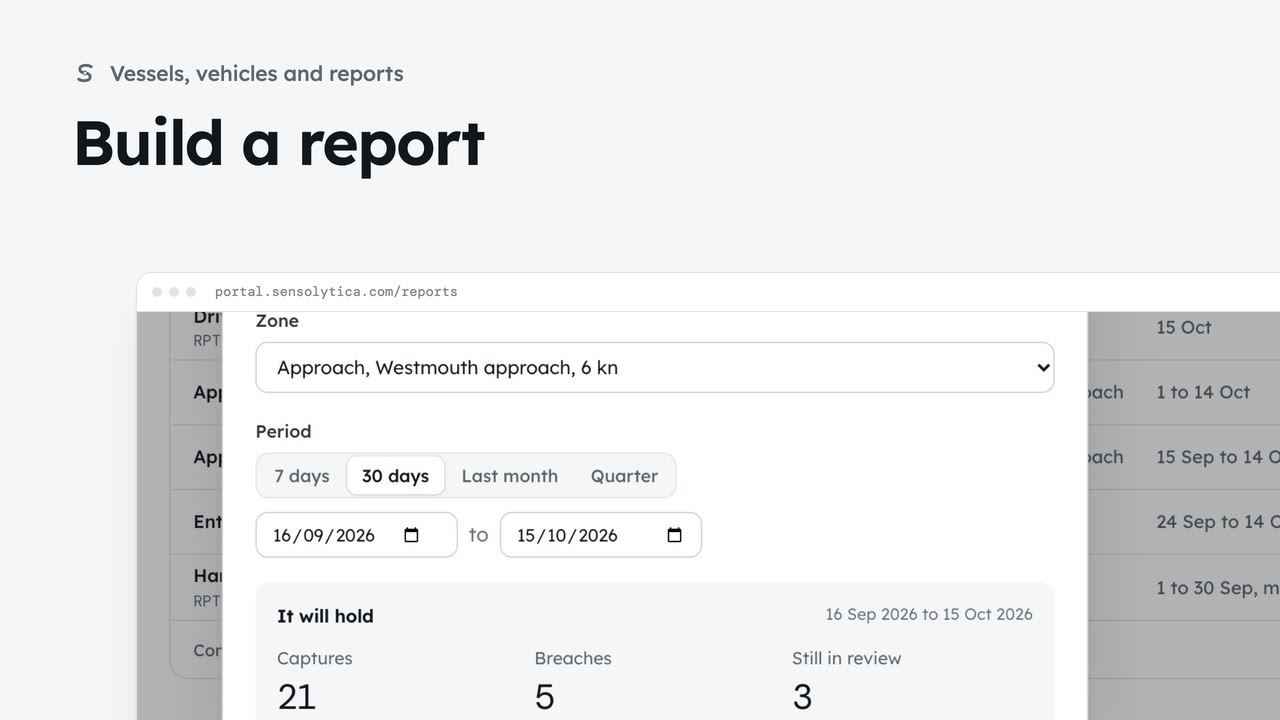
2 minChoose a kind, a zone and a period, see what the report will hold, then make it from sealed records.
2 min5 stepsAdmin, Operator
 2 min
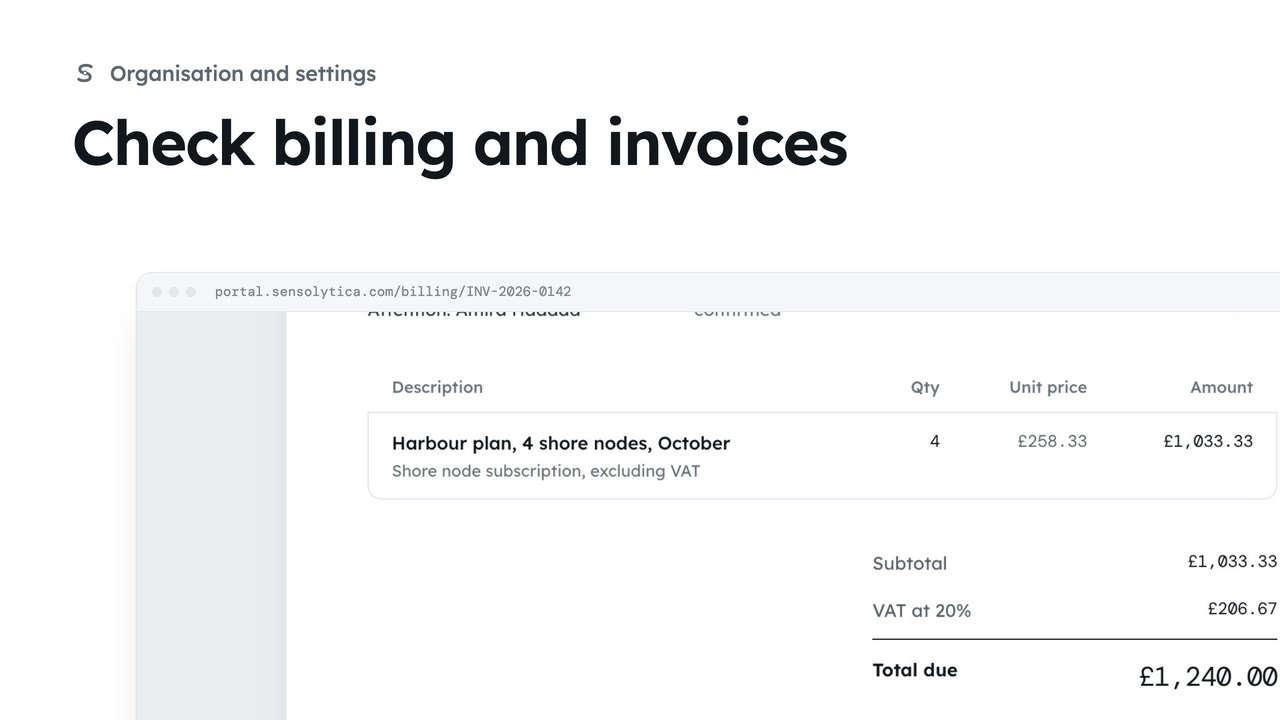
2 minSee your plan and next invoice, how you pay, and open, print or pay an invoice.
2 min4 stepsAdmin
Checked against the portal on 15 October 2026. Westmouth names, vessels, units and figures are illustrative. General guidance on using the portal, not legal, regulatory or financial advice.