 3 min
3 minMerge and split records
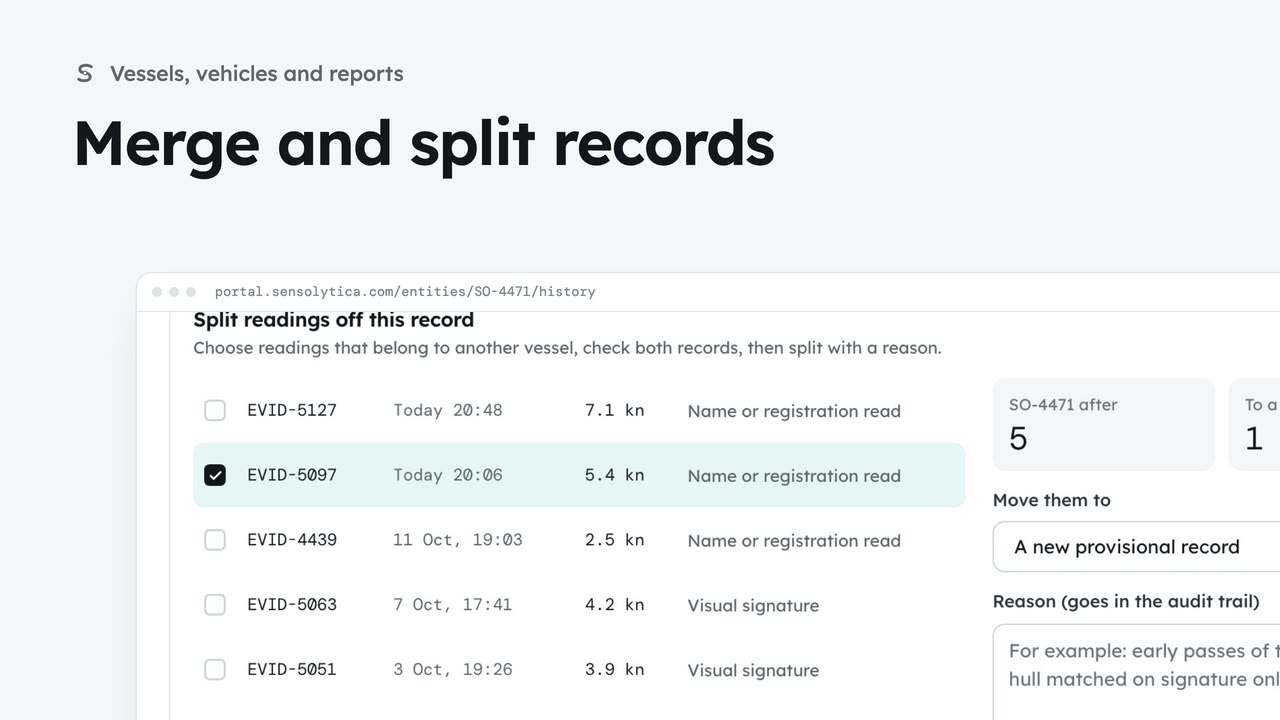
Join two records of the same vessel or vehicle, undo it if needed, and split off readings that belong to another.
3 min7 stepsAdmin, Operator
When the frames show a different boat from the record the reading joined, move it to a new provisional record from the review item.
On the record as SO-2218
RV-2304: a launch read as SO-2218 and joined to its record.
This vessel before
How often it breached, its last breach and its usual speed here.
Not this one
Give a reason, then Not this one. The reading moves to a new provisional record.
Moved to a new provisional record
The change is in the record's history and can be undone there.
In Moderation, open RV-2304. The launch was read as SO-2218 and joined to that record. Identity shows the read, its confidence and the record it is on.
This vessel before shows what the record knows: how often it has breached, when last, and its usual speed here. A launch that usually goes under six knots here, now at eleven, is worth a second look at the frames.
The hull number in the frames is not SO-2218. Type why in Reason, then choose Not this one, beside Open record. The portal says what happens: the reading moves to a new provisional record.
Confirm with Not this one. The reading is on a new provisional record, and the item stays here for its verdict. The change is in the old record's history, where it can be undone.
Sign in with your work email. Your own organisation's records, nodes and units take the place of the Westmouth ones.
3 minJoin two records of the same vessel or vehicle, undo it if needed, and split off readings that belong to another.
3 min7 stepsAdmin, Operator
 2 min
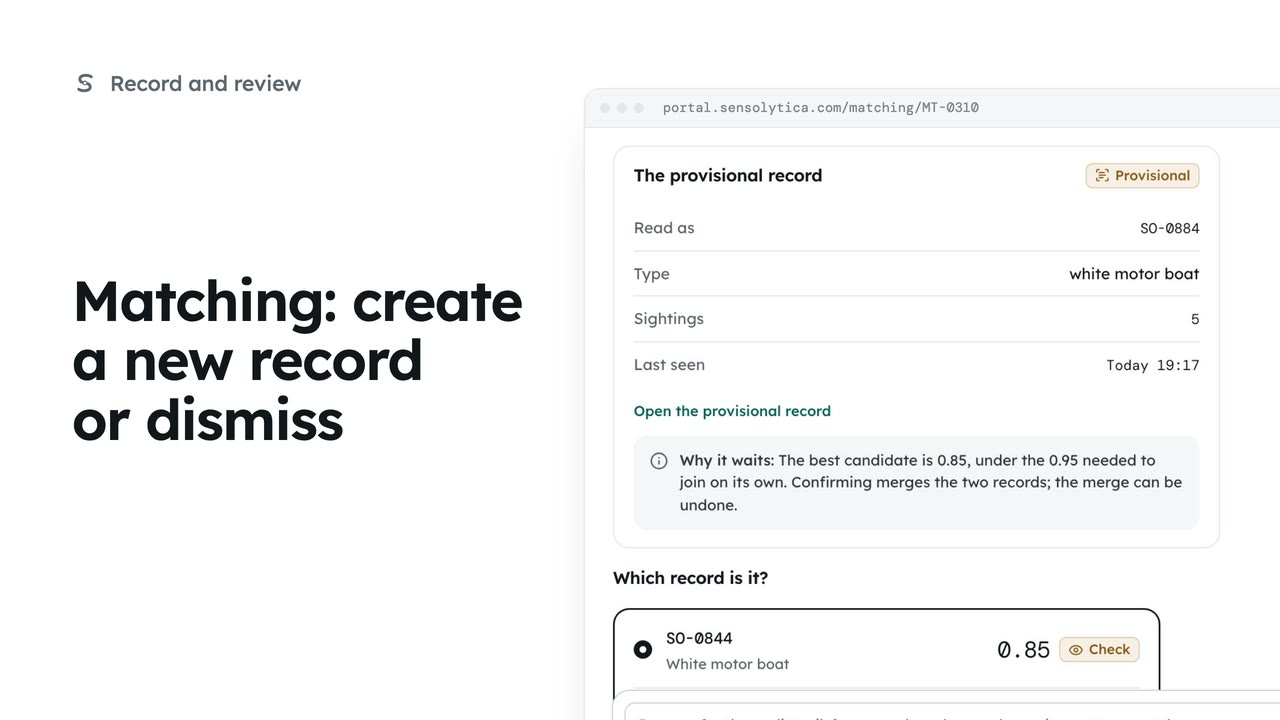
2 minStart a new provisional record when no candidate fits, or dismiss a reading that should not join any record.
2 min5 stepsOperator, Admin
 2 min
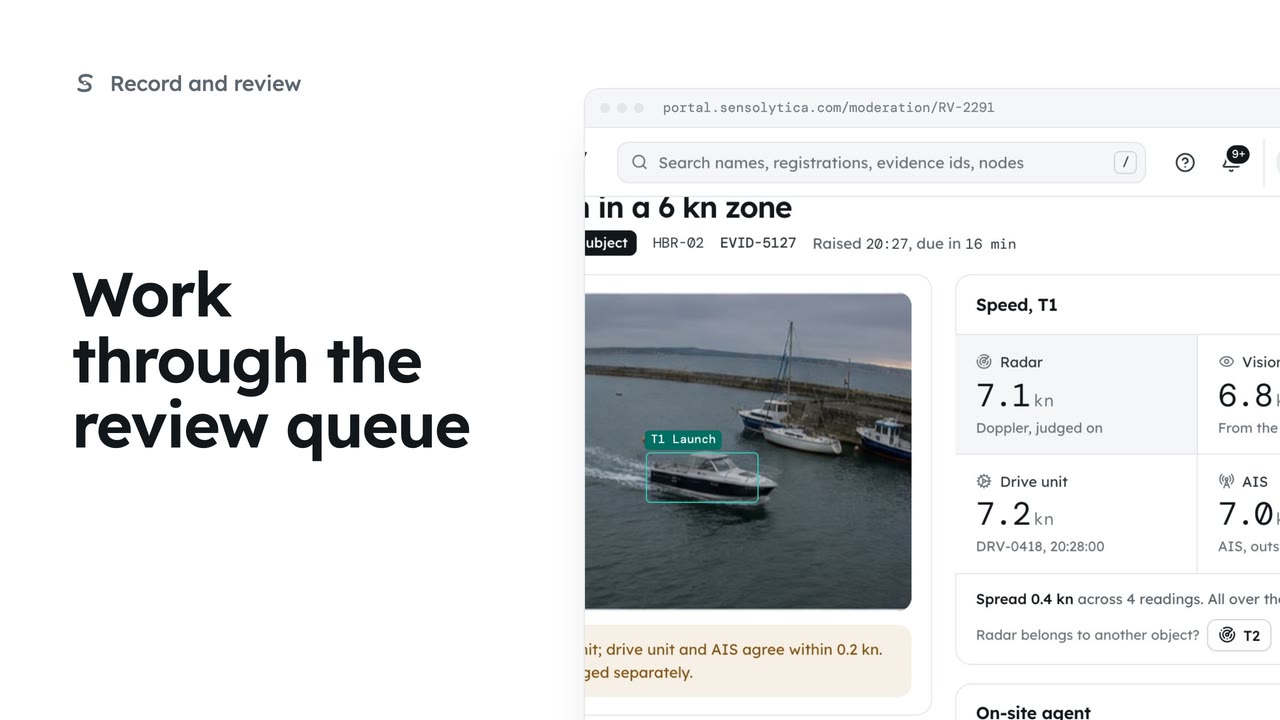
2 minDecide each object waiting in Moderation, in the order it is due, with every source's speed side by side.
2 min6 stepsOperator, Admin
Checked against the portal on 15 October 2026. Westmouth names, vessels, units and figures are illustrative. General guidance on using the portal, not legal, regulatory or financial advice.