 2 min
2 minThe central record
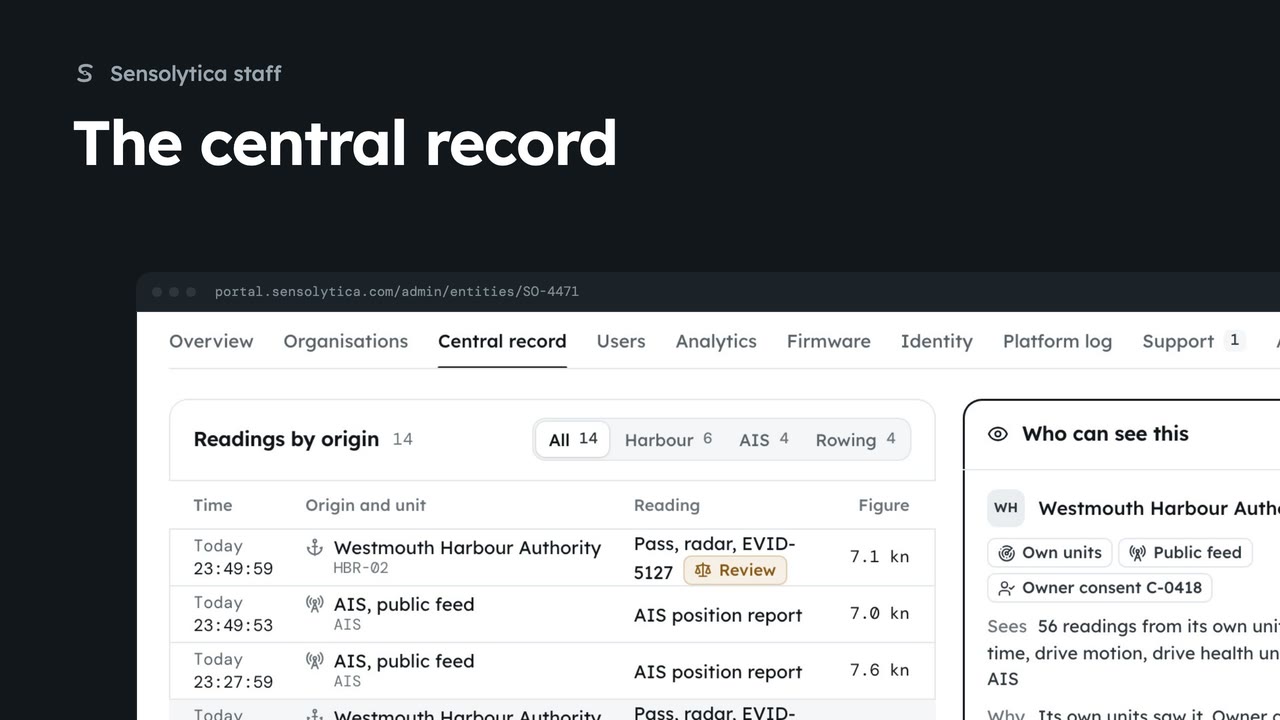
Find a vessel or vehicle across every organisation, see every reading and who can see it, and check the staff access log.
2 min6 stepsSensolytica staff
Split an organisation's record out of a central record when it is a different vessel, and undo it from the history.
Records joined here
Each organisation keeps its own record. The central record joins them.
Choose, then Split out
Say why: it goes in the history and the staff access log.
History, Undo
Puts the records back exactly as they were. The undo is kept too.
Open the central record and search for SO-4471. Records joined here lists each organisation's own record of it. The rowing club's record looks like a different boat.
Tick the rowing club's record and choose Split out 1. Say why: it goes in the history and in the staff access log. The chosen record becomes a new central record; readings keep their seals.
Wrong call? The history under the records lists the split, by whom and why. Choose Undo and confirm: the records go back exactly as they were, and the undo is kept in the history.
Sign in with your work email. Your own organisation's records, nodes and units take the place of the Westmouth ones.
2 minFind a vessel or vehicle across every organisation, see every reading and who can see it, and check the staff access log.
2 min6 stepsSensolytica staff
 2 min
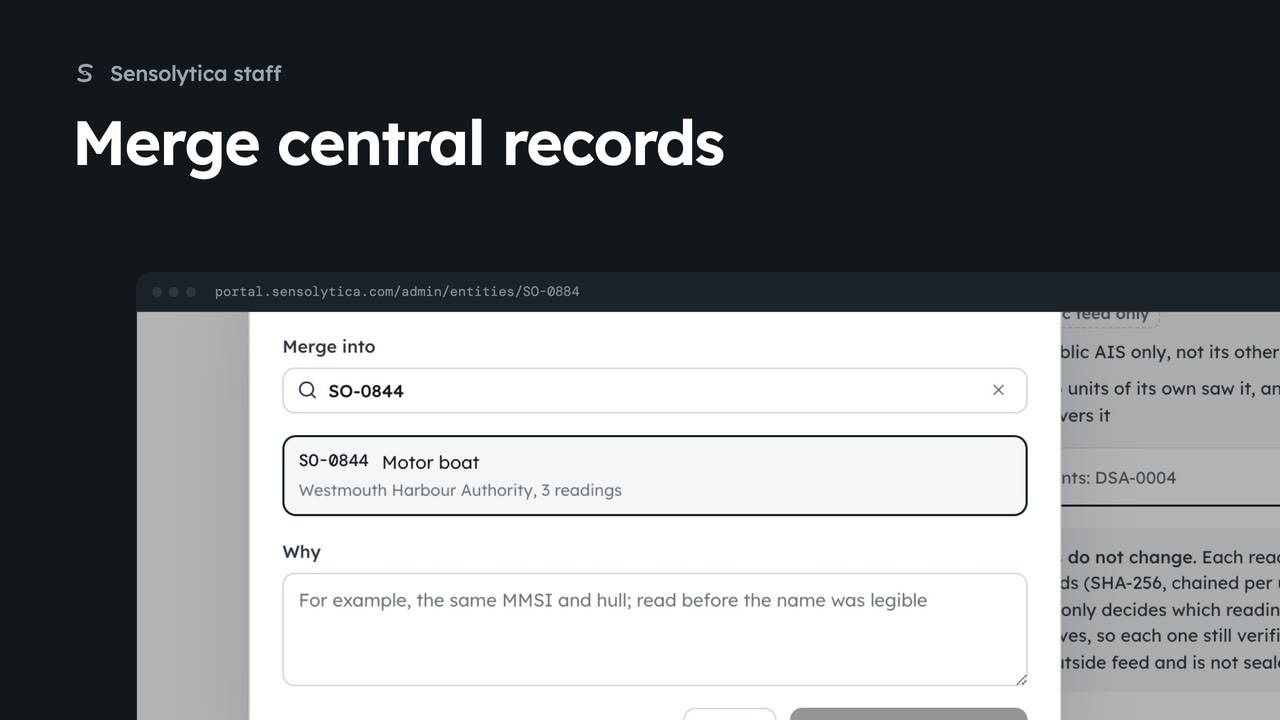
2 minJoin a central record into the one it really is, across every organisation, with a reason.
2 min3 stepsSensolytica staff
 3 min
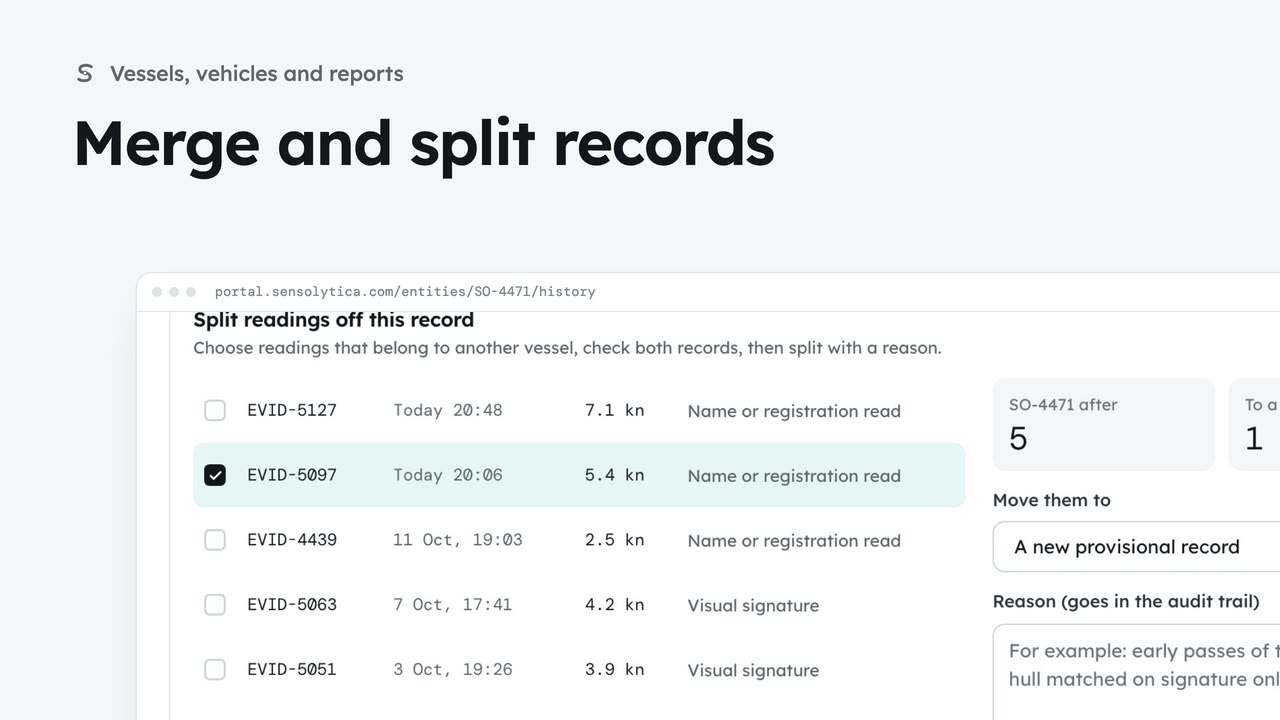
3 minJoin two records of the same vessel or vehicle, undo it if needed, and split off readings that belong to another.
3 min7 stepsAdmin, Operator
Checked against the portal on 15 October 2026. Westmouth names, vessels, units and figures are illustrative. General guidance on using the portal, not legal, regulatory or financial advice.