 2 min
2 minVessel and vehicle records
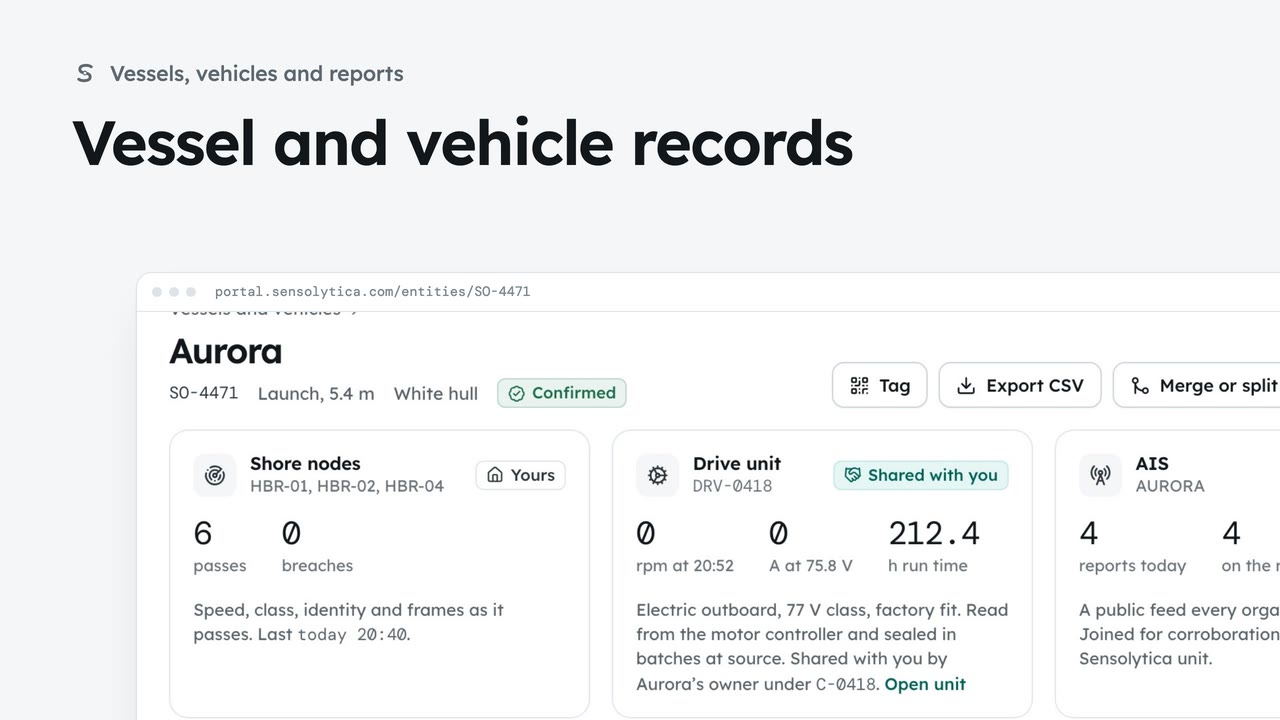
Find a vessel or vehicle and read its one record, joining every shore node pass, its drive unit and AIS.
2 min6 stepsAdmin, Operator
Find a vessel or vehicle across every organisation, see every reading and who can see it, and check the staff access log.
Every organisation joined
Central record under Platform in the sidebar lists every vessel and vehicle, with the organisations whose own units saw it.
Search by identity
Type a registration, name, MMSI or unit into the search. Organisation, Source and Sharing narrow it further.
One vessel, every origin
Readings by origin lists every reading. Filter by origin with the buttons above the table.
Who can see this
Each organisation, what it sees and why: its own units, a grant, an agreement or the public feed only.
Split out or merge
Records joined here shows each organisation's own record. Split out and Merge into another fix a wrong join.
Staff access log
Staff access log lists every staff read of this record, with who and when.
Click Central record under Platform in the sidebar. It joins every vessel and vehicle across organisations, with the organisations whose units saw each one. Only staff see that, and every opening is kept in the staff access log.
Search by registration, name, MMSI or unit. Here, SO-4471, the launch Aurora. If the central record has nothing under a registration, you can tell a support caller so with confidence.
Open it. Readings by origin lists every reading about this vessel, from each organisation's units and from the public AIS feed. Use the buttons above the table to show one origin at a time, then All again.
Who can see this explains access, organisation by organisation: what each one sees, and why. Its own units saw it, an agreement covers it, or it has the public feed only. No organisation is told who else has seen the same vessel.
Records joined here shows each organisation's own record of the vessel. If one is really a different boat, tick it and choose Split out. If this is the same boat as another record, choose Merge into another. Both ask why and can be undone.
Finally, click Staff access log. Every staff read of this record is listed with who and when, including the one you just made. Close it when you are done.
Sign in with your work email. Your own organisation's records, nodes and units take the place of the Westmouth ones.
2 minFind a vessel or vehicle and read its one record, joining every shore node pass, its drive unit and AIS.
2 min6 stepsAdmin, Operator
 3 min
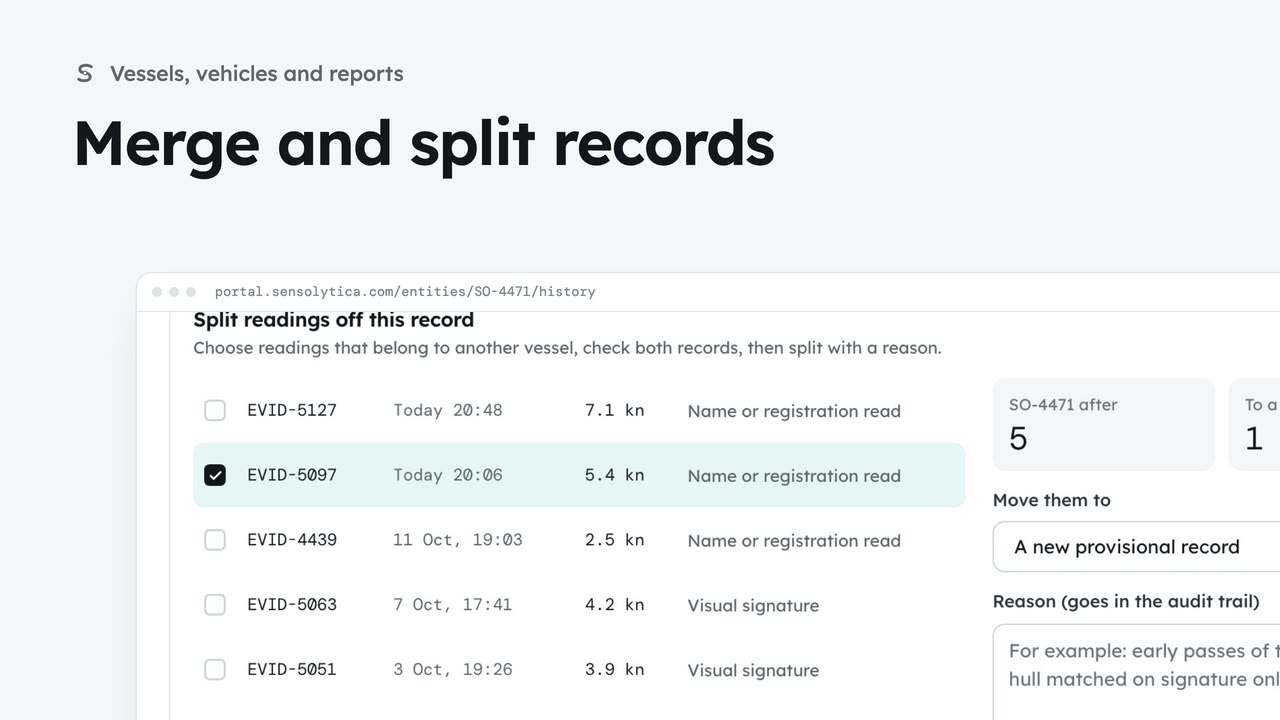
3 minJoin two records of the same vessel or vehicle, undo it if needed, and split off readings that belong to another.
3 min7 stepsAdmin, Operator
 3 min
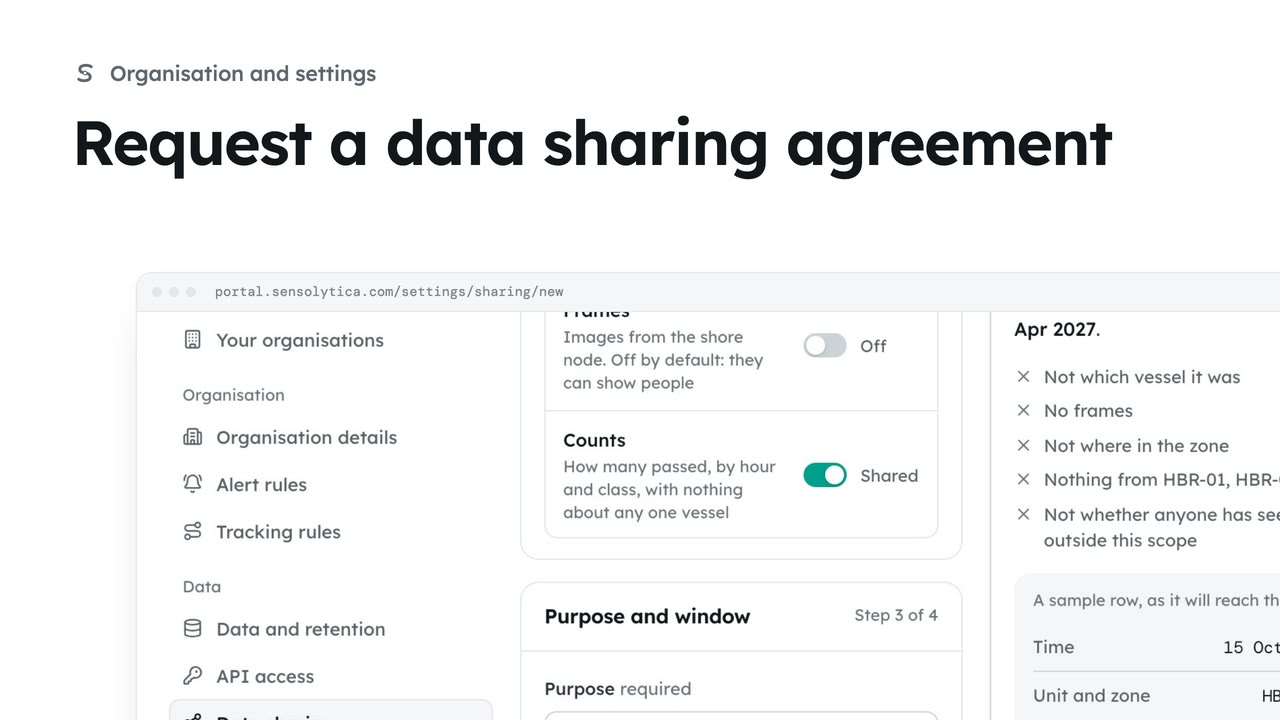
3 minAsk another organisation to share readings, or offer yours, with the narrowest scope, a stated purpose and an end date.
3 min6 stepsAdmin
Checked against the portal on 15 October 2026. Westmouth names, vessels, units and figures are illustrative. General guidance on using the portal, not legal, regulatory or financial advice.