 2 min
2 minRead your organisation's analytics
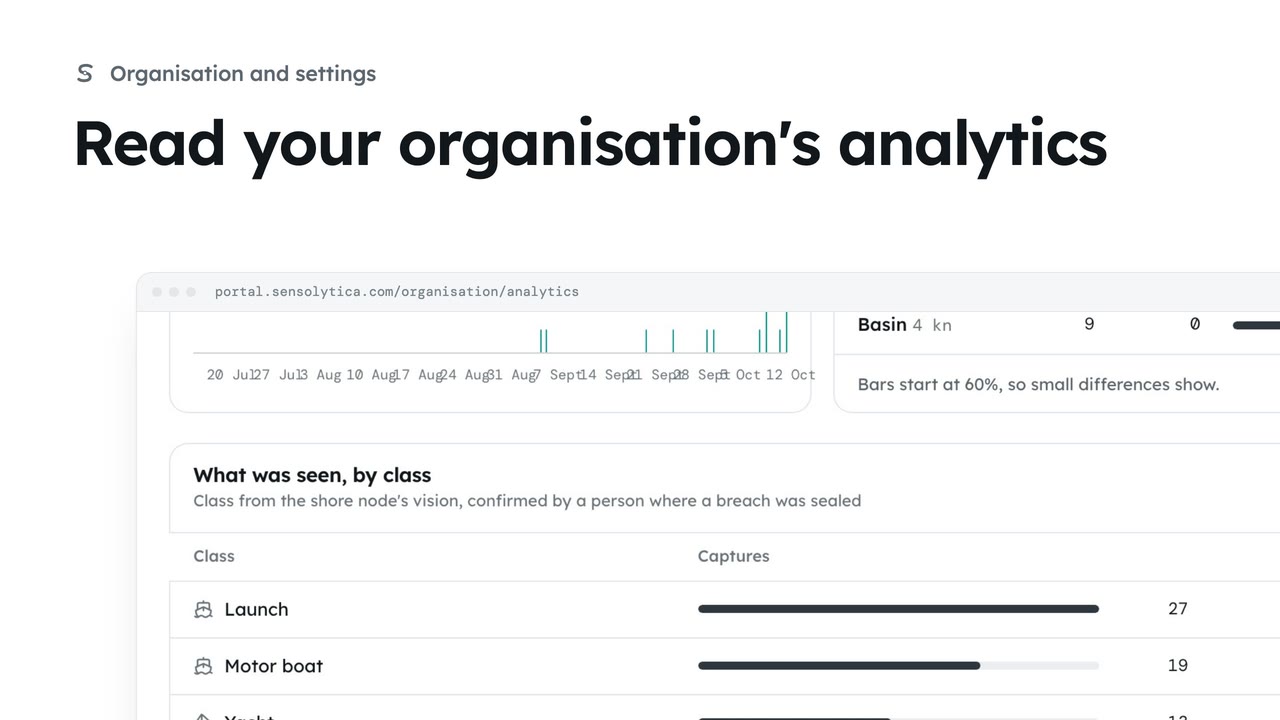
See when breaches happen, by weekday and hour, how each zone keeps to its limit and what passes, and save the figures as a CSV.
2 min4 stepsAdmin
Read the organisation overview: its figures, the health check with what to fix first, and send a two-factor reminder from it.
Organisation
Your name at the top right, then Organisation.
Health check
What to fix now, what is worth doing, and what is in good order.
Send a reminder
An email that takes them straight to the authenticator set-up.
Choose your name at the top right, then Organisation. The overview opens with four figures for the last 30 days: captures, breaches, shore nodes online and people.
The health check lists what needs you, most urgent first: a node that has stopped reporting, someone signing in without two-factor, a support request past its promise. Each comes with the button that deals with it. Under it, In good order lists what is already right.
Tom Reid signs in without two-factor. Choose Send a reminder and confirm: he gets an email that takes him straight to the authenticator set-up. Team has the same reminder.
Sign in with your work email. Your own organisation's records, nodes and units take the place of the Westmouth ones.
2 minSee when breaches happen, by weekday and hour, how each zone keeps to its limit and what passes, and save the figures as a CSV.
2 min4 stepsAdmin
 2 min
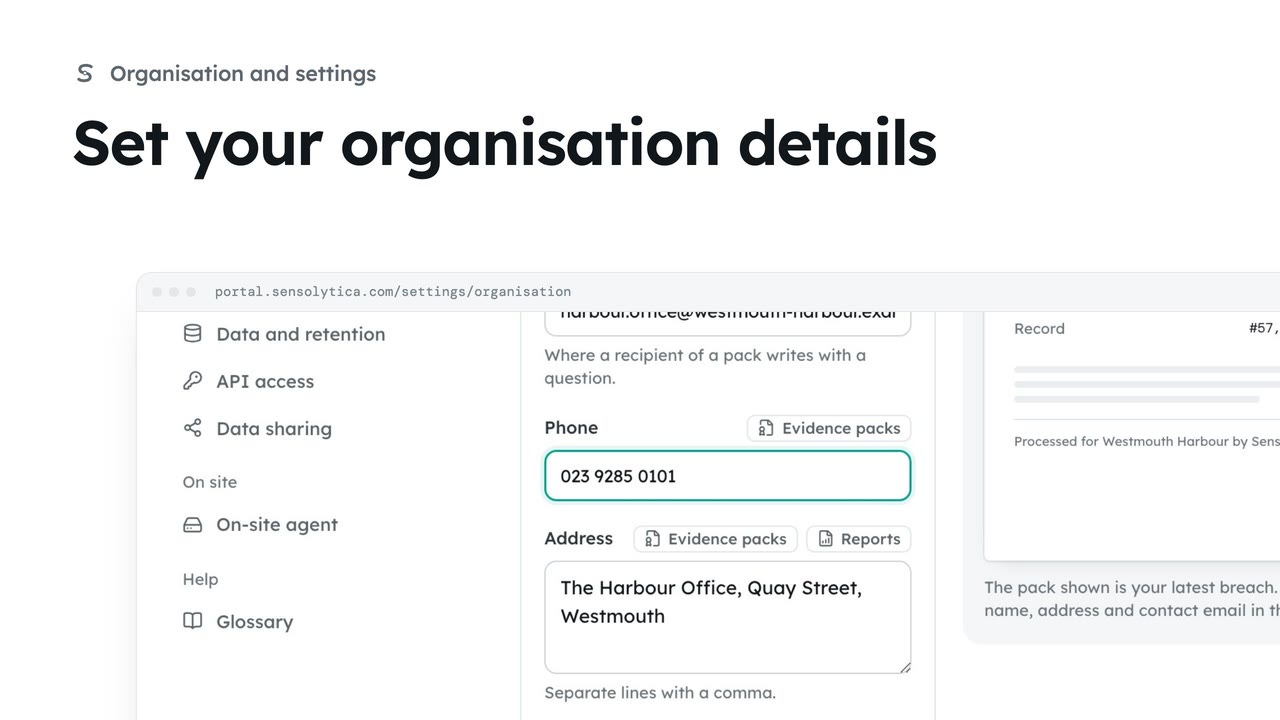
2 minKeep the name, contact email, phone and address that head every evidence pack and report up to date.
2 min4 stepsAdmin
 2 min
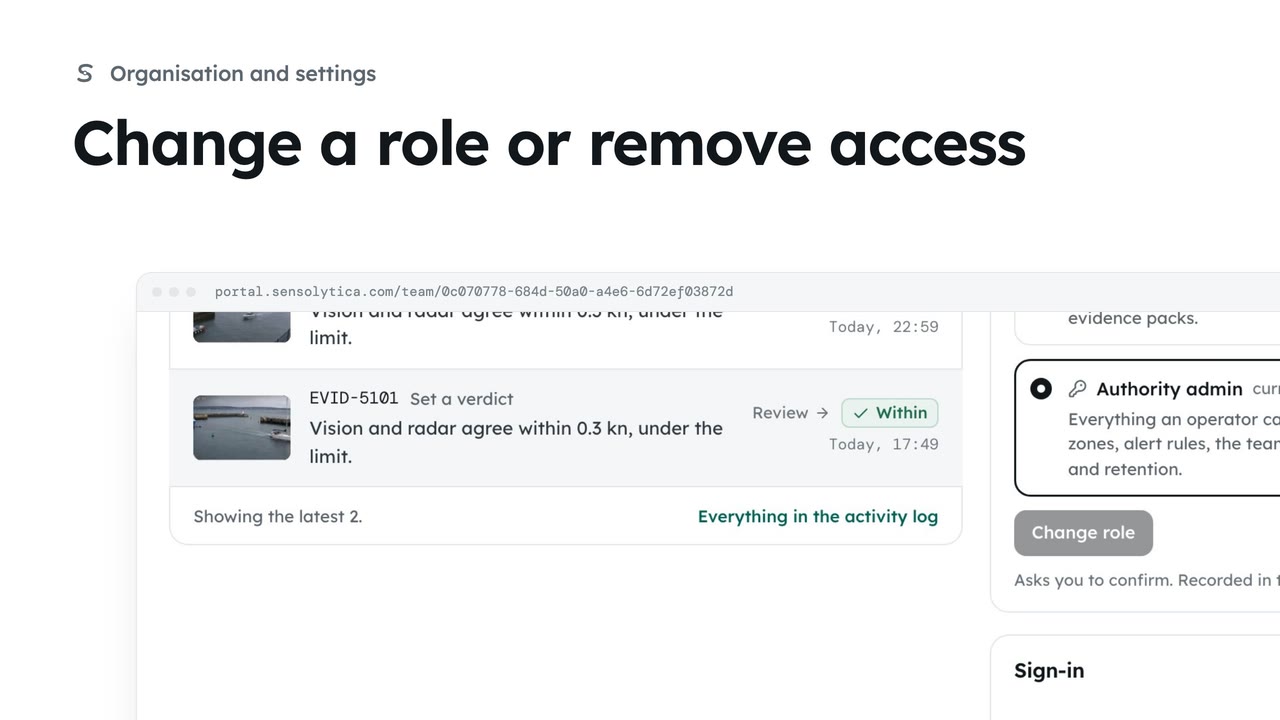
2 minSee what each role can do, change a person’s role, and remove someone who no longer needs access.
2 min4 stepsAdmin
Checked against the portal on 15 October 2026. Westmouth names, vessels, units and figures are illustrative. General guidance on using the portal, not legal, regulatory or financial advice.