 2 min
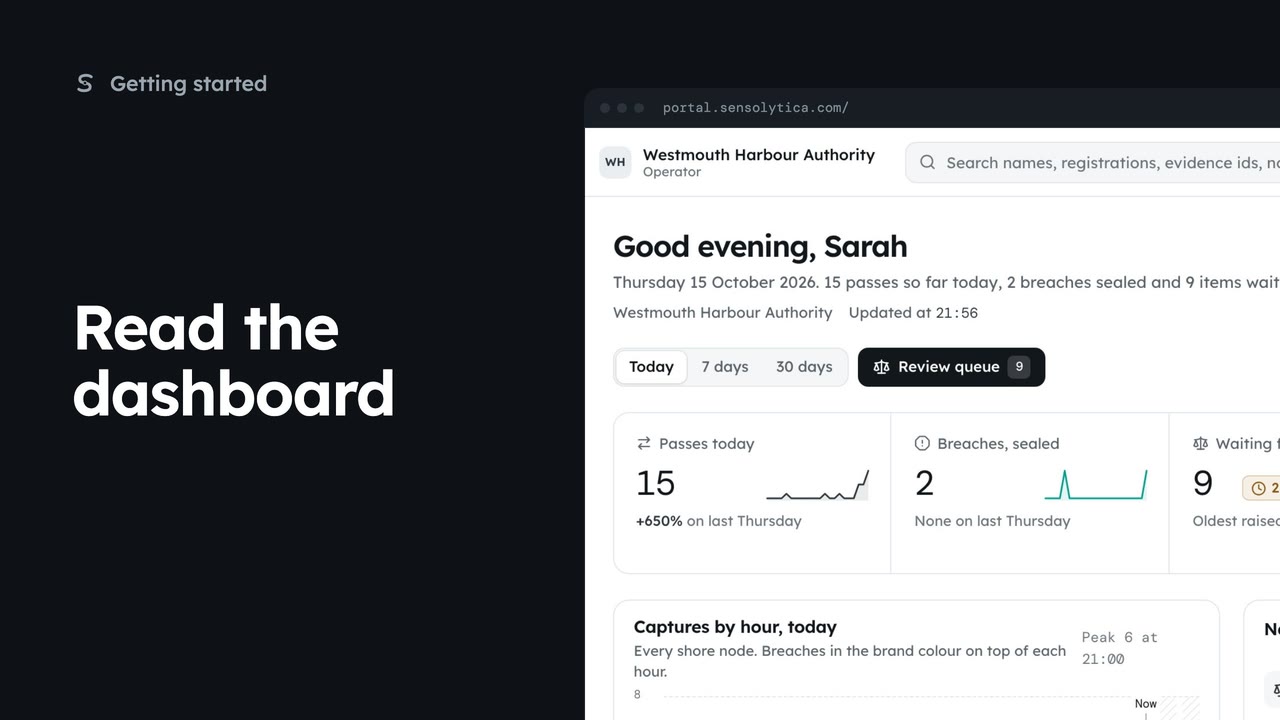
2 minRead the dashboard
See what happened today, what needs a person and whether every unit is working, in a few seconds.
2 min5 stepsAdmin, Operator, Sensolytica staff
Find what a word means in the portal, by searching or by category, and jump to where it is used.
Glossary
Settings, then Glossary under Help. Every word in the sense Sensolytica means it.
Search a word
Search a word, or what it does. Press the slash key to jump to the search.
Read it in full
Each term opens to its meaning, other names for it and links to where it is used.
Categories
Clear the search and pick a category, such as Deciding.
Open Settings, then Glossary, under Help. It holds the words the portal uses, in the sense Sensolytica means them, written for a first week in the harbour office.
Search a word, or what it does. Type sealed. The list narrows to the terms that match, and says how many.
Choose a term to open it: what it means here, what else people call it, and links to the pages where you meet it.
Clear the search and pick a category instead, such as Deciding, for verdict, breach and review. Missing a word? Tell us in support and we add it.
Sign in with your work email. Your own organisation's records, nodes and units take the place of the Westmouth ones.
2 minSee what happened today, what needs a person and whether every unit is working, in a few seconds.
2 min5 stepsAdmin, Operator, Sensolytica staff
 2 min
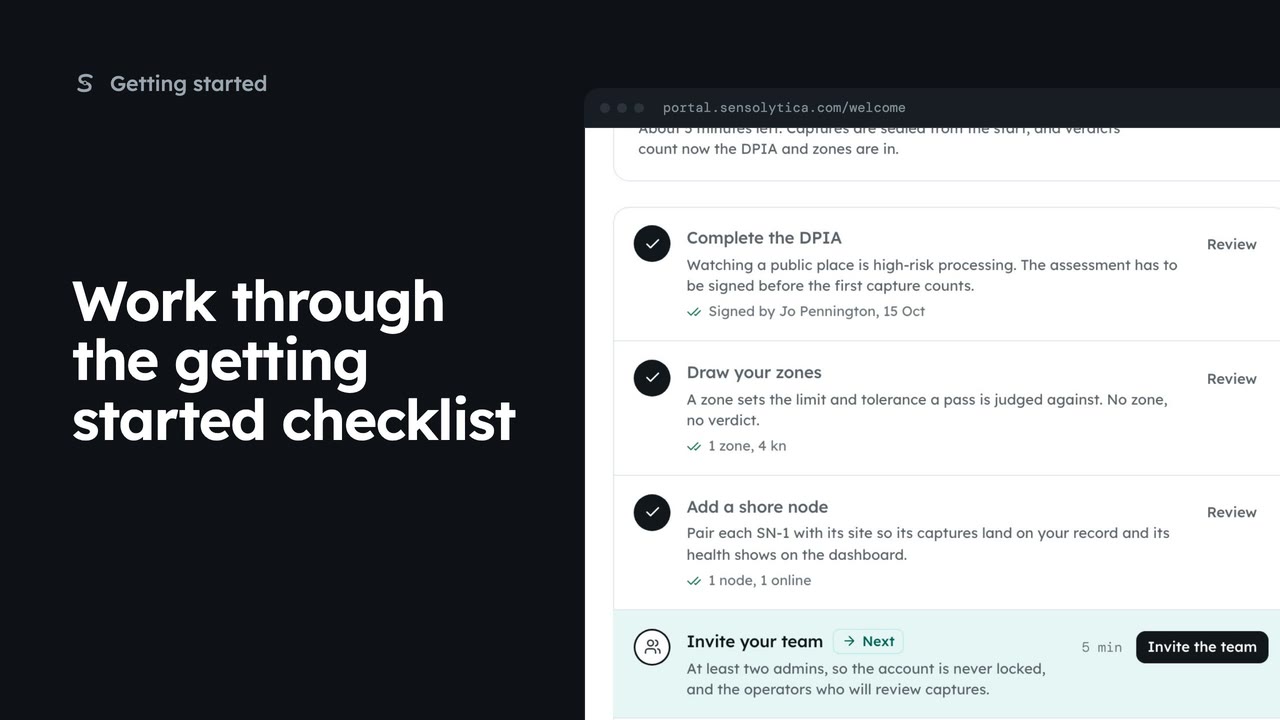
2 minUse the getting started checklist to set up a new organisation before the first capture counts.
2 min5 stepsAdmin, Sensolytica staff
 2 min
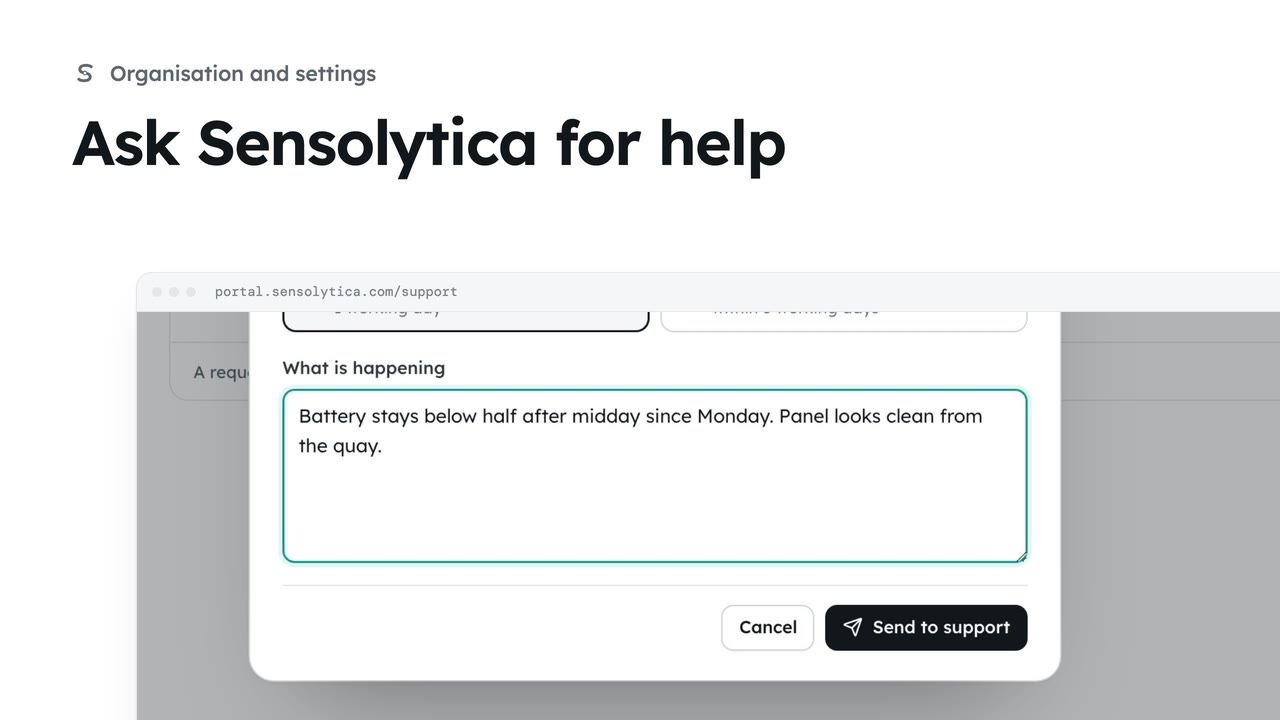
2 minRaise a support request, say how soon you need an answer, and follow it against our promise.
2 min4 stepsAdmin, Operator, Maker
Checked against the portal on 15 October 2026. Westmouth names, vessels, units and figures are illustrative. General guidance on using the portal, not legal, regulatory or financial advice.