 2 min
2 minAgent templates
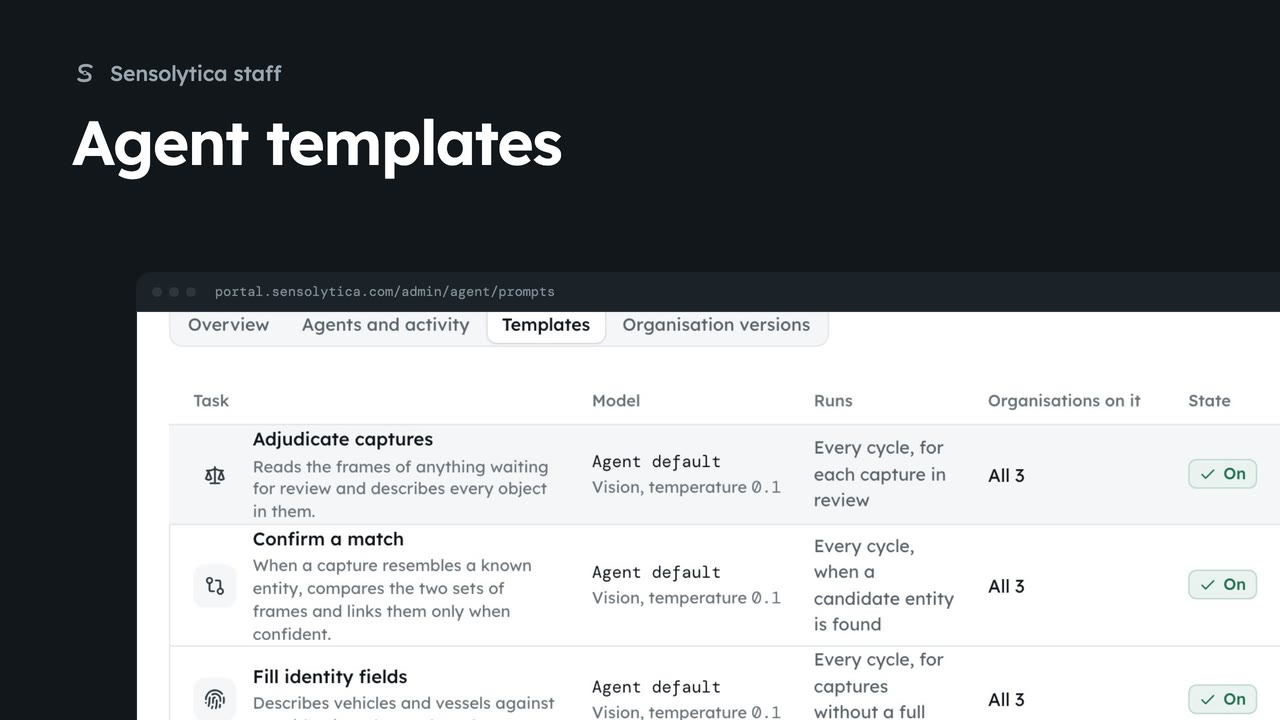
Check the agents reporting in, then change the template an agent task runs for every organisation.
2 min5 stepsSensolytica staff
Stop the on-site agent running one task for every organisation, and turn it on again.
Templates
Agent, Templates, then the task.
Pause task
The agent stops running it for every organisation.
Open Agent from the platform tabs, then Templates, and Daily brief.
Choose Pause task and confirm. Every agent stops running the daily brief, for every organisation, from its next cycle. Turn on starts it again.
Sign in with your work email. Your own organisation's records, nodes and units take the place of the Westmouth ones.
2 minCheck the agents reporting in, then change the template an agent task runs for every organisation.
2 min5 stepsSensolytica staff
 1 min
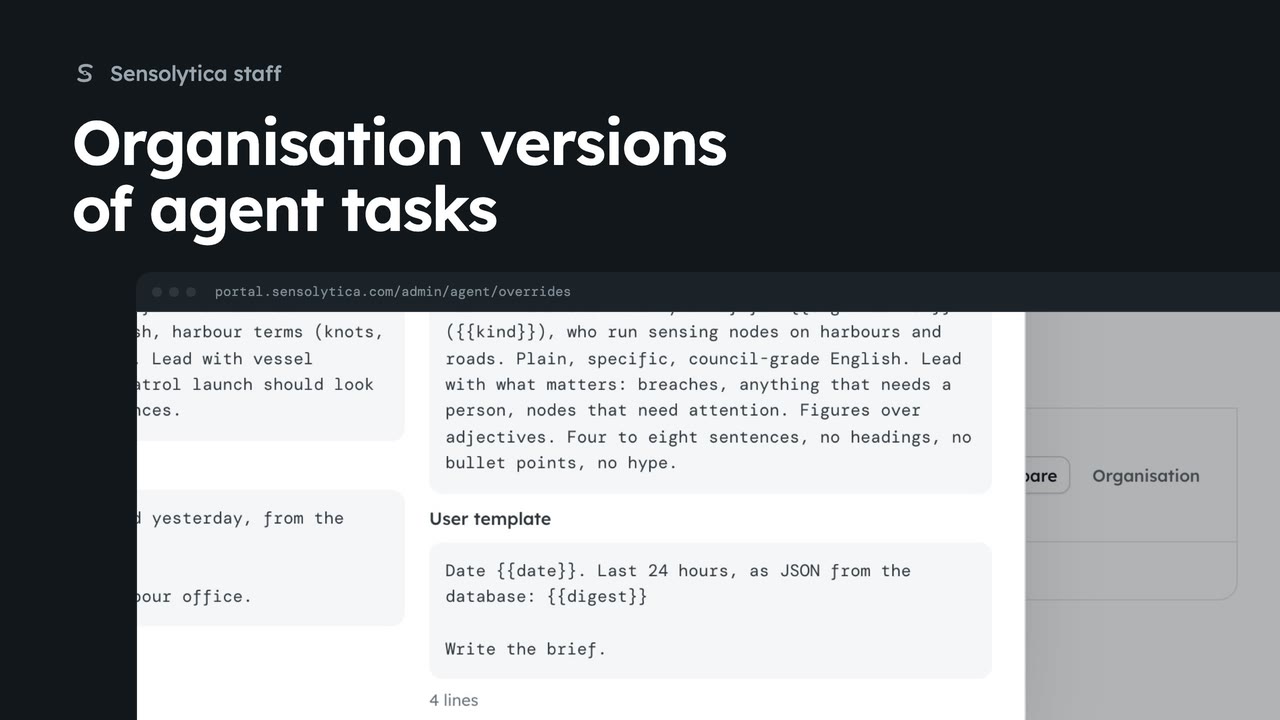
1 minSee which organisations run their own version of an agent task and compare it with the template.
1 min4 stepsSensolytica staff
 2 min
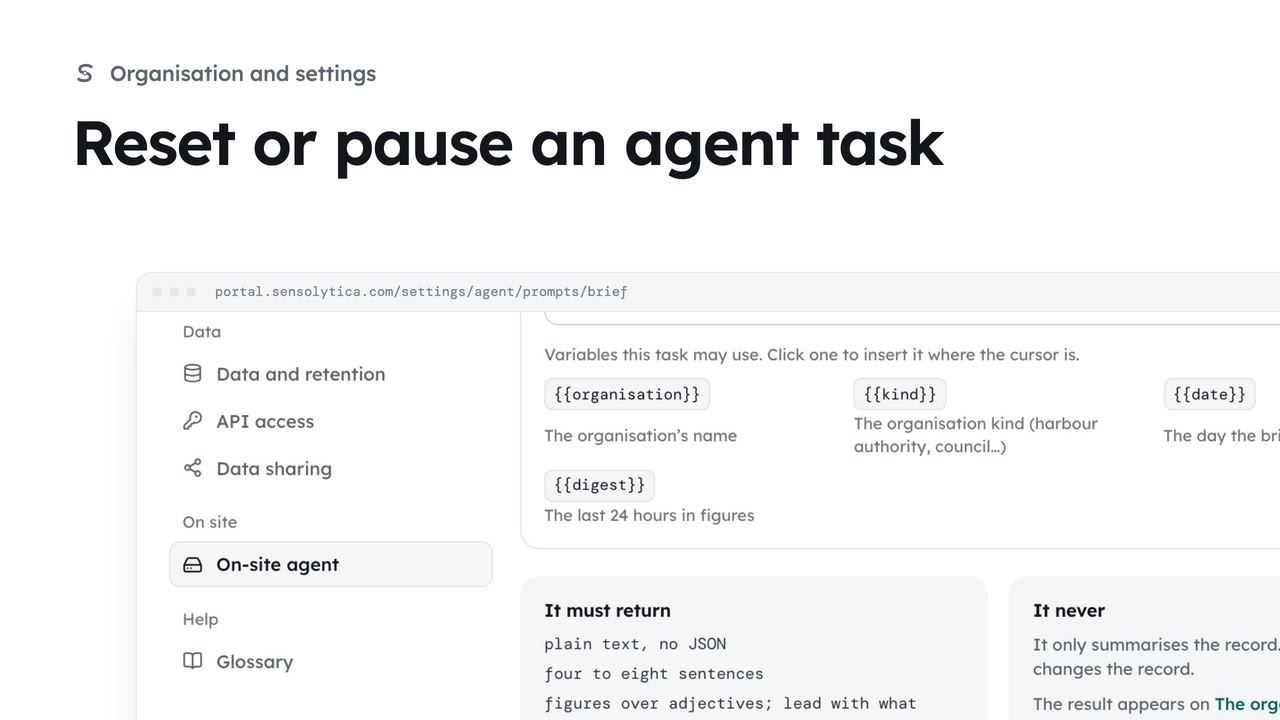
2 minGo back to the platform template for one of the on-site agent's tasks, or pause the task for your organisation.
2 min3 stepsAdmin
Checked against the portal on 15 October 2026. Westmouth names, vessels, units and figures are illustrative. General guidance on using the portal, not legal, regulatory or financial advice.