 1 min
1 minThe platform log
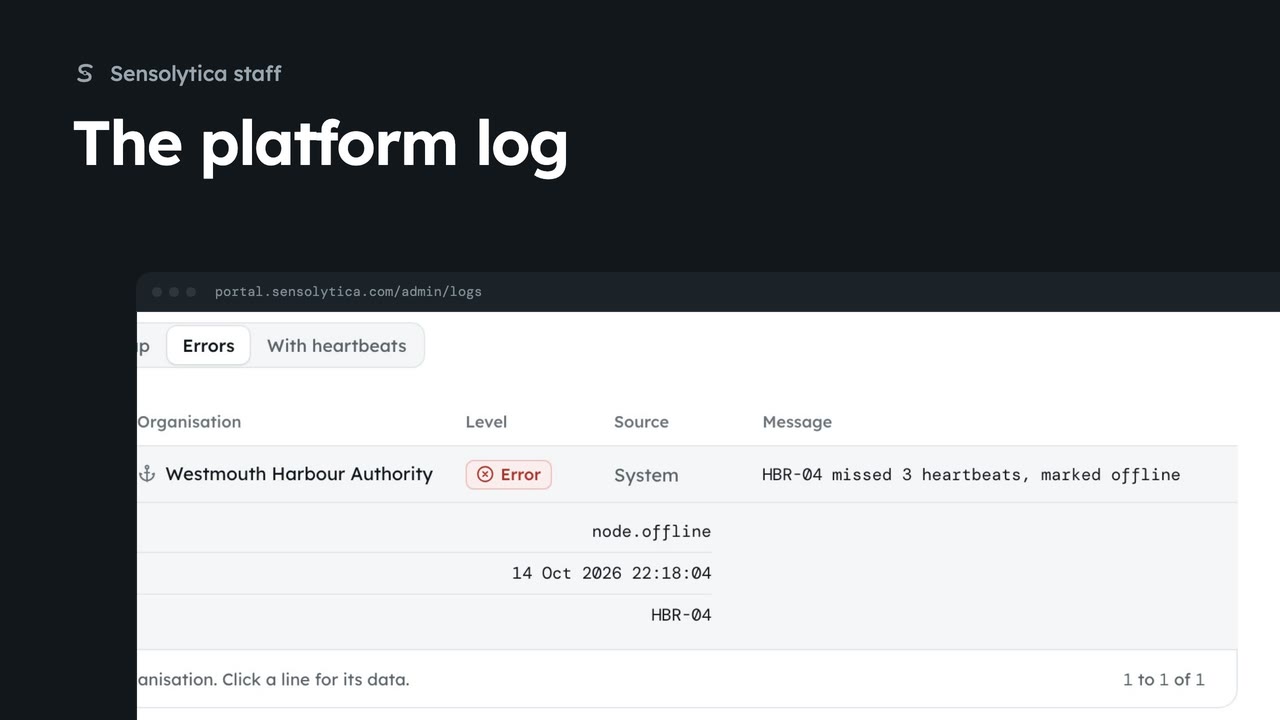
Search everything the platform and the fleet did across every organisation in the platform log, and export what you find.
1 min4 stepsSensolytica staff
Open the platform log filtered to one organisation from its platform page, and save it as a CSV.
Platform log
An organisation's platform page, then Platform log: the log filtered to it.
Export
Saves the lines you see as a CSV.
Open Organisations, then Westmouth Harbour Authority's Detail. Platform log, at the top, opens the log filtered to that organisation.
Narrow it further if you need to, then choose Export. The lines you see are saved as a CSV.
Sign in with your work email. Your own organisation's records, nodes and units take the place of the Westmouth ones.
1 minSearch everything the platform and the fleet did across every organisation in the platform log, and export what you find.
1 min4 stepsSensolytica staff
 2 min
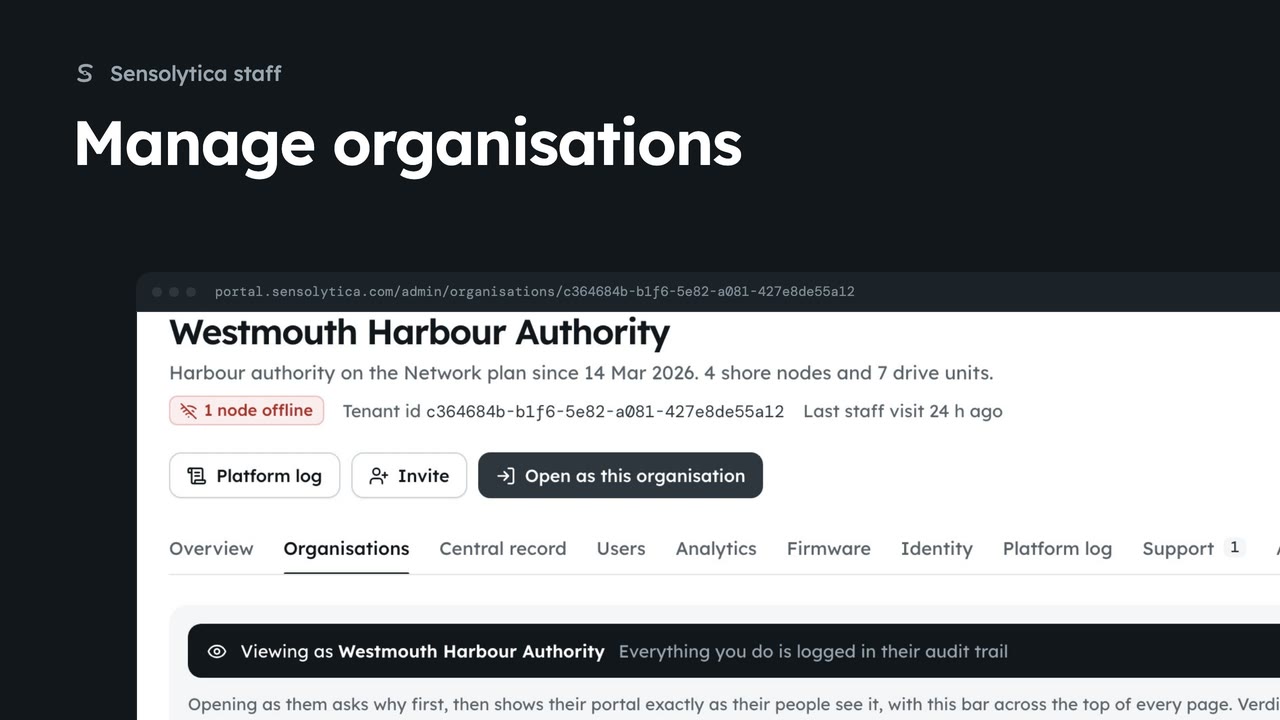
2 minFind an organisation, check its health and fleet on its platform page, and create a new one.
2 min6 stepsSensolytica staff
 2 min
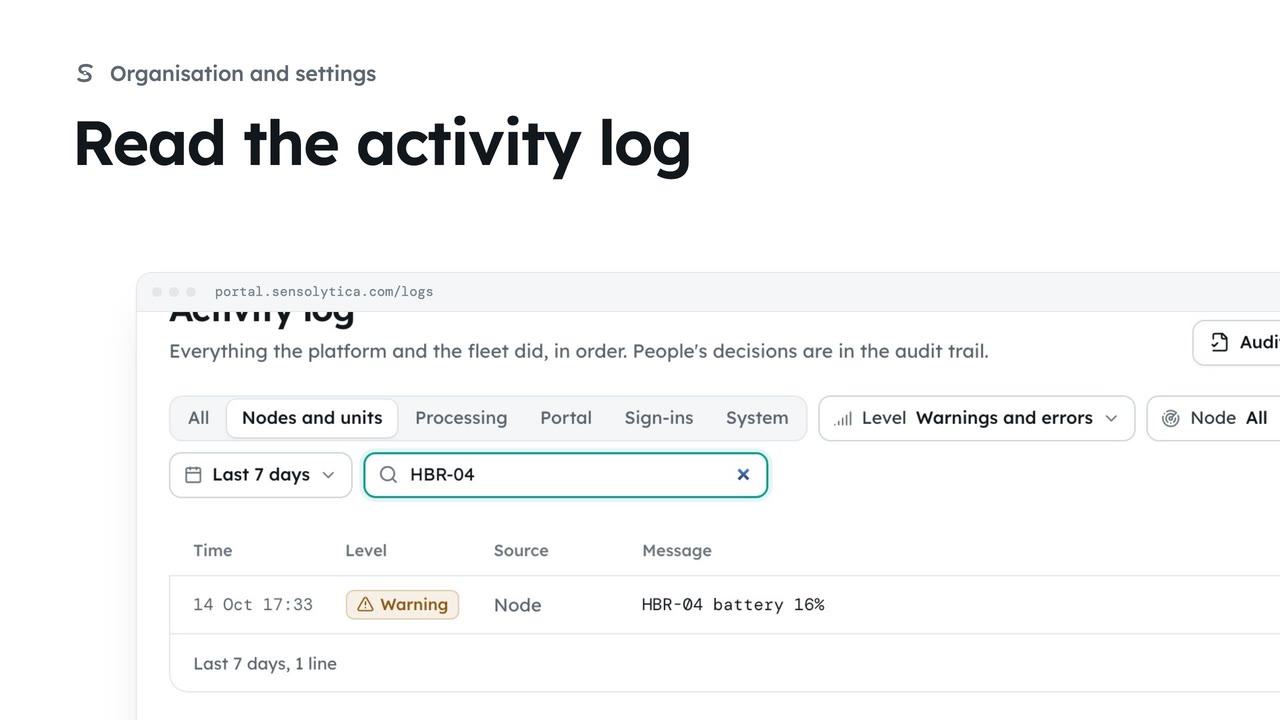
2 minFollow everything the platform and the fleet did, filter it to what matters and export it.
2 min4 stepsAdmin, Operator
Checked against the portal on 15 October 2026. Westmouth names, vessels, units and figures are illustrative. General guidance on using the portal, not legal, regulatory or financial advice.