 2 min
2 minAnswer a support request
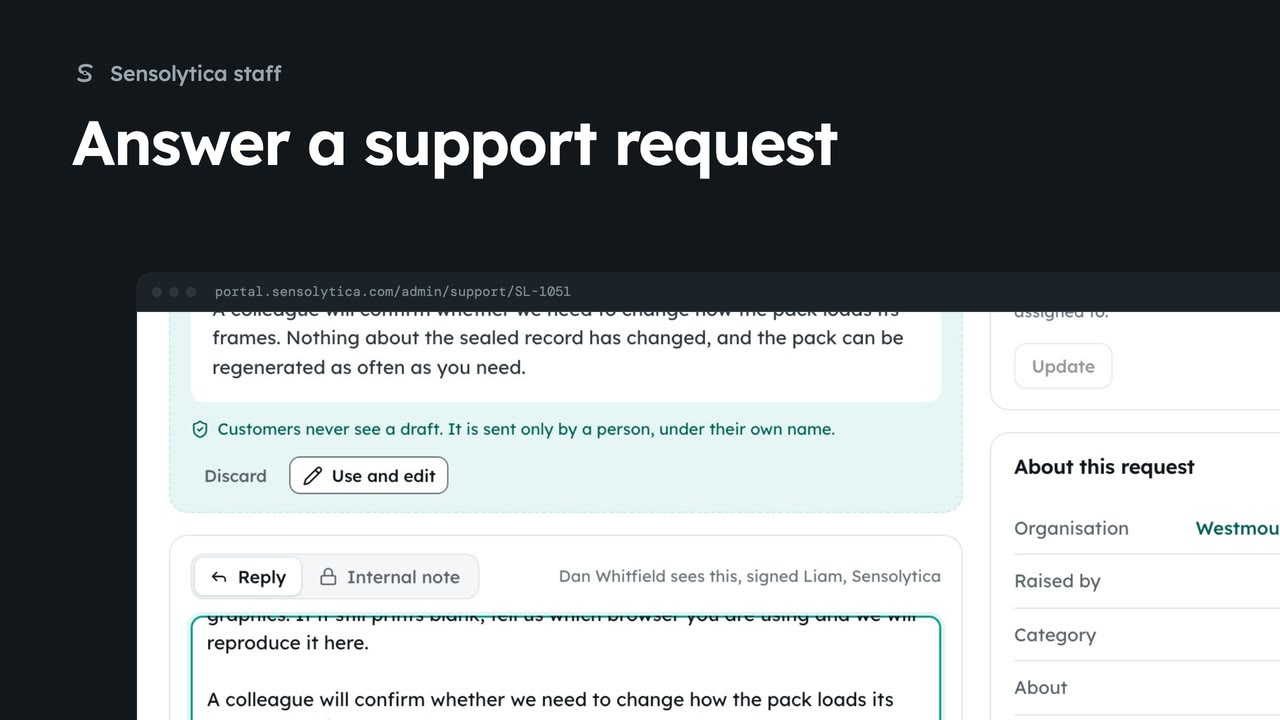
Take a request from the support queue, use the agent's suggested reply, and send it under your own name.
2 min6 stepsSensolytica staff
Throw away a suggested reply that is wrong, write your own, and set the request resolved as you send it.
Suggested reply
Drafted by the agent from the thread. Advisory: nothing goes unless you send it.
Discard
The agent may draft another next time it runs.
Then set Resolved
Send the reply and set the status in one go.
In the Support queue, open SL-1051, about an evidence pack printing without its last two frames. The agent has drafted a suggested reply from the thread. It is advisory: nothing goes to the customer unless a person sends it.
This draft misses the fix that went out today, so choose Discard and confirm. The agent may draft another next time it runs.
Write your own reply. Then set chooses the status the request takes as the reply goes: here, Resolved. Send reply and confirm. Dan is emailed, signed with your name.
Sign in with your work email. Your own organisation's records, nodes and units take the place of the Westmouth ones.
2 minTake a request from the support queue, use the agent's suggested reply, and send it under your own name.
2 min6 stepsSensolytica staff
 2 min
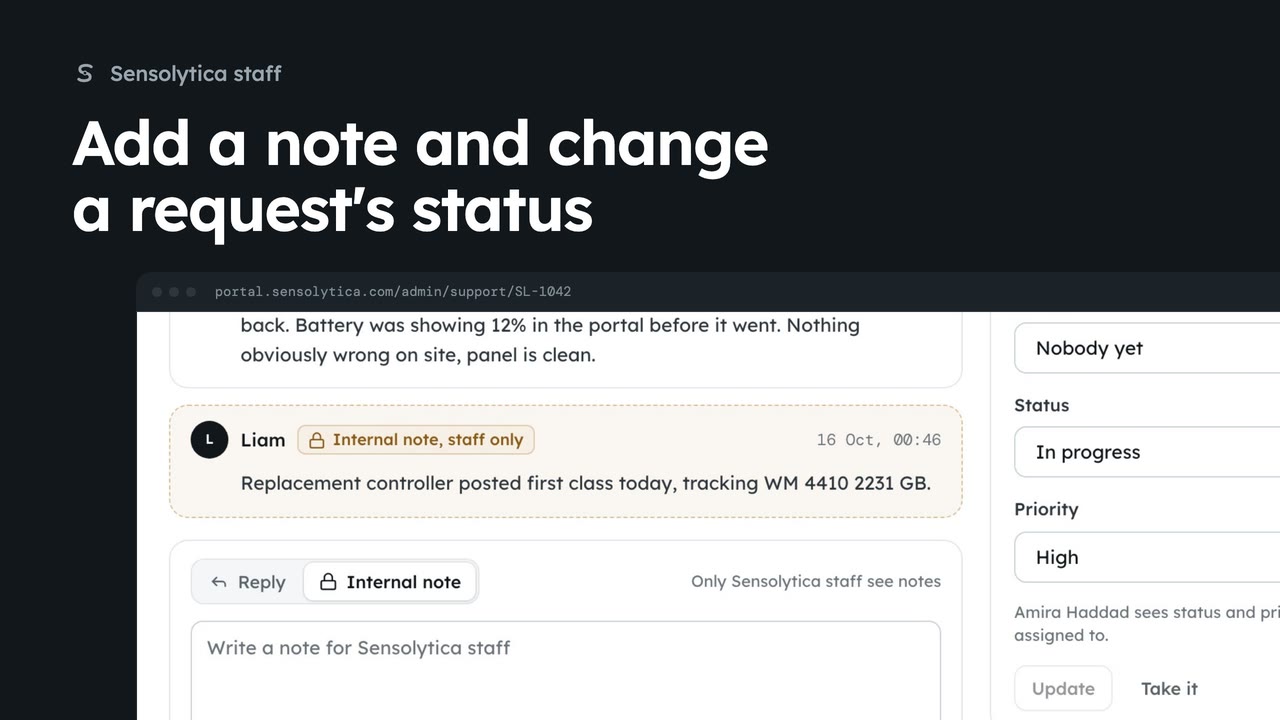
2 minLeave an internal note on a support request for other staff, and change its status and priority.
2 min3 stepsSensolytica staff
 1 min
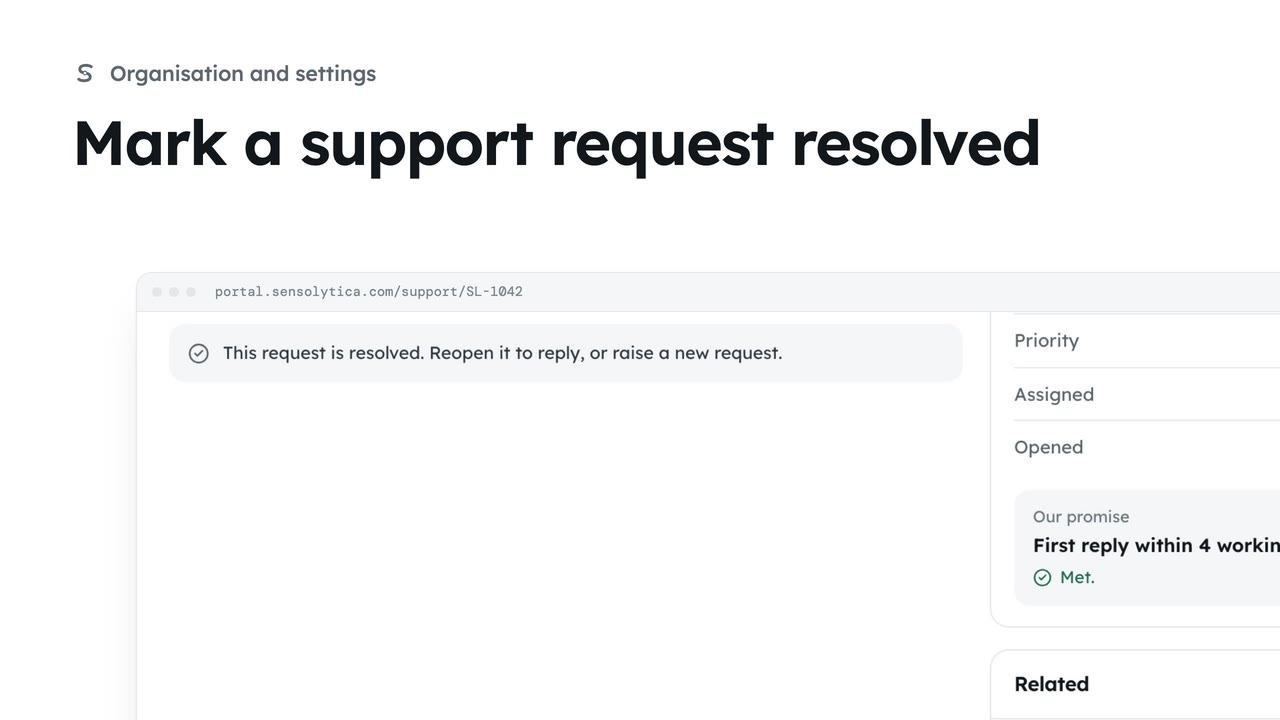
1 minClose a request once the problem is fixed, and reopen it if it comes back.
1 min3 stepsAdmin, Operator, Maker
Checked against the portal on 15 October 2026. Westmouth names, vessels, units and figures are illustrative. General guidance on using the portal, not legal, regulatory or financial advice.