 2 min
2 minAcknowledge a drive alert
Open a drive alert, see what crossed and what to check, and put your name on it.
2 min5 stepsAdmin, Operator
Close a drive alert with an outcome and a note, and reopen it with a reason if it comes back.
An acknowledged alert
Recent alerts on the drive unit links to each alert. The trail shows who acknowledged it and their note.
Close with an outcome
Pick Fixed, Monitoring, No fault found or False alarm, and add a note.
Close alert
Choose Close alert, then Close alert again in the dialog.
Reopen with a reason
Give a reason to reopen, choose Reopen, then confirm.
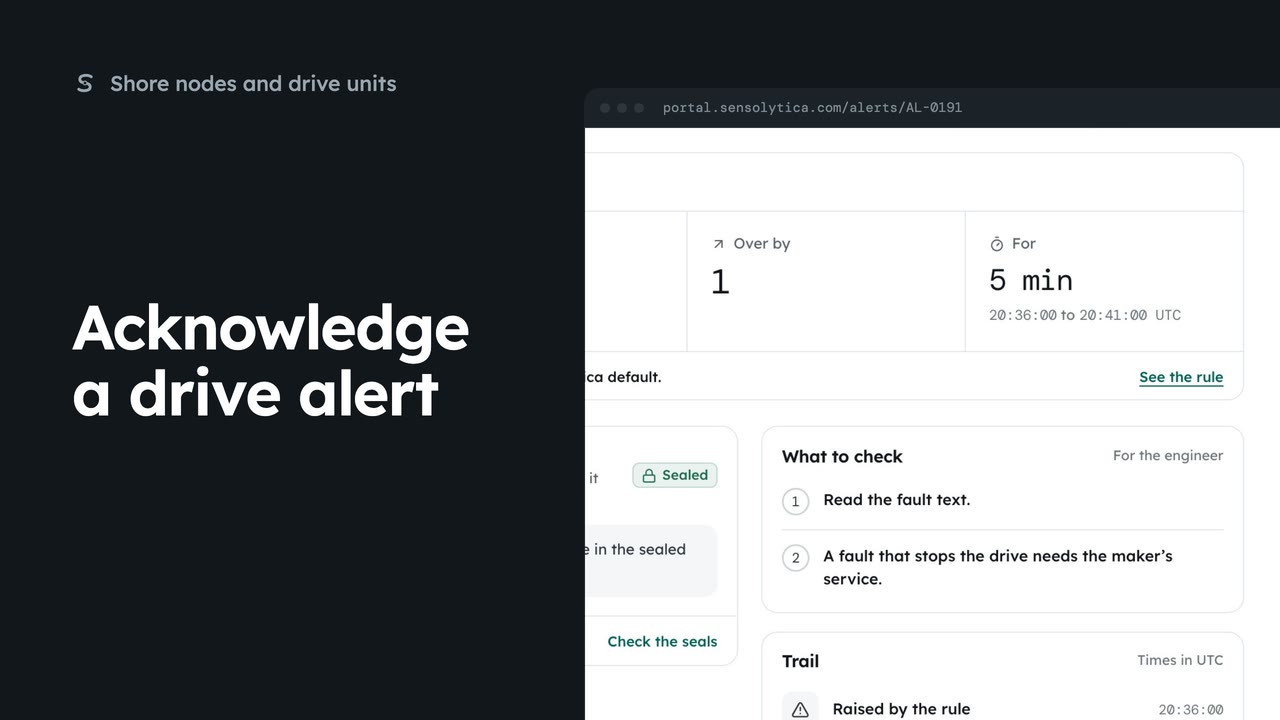
On the drive unit, choose the alert under Recent alerts. This is a cell imbalance on Aurora’s drive, already acknowledged, with a note to rest the pack and read the cells again.
Under Close with an outcome, pick what happened: fixed, monitoring, no fault found, or a false alarm. Then add a note on what was found and done.
Choose Close alert, and Close alert again to confirm. The trail records who closed it and why. Closed alerts stay on the drive and in its health report.
If the problem comes back, give a reason, choose Reopen, and confirm. The alert goes back to where it stood, acknowledged, with its first note, and your reason is kept in the log.
Sign in with your work email. Your own organisation's records, nodes and units take the place of the Westmouth ones.
2 minOpen a drive alert, see what crossed and what to check, and put your name on it.
2 min5 stepsAdmin, Operator
 2 min
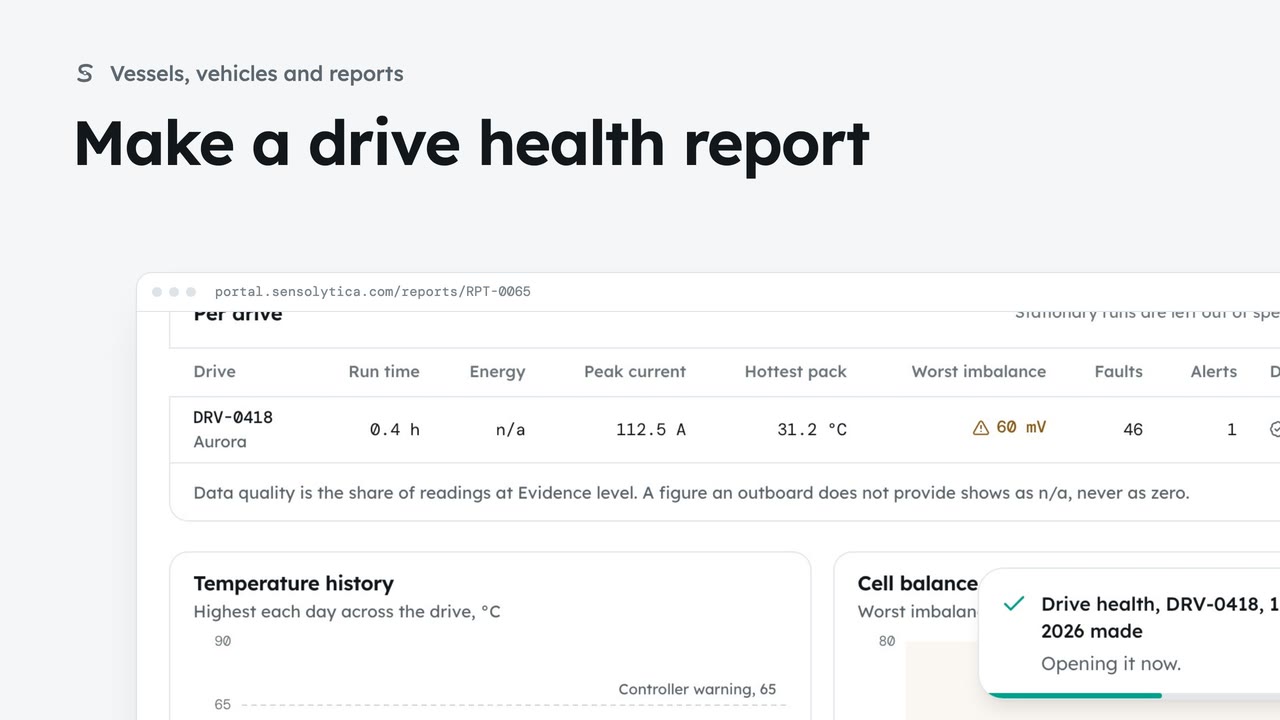
2 minReport on one drive, your fleet or a drive shared with you: run time, energy, current, temperatures, cell balance, alerts and data quality.
2 min6 stepsAdmin, Operator
 2 min
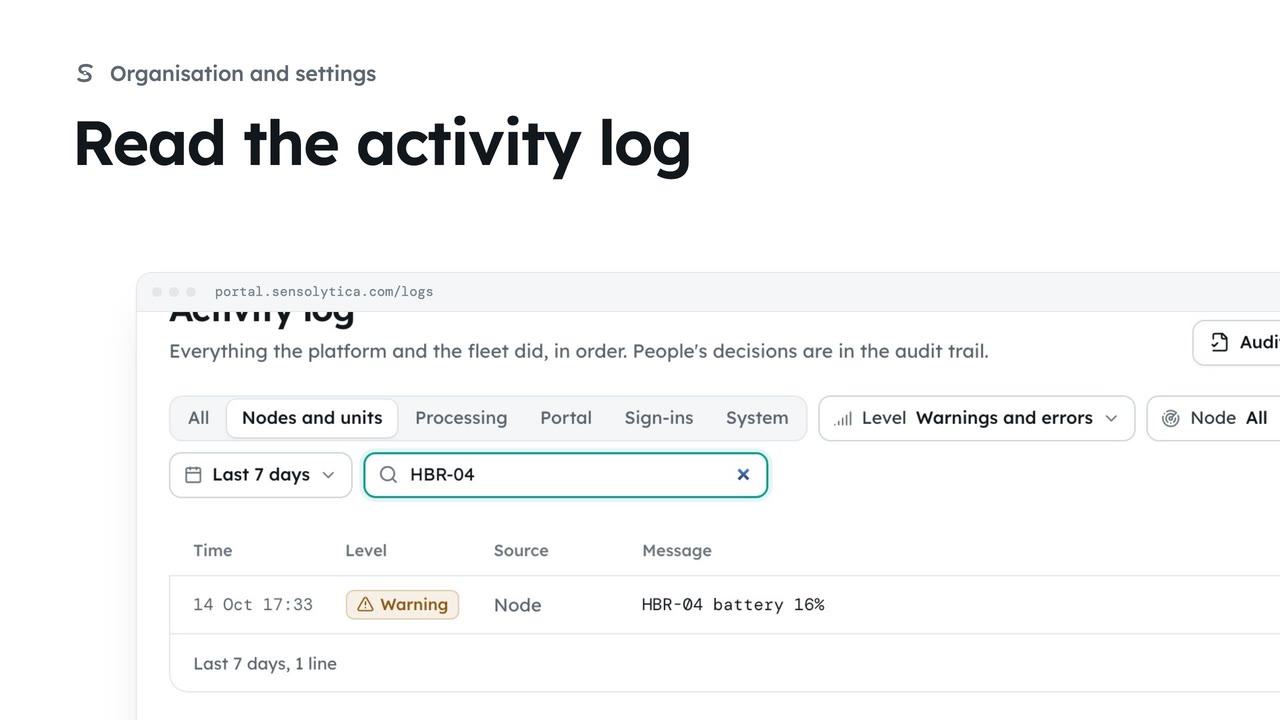
2 minFollow everything the platform and the fleet did, filter it to what matters and export it.
2 min4 stepsAdmin, Operator
Checked against the portal on 15 October 2026. Westmouth names, vessels, units and figures are illustrative. General guidance on using the portal, not legal, regulatory or financial advice.