 2 min
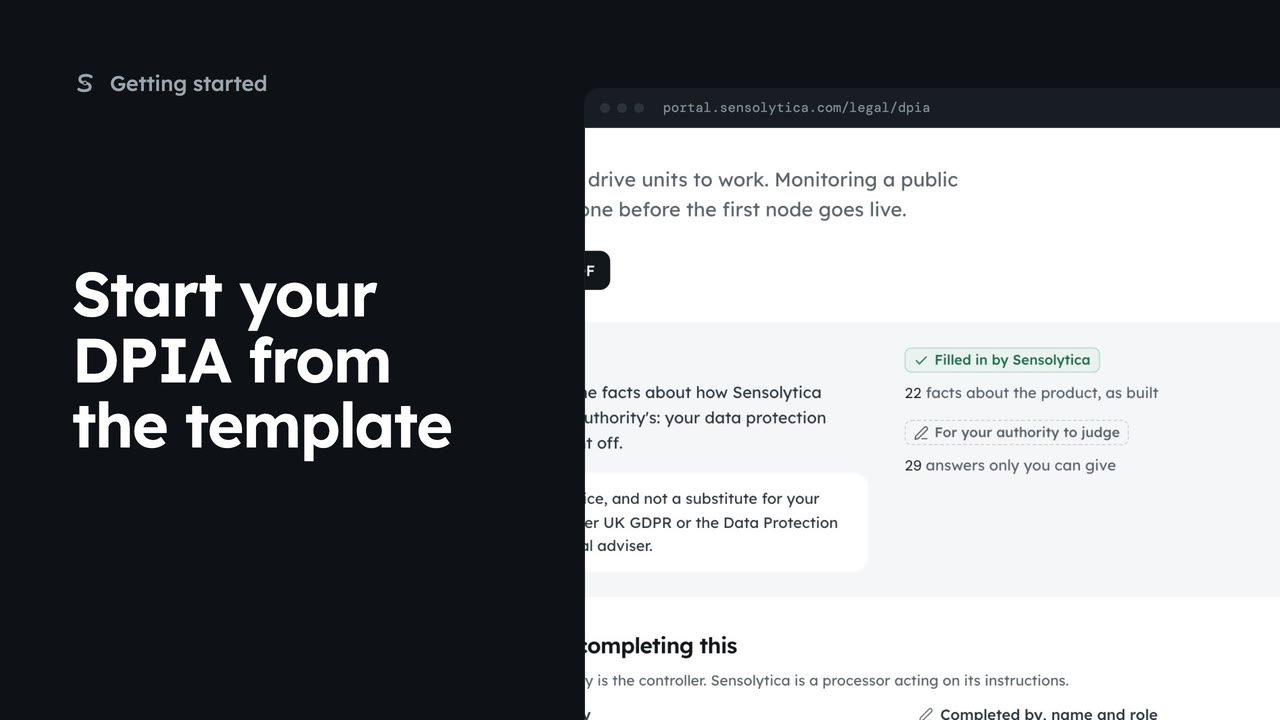
2 minStart your DPIA from the template
Open the data protection impact assessment template, see what Sensolytica has filled in and what your authority judges, and take it into your own documents.
2 min4 stepsAdmin
Read the brief that tells a solicitor what the system does, which documents exist and the questions to settle before go-live.
Brief for your solicitor
Settings, then Getting started. Help as you go links to the brief.
What it is and does
Plain facts about the nodes, the drive units, who decides and who is the controller.
Questions to answer
By document, with each one's state: drafted, or does not exist yet.
Open Settings, then Getting started. Under Help as you go, choose Brief for your solicitor.
It starts with what the system is and does, in plain facts: what a node records, what a drive unit reads, that a person confirms every breach, and that your authority is the controller.
Questions to answer lists, document by document, what needs settling before go-live, with each document's state. Read the draft opens it. Print gives your solicitor a copy.
Sign in with your work email. Your own organisation's records, nodes and units take the place of the Westmouth ones.
2 minOpen the data protection impact assessment template, see what Sensolytica has filled in and what your authority judges, and take it into your own documents.
2 min4 stepsAdmin
 2 min
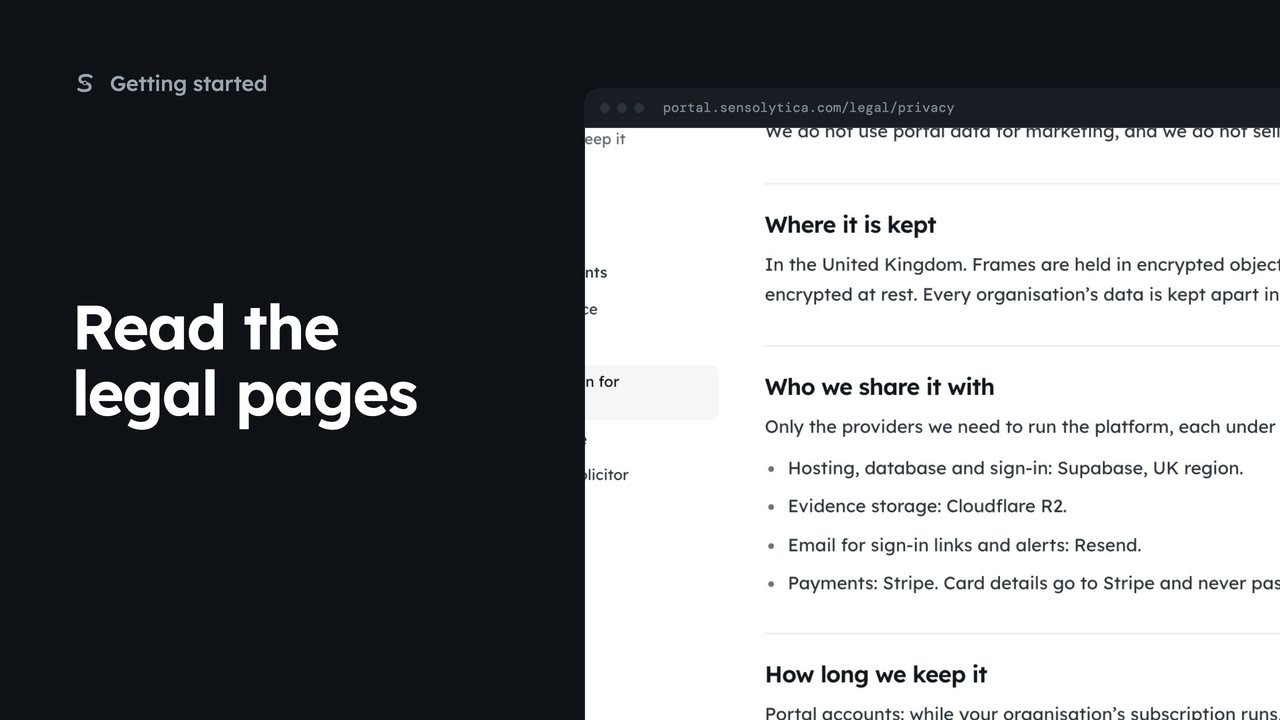
2 minFind the privacy notice, terms, cookie policy and data protection pages, and see which parts are still drafts.
2 min4 stepsSensolytica staff, Admin, Operator, Maker
 2 min
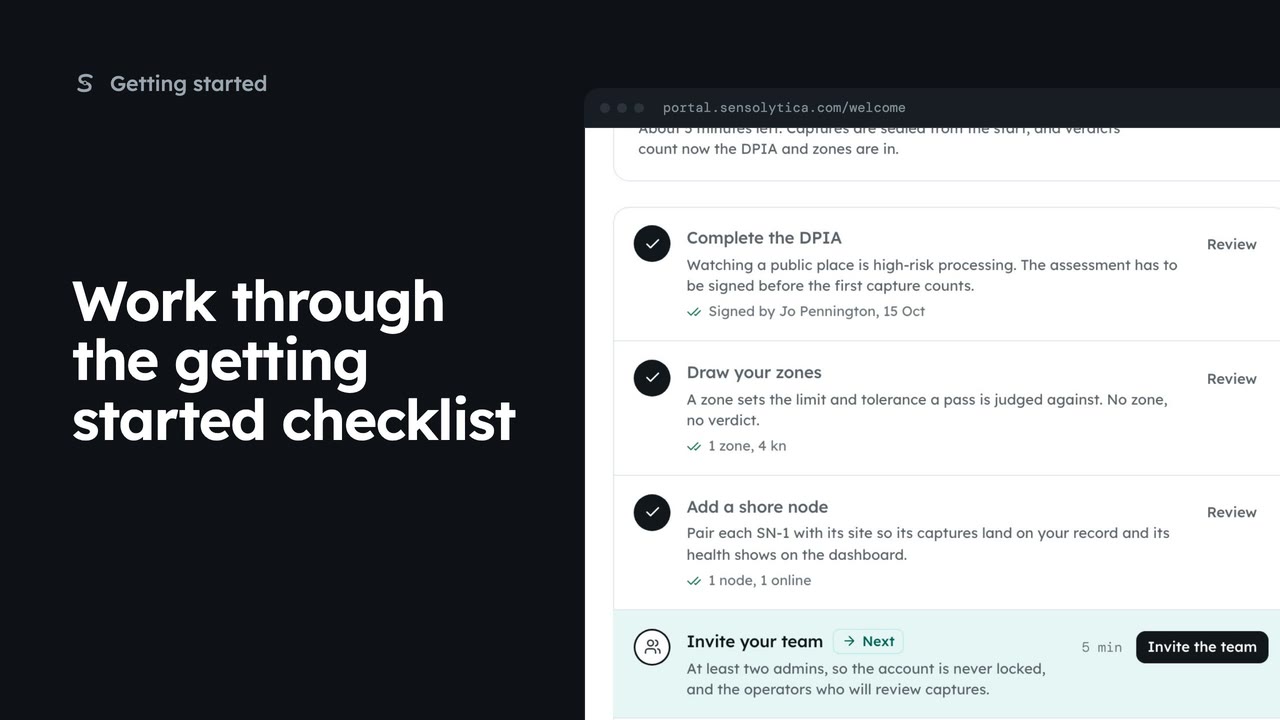
2 minUse the getting started checklist to set up a new organisation before the first capture counts.
2 min5 stepsAdmin, Sensolytica staff
Checked against the portal on 15 October 2026. Westmouth names, vessels, units and figures are illustrative. General guidance on using the portal, not legal, regulatory or financial advice.