 1 min
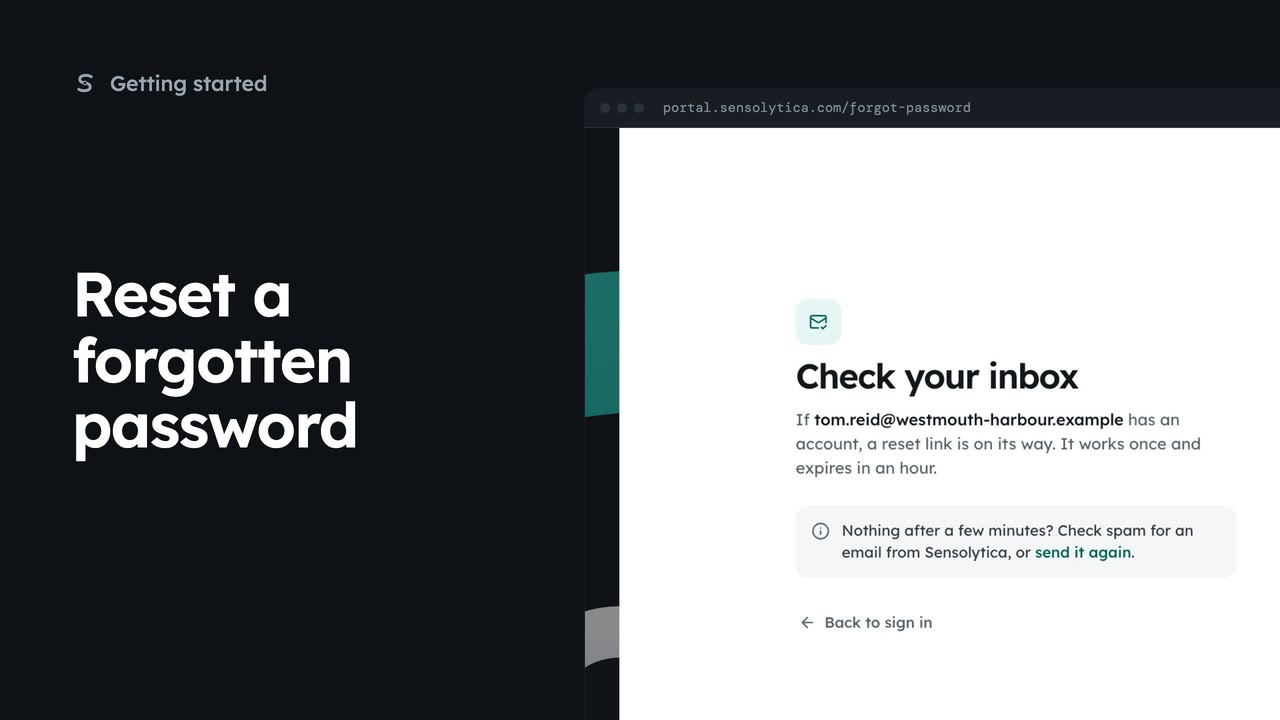
1 minReset a forgotten password
Ask for a reset link from the sign-in page, then find it in your inbox or send it again.
1 min4 stepsSensolytica staff, Admin, Operator, Maker
What the portal shows when a sign-in, reset or invitation link has been used or has expired, and how to get a new one.
Checking your link
Every emailed link lands here first, then goes where the email meant.
This link has expired
Links work once and last an hour. A new email makes older ones stop working.
Send a new link
Opens Reset your password, which emails a fresh link. Sign in goes back to the sign-in page.
Every link we email, to sign in, reset a password or accept an invitation, lands on Checking your link first. A good link moves straight on to where the email meant.
A link that has been used, or is more than an hour old, says This link has expired. Sending a new one also stops the older ones working, so always use the newest email.
Choose Send a new link. Reset your password opens, ready to email a fresh one. If you know your password, Sign in takes you straight back.
Sign in with your work email. Your own organisation's records, nodes and units take the place of the Westmouth ones.
1 minAsk for a reset link from the sign-in page, then find it in your inbox or send it again.
1 min4 stepsSensolytica staff, Admin, Operator, Maker
 3 min
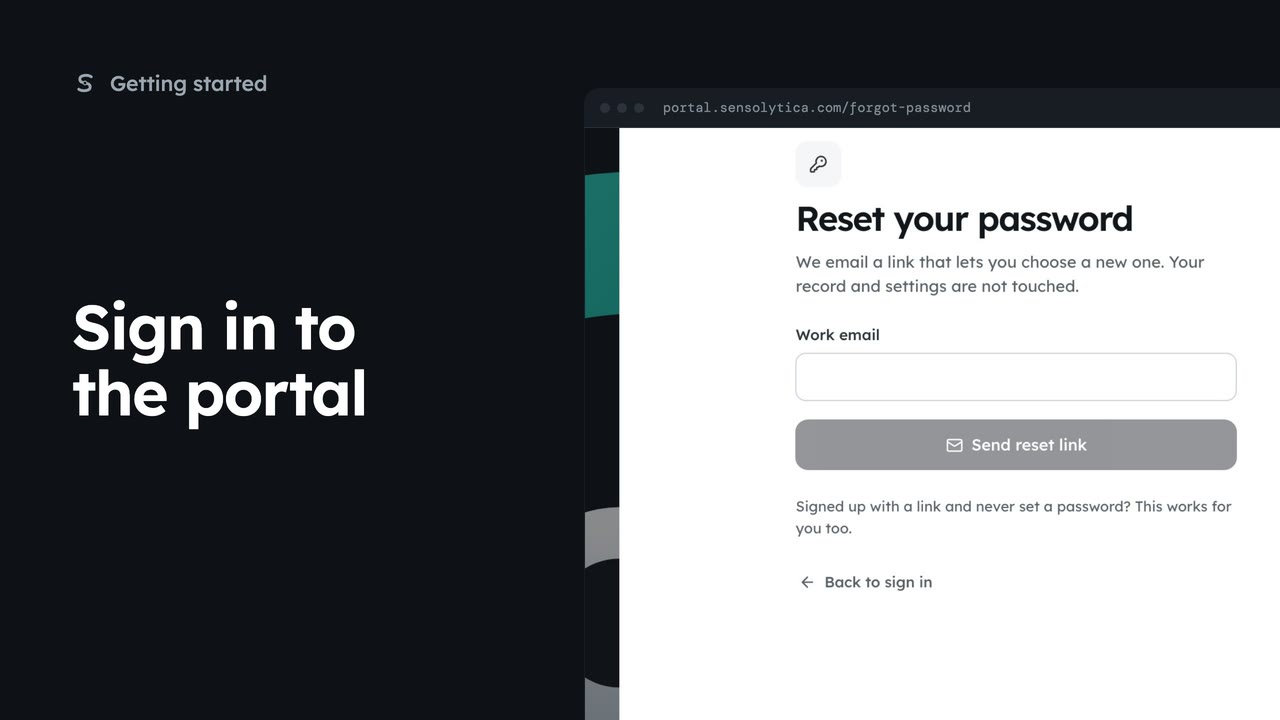
3 minSign in with your work email and a password or an emailed link, enter your two-factor code, and get back in if you forget your password.
3 min7 stepsSensolytica staff, Admin, Operator, Maker
 2 min
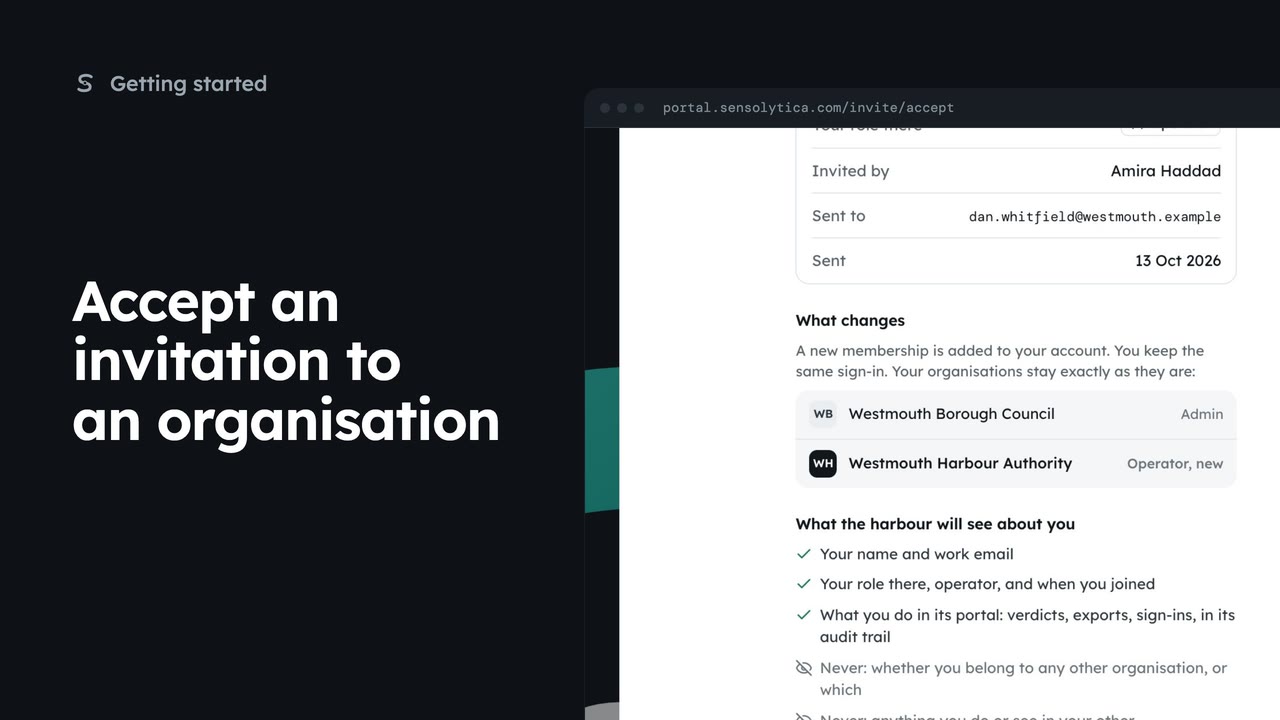
2 minReview an invitation to another organisation, see what it will know about you, and accept or decline it.
2 min5 stepsAdmin, Operator, Maker
Checked against the portal on 15 October 2026. Westmouth names, vessels, units and figures are illustrative. General guidance on using the portal, not legal, regulatory or financial advice.