 1 min
1 minRotate a unit key
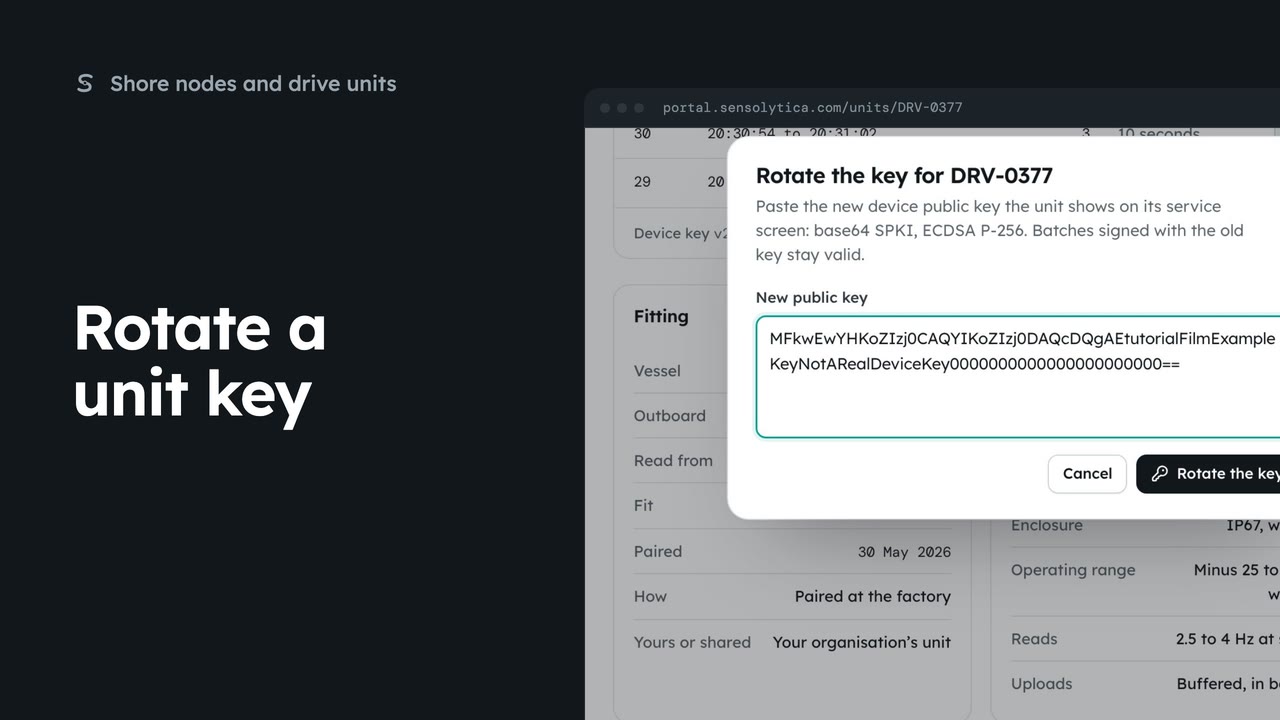
Give a drive unit a new device key when it is replaced or its key may have been exposed.
1 min3 stepsAdmin
Check that a drive unit’s readings have not changed since they were sealed at source.
Sealed at source
Sealed batches lists the newest batches from this unit.
One row per batch
Window in UTC, readings, what closed it, the key that signed it and how long it took to arrive.
Verify one batch
Choose Verify on a row. The check recomputes the batch and reports Intact or Broken.
Check the chain
Check the chain verifies every batch and each link to the one before.
Key in the secure element
The foot of the panel names the device key version held in the unit’s secure element.
Open the drive unit and scroll to Sealed batches. A unit seals its readings at source, in batches of ten seconds or fifty readings, each chained to the one before and signed with its device key.
Each row is one batch: its time window in UTC, how many readings, what closed it, the key version that signed it, and how long after it arrived.
Choose Verify on a batch. Sensolytica recomputes every reading hash and the seal, and the row says Intact or Broken.
Choose Check the chain to verify every batch at once, and each link between them. The banner says how many were checked and when.
The foot of the panel names the device key that signs the batches. It lives in the unit’s secure element. Checking changes nothing on the record.
Sign in with your work email. Your own organisation's records, nodes and units take the place of the Westmouth ones.
1 minGive a drive unit a new device key when it is replaced or its key may have been exposed.
1 min3 stepsAdmin
 2 min
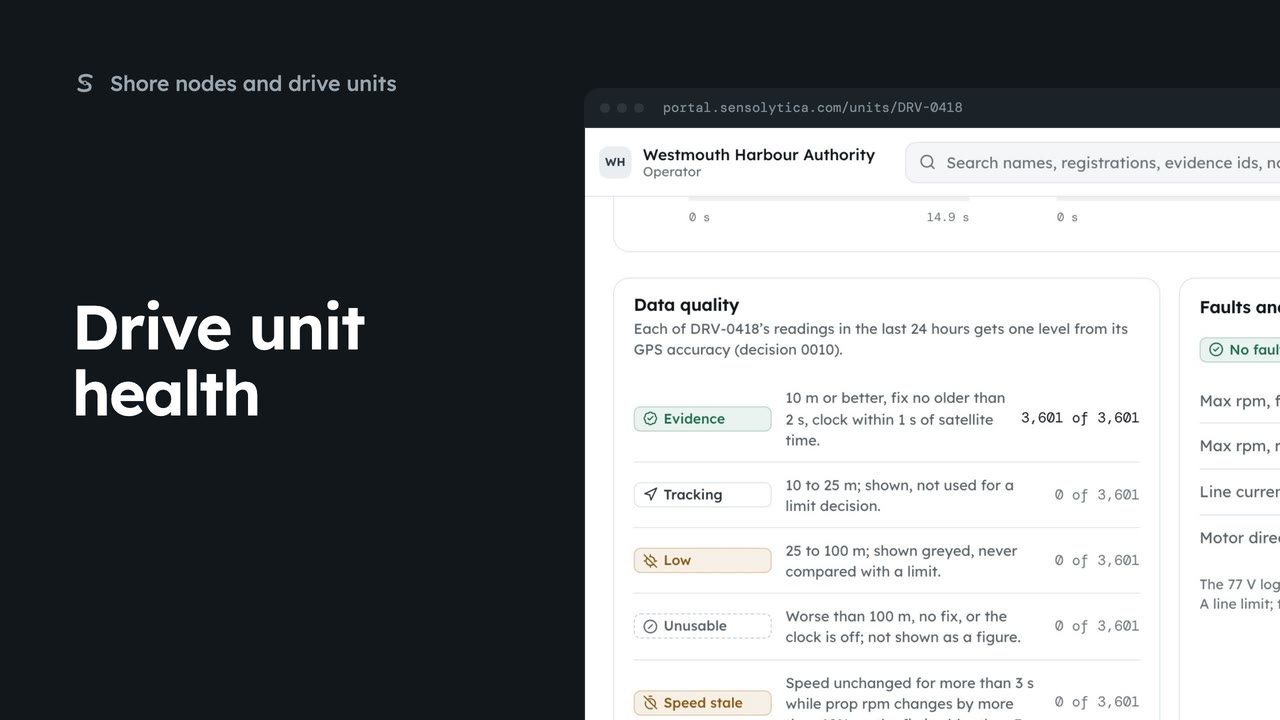
2 minRead what a drive unit reports now, how good its readings are, and its faults and limits.
2 min6 stepsAdmin, Operator
 2 min
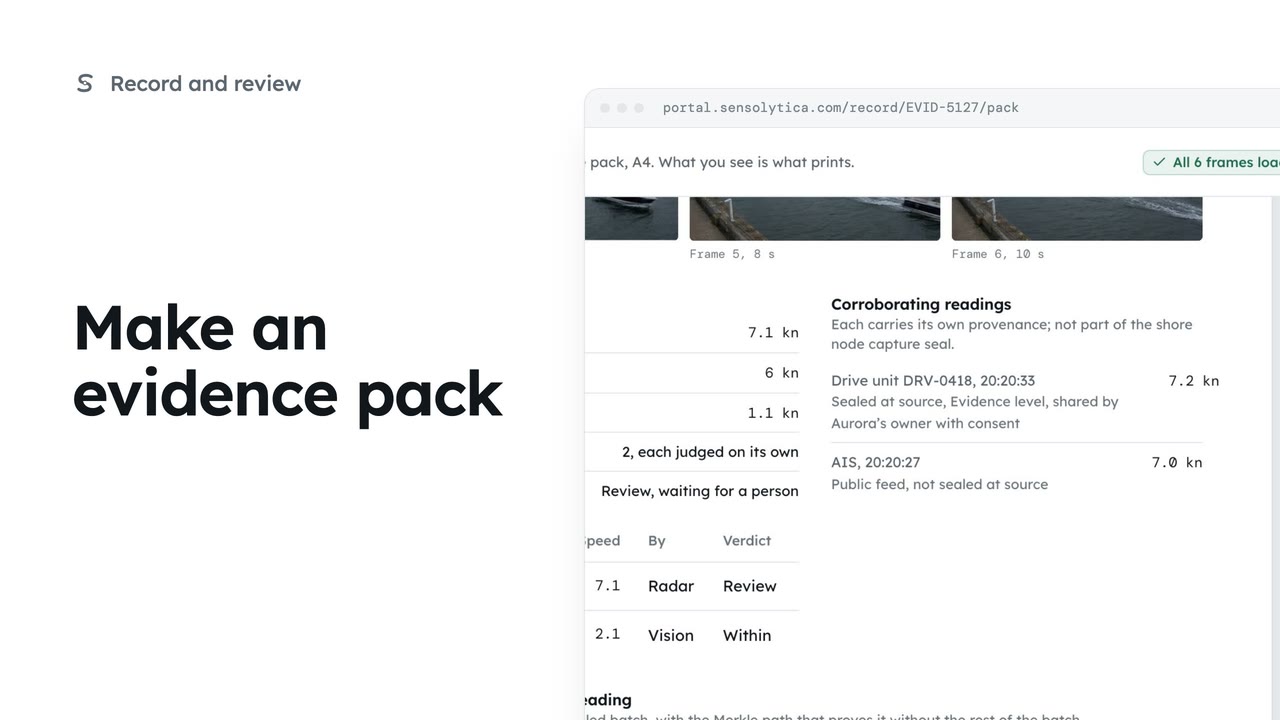
2 minLay one capture out as an A4 evidence pack with its frames, readings and seal, ready to print or save as a PDF.
2 min5 stepsOperator, Admin
Checked against the portal on 15 October 2026. Westmouth names, vessels, units and figures are illustrative. General guidance on using the portal, not legal, regulatory or financial advice.